
When you’re dealing with digital money, keeping it safe is a big deal. This guide is all about making sure your Coinbase Wallet is set up right and stays secure. We’ll walk through the basics, some more advanced tricks, and how to stay safe when you’re using different apps. Think of it as your roadmap to protecting your crypto.
Key Takeaways
- Your private keys are stored on your device, not on Coinbase servers, giving you direct control over your assets.
- Always protect your 12-word recovery phrase; losing it means losing access to your funds permanently.
- Use PINs and biometrics on your device to stop unauthorized access to the Coinbase Wallet app.
- Be careful when connecting to apps (dApps) and always check what permissions you’re giving.
- Regularly update your phone’s software and the Coinbase Wallet app to fix security issues.
Understanding Coinbase Wallet Security Fundamentals
When you start using Coinbase Wallet, it’s good to know how it keeps your digital assets safe. Unlike keeping money in a bank, where the bank handles security, with Coinbase Wallet, you’re in charge. This means you have a lot of control, but it also means you’re the main person responsible for keeping things secure.
Self-Custody: Your Keys, Your Control
Coinbase Wallet is a "self-custody" wallet. This is a big deal. It means that the private keys, which are like the secret codes that give you access to your cryptocurrency, are stored directly on your device. They aren’t held by Coinbase or any other company. This puts you in complete control of your funds. Because these keys are local, they aren’t vulnerable to a central server being hacked. However, this also means that if you lose access to your device and don’t have a backup, your crypto could be lost forever. There’s no customer support line to call to reset your password or recover your funds.
Local Key Storage for Enhanced Protection
Your private keys are generated and stored right on your smartphone or tablet. This local storage is a key security feature. It means that even if there were a problem with Coinbase’s servers (which are separate from the wallet itself), your private keys would remain safe on your device. To access your wallet, you’ll need to unlock your device, which adds a layer of physical security. This setup helps protect against remote attacks because the keys never leave your personal device.
The Role of the Recovery Phrase
When you set up your Coinbase Wallet, you’ll be given a unique 12-word recovery phrase. This phrase is extremely important. It’s the master key to your wallet. You can use it to restore your wallet on a new device if your current one is lost, stolen, or broken. It’s vital to write this phrase down and store it somewhere safe and private, like offline in a secure location. Never share your recovery phrase with anyone, and do not store it digitally where it could be accessed online. Think of it as the only way back into your digital vault.
The security of your Coinbase Wallet rests heavily on how well you protect your recovery phrase. Treat it with the utmost care, as losing it means losing access to your assets permanently.
Setting Up Your Coinbase Wallet Securely
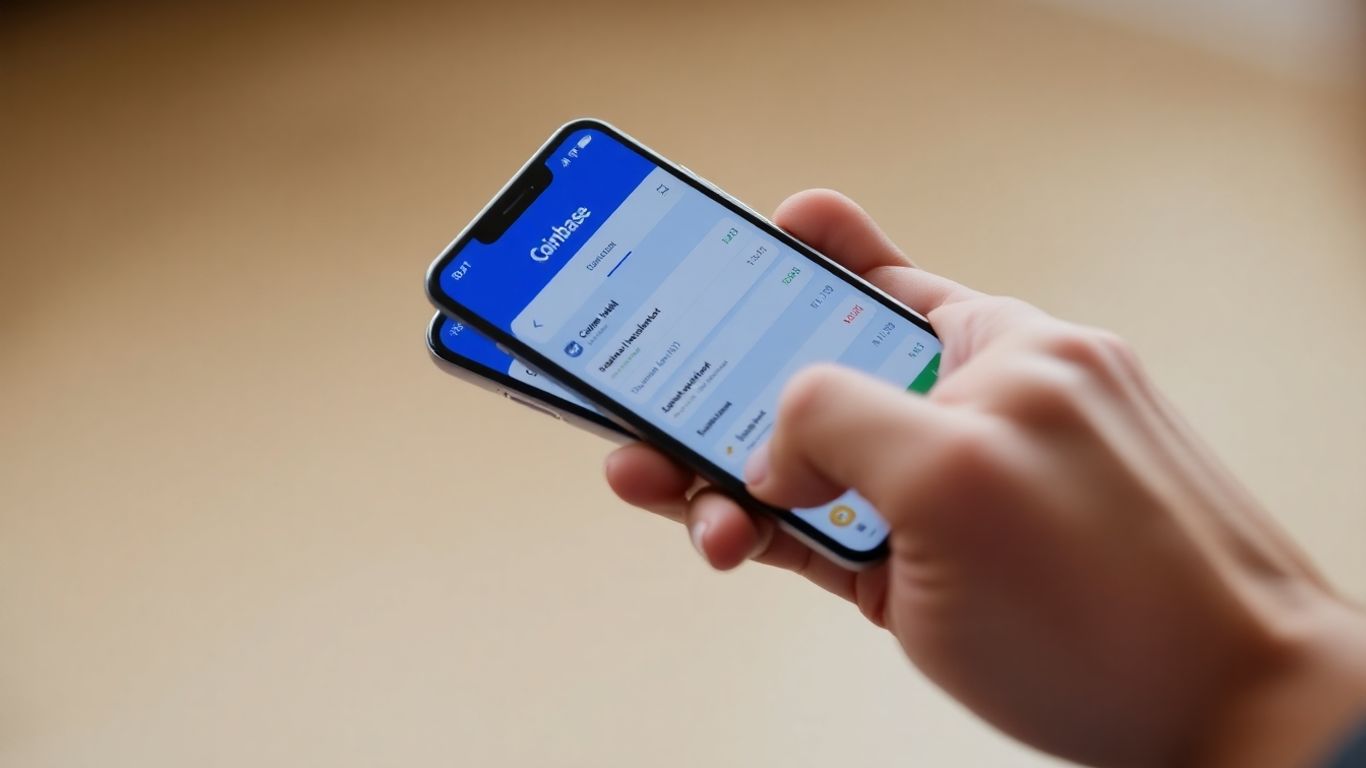
Getting your Coinbase Wallet set up correctly is the first big step in managing your digital assets. It’s not overly complicated, but paying attention to a few key areas will make a big difference in keeping your crypto safe.
Initial Wallet Configuration
When you first download and open Coinbase Wallet, you’ll be prompted to either create a new wallet or import an existing one. For a new setup, the wallet will generate a unique 12-word recovery phrase. This phrase is the master key to your entire crypto portfolio. It’s absolutely vital that you write this down carefully and store it in a secure, offline location. Think of it like a very important password, but one you can’t reset through a website. Losing this phrase means losing access to your funds forever if your device is lost, stolen, or damaged. Don’t store it digitally on your computer or phone, and never share it with anyone.
Securing Your Device Access
Beyond the recovery phrase, the primary way to protect your wallet on a day-to-day basis is by securing the device it’s on. This means setting up strong passcodes or PINs for your phone or tablet. If someone gets physical access to your unlocked device, they could potentially access your wallet if you haven’t set up additional protections within the app itself. It’s a good habit to always lock your device when you’re not actively using it.
Understanding Biometric and PIN Options
Coinbase Wallet offers convenient ways to protect the app itself, separate from your device’s main lock screen. You can set up a custom PIN code specifically for the wallet app. Even better, if your device supports it, you can enable biometric authentication like fingerprint or facial recognition. This adds a quick and secure layer of protection, meaning even if someone has your phone, they can’t open the wallet or approve transactions without your fingerprint or face.
- Enable a strong, unique PIN for the wallet app.
- Activate fingerprint or facial recognition if your device supports it.
- Never share your PIN or biometric data with anyone.
It’s important to remember that while these features protect the app on your device, the 12-word recovery phrase is the ultimate backup. Always prioritize its security.
Advanced Security Measures for Coinbase Wallet
Beyond the basics, there are a few extra steps you can take to really lock down your Coinbase Wallet. Think of these as the advanced techniques for keeping your digital assets safe.
Leveraging Encrypted Cloud Backups Wisely
Coinbase Wallet offers an option to back up your recovery phrase to cloud services like Google Drive or iCloud. This is a smart move, but it needs to be done carefully. The wallet encrypts this backup using AES-256, which is pretty strong. However, the security of this backup ultimately relies on the security of your cloud account itself. Make sure your Google or iCloud account has a super strong, unique password and that two-factor authentication (2FA) is turned on. If someone gets into your cloud account, even an encrypted backup might not be enough if they can also get your wallet’s PIN or biometric data.
Protecting Your Cloud Storage Accounts
This ties directly into the previous point. Your cloud storage is only as secure as the account protecting it. Here’s what to focus on:
- Unique, Strong Passwords: Never reuse passwords. Use a password manager to create and store complex, unique passwords for each online service, especially your cloud storage.
- Two-Factor Authentication (2FA): Always enable 2FA on your cloud accounts. This adds a vital second layer of security, usually a code sent to your phone or generated by an authenticator app.
- Regular Audits: Periodically check your cloud account for any unfamiliar activity or login locations.
Keeping your cloud storage secure is just as important as keeping your wallet secure. They are linked when you use the backup feature, so treat both with the highest level of care.
The Importance of Software Updates
This might seem obvious, but it’s really important. Software developers are constantly finding and fixing security holes. When Coinbase Wallet or your phone’s operating system (iOS or Android) releases an update, it often contains patches for newly discovered vulnerabilities.
- Update Your Wallet: Check the App Store or Google Play regularly for Coinbase Wallet updates and install them promptly.
- Update Your OS: Make sure your phone’s operating system is also up-to-date. These updates often include security improvements that protect your entire device, including your wallet.
- Avoid Unofficial Sources: Only download the Coinbase Wallet app from official app stores. Downloading from unofficial websites or using third-party installers can expose you to malware that could compromise your wallet.
Navigating Decentralized Applications Safely
Interacting with decentralized applications, or dApps, is a big part of using a wallet like Coinbase Wallet. It’s how you access DeFi, NFTs, and other Web3 services. But, just like the internet, there are risks involved. Being careful is key.
Recognizing Clear dApp Permissions
When you connect your Coinbase Wallet to a dApp, it will ask for certain permissions. These permissions tell the dApp what it can do with your wallet, like view your balance or send transactions. Always read these prompts carefully before approving.
Here’s what to look out for:
- Transaction Details: Does the dApp want to send a specific amount of a token, or is it asking for unlimited access?
- Token Approvals: If a dApp asks to spend any amount of a specific token, understand why. Sometimes this is needed for trading, but it can also be a risk.
- Unnecessary Access: Does the dApp need access to information or actions that don’t seem related to its function?
It’s good practice to only grant the minimum permissions a dApp needs to operate. If a dApp asks for too much, it’s a red flag.
Avoiding Phishing and Malicious Contracts
Phishing scams try to trick you into giving up your private information or recovery phrase. Malicious contracts can be designed to steal your crypto.
- Verify URLs: Always double-check the website address (URL) before connecting your wallet. Scammers often create fake sites that look very similar to real ones.
- Be Wary of Pop-ups: Unexpected pop-ups asking you to connect your wallet or confirm a transaction are often scams.
- Unfamiliar dApps: If you’re interacting with a new or unfamiliar dApp, do extra research. Look for reviews or community feedback.
- No Private Key Sharing: Never share your recovery phrase or private keys with anyone or any website. Coinbase Wallet will never ask for this information.
A common tactic is to present a fake urgent problem, like a security breach on your account, to pressure you into quick, unthinking actions. Always take a moment to verify any urgent requests.
Managing Connected Site Permissions
Over time, you might connect your wallet to many different dApps. It’s important to review which sites have access to your wallet and revoke permissions for any you no longer use or trust.
Coinbase Wallet has a section where you can see all the sites you’ve connected to. Regularly checking this list and removing old connections helps reduce your risk. Think of it like cleaning out old apps from your phone that you don’t use anymore.
Here’s a quick guide:
- Open your Coinbase Wallet.
- Go to the ‘Settings’ or ‘Connected Sites’ section.
- Review the list of connected dApps.
- Disconnect any sites you no longer use or recognize.
Keeping your connected sites clean is a simple but effective way to maintain your wallet’s security.
Best Practices for Ongoing Coinbase Wallet Security
Keeping your digital assets safe with Coinbase Wallet isn’t a one-time setup; it’s an ongoing commitment. Think of it like maintaining your home – regular checks and upkeep are key. Here are some practical steps to keep your wallet secure over time.
Regularly Reviewing Smart Contract Approvals
When you interact with decentralized applications (dApps), you often grant them permission to access or move your crypto. Over time, you might connect to many different dApps, and some of these permissions can linger, even if you no longer use the service. It’s a good idea to periodically check which smart contracts have access to your wallet and revoke any that you don’t recognize or actively use. Tools like Revoke.cash can help you see these approvals and easily cancel them. Aim to do this at least once a month, or whenever you connect to a new, unfamiliar dApp.
Considering a Dedicated Device for Holdings
If you’re managing a significant amount of cryptocurrency, you might want to think about using a separate device solely for your wallet and crypto activities. This means no casual web browsing, no downloading random apps, and generally keeping the device ‘clean’ from potential malware or phishing attempts. It adds an extra layer of isolation, making it much harder for threats to reach your assets. This dedicated device should also have its own strong PIN and biometric locks enabled.
Staying Informed About Security Threats
The digital world changes fast, and so do the methods used by bad actors. It’s important to stay updated on the latest security news and potential scams. Follow official Coinbase Wallet announcements and reputable crypto security blogs. Knowing about new phishing techniques or common dApp exploits can help you avoid falling victim.
Keeping your recovery phrase offline and secure is paramount. While cloud backups offer convenience, they introduce an additional point of potential compromise if your cloud account isn’t adequately protected. Always prioritize strong, unique passwords and two-factor authentication for any service storing sensitive information.
Here’s a quick checklist for ongoing security:
- Review dApp Permissions: Regularly check and revoke unnecessary smart contract approvals.
- Update Software: Keep your Coinbase Wallet app and your device’s operating system up-to-date to patch known vulnerabilities.
- Monitor for Phishing: Be wary of unsolicited messages or prompts asking for your recovery phrase or private keys.
- Secure Cloud Backups: If using cloud backups, ensure your Google Drive or iCloud accounts have robust security, including strong passwords and 2FA.
Coinbase Wallet: A Secure Gateway to Web3
Coinbase Wallet acts as your personal portal into the expanding universe of Web3 applications and decentralized finance. It’s designed to give you direct access and control over your digital assets, allowing you to interact with a wide array of blockchain-based services without needing intermediaries. This self-custody approach means you hold the keys, and therefore, the ultimate authority over your funds.
Pros and Cons of Coinbase Wallet Security
Coinbase Wallet offers a robust security framework, but like any tool, it has its strengths and limitations. Understanding these helps you use it most effectively.
Key Security Features:
- Self-Custody: Your private keys are stored locally on your device, not on Coinbase servers. This is a significant advantage for control.
- Local Key Storage: Private keys remain on your device, reducing the risk of server-side breaches.
- Biometric and PIN Protection: Secure your wallet app with Face ID, fingerprint scans, or a custom PIN.
- Encrypted Cloud Backups: An optional feature to back up your recovery phrase to cloud services like Google Drive or iCloud, protected by AES-256 encryption.
- dApp Permission Clarity: The wallet provides clear prompts when connecting to decentralized applications, highlighting what permissions you are granting.
Potential Drawbacks:
- User Responsibility: As a self-custody wallet, you are solely responsible for safeguarding your recovery phrase. Losing it means losing access to your assets.
- No Insurance: Unlike some custodial services, Coinbase Wallet does not offer insurance or transaction reversals. If assets are sent to the wrong address or stolen, they are gone permanently.
When Coinbase Wallet is the Right Choice
Coinbase Wallet shines for users who want to actively engage with the decentralized web. It’s particularly well-suited for:
- Active DeFi Users: If you frequently interact with decentralized finance protocols, lending, or staking, this wallet provides the necessary access.
- NFT Enthusiasts: Collecting and trading NFTs on various marketplaces is straightforward with Coinbase Wallet.
- Web3 Explorers: For those looking to experiment with new dApps, blockchain games, or decentralized services, it offers a user-friendly entry point.
- Managing Multiple Assets: The wallet supports a wide range of cryptocurrencies, making it convenient for holding diverse digital assets.
The core strength of Coinbase Wallet lies in its balance between user control and accessible functionality for interacting with the decentralized ecosystem. It’s a tool for those who understand and accept the responsibilities that come with self-custody.
Limitations and Alternatives for Large Holdings
While Coinbase Wallet is a capable tool for many, it may not be the optimal choice for everyone, especially for those managing very large amounts of cryptocurrency or prioritizing long-term, offline storage.
- Cold Storage: For substantial holdings intended for long-term safekeeping, a hardware wallet is generally recommended. These devices keep your private keys offline, offering the highest level of security against online threats. Examples include Ledger or Trezor devices.
- Simplicity for Beginners: While Coinbase Wallet is user-friendly, the absolute responsibility of managing a recovery phrase can be daunting for complete beginners. Some might prefer a custodial solution initially, like the main Coinbase exchange app, where recovery assistance is available, though this means giving up direct control of private keys.
- Dedicated Devices: For maximum security, consider using a dedicated mobile device solely for your crypto activities. This minimizes the attack surface from other apps and potential malware on your primary phone. You can find more information on advanced security practices for personal safety at personal safety solutions.
Choosing the right wallet depends on your specific needs, technical comfort level, and the amount of assets you are managing. Coinbase Wallet provides a strong, secure option for active participation in the Web3 space.
Final Thoughts on Coinbase Wallet Security
So, we’ve walked through setting up Coinbase Wallet and talked a lot about keeping it safe. Remember, it’s a powerful tool for managing your crypto, especially if you’re into DeFi or NFTs. The wallet puts you in charge of your own keys, which is great, but it also means you’re the main security guard. Keep your recovery phrase super private, use strong passwords, and enable all the security features like PINs and biometrics. Staying updated on your phone and the app itself is also a big help. By following these steps, you can feel more confident using Coinbase Wallet for your everyday crypto needs.
Frequently Asked Questions
Is Coinbase Wallet safe for people just starting with crypto?
Yes, Coinbase Wallet is made to be easy to use, even if you’re new to digital money. It helps you keep your money safe by storing your secret codes on your own device, but you have to be careful with your special recovery phrase.
Can someone hack my Coinbase Wallet?
While the wallet itself is built securely, it can be at risk if you fall for scams, download harmful software, or accidentally share your secret recovery phrase. Always be careful online and protect your phrase.
Does Coinbase insure the money in my wallet?
No, Coinbase does not offer insurance for the crypto assets stored in your Coinbase Wallet. Any insurance on the main Coinbase exchange does not cover the wallet.
What happens if I lose my phone and my Coinbase Wallet?
If you lose your device, you can get your wallet back using your 12-word recovery phrase. It’s super important to write this down and keep it somewhere safe and private, because if you lose it, your money is gone forever.
Is it a good idea to back up my recovery phrase to the cloud?
You can back up your recovery phrase to services like Google Drive or iCloud, and it’s encrypted for safety. However, it’s still best to keep a physical copy stored securely offline, as cloud accounts can also be targeted.
What should I do if I connect my wallet to a website I don’t trust?
Coinbase Wallet shows you what permissions a website is asking for before you agree. If you connect to a site you later find suspicious, you can check and remove its access within your wallet’s settings to prevent potential problems.

Peyman Khosravani is a seasoned expert in blockchain, digital transformation, and emerging technologies, with a strong focus on innovation in finance, business, and marketing. With a robust background in blockchain and decentralized finance (DeFi), Peyman has successfully guided global organizations in refining digital strategies and optimizing data-driven decision-making. His work emphasizes leveraging technology for societal impact, focusing on fairness, justice, and transparency. A passionate advocate for the transformative power of digital tools, Peyman’s expertise spans across helping startups and established businesses navigate digital landscapes, drive growth, and stay ahead of industry trends. His insights into analytics and communication empower companies to effectively connect with customers and harness data to fuel their success in an ever-evolving digital world.










