Building a website used to be something only folks who knew code could do. I remember messing with HTML years ago, just hoping it would work. Now, things are way different. AI website builders are changing the game, making it possible for anyone to create a good-looking site fast. Some even have AI assistants that help design and tweak things for you. After trying out a bunch, I’ve picked the top five AI website builder tools that really stand out for making site creation simple in 2026.
Key Takeaways
- Relume helps professionals create SEO-friendly sites with AI-powered design systems, especially when paired with Webflow.
- Wix uses AI through a chatbot within its editor for easier site building, layout changes, and SEO improvements.
- Squarespace is a good choice for creative types and service providers, offering simple editing and built-in scheduling.
- Webflow’s AI features assist users in quickly building and launching professional websites with generated layouts, images, and copy.
- Framer AI focuses on creative design using AI generation for layouts and content, with built-in SEO and performance tools.
1. Relume

Relume is a bit different from other AI website builders because it acts more like a framework. It’s designed to help you build websites faster, especially if you’re already working with platforms like Webflow, Framer, or even custom React code. Think of it as an AI-powered planning tool that helps you map out your site before you even start building.
Relume excels at generating sitemaps and wireframes using AI, which can significantly speed up the initial design phase. You start by telling Relume what your website is about and how many pages you need. It then helps create a design system and suggests structures for your pages. You can add elements like hero sections, testimonials, and feature blocks, all guided by AI. Once you’re happy with the wireframe, you can export it directly into Webflow or Figma.
Here’s a general idea of how the process works:
- Define your site: Input basic information about your website and its structure.
- Generate sitemap and wireframes: Let Relume’s AI create the blueprint for your site.
- Design system creation: AI helps establish a consistent visual style.
- Export and build: Import your wireframe into your chosen platform (like Webflow) to start the actual build.
Relume is particularly well-suited for professional web designers and developers who use Webflow. While Webflow is powerful on its own, Relume adds AI capabilities to streamline the creation of custom websites without relying solely on templates. It’s a great way to get the benefits of Webflow’s robust hosting and SEO features while using AI for the heavy lifting of design and structure.
While Relume is fantastic for planning and structuring, remember that AI tools work best when given clear direction. Avoid overly simple prompts; instead, guide the AI step-by-step for more precise results that align with your vision.
2. Kite
Kite is a bit different from most AI website builders because it builds your entire site through conversation rather than templates. It’s designed for small business owners, freelancers, and founders who want a professional site without learning design tools, picking a theme, or hiring anyone.
Getting started is simple. Kite runs a short, guided chat, asking what you do, who your customers are, and what the site needs to achieve. From your answers it generates three complete website options, with layout, copy, and design built together. You pick the direction you like and refine anything by typing what you want changed. You can try it for free at Kite.
Editing after launch works the same way. Want to add a booking section, update your prices, or swap a photo? You just say so, and the AI makes the change without breaking your layout. What really sets Kite apart, though, is what happens after you publish. AI agents for copy, design, code, and SEO keep working in the background, so search visibility, speed, and security updates are handled automatically instead of going stale.
Here’s a quick look at what Kite offers:
- Conversational Setup: A short guided chat turns your business details into three custom designs, with no templates.
- Chat-Based Editing: Add pages, rewrite text, or swap images just by describing the change.
- Autonomous Upkeep: Built-in AI agents handle SEO, speed, and security automatically after launch.
- Built-In Essentials: Hosting, custom domains, analytics, and lead-capture forms all included.
Kite suits founders, freelancers, and small teams who want a polished site without maintaining it themselves. It’s less ideal for designers who want pixel-level manual control. Kite is free to start, and the Creator plan is $39 per month (currently $29 as a launch offer), with custom Business pricing for teams.
Kite — Build Your Autonomous Website by Chat
Create, edit, and publish your website through conversation. Kite designs it for you and keeps it up to date.
3. Wix
Wix has really stepped up its game with AI, making it a solid choice for just about anyone looking to build a website. It’s a platform that aims to be a one-stop shop, especially if you’re a small business owner who’s short on time or doesn’t have a lot of technical know-how. You can manage your site and even a good chunk of your marketing right from one place.
Instead of a questionnaire, Wix uses a chat-based AI. Think of it like talking to ChatGPT. You type in what you want, and Wix asks follow-up questions to get the details it needs, like your target audience or what the site should accomplish. It’s pretty straightforward, and before you know it, your demo site is ready. You can even tweak the design as you chat.
Once the AI has done its initial work, you move into the Wix editor. It might look a bit busier than some other editors, but it’s still easy to get around. It’s a click-and-drag kind of deal, and you can easily add your own text or use Wix’s built-in AI to generate copy on the fly.
What really makes Wix stand out, though, are the extra features and integrations available, especially on their higher-tier plans. These aren’t just basic add-ons; Wix makes it simple to include specialized tools. For example, realtors can get automatic MLS listings, restaurants can add menus and reservation systems, and event organizers can set up ticket sales. It’s quite impressive how they’ve made these complex features accessible.
Beyond the website itself, Wix lets you schedule social media posts, create and run ads on platforms like Facebook and Instagram, host a “link in bio” page, and send out email campaigns. It’s a lot to handle, but it’s all integrated.
Here’s a quick look at what Wix offers:
- AI-powered website generation through a conversational chatbot.
- Intuitive editor with drag-and-drop functionality.
- Extensive App Market for adding industry-specific features.
- Integrated marketing tools for social media, ads, and email.
Wix’s approach to AI website building is designed to be accessible. By using a chat interface and providing a wide array of integrated tools, it aims to simplify the process for users who may not have extensive technical backgrounds. This makes it a practical choice for many small businesses and individuals.
Plans generally start around $17 per month, with options around $29 and $36 per month being suitable for most businesses needing both website creation and marketing capabilities.
4. Squarespace
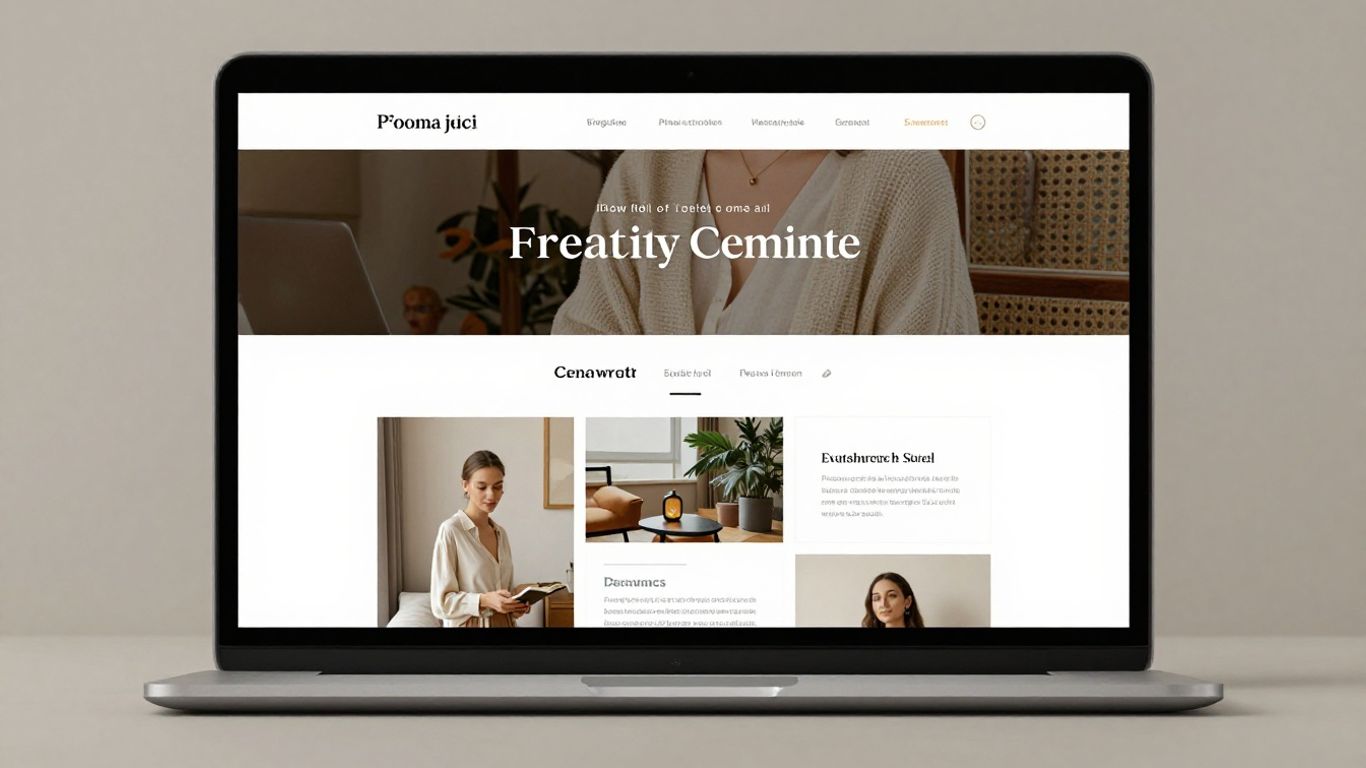
Squarespace has long been a go-to for people who want a good-looking website without a lot of fuss, and their AI builder, Blueprint AI, continues that tradition. It’s particularly well-suited for creative types like photographers and writers, or anyone offering services, who need a polished online presence.
Getting started is pretty straightforward. You answer a few questions about your business and what you want the site to do. Then, it asks about your style preferences – things like colors, fonts, and the overall vibe you’re going for. The whole thing takes just a few minutes, and before you know it, you have a draft website with suggested text and sections.
The real strength of Squarespace lies in its user-friendly editing and its modular design. You can easily tweak any text or ask the AI to rewrite it for you. Plus, the “saved sections” feature is a game-changer. Think of pages as being built from horizontal blocks; you can save these blocks, move them around, or duplicate them. This makes updating common elements across your site, or building new pages quickly, a breeze.
Here’s a quick look at what makes Squarespace stand out:
- AI-Powered Setup: A simple quiz guides the AI to generate your initial site design and copy.
- Intuitive Editing: Easily modify text, images, and layouts with a clean interface.
- Section-Based Building: Reusable sections streamline page creation and site-wide consistency.
- Integrated Tools: Beyond websites, you can add email marketing, e-commerce, scheduling, and more.
Squarespace offers a cohesive ecosystem where you can start with a website and then layer on other business tools as needed, making it a flexible platform for growth.
While the basic plan is affordable, most users will find the Core plan, around $36 per month, to be the sweet spot. It includes e-commerce features, and higher tiers offer reduced or no transaction fees for online sales.
5. Webflow
Webflow has really stepped up its game with AI, making it a strong contender for building professional-looking websites without needing to be a coding wizard. It’s a platform that balances powerful design capabilities with user-friendly AI assistance. Webflow’s AI assistant is designed to help you build and launch sites faster, generating layouts, images, and text that fit your project.
What’s neat about Webflow is how it handles design consistency. It uses a design system with variables and reusable components. This means if you decide to change a color or font, it can update across your entire site automatically. This is a huge time-saver and keeps everything looking sharp and unified.
When you start with Webflow AI, you can get a jumpstart by choosing from AI-generated themes. From there, you have a lot of freedom to tweak individual elements like colors, fonts, and the overall layout. The AI can even help modify existing sections or build entirely new ones, all while trying to stick to the style you’ve already established.
Here’s a quick look at what makes Webflow stand out:
- AI-Powered Creation: Generates layouts, images, and copy to speed up the building process.
- Design System: Ensures visual consistency with variables and reusable components for easy updates.
- Customization: Offers deep control over design elements, allowing for unique brand expression.
- SEO Benefits: Known for setting up sites with good SEO practices from the start.
Webflow’s approach is about giving you the tools to create something unique. While AI can generate a lot, the platform still gives you the reins to fine-tune every detail, making sure your site truly represents your brand or project. It’s a good middle ground between fully automated builders and starting from scratch.
For those who want a site that looks polished and performs well, especially with SEO in mind, Webflow is definitely worth a look. It’s a platform that grows with you, whether you’re just starting out or managing a complex site.
6. Framer
Framer has stepped up its game with Framer AI, making it a strong contender for those who want a visually driven website builder. It’s particularly good if you’re already familiar with design tools like Figma or Webflow, as it bridges the gap between design and development quite nicely. The AI part helps generate initial layouts really fast, which can be a huge time-saver when you’re just starting out or need to get a project off the ground quickly.
One of the standout features is how much control you still have after the AI generates something. You can jump in and tweak designs, adjust layouts, and really make it your own. This flexibility is great for creators, small businesses, or even agencies looking to build portfolios or marketing sites for clients. There’s also a decent template library to get you going.
Here’s a quick look at what Framer AI offers:
- AI-powered design generation: Get initial website structures and layouts created from text prompts.
- Manual editing capabilities: Fine-tune AI-generated designs with a visual editor.
- Template library: Access pre-designed templates for various website types.
- Desktop app: Work on your designs offline.
While Framer AI is excellent for creating beautiful marketing sites and portfolios, it’s not typically the first choice for sites that rely heavily on complex SEO or e-commerce functionality. If your main goal is to rank high in search engines or build a large online store, you might want to explore other options on this list.
Framer AI has a few pricing tiers to consider:
| Plan | Price (Monthly) | Key Features |
|---|---|---|
| Basic | $15 | Connect domain, AI design tools, hosting, built-in SEO |
| Pro | $45 | Basic features + staging, CMS, site redirects |
| Scale | $100+ | Pro features + priority support, premium CDN, A/B testing |
It’s worth noting that Framer is primarily focused on website creation, so you won’t find the same web application building capabilities here as you might with some other tools.
Wrapping Up Your AI Website Journey
So, we’ve looked at some pretty neat tools that use AI to help you build websites. It’s amazing how much faster and simpler creating a web presence can be now, even if you don’t know the first thing about coding. These AI builders can handle a lot of the heavy lifting, from design ideas to writing content. Remember, though, that while AI is powerful, giving it clear instructions and making your own tweaks will get you the best results. Whether you’re starting a small project or a bigger venture, there’s likely an AI website builder out there that can make your life a lot easier. Give one a try and see what you can create!
Frequently Asked Questions
What exactly is an AI website builder?
An AI website builder is a smart tool that uses artificial intelligence to help you create a website super fast. Instead of you doing all the hard work, the AI can suggest designs, write content, and even put your site together based on what you tell it you need.
Do I need to know how to code to use these tools?
Nope! The whole point of these AI builders is to make website creation easy for everyone. You don’t need to know any coding languages like HTML or CSS. You just tell the AI what you want, and it handles the technical stuff.
Can I change the design after the AI builds my website?
Absolutely. While the AI can build a great starting point, you can usually change colors, fonts, add pictures, and adjust things to make it look exactly how you want. Most builders offer ways to tweak the design even after the AI has done its magic.
Will my AI-built website look unique?
That depends on how you use the tool. If you give the AI very specific instructions and make your own edits, your site will be unique. If you just use a basic prompt, your site might look similar to others. It’s best to guide the AI and add your own personal touches.
Are these AI website builders expensive?
Many of these tools have free options to get started, which is great for trying them out. However, if you want to use your own website address (like www.yourname.com) or need more advanced features, you’ll likely need to pay a monthly fee. The prices can vary a lot.
What’s the main benefit of using an AI website builder?
The biggest advantage is speed. AI website builders can create a website much faster than doing it the old way. They also help with design and writing content, making it easier for people who aren’t designers or writers to create a professional-looking site.