In today’s schools, technology tools are really changing how we teach and learn. More and more classrooms are using digital resources to help students. These tools can make lessons more interesting and help students pick up new skills. We’ll look at some specific technology tools examples that are making a difference.
Key Takeaways
- Technology tools can help students learn in new ways and get better at problem-solving.
- Interactive tools like Sphero robots and Kahoot! make learning fun and engaging.
- Platforms like Google Workspace and Microsoft Teams help teachers and students work together on projects.
- Digital tools can boost creativity and presentation skills through projects and multimedia.
- Using a variety of technology tools prepares students for future jobs and helps them adapt to new software.
Enhancing Learning With Interactive Technology Tools
In today’s classrooms, technology isn’t just an add-on; it’s becoming a core part of how we teach and learn. Interactive tools, in particular, are changing the game by making lessons more dynamic and getting students actively involved. Instead of just listening, students can now participate, experiment, and explore subjects in ways that were difficult before. This hands-on approach helps make learning stickier and more enjoyable.
Engaging Students Through Dynamic Lessons
Making lessons interesting is key to keeping students focused. Interactive technology helps turn passive learning into an active experience. Think about how much more engaging a topic becomes when students can manipulate variables in a simulation or build something with their own hands. This active participation can lead to a better grasp of the material and a more positive attitude towards learning.
Sphero Robots for Coding and Computational Thinking
Sphero robots offer a fun, tangible way for students to learn about coding and computational thinking. These small, programmable robots can be controlled using various apps, allowing students to design paths, create sequences, and solve problems. It’s a hands-on method that demystifies programming concepts. Students learn to break down complex tasks into smaller steps, a core skill in computational thinking, all while playing with a robot. This approach is great for developing logic and problem-solving abilities.
LittleBits for STEM Skill Development
LittleBits are modular electronic building blocks that snap together with magnets, making it simple for students to create circuits and invent electronic projects. This system is fantastic for introducing fundamental STEM concepts without the need for complex wiring or soldering. Students can experiment with different combinations to build anything from simple light-up gadgets to more complex inventions. It encourages creativity and practical application of scientific and engineering principles, helping to build confidence in STEM fields.
The shift towards interactive learning tools means students are not just consuming information but are actively constructing knowledge. This active involvement is a significant change from traditional methods and can lead to deeper comprehension and retention.
Streamlining Education With Communication And Collaboration Platforms
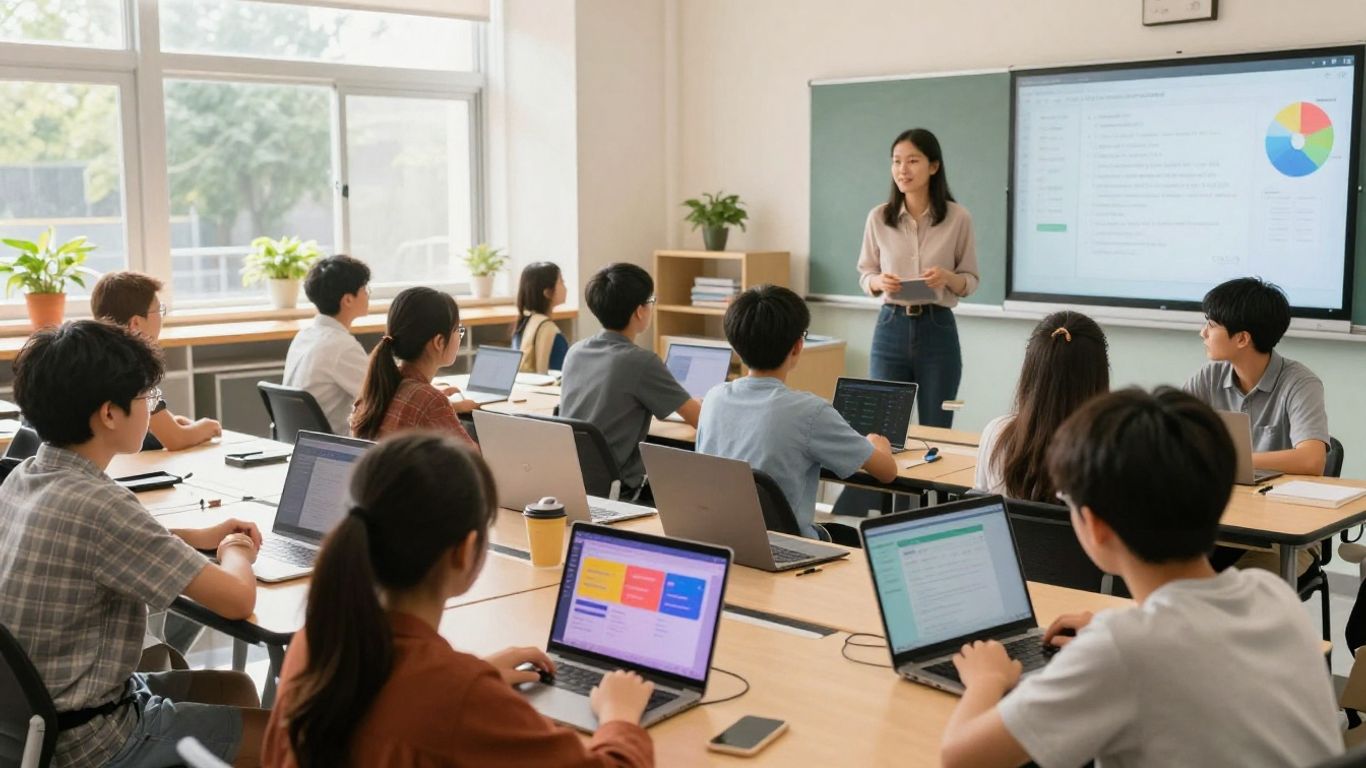
In today’s world, staying connected and working together is more important than ever. Technology gives us tools that make it easier for everyone in a school to talk to each other and work on projects, no matter where they are. These platforms help students learn how to team up, a skill they’ll use a lot in their future jobs.
Connecting Classrooms With Video Conferencing
Video conferencing tools have become a big help for schools. They let teachers and students see and talk to each other in real time, even if they’re not in the same room. This is great for lessons when some students might be learning from home, or for bringing in guest speakers from far away. It makes learning feel more personal and direct.
- Live interaction: Allows for immediate questions and answers.
- Remote access: Students can join from anywhere with an internet connection.
- Guest speakers: Easily bring experts into the classroom virtually.
Google Workspace For Seamless Teamwork
Google Workspace is a set of tools that makes working together simple. Think of it like a digital workspace where students and teachers can create and share documents, spreadsheets, and presentations. Everyone can work on the same file at the same time, seeing each other’s changes as they happen. This is super handy for group projects.
Google Workspace helps keep all class materials and assignments organized in one central spot. Teachers can also give feedback right on the work, making it easier for students to know what to improve.
Microsoft Teams For Project Collaboration
Microsoft Teams is another powerful platform that brings together chat, video meetings, file storage, and app integration. It’s designed to help teams, like a class working on a project, stay organized and communicate effectively. You can create different channels for different topics or projects, making it easy to keep conversations and files tidy. It also lets you share your screen during meetings, which is useful for showing how to do something or discussing a shared document.
- Centralized communication: All team chats and files in one place.
- Project organization: Use channels to keep discussions focused.
- Screen sharing: Great for demonstrations and collaborative reviews.
- Integration: Connects with other apps for a smoother workflow.
Leveraging Digital Resources For Personalized Learning
Digital resources are changing how we approach education, making it possible to tailor lessons to each student’s specific needs and pace. It’s not about a one-size-fits-all approach anymore; it’s about meeting learners where they are.
Adaptive Learning Platforms Like Khan Academy
Platforms like Khan Academy are a great example of this shift. They offer a huge library of videos, practice problems, and articles covering many subjects. What makes them stand out is their ability to adapt. As a student works through exercises, the platform notices where they might be struggling or where they’re excelling. It then adjusts the difficulty or offers extra practice in those specific areas. This means students aren’t held back if they already know a topic, and they get the extra support they need if they’re finding something challenging.
- Individualized Pace: Students can revisit lessons or move ahead as needed.
- Targeted Practice: Exercises focus on areas needing improvement.
- Immediate Feedback: Learners know right away if they’re on the right track.
- Progress Tracking: Both students and teachers can see how far they’ve come.
Duolingo For Language Acquisition
When it comes to learning a new language, Duolingo has become a popular choice. It breaks down language learning into small, manageable lessons that feel more like a game than a chore. The app uses a mix of translation, listening exercises, and speaking practice to build skills. It also keeps track of your progress and reminds you to practice, which is helpful for building a consistent habit.
The gamified approach, with points, levels, and streaks, makes language learning feel less like a task and more like an enjoyable challenge. This can be particularly effective for younger learners or anyone who finds traditional language study a bit dry.
PhET Simulations For Science Exploration
Science can be tricky to grasp from textbooks alone. PhET Interactive Simulations, developed at the University of Colorado Boulder, offers a fantastic solution. These are free, interactive online simulations that let students play with scientific concepts. You can build circuits, explore atomic structures, or experiment with physics principles in a virtual environment. It’s a hands-on way to learn, even without a physical lab. Students can test hypotheses, see cause and effect, and explore scientific ideas in a safe, engaging space.
Creative Expression Through Digital Tools

In today’s classrooms, technology provides a wealth of opportunities for students to express themselves and showcase their learning in unique ways. Moving beyond traditional paper and pencil, digital tools allow for dynamic and engaging creations that can truly bring ideas to life. These platforms help students develop important skills in communication and digital literacy while making learning more personal and exciting.
Presentation Software For Visual Storytelling
Presentation software has evolved far beyond simple slide shows. Tools like Google Slides or Microsoft PowerPoint allow students to craft visually compelling narratives. They can incorporate images, videos, audio, and animations to tell a story, explain a concept, or report on research. This encourages students to think critically about how to organize information and present it in a way that is both informative and captivating for their audience. The ability to add transitions and animations can make even complex topics more accessible and memorable.
Video Editing Tools For Multimedia Projects
Video editing software, such as iMovie or even simpler tools found on tablets, opens up a world of multimedia creation. Students can learn to shoot, edit, and produce their own short films, documentaries, or explanatory videos. This process teaches them about sequencing, storytelling, and visual communication. It’s a hands-on way to explore different subjects, from historical reenactments to science experiments. The final product is not just a grade, but a tangible piece of work they can be proud of, demonstrating their understanding in a dynamic format.
Digital Poster Creation With Buncee
Platforms like Buncee offer a user-friendly environment for students to design interactive digital posters. These tools allow learners to combine text, images, audio recordings, and even 3D elements to create engaging displays. It’s a fantastic way for students to summarize information, create invitations, or even build simple reports that go beyond static text. Students can easily add animations and interactive stickers, turning a basic poster into an engaging experience. This makes content creation accessible for all skill levels and encourages imaginative approaches to sharing knowledge.
Digital tools for creative expression help students develop a voice. They learn to not only consume information but to actively create and share their own perspectives and understanding in ways that are meaningful to them and their peers. This active participation is key to deeper learning.
Here are some ways these tools support creative expression:
- Storytelling: Students can create digital narratives with visuals and sound.
- Information Design: Complex data or concepts can be presented through infographics or interactive posters.
- Project Showcase: Students can document and present their learning journey through multimedia portfolios.
- Communication Practice: Creating videos or presentations helps students refine their public speaking and communication skills.
Assessment And Feedback With Technology
Interactive Quizzes With Kahoot! And Blooket
Checking what students have learned doesn’t have to be a dry affair. Tools like Kahoot! and Blooket transform review sessions into lively, competitive games. Students can answer questions in real-time, earning points and seeing how they stack up against their peers. This approach makes practicing material feel less like a chore and more like an engaging challenge. It’s a great way to quickly gauge understanding and identify topics that might need a second look, all in a low-pressure, enjoyable format. This method really helps solidify knowledge and spot any lingering confusion before a formal test.
Real-Time Progress Tracking With Kami
Understanding where students stand academically is key to effective teaching. Platforms like Kami allow for interactive worksheets and digital assignments where student responses can be tracked as they work. Teachers can see answers populate in real-time, offering immediate support or noting common areas of difficulty across the class. This immediate visibility helps in adjusting instruction on the fly and provides a clear picture of individual and group progress without waiting for traditional grading.
Voice And Video Feedback For Deeper Insights
Beyond just scores and written comments, providing feedback that students can truly use is important. Tools that support voice and video feedback are fantastic for this. Instead of just typing out comments, educators can record themselves explaining concepts, offering specific examples, or providing encouragement. This personal touch can make a significant difference in how students receive and act on feedback. It’s akin to having a brief one-on-one chat about their work, even when physical presence isn’t possible. This method can be particularly helpful for students who learn better by listening or watching, making the feedback more accessible and impactful.
Technology offers a wide range of tools that can really change how we assess learning and provide feedback. From making review sessions fun with games to tracking progress in real-time and offering personal feedback through voice or video, these digital resources help students understand their learning better and help educators guide them more effectively.
Foundational Technology Tools In Education
In today’s schools, certain technology tools act as the bedrock for how we teach and learn. These aren’t always the flashiest apps, but they are the systems that keep everything running smoothly. Think of them as the infrastructure that supports all the other digital activities happening in the classroom and beyond. Without these, integrating more advanced tools would be a real challenge.
Learning Management Systems For Course Administration
Learning Management Systems, or LMS, are like the central hub for all things related to a course. They help teachers organize materials, assign work, and keep track of student progress. For students, it’s a single place to find assignments, resources, and grades. This organization is key to managing a class effectively, especially when dealing with a lot of information or multiple classes.
- Organizing Course Content: Teachers can upload syllabi, readings, videos, and other learning materials.
- Assignment Management: Submitting and collecting assignments digitally saves time and paper.
- Gradebook Functionality: Keeping track of student scores and providing feedback is streamlined.
- Communication Features: Many LMS platforms include tools for announcements and direct messaging.
These systems help create a structured learning environment where both educators and students know where to find what they need, reducing confusion and saving valuable time.
Interactive Whiteboards For Dynamic Presentations
Interactive whiteboards have transformed how lessons are presented. They’re more than just a screen; they allow for direct interaction with digital content. Teachers can write on them, move objects, and use them like a giant touchscreen computer. This makes lessons more engaging and allows for real-time adjustments based on student responses.
- Direct Interaction: Teachers and students can manipulate content directly on the board.
- Multimedia Integration: Easily incorporate videos, images, and web links into lessons.
- Annotation Capabilities: Write, draw, and highlight directly over any content.
- Saving and Sharing: Capture notes and diagrams made during a lesson to share later.
Educational Software For Experiential Learning
Beyond basic tools, specialized educational software provides opportunities for hands-on, or experiential, learning. This type of software often simulates real-world scenarios or allows students to explore complex concepts in a safe, digital environment. It’s about learning by doing, even when the ‘doing’ is happening on a computer screen. This can range from science simulations to virtual labs or even historical recreations, offering a way to experience subjects in a more active manner.
Wrapping Up Our Tech Exploration
So, we’ve looked at a bunch of technology tools that are really changing how we teach and learn. From making lessons more interactive with things like robots and fun quizzes, to helping manage classrooms and talk to parents better, there’s a lot out there. These digital tools aren’t just about new gadgets; they help students build important skills for the future, like figuring out problems and working with others. For teachers, they can make tasks easier and offer new ways to connect with students. Keeping up with these tools means we can create more interesting and effective learning environments for everyone involved.
Frequently Asked Questions
What are technology tools for learning?
Technology tools are like digital helpers for learning. They can be apps, websites, or even special gadgets that make learning more fun and help teachers share information. Think of them as modern tools that make schoolwork easier and more interesting.
Why is using technology in school important?
Using technology in class helps students learn in new ways, like through games or videos. It also helps them get ready for jobs in the future, where using computers and software is really important. Plus, it can make it easier for teachers to manage their classes and help every student.
How do interactive technology tools make learning more engaging?
Interactive tools make learning more exciting! Games like Kahoot! let you test your knowledge with friends, while robots like Sphero help you learn coding by playing. These tools turn learning into an adventure.
How can technology help students work together and communicate?
Tools like ClassDojo or Seesaw help teachers, students, and parents stay connected. You can share progress, get feedback, and work together on projects. This teamwork makes sure everyone is on the same page and supports your learning journey.
What tools can students use to be more creative and show off their work?
You can use tools like Buncee or iPad apps like iMovie to create cool presentations, videos, or even music. This helps you show what you’ve learned in creative ways and develop skills that are useful for future projects.
How does technology help teachers check what students have learned and give them feedback?
Online tools can help teachers see what students know through quizzes or tests. They can also give feedback faster using voice or video messages. Fun review games, like Blooket, also help you practice what you’ve learned in a playful way.