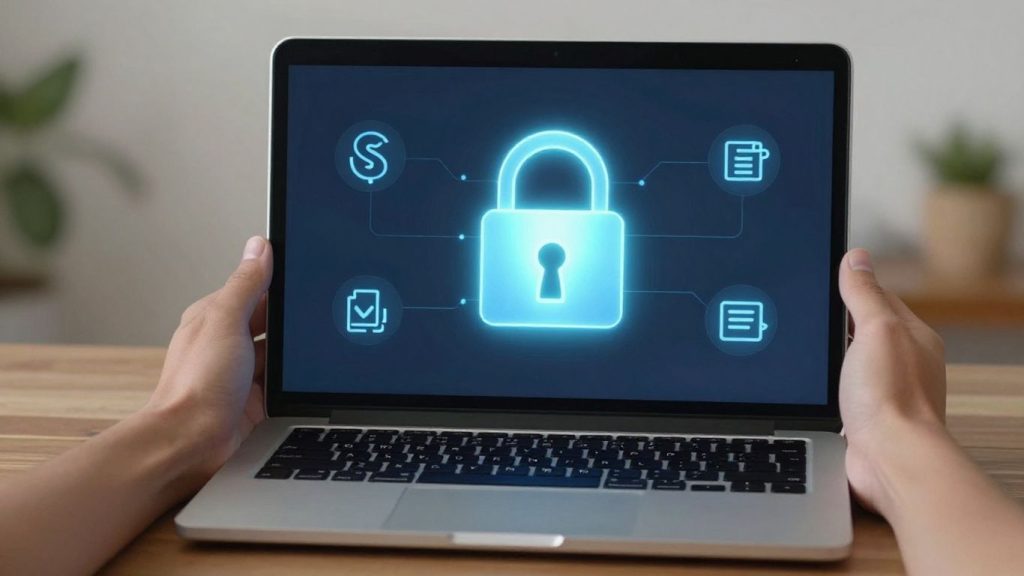
Getting your blockchain wallet download for PC is a big step towards managing your digital assets. It might seem a bit technical at first, but with the right guidance, it’s quite manageable. This guide is here to help you through the process, from understanding what these wallets are to making sure your digital money stays safe. We’ll cover the basics and then get into the specifics of downloading and setting up a wallet on your computer.
Key Takeaways
- Desktop wallets give you more control and features compared to mobile options.
- It’s not advised to store very large sums of cryptocurrency on a desktop wallet by itself.
- You can make any listed wallet safer by using it alongside a hardware wallet.
- Always get your blockchain wallet download for PC from official sources to avoid scams.
- Understanding and properly backing up your seed phrase is vital for wallet recovery.
Understanding Desktop Blockchain Wallets
What is a Desktop Blockchain Wallet?
A desktop blockchain wallet is a software application you install directly onto your personal computer, whether it’s a Windows PC, a Mac, or a Linux machine. Think of it as a digital vault for your cryptocurrency. Unlike web wallets that you access through a browser, a desktop wallet resides on your hard drive, giving you more direct control over your digital assets. When you download and set up a desktop wallet, it generates a unique address for you to receive crypto and allows you to send transactions. This direct installation on your computer is what sets it apart from other types of wallets.
Key Advantages of Desktop Wallets
Desktop wallets come with a few benefits that make them a popular choice for many crypto users. For starters, they often provide a good balance between accessibility and security. Because the software is on your machine, you generally have more control over your private keys compared to some online solutions. They can also be quite feature-rich, offering capabilities like managing different cryptocurrencies, interacting with decentralized applications, and sometimes even connecting to your own full blockchain node for added verification.
Here are some of the main upsides:
- Control: You typically hold your private keys, meaning you have full command over your funds.
- Features: Many desktop wallets offer advanced functionalities beyond simple sending and receiving.
- Offline Use: While you need an internet connection to send transactions, the wallet itself can operate offline, adding a layer of security.
- Cost: Most desktop wallets are completely free to download and use.
Desktop Wallets vs. Other Wallet Types
It’s helpful to see how desktop wallets stack up against other options. Web wallets, for instance, are accessed via a web browser and are often managed by a third party. This can be convenient but might mean less control over your keys. Mobile wallets are apps for your smartphone, great for on-the-go transactions but potentially more vulnerable if your phone is lost or compromised. Hardware wallets are physical devices, considered the most secure for storing large amounts, as they keep your private keys offline. Desktop wallets sit somewhere in the middle, offering more control than many web wallets and more features than some mobile options, while being more accessible than hardware wallets for everyday use.
When considering a desktop wallet, remember that while they offer good control, the security of your assets ultimately depends on the security of your computer. Malware or viruses on your PC could potentially put your crypto at risk if your wallet isn’t properly secured with strong passwords and backups.
Here’s a quick comparison:
| Wallet Type | Primary Location | Control Over Keys | Typical Use Case |
|---|---|---|---|
| Desktop Wallet | Your PC | High | Regular use, managing various assets |
| Web Wallet | Browser/Server | Varies (often low) | Quick access, small amounts |
| Mobile Wallet | Smartphone | Medium | On-the-go payments, everyday transactions |
| Hardware Wallet | Physical Device | Very High | Long-term storage, large amounts, maximum security |
Choosing the Right Blockchain Wallet Download for PC
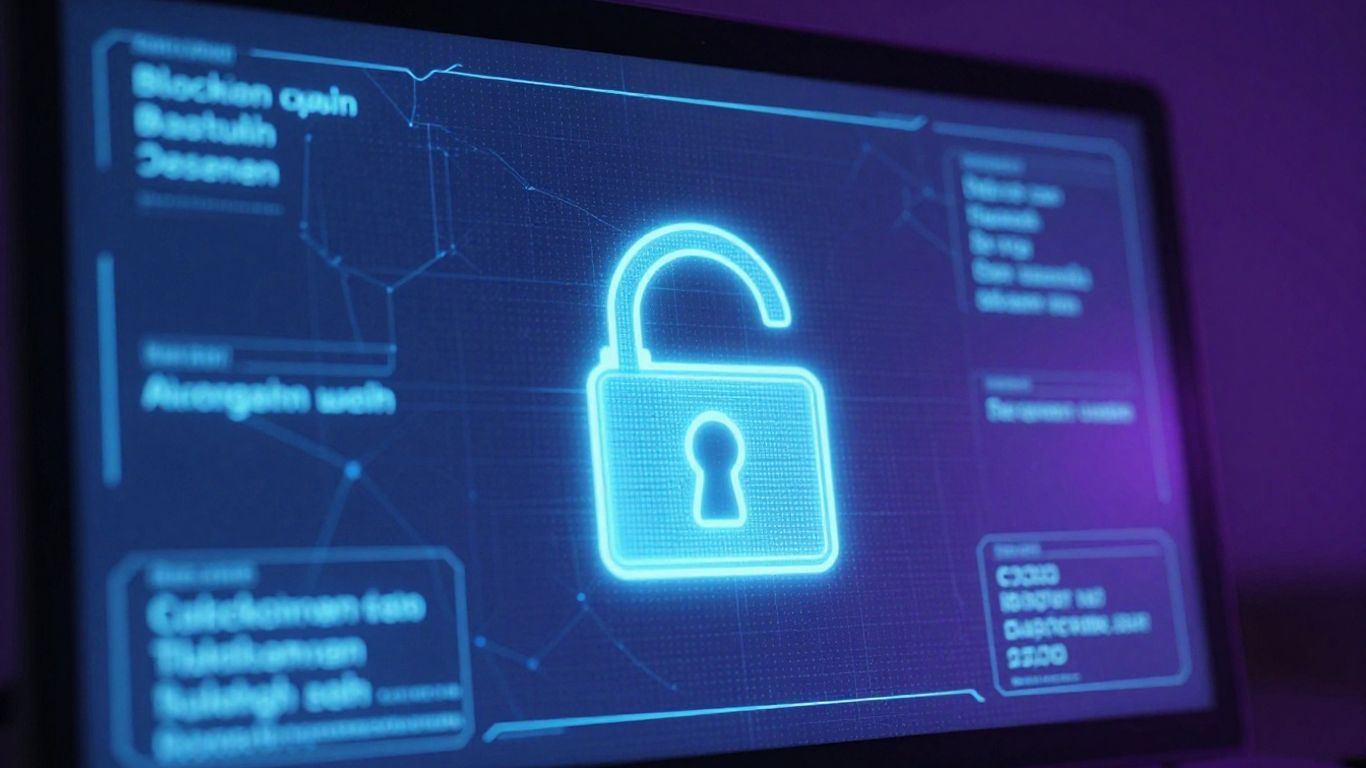
Selecting the correct desktop wallet is a big step in managing your digital assets. It’s not a one-size-fits-all situation, and what works for one person might not be the best fit for another. Think of it like picking a secure place to store your valuables – you want something that feels right for your needs and your comfort level.
Assessing Your Security Needs
Your security requirements are probably the most important factor. Are you planning to store a small amount of cryptocurrency for everyday use, or are you looking to hold a significant sum for the long term? For smaller amounts, a wallet with good standard security features might be sufficient. However, if you’re dealing with larger sums, you’ll want to look at wallets that offer more advanced security, like multisignature support or strong integration with hardware wallets. It’s also worth considering how much technical effort you’re willing to put into security. Some wallets require more hands-on management than others.
Considering Features and Ease of Use
Beyond security, think about what you want your wallet to do. Do you need it to support multiple cryptocurrencies, or are you focused on just one, like Bitcoin? Some wallets are designed with simplicity in mind, making them easy for beginners to get started. Others offer a wealth of advanced features, such as connecting to a full node for maximum privacy or managing complex transactions. It’s a good idea to check if the wallet has a user-friendly interface. A wallet that’s difficult to use can lead to mistakes, which nobody wants when dealing with money.
Here’s a quick look at some popular desktop wallet options and what they’re generally best suited for:
- Blockstream: Often recommended for a good all-around experience, supporting Bitcoin and other assets, with strong open-source credentials.
- Wasabi Wallet: If privacy is your top concern, Wasabi is known for its privacy-focused features.
- Electrum: This wallet is a solid choice for users who want more control and are comfortable with advanced settings.
- Bitcoin Core: For those who want the highest level of privacy and control by running a full node, this is the standard.
Exploring Popular Wallet Options
When you start looking at specific wallets, you’ll find a range of choices. Some are built by companies focused on security and innovation, while others are community-driven projects. It’s wise to research a few different options. Look at reviews, check their development history, and see what features they offer. For instance, some wallets are designed to work exclusively with hardware wallets, adding an extra layer of protection. Others might have built-in features for buying or selling crypto, though always be mindful of the security implications of using such integrated services.
Remember, no matter how good a wallet is, it’s only as secure as the device it’s installed on and how you manage your private keys. Always download software directly from the official website to avoid fake or malicious versions.
Essential Steps for Your Blockchain Wallet Download
Alright, so you’ve decided to get a desktop wallet for your digital assets. That’s a smart move for managing your crypto. Now, let’s walk through the actual download and setup process. It’s not super complicated, but paying attention to a few key things will make a big difference in keeping your stuff safe.
Verifying Official Download Sources
This is probably the most important step, seriously. You absolutely need to make sure you’re downloading the wallet software from its official website. Think of it like getting a key to your house – you wouldn’t get it from a random person on the street, right? The same applies here. Scammers often create fake websites that look just like the real ones, hoping you’ll download their malicious version. This fake software can steal your private keys or other sensitive information the moment you install it.
So, how do you check?
- Direct Search: Always type the wallet’s name directly into a search engine and look for the official link. Be wary of ads that pop up first.
- Check the URL: Once you’re on the site, look closely at the web address. Official sites usually have
.com,.org, or other standard domain extensions. Look for typos or strange characters. - Community Confirmation: Reputable crypto communities or forums often have pinned posts or guides listing the official download links for popular wallets.
Never download wallet software from third-party download sites, torrents, or links sent in emails or social media messages unless you are 100% certain of their legitimacy.
Initiating the Installation Process
Once you’ve confirmed you’re on the right track and have downloaded the installer file (it’ll usually be an .exe file on Windows, a .dmg on Mac, or a .deb/.rpm/.AppImage on Linux), it’s time to install it. Double-click the file you downloaded. Your operating system might pop up a security warning asking if you’re sure you want to run the file. If you’ve followed the steps above and are confident in the source, you can proceed.
Follow the on-screen prompts. Most wallet installations are pretty straightforward. You’ll typically need to agree to terms and conditions and choose an installation location. For most users, the default settings are perfectly fine. Just keep clicking ‘Next’ or ‘Continue’ until the installation is complete. It shouldn’t take too long.
Initial Wallet Setup and Configuration
After the installation finishes, you’ll launch the wallet for the first time. This is where you set things up. You’ll usually have two main options:
- Create a New Wallet: This is for first-time users. The wallet will generate a unique set of recovery phrases (often called a seed phrase or mnemonic phrase). This is a list of 12 or 24 words. This phrase is the master key to your crypto. Write it down offline, store it securely, and never share it with anyone. The wallet will likely ask you to confirm these words to make sure you’ve recorded them correctly.
- Restore an Existing Wallet: If you’ve used this wallet before or are moving to a new PC, you can use your recovery phrase to restore access to your existing funds.
During setup, you’ll also be prompted to create a strong password. This password protects your wallet on your specific device. It’s different from your recovery phrase. Make sure it’s something complex and unique. Some wallets might also ask you to connect to a network or choose specific settings, but for beginners, sticking to the defaults is usually best. Once you’re through this, your wallet is ready to go!
Securing Your Digital Assets Post-Download
Now that you’ve successfully downloaded and installed your chosen blockchain wallet, the next critical step is to secure the digital assets you’ll be managing. Think of this like putting a strong lock on your new digital vault. Without proper security measures, even the most advanced wallet software can leave your funds vulnerable.
Creating Strong Passwords and Backups
Your wallet’s password is the first line of defense. It’s what protects your wallet from unauthorized access if someone gains physical access to your computer or manages to install malware. A weak password is like leaving your vault door slightly ajar.
- Use a complex password: Combine uppercase and lowercase letters, numbers, and symbols. Avoid common words, personal information, or sequential characters.
- Consider a passphrase: For even greater security, a passphrase (a sequence of random words) can be more memorable yet harder to guess.
- Never reuse passwords: Use a unique password for your wallet that you don’t use anywhere else.
Beyond the password, a reliable backup is your safety net. If your computer fails, is lost, or stolen, a backup allows you to recover your funds. Most desktop wallets provide a recovery phrase (often called a seed phrase) during the initial setup. This is a list of words that can restore your wallet. Treat this recovery phrase with the utmost care, as it is the master key to your assets.
Understanding Private Keys and Seed Phrases
Your private keys are the secret codes that prove ownership of your cryptocurrency and allow you to spend it. They are generated by your wallet software. The seed phrase is essentially a human-readable backup of these private keys. If you lose access to your wallet software, you can use the seed phrase with a compatible wallet to regain control of your funds.
It’s important to understand that you are solely responsible for the security of your private keys and seed phrase. Unlike traditional financial institutions, there’s no central authority to help you recover lost keys. If your seed phrase is compromised, anyone who has it can access and steal your funds.
- Write down your seed phrase: Do this immediately after setup, offline. Do not store it digitally on your computer, phone, or in cloud storage.
- Store it securely: Keep the written phrase in a safe place, like a fireproof safe or a secure location away from your home.
- Consider multiple backups: Storing copies in different secure locations can provide an extra layer of protection against loss or disaster.
Integrating Hardware Wallets for Enhanced Security
While desktop wallets offer convenience, they are still software running on an internet-connected device, making them susceptible to online threats like malware and phishing attacks. For significant amounts of cryptocurrency, a hardware wallet is highly recommended. A hardware wallet is a physical device that stores your private keys offline, completely isolated from your computer and the internet.
When you want to make a transaction using a hardware wallet connected to your desktop wallet software:
- Your transaction details are sent to the hardware wallet.
- You physically confirm the transaction on the hardware wallet’s screen.
- The hardware wallet signs the transaction using the offline private key.
- The signed transaction is sent back to your desktop wallet to be broadcast to the network.
This process means your private keys never leave the hardware device, significantly reducing the risk of them being stolen by online attackers. It’s a robust method for safeguarding your most valuable digital assets.
Advanced Features and Wallet Management
Once you’ve got your desktop wallet set up and your initial assets secured, you might find yourself wanting to explore what else these programs can do. Many desktop wallets go beyond basic sending and receiving, offering features that can really help you manage your digital holdings more effectively and securely. It’s like finding out your basic smartphone can also take professional-grade photos – pretty neat, right?
Utilizing Full Node Capabilities
Some desktop wallets allow you to connect to or even run a full node. Think of a full node as a complete, independent copy of the blockchain. By running your own node, you’re not relying on a third-party server to validate your transactions or provide blockchain data. This means more privacy and security because your activity isn’t broadcast to external servers. It also means you’re contributing to the network’s decentralization, which is a big deal in the crypto world. Wallets like Electrum and Wasabi can connect to a full node, and some, like Blockstream Jade, can even run one.
Exploring Multisignature Options
Multisignature, or multisig, is a security feature that requires multiple private keys to authorize a transaction. Instead of just one password or seed phrase protecting your funds, you might need two or three (or more) to sign off. This is fantastic for shared funds, like a business account or family savings, where no single person can move assets without agreement. It also adds a layer of protection against single points of failure – if one key is compromised, your funds are still safe as long as the others are secure. Wallets such as Specter are specifically designed to make setting up and managing multisig wallets much simpler.
Managing Multiple Desktop Wallets
It’s not uncommon for users to end up with more than one desktop wallet. You might use one for daily spending, another for long-term savings, and perhaps a specialized one for privacy features. Managing these can seem like a chore, but it’s manageable. The key is organization. Keep track of which wallet holds what, and always, always back up the recovery phrases for each one separately. Treating each wallet as a distinct vault with its own security protocols is paramount.
Here’s a quick look at how some wallets stack up for these advanced features:
| Wallet | Full Node Support | Multisignature Support | Best For |
|---|---|---|---|
| Electrum | Yes | Yes | Advanced Users |
| Wasabi | Yes | No | Privacy |
| Specter | Yes | Yes | Multisig |
| Blockstream | No | No | Best Overall |
When you start using advanced features like full nodes or multisig, you’re taking a more active role in securing your assets. This often means a bit more technical setup, but the increased control and security are usually well worth the effort for those serious about protecting their digital wealth.
Final Thoughts on Securing Your Digital Assets
So, you’ve learned about getting a desktop wallet set up on your PC. It’s a good step for managing your digital assets more directly from your computer. Remember, while these wallets offer more control, they aren’t the ultimate solution for storing large amounts of cryptocurrency. For that, pairing your desktop wallet with a hardware wallet is the way to go. Always double-check you’re downloading software from official sources, and keep your recovery phrases safe. Taking these steps helps keep your digital assets secure.
Frequently Asked Questions
When is it a good time to use a desktop Bitcoin wallet?
A desktop wallet is a solid choice if you spend a lot of time on your computer and do not require the absolute highest level of security for your digital money.
Can desktop wallets be used with hardware wallets?
Yes, many desktop wallets let you use a hardware wallet to sign for transactions. This means your secret codes stay safe on the hardware device, not on your computer. The desktop wallet acts like a remote control for your hardware wallet, sending transaction details for signing.
Is it safe to store large amounts of Bitcoin in a desktop wallet?
While you can, it’s generally not advised. For storing significant amounts, it’s much safer to use a hardware wallet to handle the signing of transactions for your desktop wallet.
What’s the main difference between a desktop wallet and a web wallet?
Think of web wallets like online accounts where your wallet is protected by a password on their server. Desktop wallets, on the other hand, are actual software programs you install directly onto your computer.
Do I have to pay for desktop wallets?
No, all desktop wallets are free to use. The only type of wallet that typically costs money is a hardware wallet.
If someone can access my computer, can they steal my bitcoins?
It depends. Many desktop wallets protect your secret codes with encryption and require a password each time you want to send money. So, without the password, they likely can’t send your bitcoins, even if they can open the wallet.

Peyman Khosravani is a seasoned expert in blockchain, digital transformation, and emerging technologies, with a strong focus on innovation in finance, business, and marketing. With a robust background in blockchain and decentralized finance (DeFi), Peyman has successfully guided global organizations in refining digital strategies and optimizing data-driven decision-making. His work emphasizes leveraging technology for societal impact, focusing on fairness, justice, and transparency. A passionate advocate for the transformative power of digital tools, Peyman’s expertise spans across helping startups and established businesses navigate digital landscapes, drive growth, and stay ahead of industry trends. His insights into analytics and communication empower companies to effectively connect with customers and harness data to fuel their success in an ever-evolving digital world.