Most people using an AI image generator for the first time expect the tool to do the heavy lifting. They type a rough idea and assume the model will fill in the creative gaps. Sometimes it does. More often, the output is technically adequate and creatively empty: the right subject in the wrong light, the right scene with no atmosphere, the right idea executed without intention.
The difference between those results and genuinely professional-grade outputs almost always comes down to structure. Professional photographers don’t pick up a camera without a shot in mind. Creative directors don’t brief a designer with a vibe and a wish. And skilled users of any text-to-image AI generator don’t type freeform sentences and hope for the best. They work from a system.
The 6-part formula below is that system. It mirrors how visual professionals think about image-making and translates that thinking into a repeatable structure that any AI image generator can act on with precision.
Why Unstructured Prompts Consistently Underperform
An AI image generator doesn’t interpret intent. It interprets language. When your prompt is unstructured, the model makes assumptions about everything you didn’t specify: the lighting, the angle, the mood, the style. Those assumptions are drawn from statistical averages across the model’s training data, which means the output trends toward the generic rather than the intentional.
Structure solves this by giving the model fewer decisions to make on your behalf. Every element you define explicitly is one less place where the average sneaks in. The six parts below cover the full creative brief that any AI image generator needs to generate something that looks like it was made by a professional rather than assembled from defaults.
The 6-Part Prompt Formula
Part 1: Subject
Start with a clear, specific subject. Instead of “a woman,” describe observable details like age, expression, posture, or clothing. For example, “woman in her early 40s, natural expression, loose dark hair, facing slightly away from the camera” gives the AI image generator far more direction than a generic label.
Part 2: Environment and Setting
The setting provides context for the entire image. Rather than saying “outdoors,” describe the location in detail, such as “rooftop terrace at dusk with city lights and warm string lighting.” A specific environment helps the AI image generator create a more cohesive scene.
Part 3: Lighting
Lighting shapes mood, depth, and realism. Simple photography terms like “golden hour backlight,” “soft window light,” or “dramatic side lighting” produce noticeably different results. Don’t leave lighting to chance because it often has the biggest impact on the final image.
Part 4: Composition and Camera Angle
Tell the AI image generator how to frame the shot. Specify details like “close-up,” “wide-angle,” “low angle,” or “rule of thirds” to control perspective and composition instead of relying on the model’s default centered view.
Part 5: Style and Aesthetic Reference
Define the visual style you want. Whether it’s editorial photography, vintage film, minimalist illustration, or cinematic realism, a clear aesthetic gives the AI image generator a consistent creative direction. The more specific the reference, the more predictable the result.
Part 6: Mood and Atmosphere
Finish with the emotional tone. Words like “warm and nostalgic,” “calm and peaceful,” or “tense and dramatic” influence color, contrast, lighting, and overall atmosphere. A clearly defined mood helps transform a technically correct image into one with visual impact.
The Formula in Action
Seeing the structure applied to a real prompt makes the difference concrete. The table below shows how the same creative idea performs with and without the 6-part formula applied.
| Formula Part | Weak Prompt | Strong Prompt |
| Subject | “a chef” | “female chef, late 30s, focused expression, flour on hands” |
| Environment | “in a kitchen” | “industrial open kitchen, stainless steel surfaces, warm overhead glow” |
| Lighting | (not specified) | “strong overhead practical lighting, soft fill from window left of frame” |
| Composition | (not specified) | “mid-shot, slight low angle, subject occupies left third of frame” |
| Style | “professional photo” | “commercial editorial photography, sharp focus, clean background separation” |
| Mood | “looks good” | “confident, quiet intensity, controlled energy” |
| Full prompt | “a professional photo of a chef in a kitchen looks good” | “Female chef, late 30s, focused expression, flour on hands, industrial open kitchen, stainless steel surfaces, strong overhead practical lighting, soft fill from window left, mid-shot, slight low angle, commercial editorial photography style, confident quiet intensity” |
The weak prompt produces a stock photo. The strong prompt produces a campaign image.
How the Formula Performs Across Different AI Image Generators
The 6-part structure works across platforms, though each AI image generator has its own strengths and quirks worth knowing before you build your workflow around one.
Midjourney responds exceptionally well to style and mood language. Parts 5 and 6 of the formula tend to carry the most weight here, and the model takes creative liberties that can produce striking results. For strict compositional control, it requires more iteration.
Adobe Firefly handles structured, descriptive prompts cleanly, particularly for commercial imagery. Its training on licensed Adobe Stock content makes it a reliable AI image generator for professional outputs, though it can lean toward polished rather than distinctive.
DALL·E (via ChatGPT) handles all six parts conversationally, which makes it easier to iterate in plain language. It’s accessible for teams without prompt writing experience, but can struggle with consistency across multiple outputs from the same brief.
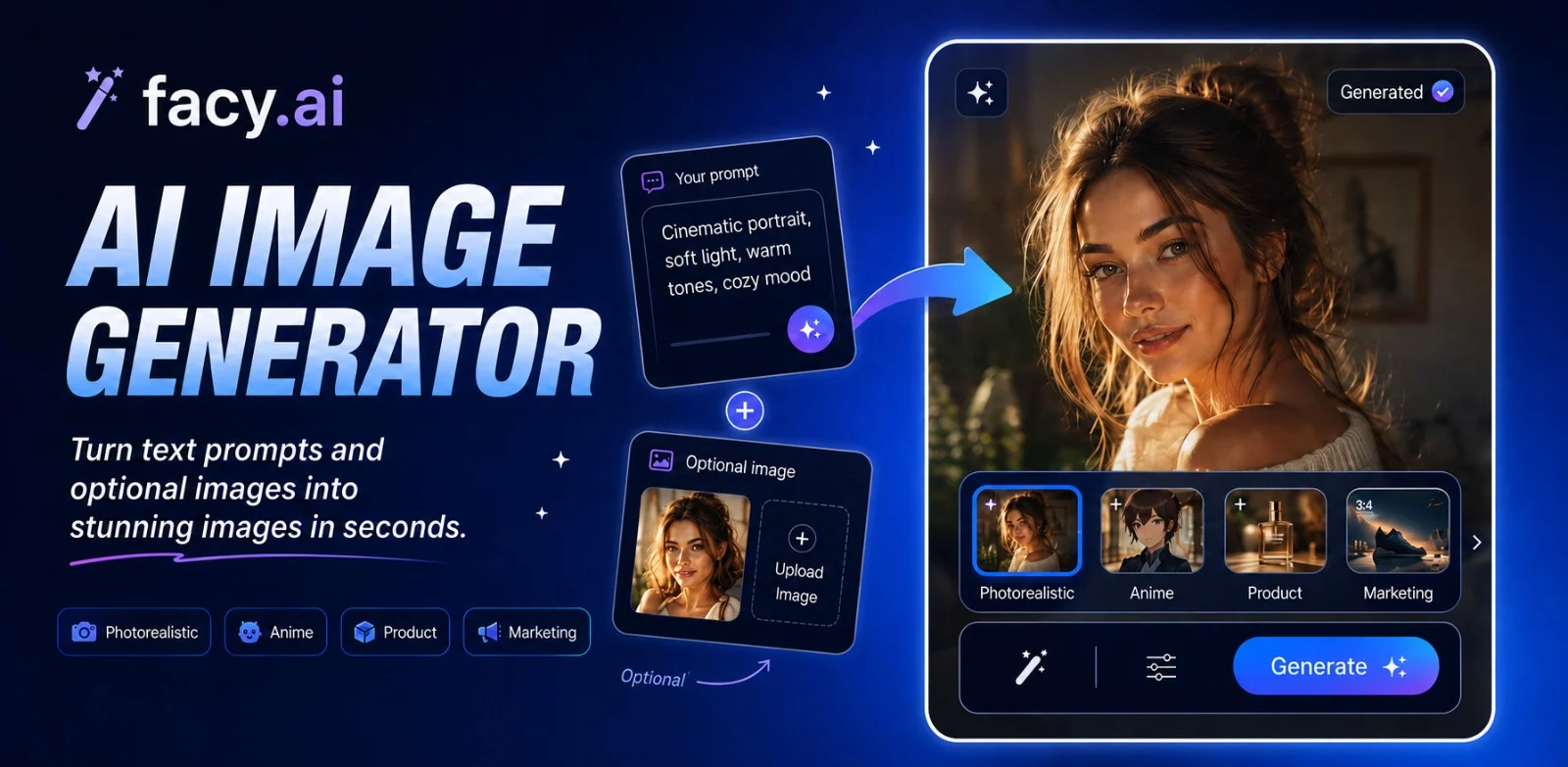
FacyAI is built for users who want professional-grade results without needing to master the formula from scratch. Its guided generation process incorporates many of these structural layers automatically, making it especially effective for teams generating headshots, brand imagery, and product visuals at volume. The outputs are built for commercial use from the start, which removes a layer of post-processing that other AI image generator platforms often require.
A Repeatable System Beats a Lucky Prompt Every Time
The professionals consistently getting strong results from any AI image generator are not more creative than everyone else. They are more systematic. They approach every generation with a brief, not a wish. They define the subject, set the scene, direct the light, frame the shot, name the aesthetic, and establish the mood before the model generates a single pixel.
That is what the 6-part formula gives you: a repeatable process that turns an AI image generator from a guessing machine into a precision tool. Apply it once, and the improvement is obvious. Apply it consistently, and it becomes the foundation of a visual output workflow that scales.
Start with your next prompt. Run it through all six parts. Then use FacyAI to generate and see how far a properly structured brief takes you.