The way we teach and learn has really changed. It’s not just about chalkboards and textbooks anymore. Now, there are tons of digital tools that can make lessons more interesting and help students learn better. This article looks at some examples of educational technology tools that are making a difference in today’s classrooms, from making lessons interactive to helping teachers manage their work and connect with students.
Key Takeaways
- Interactive platforms like smart boards and student response systems help keep students interested and provide teachers with quick feedback on how well students are learning.
- Tools such as Learning Management Systems and collaboration apps make it easier for teachers to organize class materials, manage assignments, and communicate with students and parents.
- Creative tools and AI assistants are helping teachers make their own digital content and tailor lessons to what each student needs, making learning more personal.
- Specialized tools are introducing students to important skills like coding and using video for different kinds of learning, preparing them for the future.
- Making sure all students can access and use these tools is important, and teachers need good training to use them effectively in their lessons.
Enhancing Engagement with Interactive Learning Platforms
Making sure students are paying attention and actually learning can be a challenge, right? Luckily, there are some neat tools out there that can really help. These platforms turn passive listening into active participation, making lessons more memorable and effective. The goal is to get students involved, not just sitting there.
Leveraging Interactive Whiteboards for Dynamic Lessons
Interactive whiteboards (IWBs) have been around for a bit, but they’re still super useful. Think of them as a giant touchscreen computer for your classroom. Teachers can write on them, draw, move things around, and even let students come up and interact directly with the lesson content. This makes lessons feel more like a collaborative activity than a lecture.
- Dynamic Presentations: Instead of just static slides, you can bring your content to life. Imagine dragging and dropping elements to illustrate a concept or annotating directly over images and videos.
- Student Interaction: Students can come to the board to solve problems, label diagrams, or participate in group activities, which is great for kinesthetic learners.
- Resource Integration: Many IWBs can connect to the internet or other digital resources, allowing you to pull up websites, videos, or documents on the fly.
Utilizing Student Response Systems for Real-Time Feedback
Ever wonder if your students are actually getting it while you’re teaching? Student response systems, sometimes called clickers or polling tools, are fantastic for this. They let students answer questions anonymously or by name using devices like tablets, smartphones, or even dedicated clickers. The teacher gets instant results, showing who understands and who might be struggling.
This immediate feedback is a game-changer. It means you don’t have to wait for a test to see where students need help. You can adjust your teaching right then and there.
Here’s a quick look at what these systems can do:
- Instant Comprehension Checks: Ask multiple-choice, true/false, or short-answer questions and see the results populate on your screen in seconds.
- Anonymous Participation: This encourages students who might be shy to participate, as their answers aren’t tied to their name.
- Data for Instruction: The data collected helps you identify common misconceptions and tailor your next steps.
Transforming Videos into Engaging Lessons with Edpuzzle
Videos are a great way to present information, but students can sometimes just zone out. Tools like Edpuzzle let you take any video (from YouTube, Khan Academy, or your own uploads) and turn it into an interactive lesson. You can add your own questions, notes, or even audio narration right into the video.
When you add questions at specific points in a video, students have to stop and think about what they’ve just seen. This active viewing makes a big difference in how much they retain and understand.
Edpuzzle is pretty straightforward to use. You find a video, add your interactive elements, and then assign it to your students. They watch the video and answer your questions as they go. You can then see their responses and track their progress, much like with student response systems. It’s a simple way to make video learning much more effective.
Streamlining Classroom Management and Communication
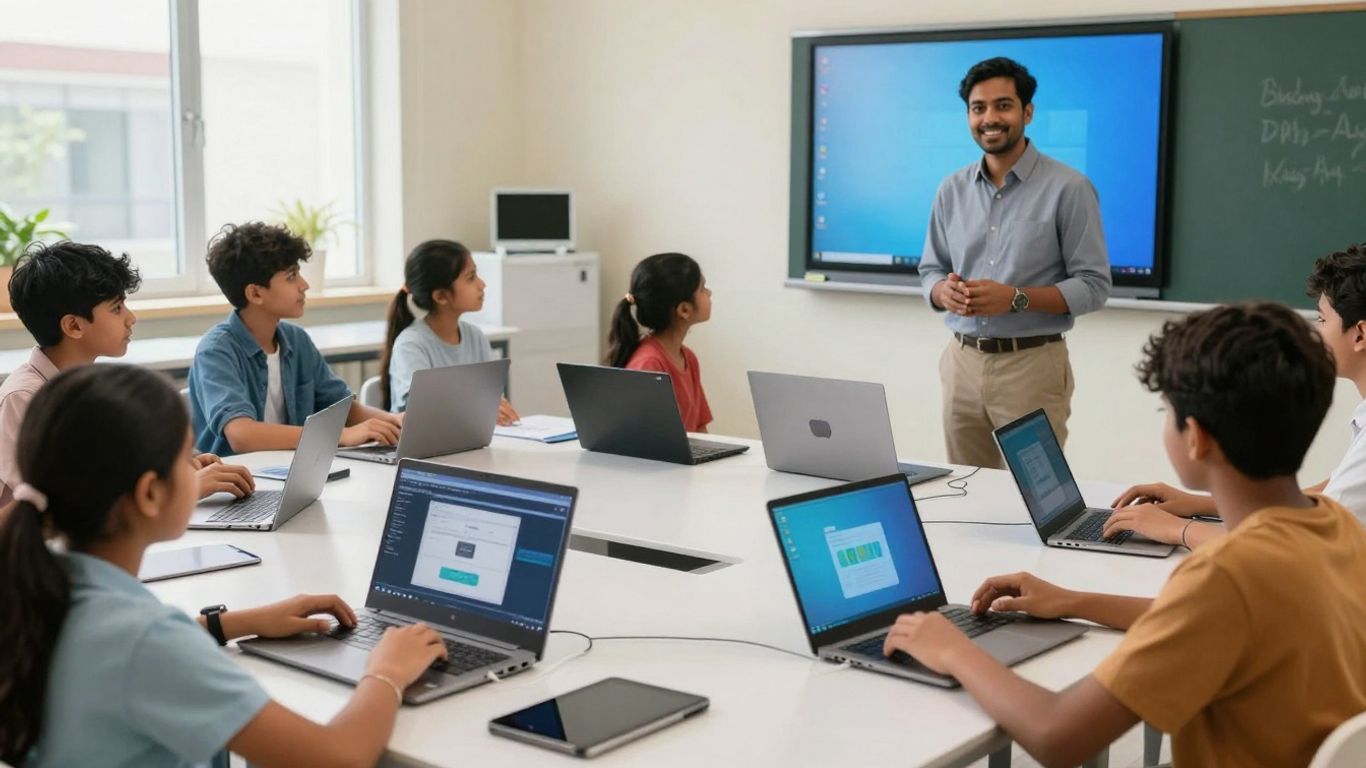
Keeping a classroom running smoothly and making sure everyone stays connected can feel like a juggling act. Thankfully, technology offers some really helpful ways to manage daily tasks and keep lines of communication open. These tools can take a lot of the administrative load off teachers, freeing them up to focus more on teaching and student interaction.
Centralizing Resources with Learning Management Systems
Learning Management Systems, or LMSs, act as a digital hub for everything related to a course. Think of it as a virtual classroom where teachers can post assignments, share reading materials, collect student work, and even keep track of grades. This organization is a big help for both teachers and students. Instead of hunting through emails or different folders, all the important course information is in one accessible place. Popular options like Google Classroom or Canvas are designed to be user-friendly, making it easier for schools to adopt them.
- Assignments and Grading: Easily create, distribute, and collect assignments. Many LMSs offer tools for digital grading and feedback.
- Resource Sharing: Upload and organize documents, links, videos, and other learning materials for students to access anytime.
- Communication Hub: Many LMSs include built-in messaging or announcement features to keep students and parents informed.
- Progress Tracking: Monitor student performance and identify areas where individuals might need extra support.
An effective LMS can significantly reduce the time spent on administrative tasks, allowing educators to dedicate more energy to instructional planning and direct student engagement. It creates a structured environment that supports consistent learning experiences.
Boosting Collaboration with Integrated Workspace Tools
Modern classrooms aren’t just about individual learning; they’re also about working together. Tools like Microsoft Teams for Education or Google Workspace provide shared digital spaces where students can collaborate on projects in real-time. This means multiple students can work on the same document, presentation, or spreadsheet simultaneously, seeing each other’s contributions as they happen. This kind of collaboration mirrors how many workplaces operate today, helping students develop important teamwork skills.
- Real-time Document Editing: Co-author documents, spreadsheets, and presentations with classmates.
- Shared File Storage: Keep all project-related files organized in a central, accessible location.
- Group Communication: Utilize chat or video conferencing features within the platform to discuss project ideas and progress.
Facilitating Communication Through Dedicated Platforms
Clear and consistent communication is key to a successful learning environment. Beyond the general LMS, there are platforms specifically designed to improve how teachers, students, and even parents connect. Tools like Remind or ClassDojo allow teachers to send quick updates, reminders about events, or share positive news about student achievements. These platforms often offer features like direct messaging, group announcements, and even translation services, making it easier to reach everyone in the school community, regardless of language barriers.
- Instant Announcements: Send messages to the entire class or specific groups quickly.
- Direct Messaging: Communicate privately with students or parents.
- Multilingual Support: Many platforms can translate messages, aiding communication with non-English speaking families.
- Event Reminders: Keep everyone informed about upcoming tests, field trips, or school events.
Empowering Creation and Personalized Learning
In today’s classrooms, giving students and teachers the tools to create and tailor their learning experiences is becoming more important. It’s not just about consuming information anymore; it’s about actively building knowledge and making learning fit each individual.
Developing Digital Content with Creative Tools
Teachers and students can now produce high-quality digital materials with ease. Tools like Canva for Education and Adobe Express let you design presentations, infographics, and even short videos that look professional. This moves beyond basic slideshows, allowing for more visual and interactive ways to share information. Think about students creating a digital poster to explain a historical event or a teacher designing a custom worksheet with interactive elements. It really opens up possibilities for showing what you know.
Personalizing Instruction with AI-Powered Assistants
Artificial intelligence is starting to play a big role in making education more personal. Tools such as MagicSchool.ai can help teachers by automating tasks like creating lesson plans, generating quiz questions, or even suggesting ways to help students who learn differently. This frees up teachers to spend more time working directly with students. For example, an AI assistant could quickly create a set of practice problems tailored to a student’s specific weak spots, something that would take a teacher a lot of time to do manually.
AI can also help identify learning gaps by looking at student performance data. It can then suggest specific resources to help students catch up. This targeted approach makes learning more efficient and helps students get better at different subjects.
Synthesizing Information with AI Research Tools
Dealing with a lot of information can be tough, especially for students. AI research tools, like Google’s NotebookLM, can help make sense of large amounts of text. These tools can automatically take notes, create summaries, and highlight key points from various sources. This helps students and teachers manage information overload and focus on understanding the core ideas. Imagine a student researching a science topic; an AI tool could pull together information from several articles and present a summary, making the research process much quicker and more focused.
Fostering Future-Ready Skills with Specialized Tools
In today’s rapidly changing world, equipping students with skills for the future is more important than ever. Specialized educational technology tools can play a big part in this. They help students learn coding, understand STEM concepts, and even express themselves creatively through new media.
Introducing Foundational Coding and STEM Education
Learning to code and engaging with Science, Technology, Engineering, and Mathematics (STEM) subjects used to be quite challenging. Now, digital platforms make these complex areas accessible and fun. Tools like Scratch, a visual programming language from MIT, allow younger students to create their own interactive stories, games, and animations. This approach demystifies coding by focusing on logic and problem-solving in a visual way. Similarly, platforms for robotics and engineering simulations bring abstract concepts to life, letting students experiment and build in virtual or physical environments. These experiences help develop critical thinking and technical abilities that are useful in many future careers.
Utilizing Video Platforms for Diverse Content Delivery
Video has become a primary way we consume information, and educational technology is adapting to this. Beyond just watching lectures, video platforms can be used to deliver content in many ways. Teachers can create short, focused video lessons, curate existing educational videos, or even have students produce their own video projects to demonstrate understanding. This variety caters to different learning styles and keeps students engaged. It’s a flexible method that can be used for explanations, demonstrations, or even virtual field trips.
Exploring Creative Expression with Short-Form Video
Short-form video, popularized by platforms like TikTok and Instagram Reels, is not just for entertainment. It’s also a powerful tool for creative expression and communication in education. Students can use these formats to create quick summaries of books, explain scientific processes, or present historical events in a dynamic way. This encourages them to think concisely and creatively about how to convey information. It also helps them develop digital literacy skills by understanding how to produce and share content responsibly.
These specialized tools are not just about learning new subjects; they are about developing a mindset of continuous learning and adaptation. They prepare students to be creators and problem-solvers in a world that constantly evolves.
Ensuring Accessibility and Inclusive Learning Environments
Making sure every student can learn is a big deal in today’s classrooms. Technology can really help here, opening doors for students who might otherwise struggle. It’s about creating a space where differences are supported, not seen as barriers. We’re talking about tools that help with reading, understanding, and even how students show what they know.
Implementing Tools for Enhanced Readability and Comprehension
Many students benefit from tools that make text easier to read and understand. Think about features like text-to-speech, which reads words aloud, or word prediction that helps with spelling. These aren’t just for students with diagnosed learning differences; they can help anyone who needs a little extra support with reading. Some tools can also adjust how text looks on the screen, like changing font size or spacing, which can make a huge difference for students with visual sensitivities or dyslexia.
- Text-to-Speech: Reads digital text aloud, helping with pronunciation and comprehension.
- Speech-to-Text: Allows students to dictate their thoughts, useful for those who find typing difficult.
- Reading Rulers/Masks: Helps focus attention on a single line or section of text.
- Picture Dictionaries: Provides visual support for understanding vocabulary.
Adapting Content for Diverse Learning Needs
Beyond just reading, technology allows us to adapt content in many ways. This means presenting information in formats that suit different learning styles. For example, a student might prefer to watch a video explanation instead of reading a long text. Or perhaps they can demonstrate their understanding through a recorded presentation rather than a written essay. The goal is to provide multiple ways for students to access information and show what they’ve learned.
Technology should be a bridge, not a barrier. When we choose and use tools thoughtfully, we can create learning environments where every student feels seen, supported, and capable of success.
Here’s a look at some popular tools that help make learning more accessible:
| Tool Name | Key Features | Primary Benefit |
|---|---|---|
| Read&Write | Text-to-speech, word prediction, dictionary, screen masking, voice notes | Supports reading, writing, and study skills |
| Microsoft Immersive Reader | Text-to-speech, translation, line focus, picture dictionary, read aloud | Improves reading comprehension and focus |
| Kurzweil 3000 | Text-to-speech, reading support, writing tools, translation, scanning capabilities | Comprehensive support for diverse learning needs |
Strategies for Effective Educational Technology Integration
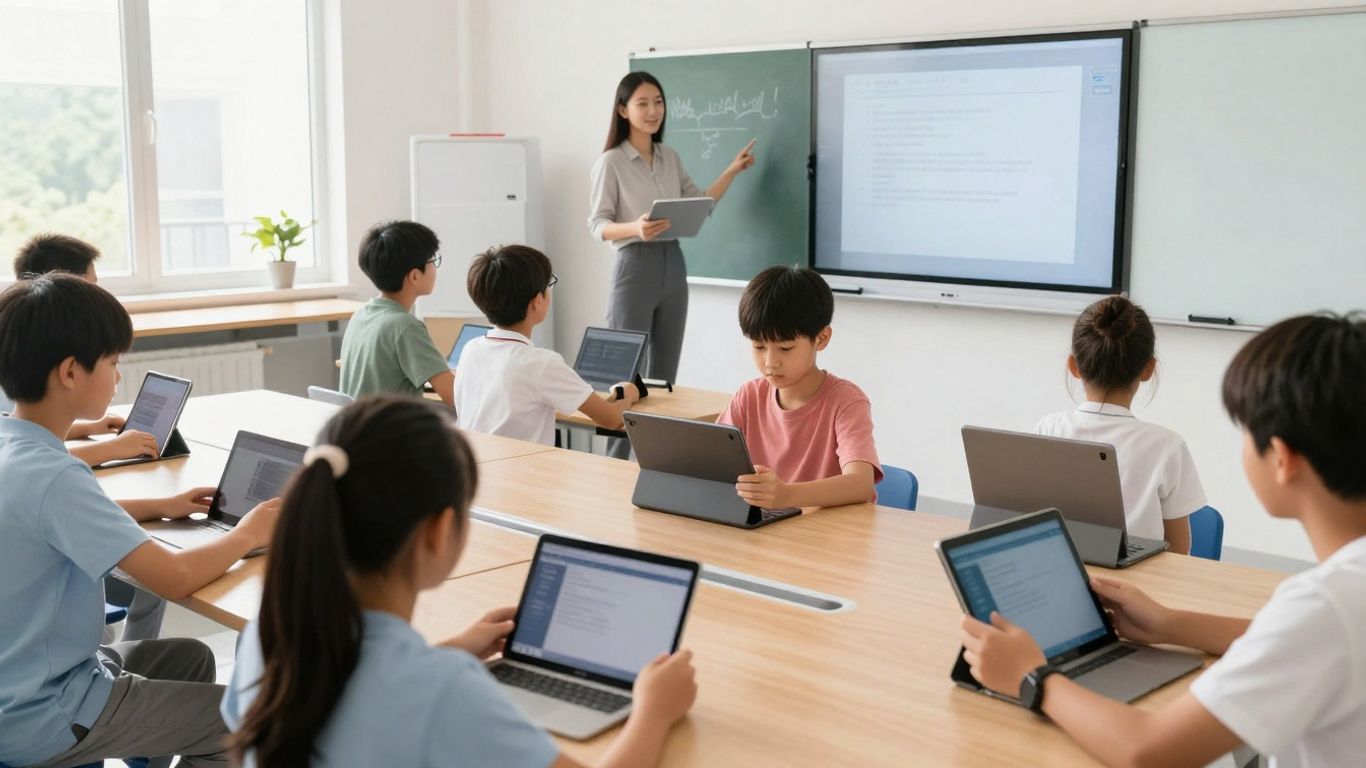
Bringing new technology into the classroom isn’t just about picking the latest gadget; it’s about making sure it actually helps students learn and makes teachers’ lives a bit easier. Think of it like adding a new tool to your toolbox – you wouldn’t just grab the first thing you see, right? You’d consider what job you need to do and which tool fits best. The same applies here.
Adopting a Gradual Approach to New Tool Implementation
Jumping into too many new tools at once can be overwhelming for everyone. A smarter way is to start small. Maybe introduce one new platform in a single department or a few classrooms. This allows you to work out any kinks and gather feedback before a wider rollout. It’s about building confidence and understanding step-by-step.
- Pilot new tools with a small group of educators and students.
- Collect feedback regularly to identify what’s working and what needs adjustment.
- Scale up successful implementations based on lessons learned.
This phased approach helps manage change and makes sure the technology aligns with actual classroom needs, rather than just being a shiny new object. It’s important to match tools to specific learning objectives, like using collaborative platforms for group projects or interactive quizzes for review sessions.
Prioritizing Professional Development for Educators
Simply giving teachers access to technology isn’t enough. They need to know how to use it effectively in their teaching practice. This means providing ongoing training that goes beyond basic operation. It should focus on pedagogical strategies for integrating technology to improve student outcomes. Think about how modern engineering teams face pressure to deliver rapidly; educators also need the right support to adapt to new digital demands [dc23].
Effective professional development helps educators feel confident and capable with new tools, allowing them to explore innovative ways to engage students and personalize learning experiences.
Measuring Technology Effectiveness Through Clear Goals
How do you know if a new tool is actually making a difference? You need to set clear goals from the start. What do you want to achieve? Better student engagement? Improved test scores? More efficient grading? Once you have these goals, you can track progress. This might involve looking at usage data, student performance metrics, or even qualitative feedback from students and teachers. It’s about understanding the impact and making informed decisions about which tools to keep, which to modify, and which to replace.
| Area of Measurement | Potential Metrics |
|---|---|
| Student Engagement | Time on task, participation rates, survey feedback |
| Learning Outcomes | Assessment scores, project completion rates, skill mastery |
| Teacher Efficiency | Time saved on administrative tasks, lesson planning time |
By setting measurable goals and regularly assessing the impact, schools can ensure that their technology investments are truly supporting their educational mission.
Looking Ahead
As we’ve seen, educational technology has really changed how we teach and learn. From interactive whiteboards to tools that help personalize lessons, there are so many ways to make classrooms more engaging and effective. It’s not just about using new gadgets; it’s about finding the right tools that fit your students’ needs and your teaching style. By carefully picking and using these resources, educators can create more dynamic learning experiences and better prepare students for the future. The journey with educational technology is ongoing, and staying curious and open to new possibilities will help us all make the most of what’s available.
Frequently Asked Questions
What kinds of tech tools are teachers using in classrooms today?
Teachers are using a lot of different tech tools! Think about learning platforms like Google Classroom that help organize everything. There are also interactive screens, like smart boards, that make lessons more lively. Tools like Kahoot! and Quizlet help teachers check if students are learning in fun ways. For working together, tools like Microsoft Teams are common. And to make lessons more interesting, teachers use things like Canva for creating graphics or Edpuzzle to add questions to videos. Even tools that help kids learn to code or use AI for research are becoming popular.
How is technology different from how teachers taught in the past?
In the old days, classrooms mostly had chalkboards and textbooks. Teachers would lecture, and students would take notes. Now, it’s much more interactive! Instead of chalkboards, we have smart boards. Instead of just books, we have videos, online games, and tools that let students explore topics themselves. Technology makes learning more colorful, engaging, and can be adjusted for each student’s needs, making it very different from the past.
What are the good things about using Learning Management Systems (LMS)?
Learning Management Systems, or LMS, are like a central hub for a class. They help teachers keep all their lessons, assignments, and grades in one place. This makes it super organized and easier for students to find what they need. Teachers can also give feedback faster, and it helps everyone in the class stay on the same page. It cuts down on a lot of paperwork and makes teaching and learning smoother.
How do smart boards make learning better?
Smart boards are like giant touch screens for the whole class. Teachers can show videos, draw on the screen, and use interactive activities. Students can even come up and participate directly! This makes lessons more exciting and helps everyone understand the material better because it’s visual and hands-on, not just listening.
What part do tools like Kahoot! play in checking understanding?
Tools like Kahoot! are great for quick checks on what students have learned. They turn quizzes into games, which makes studying more fun. Teachers can see right away who understands the material and who might need extra help. It’s a fast and engaging way to see if the lesson is sinking in without feeling like a scary test.
How can tools that help people work together improve how students and teachers communicate?
When students and teachers use tools designed for teamwork, like Microsoft Teams or Google Workspace, it makes sharing ideas and getting help much easier. Students can work on projects together, even if they aren’t in the same room. Teachers can easily share files, give feedback, and answer questions. This open line of communication helps build a stronger connection and makes sure everyone feels supported.

Peyman Khosravani is a seasoned expert in blockchain, digital transformation, and emerging technologies, with a strong focus on innovation in finance, business, and marketing. With a robust background in blockchain and decentralized finance (DeFi), Peyman has successfully guided global organizations in refining digital strategies and optimizing data-driven decision-making. His work emphasizes leveraging technology for societal impact, focusing on fairness, justice, and transparency. A passionate advocate for the transformative power of digital tools, Peyman’s expertise spans across helping startups and established businesses navigate digital landscapes, drive growth, and stay ahead of industry trends. His insights into analytics and communication empower companies to effectively connect with customers and harness data to fuel their success in an ever-evolving digital world.