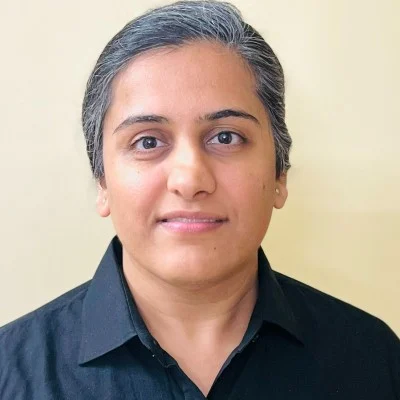
We’ve all been there – you take what feels like the perfect shot, only to notice awkward shadows, skin texture issues, or an unflattering angle when you review it later. The good news? Most portrait problems are surprisingly easy to fix, and you don’t need expensive software or hours of editing time.
Whether you’re capturing memories with friends or building your social media presence, knowing how to quickly improve your portraits makes all the difference. Professional tools like faceedit features in RetouchMe can transform a good photo into a stunning one in under a minute, giving you studio-quality results right from your phone.
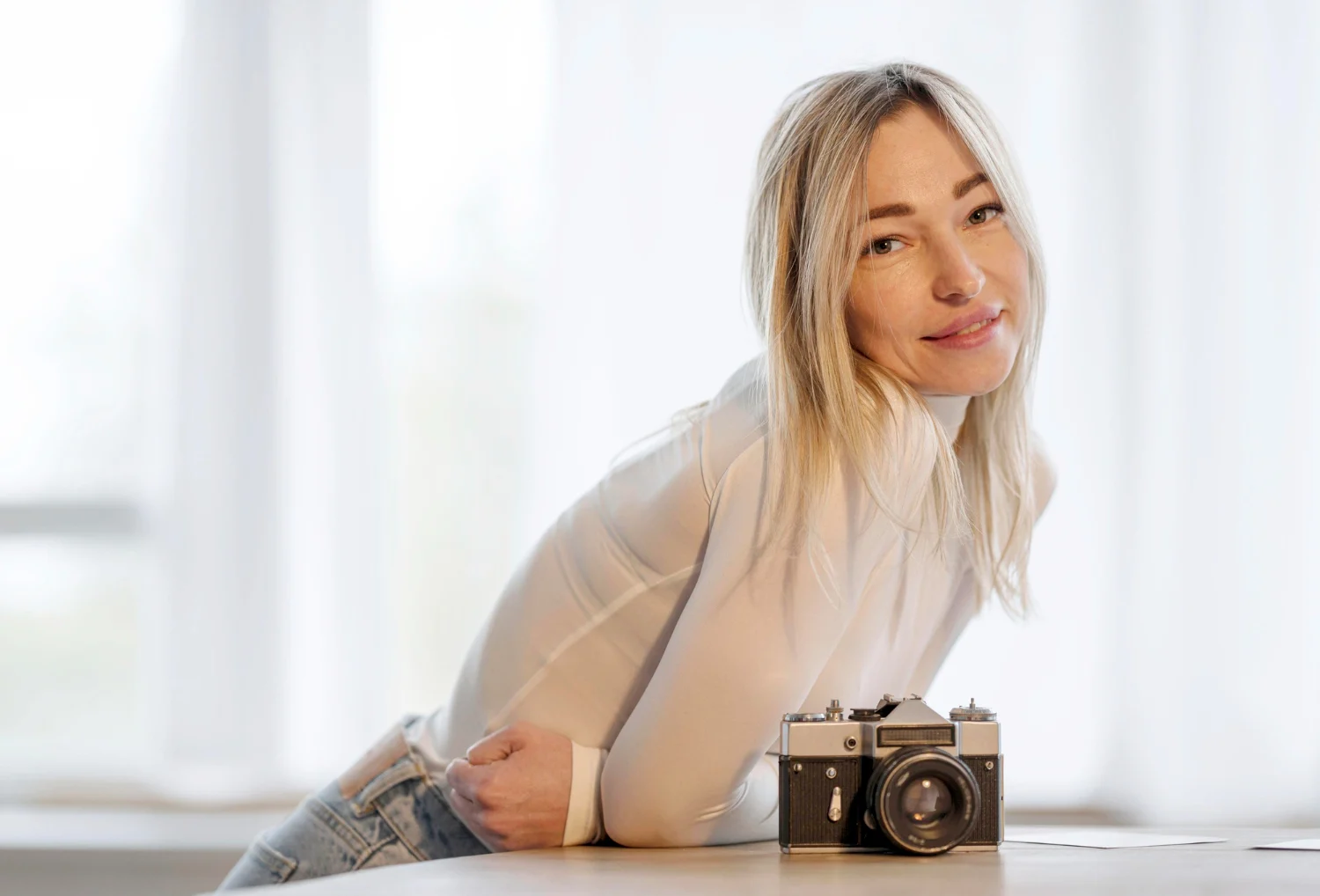
Harsh Shadows Stealing the Show
Direct sunlight or overhead lighting creates unflattering shadows under your eyes, nose, and chin. These dark patches can age you or make you look tired, even when you’re feeling your best. Instead of accepting them, use the shadow correction tool to soften harsh lines instantly. For future shots, try positioning yourself near a window with indirect light or shoot during golden hour—that magical time right after sunrise or before sunset when light is naturally flattering.
The Dreaded Double Chin
Camera angles can be brutal. Holding your phone too low forces an unflattering upward perspective that emph asizes your neck and chin area. While repositioning helps (slightly above eye level works best), you can also use face reshaping tools to subtly refine your jawline and create a more flattering contour in seconds.
Skin Texture Overload
Phone cameras capture every pore and blemish in high definition. Rather than applying heavy filters that make you look plastic, use targeted skin smoothing that maintains natural texture while evening out tone and reducing temporary imperfections like breakouts or redness. The goal is to look like yourself on your best day, not like a completely different person.
Background Chaos
A cluttered background pulls focus from your face. If you can’t reshoot, use background blur tools to create that professional depth-of-field effect. This simple adjustment makes you the clear focal point without looking artificially cut out.
Color and Tone Issues
Sometimes your skin looks too orange, too pale, or has an odd color cast from artificial lighting. Quick color correction adjusts warmth and brightness to match natural skin tones, making your portrait look professionally balanced.
Red Eye Ruining the Moment
Flash photography in dim conditions causes that demonic red-eye effect. One tap with a red-eye removal tool eliminates it completely, restoring natural-looking eyes to your portrait.
Uneven Lighting
Mixed lighting sources create patches of different colors across your face. Exposure and tone adjustments even out these inconsistencies, giving your portrait a cohesive, professional look.
Perfect portraits don’t require perfect conditions—just smart editing that takes seconds. With the right tools in your pocket, every photo can look its best before you share it with the world. Remember, the goal isn’t to completely change how you look, but to present yourself confidently and authentically.