Accounting firms process accounting information on a daily basis. They perform activities like preparing tax filings, handling payroll information, costing, closing monthly accounts, and more. All of this requires reliable software and secure access to files of clients. Moreover, staff members have to be available at the office, from home, or somewhere else.
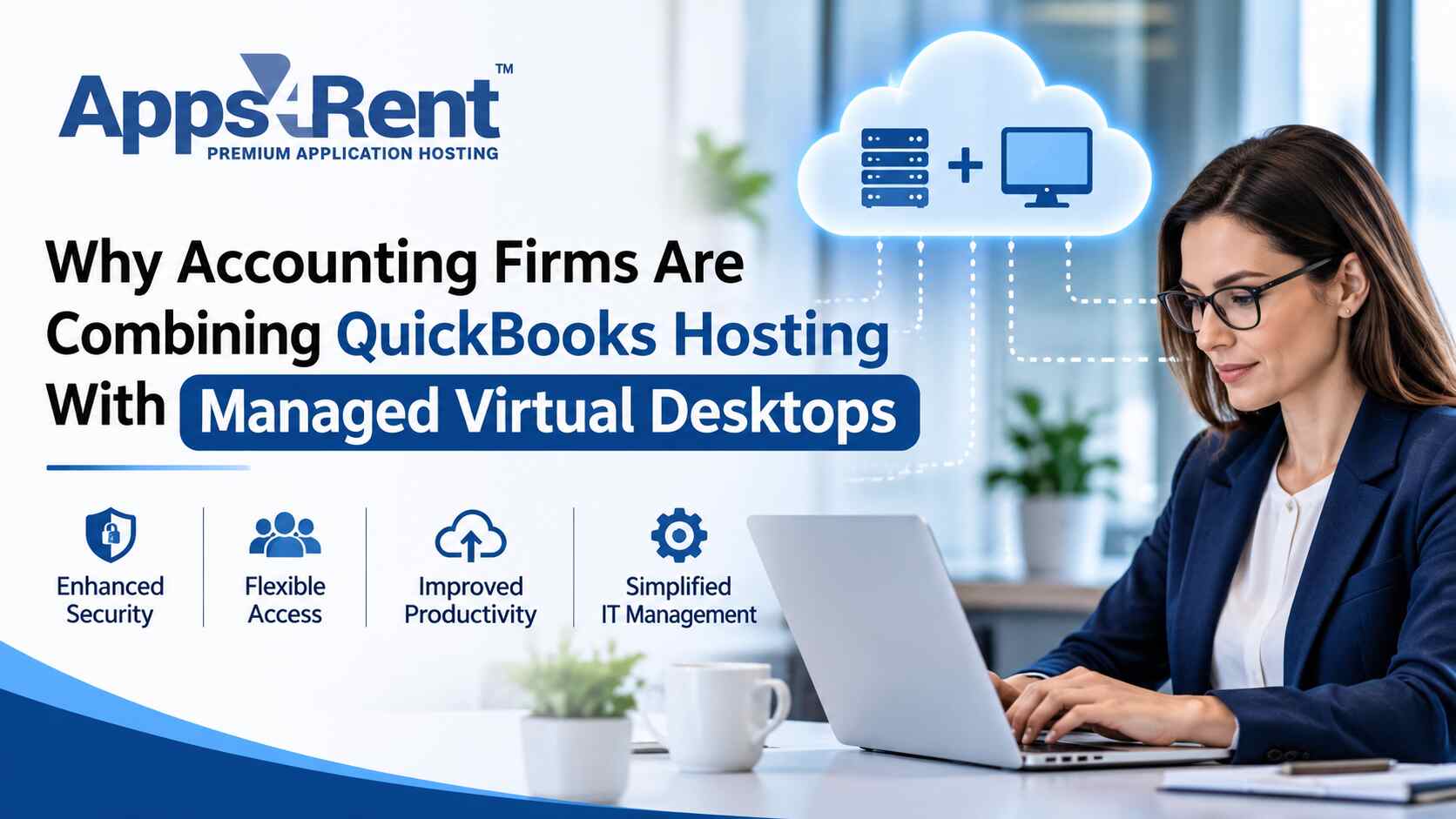
Hosted QuickBooks allows you to access and use your accounting software remotely through a cloud server. Using a managed virtual desktop allows you to have an entire desktop environment on the remote server, including your software applications, files, and all other work-related settings.
Both these services can be used together for streamlining daily tasks. This way, you will have complete control over user access, software management, and security settings.
What is QuickBooks Hosting?
QuickBooks Hosting is where your accounting program is hosted on a remote server. In other words, you use it via the internet instead of relying on a single local computer. You are going to be able to work on your company files on an authorized device.
This can be useful if multiple accountants have to access the same account. Hosting can also be beneficial to distributed teams.
For instance, one accountant may be working with a customer’s ledger while another creates a report. A proper hosting solution can provide access to both users for the necessary files. This depends on your software version, plan, and user settings.
Hosting can also minimize the necessity to save all work-related files on each computer. This will be managed by the hosting company for you. However, you need to know how backups are done and who has access to your information.
Why Add a Managed Virtual Desktop?
Your accounting software may not be the only tool your staff needs. They may also use spreadsheets, tax software, PDF readers, and tools for office documents.
A managed virtual desktop gives each user a remote desktop. It can include approved apps, work files, and security settings. Staff can use this desktop from a supported computer.
A virtual computer online setup keeps many work tools in one place. Staff can sign in from an approved device without saving every work file on that device.
This setup can also make IT work easier. Your IT team can manage apps, install updates, and set user rules from one place. The exact services will depend on your provider and plan.
5 Reasons Accounting Firms Combine Both Services
Using QuickBooks Hosting with managed virtual desktops can help your accounting firm handle daily tasks with less hassle. It gives your team a common work setup and helps you manage access to files and apps. Here are five reasons to consider using both services together.
1. A Consistent Work Setup
Employees might be using different types of computers that have different software installed with different versions and configurations.
In a managed desktop environment, employees have a uniform computer environment, which means that your IT team will know what apps the staff is allowed to use and how the configuration of such apps should look like.
As a result, your IT department will be able to solve fewer computer-related issues and focus on managing client accounts.
2. Easy Access for Remote Staff
Your employees may be working at the office, at home, or in your clients’ offices. Transfer of files through devices may slow down productivity. It may also cause secure files to be stored in an unauthorized location.
The online virtual desktop allows authorized personnel access to their tools through an identical desktop configuration. They will log in through the authorized device and access their identical desktop configuration.
Remote work still requires a good internet connection. You must also ensure you have policies regarding authorized devices, authorized users, and remote access.
3. Better Control over Financial Data
The accounting file may contain information regarding taxes, bank accounts, payroll, and customer contacts. It is necessary to have clear policies about who can view and edit these files.
Role-based access control (RBAC) could be used with managed desktops. It means that the access is granted to users based on their roles. For instance, a payroll employee requires access only to payroll files, not all customer contacts.
Multi-factor authentication (MFA) could also be used as a tool to enhance security. MFA introduces additional authentication steps during login process. It may require a user to input an extra code or to receive an approval message to a trusted device
Other useful tools include:
- Session timeouts: These sign users out after a set period of no activity.
- Access logs: These record who signs in and what access takes place.
- Encryption: This helps protect data from being read by others.
- File controls: These can limit copying files to local devices.
These tools need the right settings and regular checks. Hosting alone does not keep your data safe.
4. Easier Software and User Management
Your firm may hire extra staff during tax season. You may also need to change access when someone leaves or takes on a new role.
A managed desktop can make these tasks simpler. An administrator can create accounts, set permissions, and install approved apps from one place.
Your provider may also manage server care and software updates. Before you choose a plan, ask which tasks the provider handles. You should also know which tasks your own team must manage.
5. Minimized Work Disruption
In case of a computer crash, all work is brought to a halt if software and files are available on that particular computer only. Hosting could lower your dependence on individual computers.
Nevertheless, you have to develop a plan to deal with such issues. Ask questions regarding the backup frequency, file restoration, server availability and support availability.
It is useless to have a backup system that cannot be restored when the files are needed. Ask how often the provider tests the file restoration process. This will help your firm be prepared for computer failures and lost files.
What Are the Things to Check Prior to Choosing a System?
Hosted accounting software combined with managed desktops may fit most firms. However, there are some things that must be checked prior to choosing one.
Consider the following:
- Software Support: Ensure that your accounting software and other programs will run in that setup.
- User Access: Find out how many users can log into the system at any given time.
- Speed: Check the memory, processing power, and storage your team will need. Large files and reports may need more resources.
- Internet access: Test the connection at each work location. A slow connection can delay tasks.
- Security: Ask about MFA, encryption, access logs, antivirus tools, and user controls.
- Backups: Find out how often backups run, and how files can be restored.
- Support: Check support hours, response times, and how to report a problem.
These checks can help you choose a setup that fits your daily work.
Understanding QuickBooks hosting Pricing
The QuickBooks hosting pricing will be dependent on your business requirements and the type of hosting package that you have chosen. The monthly cost could fluctuate depending on the user number, server specifications, storage and support services.
The basic package might cover the hosting services and remote access services only. The comprehensive package could also cover additional features such as hosted virtual desktops, software implementation, security, backup and support services which may raise the monthly cost but will help in reducing the IT staff workload within your organization.
Before making your selection of a service provider, please consider the following costs:
- Monthly hosting cost: The monthly cost for the hosting of QuickBooks on the remote server.
- User cost: Additional costs will be applicable in case additional users have been requested.
- Virtual desktop cost: Check whether there will be any additional cost for virtual desktop access.
- Software licence cost: Check whether your existing software license covers your new installation.
- Storage and server specification cost: Check the cost of any additional storage and server resources.
- Support and backups: Confirm whether technical help, data backups, and file recovery are included.
- Setup and migration: Ask if you must pay extra to install software or move your company files.
QuickBooks hosting Pricing can also change as your firm grows. You may need more user accounts, storage, or server power during tax season. Ask the provider about upgrade costs and any extra fees before you sign up.
Compare the full monthly cost, not just the starting price. A clear quote should show what is included, what costs extra, and how the price may change as your needs grow.
How to Plan for the Migration
Begin by identifying all apps and files used daily by your team along with those specific employees who need such programs and any additional considerations.
Secondly, test out the system with a few selected people. Check for accessibility of files, and remote sign-in. Ensure that staff members are able to perform their regular tasks before migration.
It would be wise to plan migration according to your accounting calendar in order to avoid changing essential systems during important deadlines. Always ensure that your files are backed up and have a recovery plan before migration. Training for sign-in, file handling and end of remote session must be given to your staff. This can be done in the form of a brief guide.
Conclusion
Combining hosted accounting software with managed virtual desktops could provide you with an option to ensure consistency within your company. This solution may allow you to give remote employees access to the tools, manage users better, and protect your data.
It is important to remember about proper security settings, backups, and support. Please evaluate software support, recovery options, and the total price before selecting a vendor.
Apps4Rent provides hosted and cloud solutions for business organizations. Visit the Apps4Rent website to get information on services and discuss possible solutions for your accounting firm.