
Heavy-duty commercial printing gear sits at the center of busy operations where speed, accuracy, and uptime matter. A small office printer cannot keep up with warehouses, factories, labs, hospitals, distribution centers, and field teams that print all day. Commercial equipment has to handle thick media, long runs, harsh environments, and strict compliance needs without constant repairs.
Buying the wrong machine creates bottlenecks. Labels smear, barcodes fail to scan, and teams waste time reprinting jobs. The right setup supports consistent output, predictable costs, and easier maintenance. If you plan to invest in new gear, focus on features that protect quality and keep work moving.

Print Engine Performance And Build Quality
Look closely at the print engine, since it sets the ceiling for speed and clarity. A strong chassis, stable rollers, and reliable motors reduce jams and keep alignment tight during long runs. It’s important to note that industrial label printers often stand out for their rigid frames, heavy-duty components, and ability to push consistent results across thousands of prints.
Check the duty cycle and the rated throughput. Vendors may list speed in inches per second, yet that number means little if the printer overheats or requires frequent cooldowns. Seek models designed for continuous production, with cooling that supports long sessions and internal parts rated for industrial wear.
Media Handling And Label Compatibility
Commercial printing gear should support the media your operation uses now and what you might adopt later. Verify the maximum label width, minimum label size, and supported thickness range. If you print tags, heat-shrink, reflective stock, or chemical-resistant material, confirm compatibility in writing.
Pay attention to how the machine manages rolls and ribbons. A wide roll capacity reduces changeovers, which saves time in high-volume settings. A sturdy media path with adjustable guides keeps labels straight and improves barcode quality. If your team prints different label sizes each day, fast calibration and easy media swaps are a must.
Connectivity And Integration With Your Systems
Your printer should fit into your environment without fragile workarounds. Check for Ethernet, Wi-Fi, Bluetooth, and USB based on where the printer will live. In warehouses, wired Ethernet supports stable performance and central management. In field work or mobile carts, Wi-Fi or Bluetooth can make more sense.
Integration features matter for accuracy. Support for common printer languages and drivers can reduce setup time. ZPL, EPL, DPL, and standard Windows drivers can affect how easily you connect with WMS, ERP, and label design tools. If you rely on SAP, Oracle, or custom systems, confirm that the printer can accept the formats and commands you already use.
Look for options that support remote management. A web dashboard, fleet monitoring, and status alerts can reduce downtime, since you can spot low media, errors, and performance issues before they stop a line.
Barcode, RFID, And Compliance Capabilities
If your labels carry barcodes, scanning performance is the real test. A printer can output a barcode that looks fine to the eye, yet scanners reject it if contrast, quiet zones, or alignment fall short. Choose gear that can hold calibration across long runs, since drift can ruin thousands of labels in a day.
If RFID matters, confirm that the printer supports the tag types you need, along with encoding standards used in your industry. RFID-enabled printers can combine printing and encoding, which can simplify workflows and reduce manual steps. Verify that the machine can validate encodes, not just write them.
Compliance features may drive the decision in regulated environments. Labs and healthcare teams often need durable, legible labels that survive cold storage, sterilization, and chemical exposure. Food production may require specific materials and traceability. A printer that supports validation reports and controlled settings can make audits easier.
Durability In Harsh Environments
Commercial printing gear often lives where dust, vibration, and temperature swings are normal. If your equipment sits on a factory floor, look for sealed buttons, protected ports, and construction that handles grime. Metal enclosures often hold up better than thin plastic.
Check the operating temperature and humidity range. If your labels print in cold rooms or near loading bays, a printer rated only for office conditions may fail. In tough spots, a printer designed for industrial settings can reduce mechanical wear and keep printheads in better shape.
If you print outdoors or in vehicles, consider units designed for mobile or rugged use. Shock resistance, secure mounts, and stable power options matter more than flashy screens.
Maintenance, Serviceability, And Total Cost Of Ownership
A commercial printer is only as good as its uptime. Look for tool-free access to the printhead, rollers, and sensors. Easy cleaning and straightforward part swaps keep minor issues from turning into service calls.
Printhead life affects long-term cost. Some machines support lower pressure settings and smarter heat control, which can extend printhead lifespan. Ask about printhead warranty terms and replacement pricing.
Consumables cost can surprise teams. Compare ribbon types, label stock requirements, and proprietary cartridge systems. A printer that locks you into expensive consumables can raise costs fast, even if the upfront price looks attractive.
Service and support should match the pace of your operation. A vendor with fast parts delivery and clear documentation can save days of downtime. If you run multiple sites, confirm that support coverage fits each location.
Software, User Experience, And Error Prevention
A strong printer can still fail if the interface slows your team down. Look for clear status indicators, easy navigation, and simple error messages. A readable display can help operators fix jams and misfeeds without calling a supervisor.
Software features can prevent mistakes. Job preview, label counters, and user permissions reduce wasted stock. In some settings, preset profiles for media types can keep output consistent across shifts.
If you rely on label design software, confirm smooth compatibility. Some printers work best with specific platforms, while others are more flexible. Pick a setup that your team can maintain without fragile custom scripts.
Security And Fleet Management
Printers sit on networks, which means they can become entry points if left unmanaged. Look for secure boot options, firmware signing, and access controls. If your IT team manages devices centrally, confirm that your printers can fit into that system with standard tools.
Fleet management features help when you run multiple printers. Central configuration, firmware updates, and usage reporting make it easier to control costs and keep settings consistent across sites.
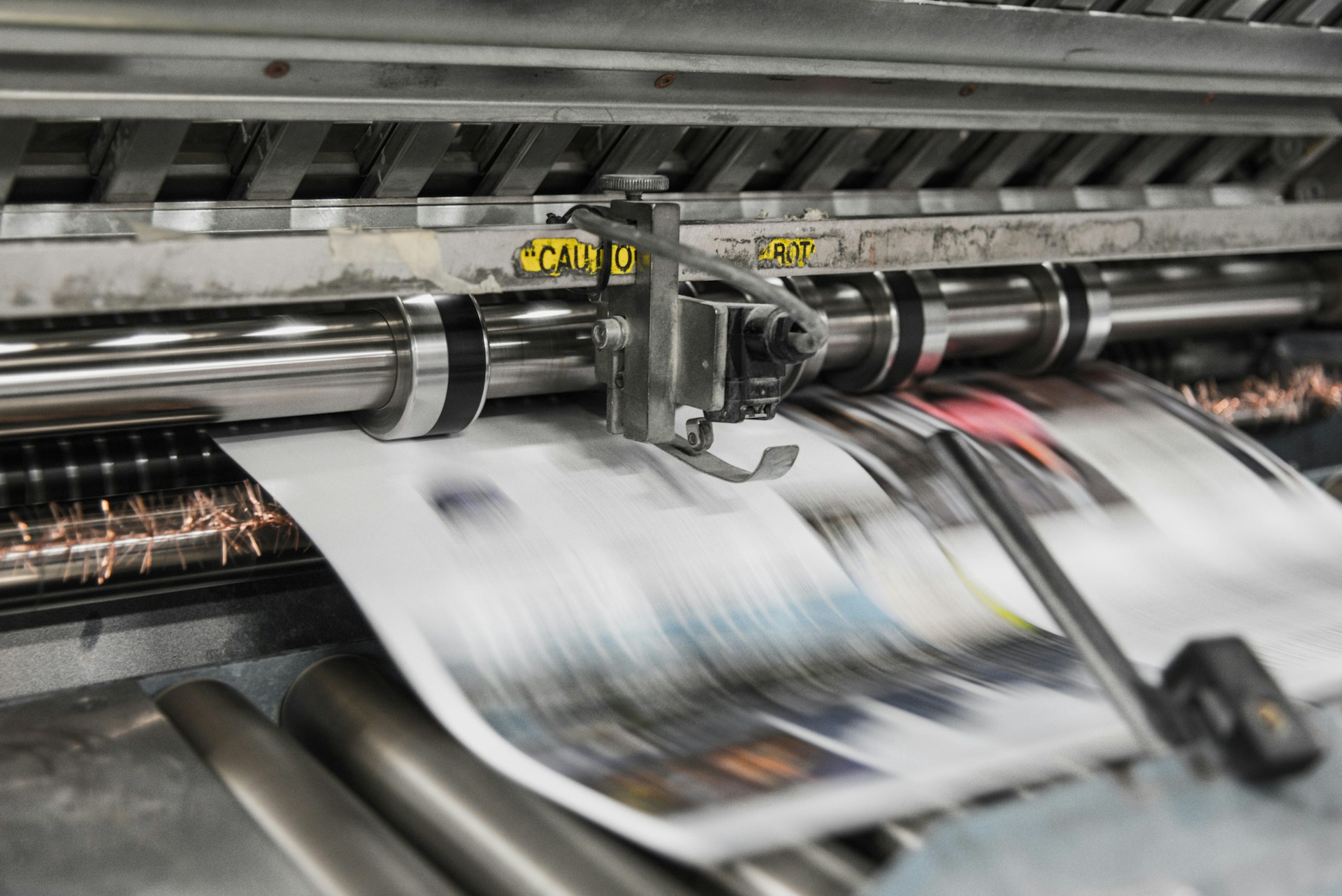
Heavy duty commercial printing gear should deliver consistent output, handle your media with ease, and stay reliable during long runs. Focus on print engine strength, media compatibility, integration, barcode quality, durability, and serviceability. When you choose equipment with strong maintenance features and predictable operating costs, your team spends less time troubleshooting and more time producing labels that scan, stick, and last.

A dad of 3 kids and a keen writer covering a range of topics such as Internet marketing, SEO and more! When not writing, he’s found behind a drum kit.