Inaccessible websites actively turn away customers and expose businesses to rising legal action. The Click-Away Pound Report estimates that UK online retailers lose £17.1 billion annually because disabled users abandon sites that do not work for them. This piece covers what that revenue loss looks like in practice, why the legal risk is accelerating, and what a structured response to both problems looks like.
Why do inaccessible websites cost businesses revenue?
The Click-Away Pound Report estimates £17.1 billion in lost UK online retail sales annually. The cause is consistent: websites that fail disabled users push those users to competitors. Approximately 1.3 billion people globally live with some form of disability, according to the World Health Organisation. Many rely on screen readers, keyboard navigation, or adjusted contrast settings to access content online.
Businesses running accessibility compliance monitoring know exactly which pages are failing these users. Businesses without it are losing revenue from failures they cannot see.
The failure rate is not marginal. The WebAIM Million 2025 report found that 94.8% of home pages tested contained detectable WCAG failures. Missing image descriptions, low colour contrast, and unlabelled form fields are the most common. Each one is a point where a user with a disability hits a barrier and leaves.
The commercial logic is direct. A site that works for everyone converts more visitors than one that works for most. Accessibility is not a compliance cost. It is a conversion variable that most businesses are not measuring.
What is the legal risk of an inaccessible website in 2026?
Federal ADA Title III filings reached 8,800 in 2024, based on the analysis from the law firm Seyfarth Shaw. Defendants span every sector. Retailers, healthcare providers, financial services firms, and hospitality businesses have all faced claims. The common factor is not industry or size. It is the absence of any documented accessibility programme at the time the claim was filed.
Courts do not require perfect websites. They look for evidence that an organisation took accessibility seriously. An organisation with regular scans, tracked issues, and a published accessibility statement presents a fundamentally different profile from one receiving its first notification that a problem exists.
The European Accessibility Act adds a parallel obligation for businesses serving EU customers. It became enforceable on 28 June 2025. It requires WCAG 2.1 AA conformance via EN 301 549, a published accessibility statement, and a user complaint mechanism. France saw its first formal enforcement actions shortly after the deadline. US businesses with European customers are within scope regardless of where they are incorporated.
What does an inaccessible website look like to a disabled user?
Screen reader users navigate by headings, links, and form labels. A page without proper heading structure forces them to listen to every element on the page sequentially. A form without labelled fields presents unlabelled inputs they cannot interpret.
Keyboard-only users cannot use a mouse. A site where interactive elements are only accessible by clicking excludes them entirely. Focus indicators show keyboard users where they are on a page. Removing them for aesthetic reasons makes the site unnavigable for this audience.
Users with low vision adjust contrast, text size, and spacing. A site that breaks under these adjustments fails them. A site using contrast ratios below the WCAG 4.5:1 minimum for standard text is failing a significant proportion of its audience on every visit.
These are not edge cases. They are the most commonly cited failures in ADA website complaints. They are also the failures most consistently flagged by automated scanning tools. That means they are the easiest to identify and the hardest to excuse.
How do businesses build a defensible accessibility programme?
A defensible accessibility programme has three components: It identifies what is broken. It remediates systematically. It maintains a dated record of both.
The identification step starts with a baseline scan. Automated scanning against WCAG 2.2 identifies the majority of detectable failures across page structure, colour contrast, image descriptions, form labels, and interactive elements. The scan produces a prioritised list. Blocking failures come first. These are the failures that prevent assistive technology users from navigating the site at all. Lower-severity issues follow in subsequent cycles.
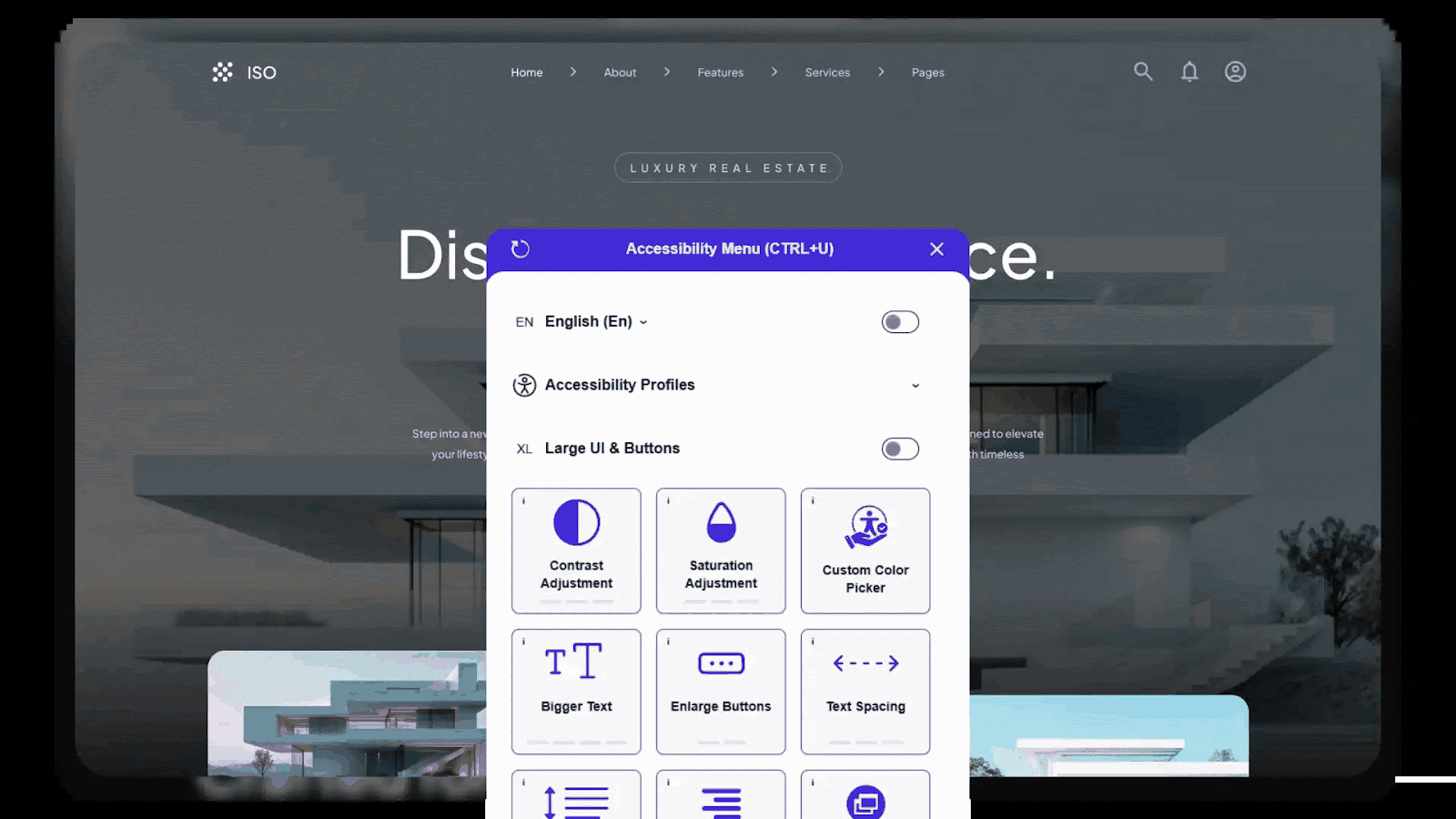
Welcoming Web is a web accessibility platform that helps businesses identify, monitor, and resolve digital accessibility issues on their websites. It combines automated scanning against WCAG 2.2, ADA Title III, and EN 301 549 with an accessibility widget that gives each site visitor direct control over how the site renders for them. Scan results feed into a monitored dashboard of open and resolved issues. Reports export in PDF for compliance documentation. No developer pipeline is required to deploy it.
Websites change. New content is published, platform updates are applied, and new pages are built. A scan run once and not repeated is not a compliance programme. It is a snapshot that becomes outdated the moment the next content update goes live. Keeping the remediation step ongoing is essential.
The documentation step is what separates organisations that weather legal challenges from those that do not. A dated record of scans, resolved issues, and active remediation effort is the evidence that courts and regulators examine when evaluating an organisation’s response to an accessibility complaint.
What should businesses do first?
The lowest-cost first step is a baseline accessibility scan against global standards like WCAG 2.2. It takes sixty seconds and produces a factual view of which issues exist, how many, on which pages, and how severe they are. Without a baseline, any accessibility investment is arbitrary. Teams do not know what they are fixing or whether the fixes are working.
From the baseline, the sequence is clear. Blocking failures come first. Absent keyboard navigation, missing form labels, and screen reader incompatibility are addressed before lower-severity items. The compliance record starts building from day one of that process.
The businesses most exposed to ADA litigation are those that have never looked. The businesses best positioned to defend themselves are those that looked early, documented what they found, and kept working on it.