If accurate product footage already exists, video-to-video AI is usually the better choice because it can reuse the filmed action and camera movement. Image-to-video is more useful when an approved still is the stronger asset and motion must be created from it. This comparison explains how input quality, product accuracy, motion control and review work should determine the workflow for a small team.
Should You Use Video-to-Video AI When Product Footage Already Exists?
Use video to video AI tool when the existing footage contains the correct product, action and camera movement and mainly needs a new visual style. It preserves more of the production work already completed.
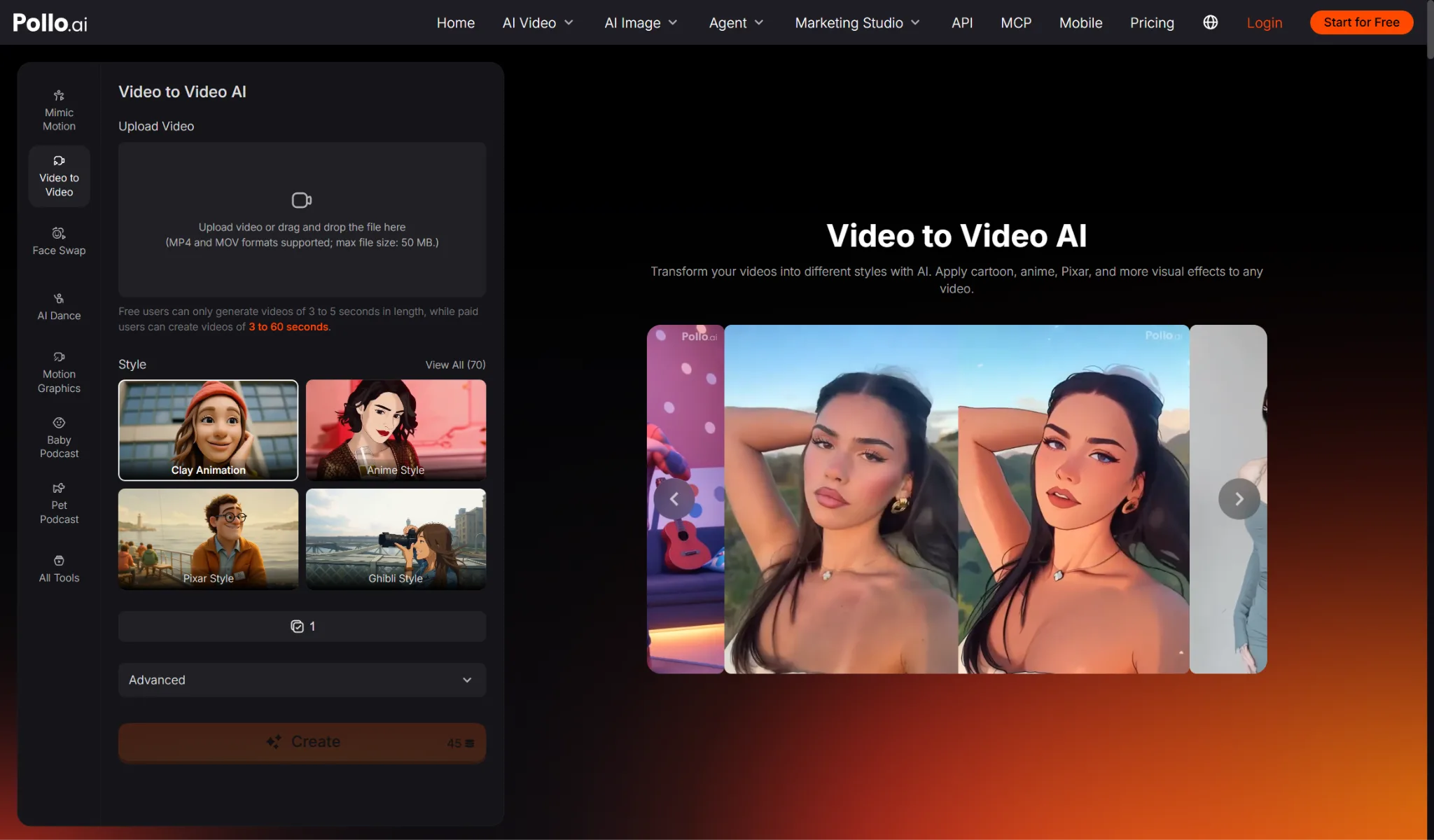
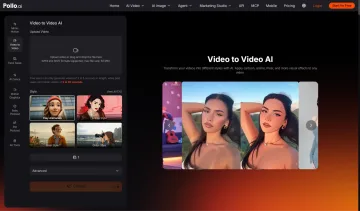
A small team can choose video to video to transform the look of an uploaded product clip while using its motion and scene structure as guidance. Pollo AI can apply a preset style or prompt-led direction and lets the user target the subject, background or complete video. This is useful when the demonstration works but the campaign needs a different mood, medium or seasonal treatment.
When Is Image-to-Video AI Better for Product Content?
Image-to-video is better when the approved still is more accurate than the available footage or when the team needs a new short movement built around a fixed product view. The image becomes the visual starting point.
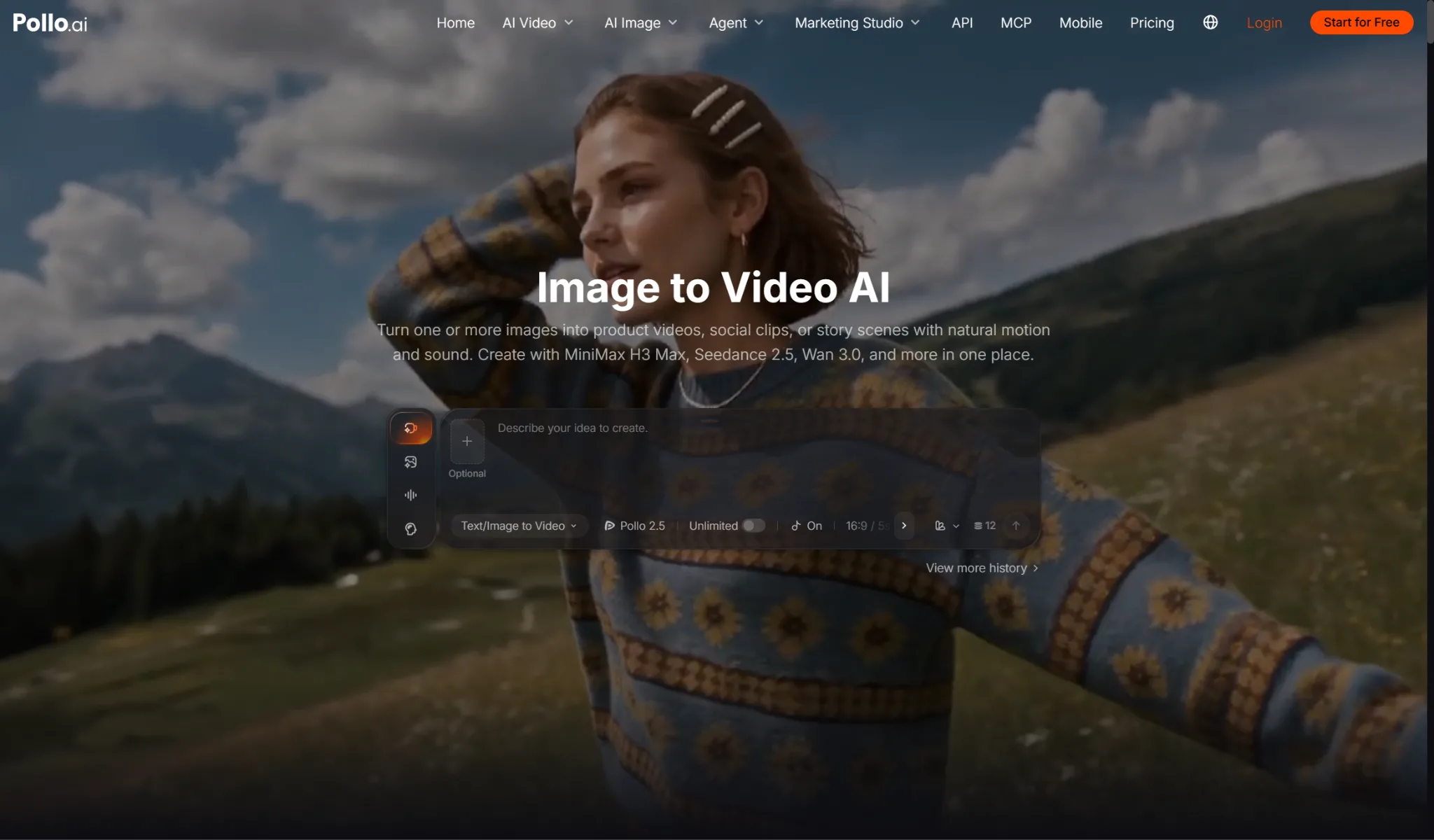
If the product video is blurry, outdated or shows the wrong packaging, it is often safer to animate an approved product image with image to video AI rather than restyling inaccurate footage. The still can protect the opening appearance, but the generated motion, new angles and hidden parts of the product still require review.
| Decision factor | Image-to-video | Video-to-video |
| Starting asset | Approved still image | Existing product footage |
| Motion | Generated from instructions | Guided by source movement |
| Best strength | Protects the starting composition | Reuses action and camera work |
| Main risk | Invented unseen product details | Source errors carry into the result |
| Typical use | Short reveal or social motion | Restyled demo, ad or campaign variation |
How Should Small Teams Choose Between the Two Workflows?
Choose the workflow whose input already contains the most difficult detail to reproduce accurately. Use this decision order.
1. Check product truth. Compare the still and video with current packaging, colour, dimensions, accessories and approved claims. Remove any outdated asset from consideration.
2. Identify the missing element. If motion is missing, start from the image. If style is missing but motion works, start from the video.
3. Decide what customers must inspect. A product with important labels or controls may benefit from the clearer approved still, while a wearable or moving item may need the filmed interaction.
4. Test the hardest moment. For image-to-video, test the largest camera or object movement. For video-to-video, test the fastest action and most complex product contact.
5. Count review work, not only generation time. Include prompt revisions, rejected outputs, product checks, editing and approval when comparing the workflows.
6. Keep the stronger result as the master. Create platform crops and captions from one approved source instead of allowing two inconsistent versions to define the campaign.
Can You Combine Image-to-Video and Video-to-Video AI?
Yes, but each stage should solve a different problem and the product must be reviewed after both transformations. A longer pipeline creates more opportunities for drift.
A team might animate an approved hero image, then use video-to-video AI to apply a consistent campaign style. That can work for a short reveal when no suitable footage exists. Keep the first motion simple, approve the product, and then apply a restrained restyle. If the second stage changes labels, geometry or materials, return to the clean animated version rather than stacking more transformations.
The reverse order is rarely useful because a restyled video is already motion content; turning one of its frames back into a new animated source usually discards the movement the team worked to preserve. Keep each stage accountable to one task. Image-to-video should create the missing motion, while video-to-video should change the visual treatment. Naming the purpose of every stage makes it easier to remove a transformation that adds risk without adding information the audience needs.
What Product Content Should Not Be Generated from a Still?
Avoid relying on a still when the video must prove a precise mechanism, safety step, fit or physical result that the image does not contain. Generated motion should not replace evidence.
Film or use verified footage for assembly instructions, regulated products, measurements, before-and-after claims and interactions where timing matters. Image-to-video can support mood and attention, but it cannot confirm how a real product operates. Video-to-video can preserve existing proof only if the source is correct and the restyle does not obscure it. Commercial review should always begin with the audience’s decision, not the available AI effect.
FAQs About Image-to-Video and Video-to-Video AI
These answers clarify what makes Pollo AI useful when product teams must choose between two different inputs.
What Makes Pollo AI Stand Out in This Workflow Comparison?
Pollo AI provides both image-to-video and video-to-video workflows within the same AI-native creative suite. Teams can animate an approved still when motion is missing or restyle existing footage when the action already works, then continue with editing tools instead of moving assets between unrelated platforms.
Which Workflow Is Safer for Product Accuracy?
The safer workflow starts from the more accurate approved asset. Use image-to-video when the still is current and the footage is not; use video-to-video when the filmed product and interaction are correct and only the visual treatment needs to change.
Ready to Choose a Product Video Workflow in Pollo AI?
Use the approved image when appearance is the strongest asset and the existing video when motion and interaction are already correct. Test the missing element on one short clip, review product truth and keep the better result as the campaign master. Pollo AI provides both workflows, allowing the team to choose according to the source rather than forcing every product into the same generation method.