

Manufacturing work involves constant coordination between people, processes, and systems. Jobs must be planned realistically, tracked accurately as work progresses, and reviewed afterward to understand performance.
When these activities are handled using disconnected tools, teams often lack visibility and spend time reacting to problems instead of preventing them.
ERP systems help manufacturers manage this complexity by providing a single system for planning, tracking, and reporting work. Rather than relying on spreadsheets or manual updates, teams can work with real-time data that reflects what is actually happening across the shop floor and the business.
This article explains how manufacturers use ERP systems to plan work effectively, track execution, and report on results in a practical, day-to-day context.
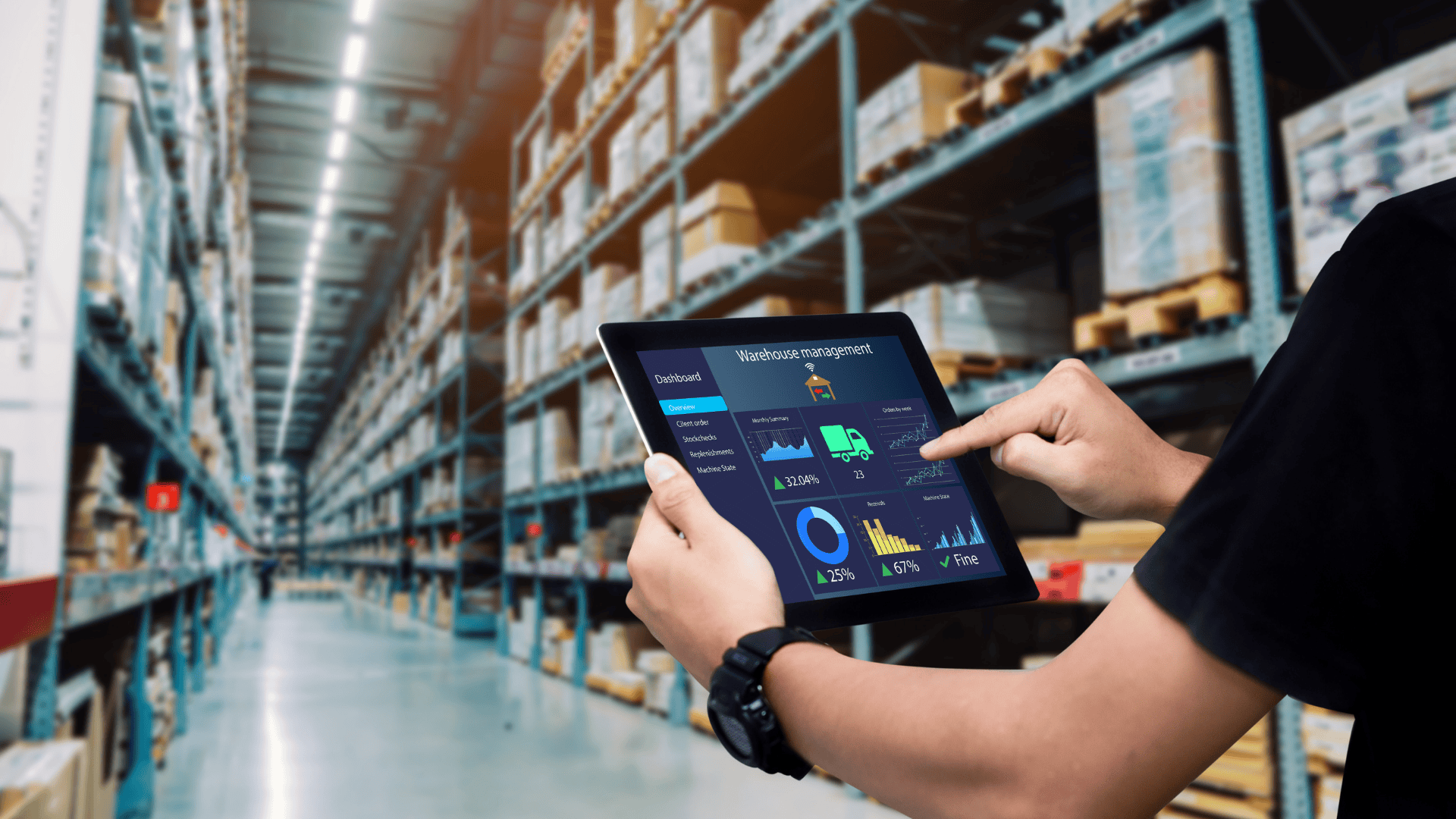
Planning Work With ERP
Planning is the foundation of effective manufacturing operations. Without a realistic plan, schedules fall apart, resources are overcommitted, and delivery dates are missed.
Turning Orders Into Structured Jobs
The planning process typically begins when a customer order is received. ERP systems allow manufacturers to convert orders into structured jobs that include:
- Defined operations and routing steps
- Required materials and quantities
- Estimated labor hours
- Due dates and priorities
This structure ensures that work enters production with clear expectations. Many manufacturers rely on integrated manufacturing software to avoid re-entering data and to keep planning aligned with execution.
Building Realistic Production Schedules
Once jobs are created, ERP systems are used to build production schedules based on actual capacity. Scheduling tools consider:
- Available machines and work centers
- Labor availability and shift patterns
- Operation times and setup requirements
- Job priorities and due dates
Planning Materials Alongside Production
Effective planning also depends on material availability. ERP systems link material requirements directly to jobs and schedules, allowing planners to see what is needed and when.
This helps teams:
- Allocate inventory to specific jobs
- Identify shortages early
- Coordinate purchasing with production plans
Tracking Work as It Happens
Once work begins, tracking becomes critical. Without accurate tracking, managers lose visibility into progress and costs.
Monitoring Job Progress on the Shop Floor
ERP systems allow manufacturers to track job progress in real time. As operations are completed, job status updates automatically.
This visibility helps teams:
- See which jobs are on schedule or behind
- Identify bottlenecks early
- Respond to issues before they escalate
Capturing Labor and Machine Time
Labor tracking is a key part of ERP-based tracking. ERP systems capture time spent on each job and operation, often separating setup and run time.
This data is used to:
- Monitor productivity
- Compare planned vs actual hours
- Feed job costing and reporting
Manufacturers using manufacturing erp software gain more accurate insight into how time is actually spent, which supports better planning and continuous improvement.
Tracking Material Usage and Scrap
ERP systems also track material usage as work progresses. When materials are issued to jobs or consumed during production, the system records actual usage.
This allows teams to:
- Monitor material consumption
- Identify scrap or rework issues
- Improve future material estimates
Managing Changes During Production
Manufacturing environments change frequently. Rush orders, design updates, machine downtime, or labor shortages can all affect production plans.
ERP systems help manage these changes by:
- Updating schedules dynamically
- Adjusting job priorities
- Reflecting cost impacts immediately
- Communicating changes across departments
Reporting on Manufacturing Performance
Reporting is where planning and tracking data come together. ERP systems provide structured reports that help manufacturers understand performance and identify improvement opportunities.
Using Standard Operational Reports
Most ERP systems include standard reports that manufacturers rely on regularly, such as:
- Job status and backlog reports
- Schedule adherence and delivery performance
- Labor efficiency summaries
- Inventory usage and valuation
Reviewing Job Costs and Variances
ERP reporting allows manufacturers to compare planned and actual job costs. This includes:
- Labor cost variances
- Material usage differences
- Overhead application
Supporting Management Decisions
ERP reports support daily, weekly, and monthly decision-making. Managers use this data to:
- Adjust schedules and priorities
- Address performance issues
- Plan capacity and staffing
- Evaluate profitability
For organizations with multiple locations or remote teams, cloud erp solutions make it easier to access reports and dashboards from anywhere while maintaining data consistency.
How Planning, Tracking, and Reporting Work Together
One of the biggest advantages of ERP is that planning, tracking, and reporting are connected.
For example:
- Planned schedules are updated as work is tracked
- Tracked labor feeds job costing reports
- Report insights inform future planning decisions
Who Benefits Most From ERP-Based Planning and Tracking?
ERP-based planning, tracking, and reporting are especially valuable for:
- Job shops and custom manufacturers
- Make-to-order and engineer-to-order businesses
- Small and mid-sized manufacturers managing complex workflows
In these environments, visibility and flexibility are critical to maintaining control.
Common Challenges Without ERP
Manufacturers that rely on disconnected tools often face:
- Inaccurate schedules
- Limited visibility into job status
- Delayed or incomplete reporting
- Difficulty understanding true costs
ERP helps address these challenges by providing a single system of record.
Best Practices for Using ERP Effectively
To get the most value from ERP, manufacturers should:
- Keep data accurate and up to date
- Use the system consistently across departments
- Review reports regularly
- Use historical data to refine planning assumptions
ERP is most effective when it supports daily workflows rather than being used only for reporting.
Long-Term Benefits of ERP for Manufacturing Operations
Over time, ERP helps manufacturers:
- Improve planning accuracy
- Reduce operational surprises
- Gain better cost control
- Support continuous improvement
Final Thoughts
Manufacturers use ERP systems to bring structure and visibility to planning, tracking, and reporting work. By connecting these activities in one system, ERP helps teams move from reactive problem-solving to proactive management.
When used consistently, ERP becomes a central tool for understanding performance, improving efficiency, and making informed decisions based on real data. For manufacturers looking to manage complexity without adding unnecessary manual work, ERP provides a practical foundation for daily operations.

Peyman Khosravani is a seasoned expert in blockchain, digital transformation, and emerging technologies, with a strong focus on innovation in finance, business, and marketing. With a robust background in blockchain and decentralized finance (DeFi), Peyman has successfully guided global organizations in refining digital strategies and optimizing data-driven decision-making. His work emphasizes leveraging technology for societal impact, focusing on fairness, justice, and transparency. A passionate advocate for the transformative power of digital tools, Peyman’s expertise spans across helping startups and established businesses navigate digital landscapes, drive growth, and stay ahead of industry trends. His insights into analytics and communication empower companies to effectively connect with customers and harness data to fuel their success in an ever-evolving digital world.










