Interviews move fast, and hiring managers expect crisp answers. AI helpers are everywhere, from mock-interview studios to delivery coaches to live copilots. The common complaint is the same: answers that sound read, not said. We compared six tools on one question: do they help you say a short, natural answer that fits your own résumé? Use this guide to pick the right helper for practice, delivery, or real-time support, without breaking company policy.
The best AI interview tools at a glance
| Tool | Category | Best when you need… | Entry price* |
| Interview Copilot | Live copilot | Bullet prompts tied to your résumé during a real call | $49 / mo or $149 / yr |
| Huru | Practice coach | Job-specific video drills at zero cost | Free (verify) |
| Yoodli | Delivery coach | Pace, filler-word, and eye-contact fixes | $0–$28 / mo |
| LinkedIn AI Interview Prep | Practice coach | Quick drills generated from the exact job listing | Included with LinkedIn Premium (from $39.99 / mo) |
| Final Round AI | Hybrid suite | Prep, live bullets, and post-call debrief in one app | ≈ $25 / mo† |
| Hedy | Live coach | Multilingual, privacy-first real-time notes | Free 5 hrs; $99 / yr |
*Prices checked September 30 2026; always confirm at checkout.
†Monthly rate varies by commitment length.
We judged each tool on four things: how speakable its output is, how it handles your data, how well it ties answers to your résumé and the job post, and how clear its pricing is.
Interview Copilot: live guidance that stays bite-size
Most live helpers dump paragraphs you could never recite. Interview Copilot flips that script. The desktop app listens to system audio, detects questions, and shows résumé-grounded guidance in an on-screen overlay. It surfaces real-time answers as short bullets, so you talk, not read.
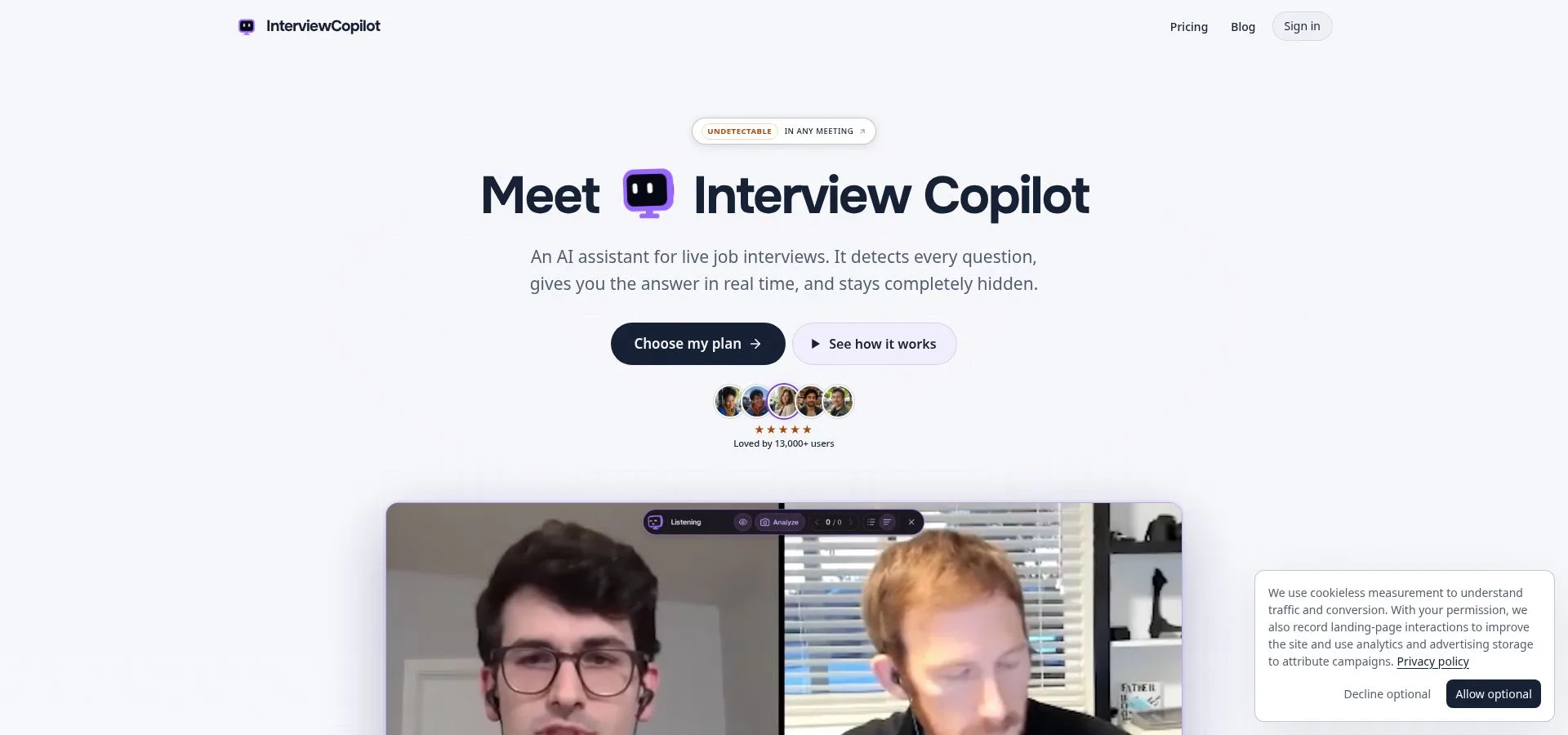
Interview Copilot live bullet overlay during a video interview
Setup is simple: import your résumé, paste the job ad, and join your call on Zoom, Meet, Teams, or Webex. No bot joins the call. Glance mode presents concise speaking points. A shortcut can send a coding task, diagram, document, or job post on screen for analysis, and the coding help explains approach, complexity, and trade-offs.
The company says answers start in under a second and that the overlay does not appear in screen shares, recordings, or screenshots. It markets the tool as “Undetectable in any meeting,” though it says protection does not cover every managed device or proctoring system. On privacy, the company says interview audio is streamed for transcription and not stored; final transcript segments and analyzed screenshots are stored with your account; interview data is not used to train public models; and personal data is not sold.
Price: $49 / month or $149 / year. Both plans include all features with no credits or session limits. The app is free to download and test; a live interview needs a subscription. You can cancel renewal any time; paid fees are not refunded.
Trade-offs: No mock-interview module, browser version, or mobile app. It is a native desktop app for macOS and Windows (Windows 10 version 2004 or newer), and it needs an internet connection. Spoken interview languages are not published. If you need rehearsal analytics, pair it with a practice coach below. If you already know your stories and want short on-screen bullets to keep you on track, Copilot is built for that job.
Huru: free video practice with full feedback
Need a low-pressure rehearsal? Huru turns any job post into a mock interview and scores both content and delivery, at no cost as of September 30 2026.
Paste the listing, click Generate, and Huru serves role-specific questions with a timer. Record your answer, then get feedback on structure, relevance, and concreteness, followed by pacing, filler words, and confidence.
The company says every feature is free right now, including unlimited interviews, an iOS app, and a Chrome extension. Double-check at checkout; older App Store notes mention in-app purchases.
Limits: It is practice only, with no live overlay. At $0 and no credit card, Huru is the quickest path from “What will they ask?” to “I can answer with confidence.”
Yoodli: the coach that fixes delivery, not just content
Great stories fall flat when they land in a monotone ramble. Yoodli is a speech coach that shows where your pace drags, filler words slip in, or eye contact fades.
Start a session, paste the job description, answer tailored questions, then watch a replay with highlights for speed, volume, and pauses. Jump to each “uh” or long silence and record again.
Privacy: Free users get five lifetime recordings. Only the Advanced tier keeps data out of model training and lets you set deletion rules.
Price: Pro = $8 / mo (billed annually). Advanced = $20 / mo.
Limits: Content tips stay generic, so treat Yoodli as a delivery mirror, not a thought partner. Practice only.
LinkedIn AI Interview Prep: drills pulled straight from the job post
Already job-hunting on LinkedIn? Its AI Interview Prep lets you practice without opening a new account.
Pick a listing and tap Interview Preparation. LinkedIn builds questions from the keywords the recruiter wrote. Record an answer by voice or text, and you get a readiness score, a transcript, and targeted tips.
Access: It sits behind LinkedIn Premium (from $39.99 / mo in the U.S.), and rollout is still expanding. Practice only. If you already pay for Premium, this feature costs nothing extra; if not, weigh the fee against a free coach like Huru.
Final Round AI: one desktop suite for prep, live help, and debrief
Most candidates juggle separate tools for practice, live prompts, and notes. Final Round AI folds that workflow into one desktop app.
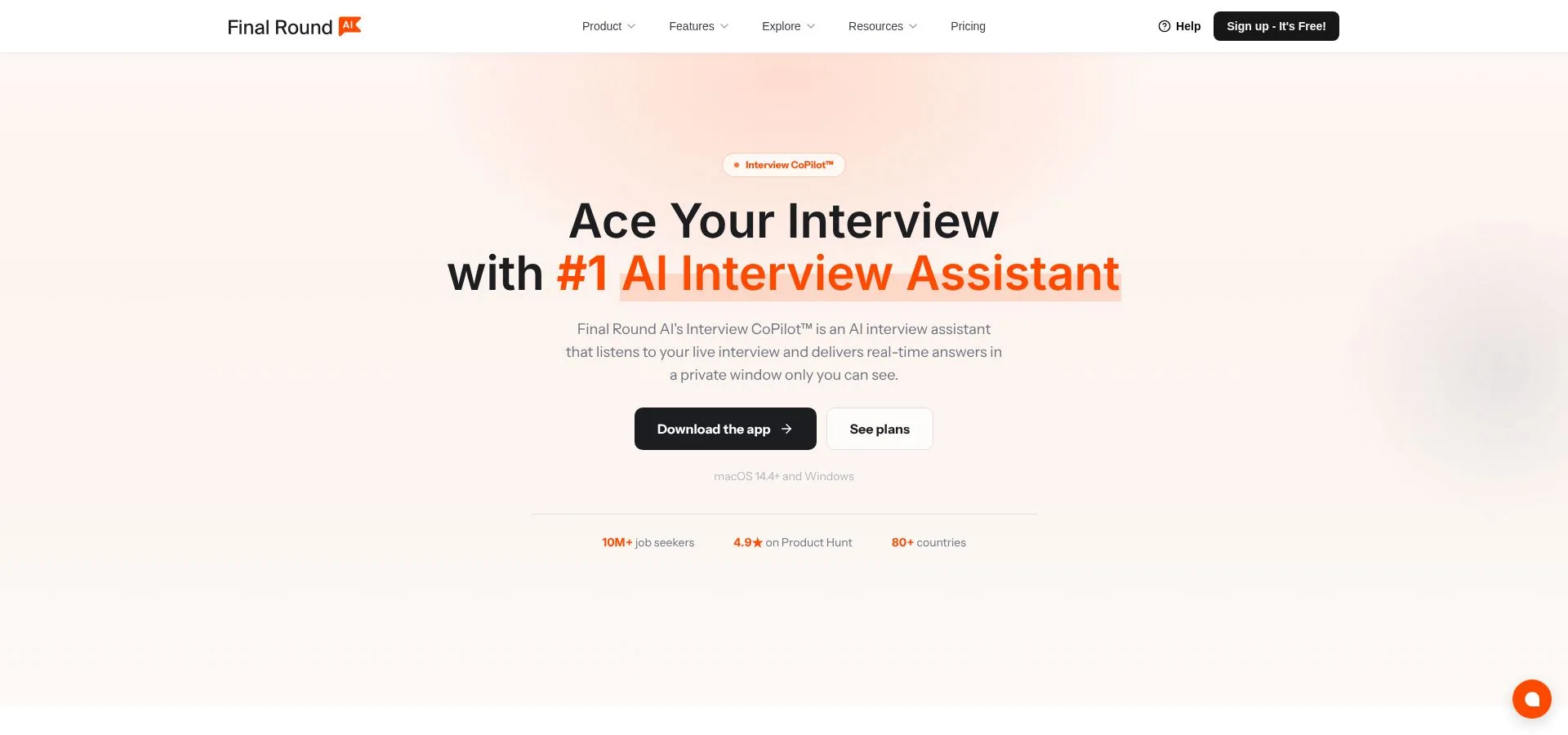
Final Round AI desktop suite showing prep, live copilot, and debrief
Paste the job post and your résumé, practice across several interview types, then turn on Copilot mode during the call for live transcription and bullet guidance. After the call, the same window tags strong and weak replies.
Price: Final Round AI Pro starts at $25 / mo with unlimited live copilot sessions. Confirm at checkout and review auto-renew settings.
Caution: Undisclosed AI use can still breach company policy. Use any live tool only when it is allowed.
Hedy: multilingual live coach
Interviews are not always in English. Hedy is a real-time assistant that supports 30+ languages (vendor claim). During the call it transcribes, summarizes, and slides concise notes into a sidebar, then emails a post-call summary.
Pricing: Free tier = 5 hours / month. Pro = $99 / yr for unlimited sessions.
Scope: Hedy is a general meeting coach. It will not build STAR frameworks or coding hints. Confirm language quality for your dialect before interview day.
Which tool fits each classic question?
“Tell me about yourself”
- Interview Copilot (live): Detects the question and shows résumé-based speaking points you can put in your own words.
- Huru (practice): Records your answer and shows whether your story stays relevant to the role.
“Tell me about a conflict” (STAR)
- Yoodli: Replays your answer so you can hear where the Result part is too short.
- LinkedIn AI Interview Prep: Flags weak spots against the exact job listing.
“Explain a technical trade-off”
- Interview Copilot (live): Send the problem on screen with a shortcut and get the approach, complexity, and trade-offs as short points.
- Final Round AI (practice): Rehearse technical rounds before the real call.
Use a practice tool first, and move to a live overlay only when you can explain every bullet without reading it.
Turn any AI into a bullet-point machine
Long paragraphs read fine on screen but sound robotic when spoken. Drop this one-line prompt into any chatbot to get concise, speakable bullets:
“Answer the question below in exactly 5 bullets, max 12 words each, grounded only in my résumé and the job description. Flag any missing data instead of inventing it. Question: [paste question]”
Fixed numbers force the model to compress, and “flag missing data” stops it from inventing experience. Read the bullets aloud. If you pass 60 seconds, merge or cut points. Drill ten questions this way, and your answers will shift from memorized scripts to natural conversation.
A quick privacy check before you hit “record”
- Strip the résumé. Remove your street address, birth date, and client-confidential projects. If a training opt-out exists, turn it on.
- Confirm retention. If you cannot find deletion steps in two clicks, assume recordings persist.
- Apply the stranger test. If you would not email the raw audio to a stranger, do not upload it.
Employers are also paying closer attention to how candidates use AI, and clearer privacy policies are becoming part of fair hiring.
Conclusion
Short, speakable points beat polished paragraphs. Practice with a free coach, fix your delivery, and use a live copilot only where it is allowed and only once you can say every bullet in your own words.