It feels like AI photo tools are popping up everywhere these days, and honestly, it’s pretty exciting. You can now create images from just text, or change existing ones in ways that used to take hours with complicated software. This article is going to look at some of these new ai photo tools, what they can do, and how you might actually use them. We’ll cover how they work, how to pick one, and some things to think about as the technology keeps changing.
Key Takeaways
- Modern AI photo tools can generate images from text descriptions, fill in missing parts of pictures, and expand images beyond their original borders.
- These AI tools work by interpreting text prompts and using complex models to create matching visuals.
- When choosing an ai photo generator, consider the quality of the images it produces, how easy it is to use, and what it costs.
- AI photo generation has practical uses in marketing, social media content creation, and streamlining design work.
- It’s important to be aware of copyright questions and potential bias in AI-generated images as the technology develops.
Unleashing Creativity With AI Photo Generation
The Rise of AI Image Generators
It feels like AI image generators have popped up everywhere lately. You see them on social media, in news articles, and even in advertisements. These tools can take a simple text description and turn it into a visual. It’s pretty amazing how far they’ve come in just a few years. If you’ve ever wanted to create unique images or add some AI flair to your projects, now is a great time to start exploring.
Transforming Your Visuals with AI
These new AI tools are changing how we think about creating images. They offer ways to generate visuals that were previously difficult or time-consuming to produce. Whether you’re a designer, a marketer, or just someone who likes to experiment, AI can help you bring your ideas to life in new ways. The ability to describe an image and have it appear before your eyes is a significant shift in creative possibilities.
Exploring Limitless Artistic Possibilities
AI image generators open up a world of artistic potential. You can create anything from realistic photos to abstract art, all based on your imagination. This means you’re not limited by your technical drawing skills or the stock photos available. You can explore different styles, concepts, and subjects with ease.
Here are a few examples of what you can create:
- Surreal landscapes that defy gravity.
- Portraits in the style of famous historical painters.
- Abstract patterns based on complex mathematical formulas.
- Unique characters for stories or games.
The technology behind these tools is advancing rapidly, making it easier than ever to produce high-quality, imaginative visuals. It’s an exciting time to experiment with these capabilities.
Key Features of Modern AI Photo Tools
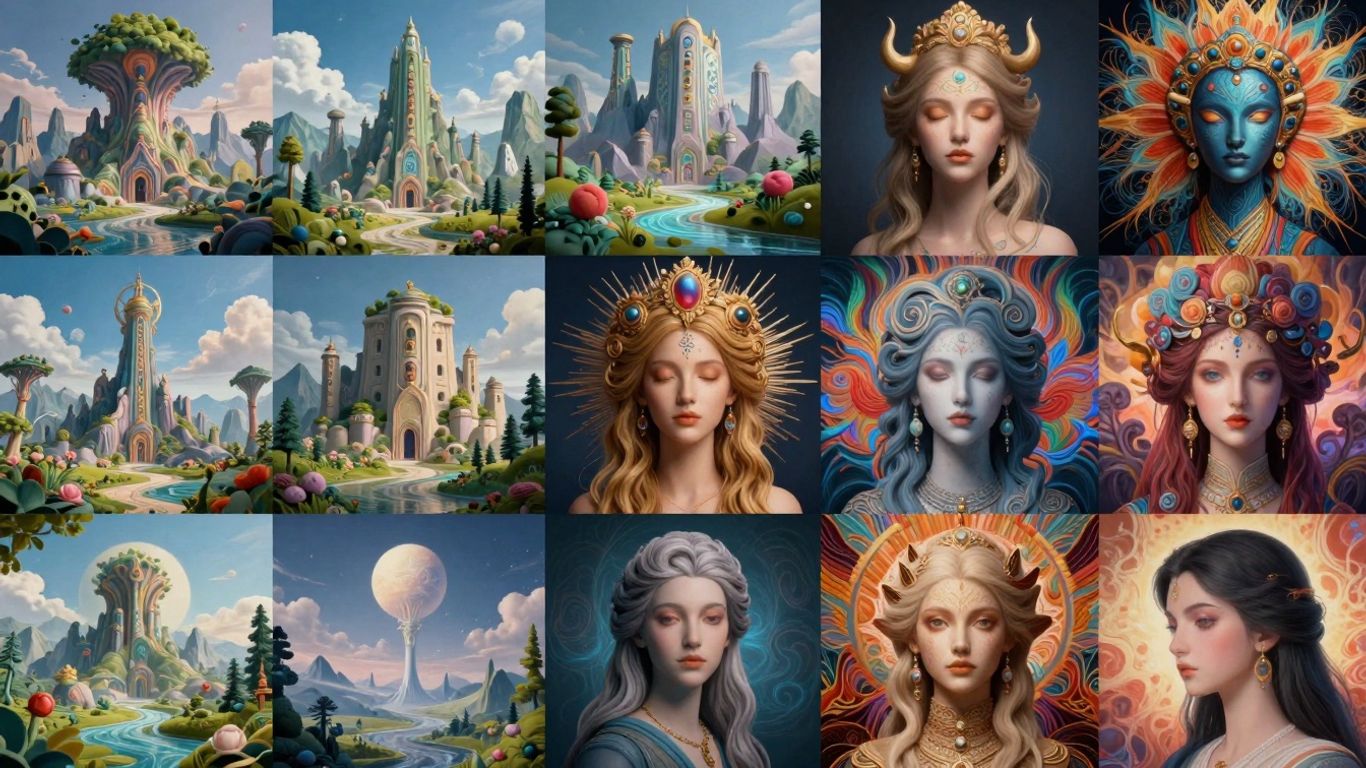
Text-to-Image Generation
This is perhaps the most talked-about feature. You type a description, and the AI creates an image based on it. It’s like having a digital artist who can draw anything you can describe. The more detailed your text prompt, the closer the AI can get to your vision. It’s a powerful way to visualize concepts that might be difficult or impossible to photograph. Think of describing a ‘cyberpunk cat riding a unicorn through a nebula’ – an AI can bring that to life.
Generative Fill and Expand Capabilities
These tools go beyond just creating new images. Generative Fill lets you select an area in an existing photo and describe what you want to add or change there. Need to add a hat to someone in a picture? Or remove an unwanted object? Generative Fill can handle it. Generative Expand, on the other hand, allows you to extend the borders of an image. If your photo is too cropped, you can use Generative Expand to add more background or context, and the AI will intelligently fill in the new space so it looks natural.
Advanced Editing and Design Integration
Modern AI photo tools aren’t just standalone generators; they’re often integrated into broader editing and design software. This means you can use AI features directly within your existing workflow. You might find AI-powered tools that can automatically adjust lighting, remove backgrounds, upscale low-resolution images, or even suggest design layouts. This integration makes the creative process smoother, allowing designers and content creators to achieve professional results more efficiently.
The ability to generate and manipulate images using AI is rapidly changing how we approach visual content creation. These tools are becoming more sophisticated, offering new ways to express ideas and solve design challenges.
Here’s a quick look at what these features enable:
- Concept Visualization: Quickly create visuals for ideas that don’t exist.
- Photo Restoration & Modification: Repair old photos or alter existing ones with ease.
- Content Creation: Generate unique images for marketing, social media, or personal projects.
- Workflow Automation: Speed up repetitive editing tasks with AI assistance.
How AI Photo Generation Works
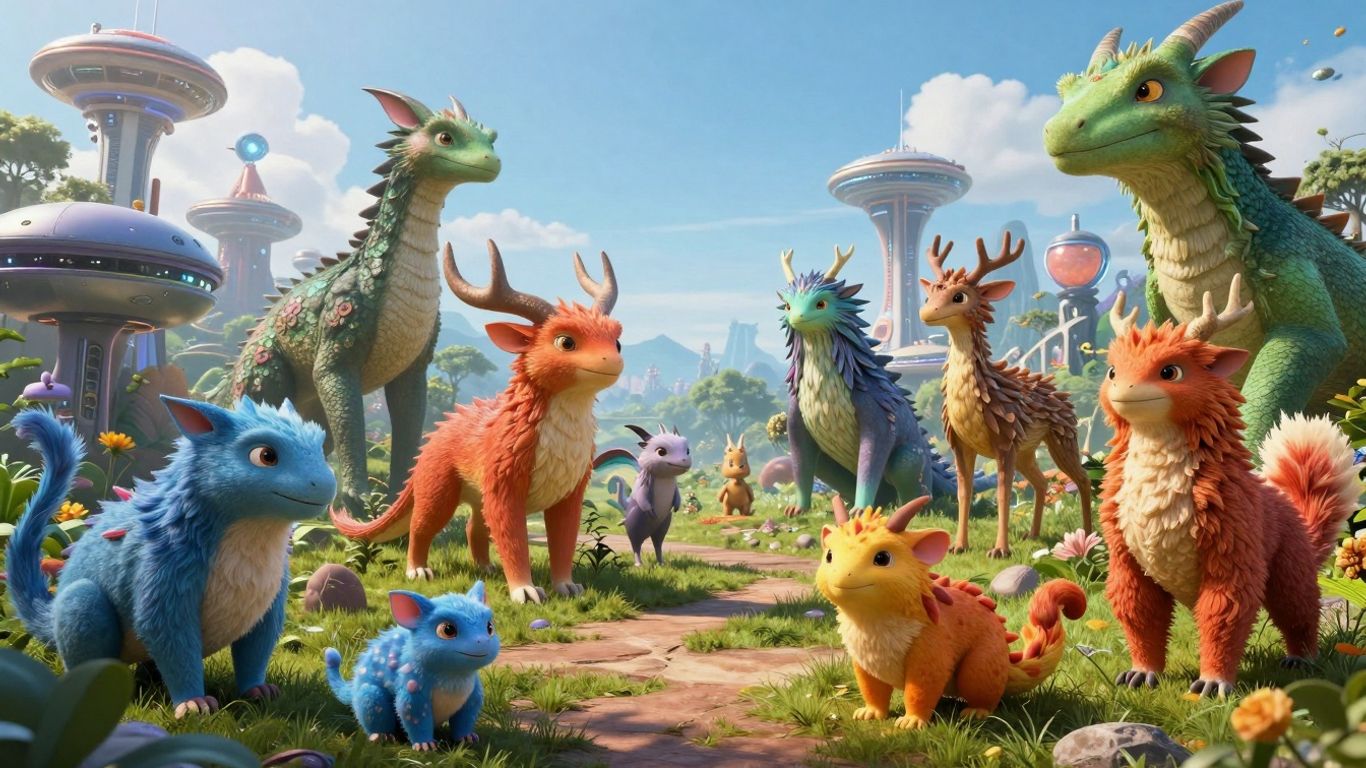
Ever wondered how those amazing images appear from just a few words? It’s a fascinating process, and thankfully, it’s not as complicated as it might seem. At its core, AI photo generation relies on training massive computer models on vast amounts of image and text data. Think of it like teaching a computer to understand the world by showing it millions upon millions of pictures and their descriptions.
Understanding Text Prompts
The magic starts with your words, known as a "prompt." This is your instruction to the AI. The more descriptive and specific you are, the better the AI can interpret your vision. For instance, instead of just saying "a cat," you might say, "a fluffy ginger cat sleeping in a sunbeam on a wooden floor, in the style of a watercolor painting." The AI analyzes these words to grasp the subject, style, mood, and details you’re aiming for.
- Subject: What is in the image (e.g., cat, landscape, abstract shape).
- Style: The artistic look (e.g., photorealistic, oil painting, cartoon, cyberpunk).
- Details: Specific elements like colors, lighting, composition, and mood.
- Artist/Era: Sometimes you can reference specific artists or historical periods (e.g., "in the style of Van Gogh," "Art Deco poster").
The Underlying Technology
These AI tools typically use a technique called "diffusion." Imagine starting with a canvas full of random static, like TV snow. The AI then gradually refines this static, step by step, removing the noise and shaping it until it matches the description in your prompt. It’s a bit like sculpting from a block of marble, but instead of chisels, the AI uses mathematical processes to reveal the image hidden within the noise. Some newer models might use slightly different approaches, but the goal is the same: to translate text into visuals.
The AI doesn’t ‘see’ or ‘understand’ in the human sense. Instead, it identifies patterns and relationships between words and visual elements from its training data. It’s a sophisticated form of pattern matching and synthesis.
From Concept to Creation
Putting it all together, the journey from your idea to a finished image involves a few key stages:
- Prompt Input: You provide a detailed text description.
- Interpretation: The AI model analyzes your prompt, breaking it down into concepts it recognizes from its training.
- Noise Generation: The process begins with a random noise pattern.
- Denoising/Diffusion: The AI iteratively refines the noise, guided by your prompt, to form an image.
- Output: The final image is generated, aiming to be as close as possible to your textual request.
The accuracy and quality of the final image depend heavily on the AI model’s training and the clarity of your prompt.
Choosing the Right AI Photo Generator
With so many AI photo generation tools popping up, picking the one that fits your needs can feel a bit overwhelming. It’s not just about which tool is the newest or has the most buzz; it’s about finding a practical fit for your creative process and budget. Think of it like choosing a new piece of software for your work – you want something that’s powerful but also easy to get along with.
Evaluating Image Quality and Accuracy
When you’re looking at different AI generators, the first thing you’ll probably notice is the quality of the images they produce. Some tools are better at creating realistic photos, while others excel at more artistic or stylized outputs. It’s important to test them with prompts similar to what you’ll be using regularly. Pay attention to how well the AI understands your instructions, especially for complex scenes or specific details. The ability to generate accurate text within images is also a significant differentiator for some tools.
Here’s a quick look at what to consider:
- Realism: Does the output look like a photograph, or is it clearly AI-generated?
- Detail: How well does it render fine details like textures, lighting, and facial features?
- Prompt Adherence: Does the image accurately reflect all aspects of your text prompt?
- Consistency: Can it produce similar styles or subjects repeatedly?
Ease of Use and Customization Options
Beyond just the final image, how you get there matters. Some AI generators have very straightforward interfaces, making them great for beginners. Others offer a deeper level of control, allowing you to tweak parameters, adjust styles, or even train the AI on your own images. If you’re just starting out, a simpler tool might be best. However, if you plan to use AI generation frequently and want to fine-tune your results, looking for more advanced customization options is a good idea. This is where you can really start to manage your workflow effectively.
Consider these points:
- User Interface: Is it intuitive and easy to navigate?
- Learning Curve: How long does it take to become proficient?
- Control Parameters: What settings can you adjust (e.g., aspect ratio, style strength, negative prompts)?
- Editing Features: Does it offer in-tool editing or integration with other software?
The best AI photo generator for you will depend on your specific needs and skill level. Don’t be afraid to try out free trials to see which interface and output style you prefer before committing to a paid subscription.
Pricing Models and Accessibility
AI photo tools come with a variety of pricing structures. Some operate on a subscription model, offering different tiers based on usage or features. Others might use a credit system, where you purchase credits to generate images. Free versions are often available, but they usually come with limitations on quality, features, or the number of generations you can perform. When evaluating costs, think about how much you anticipate using the tool and what your budget allows. Accessibility also plays a role; some tools are web-based, while others require downloads or have specific hardware requirements.
Practical Applications of AI Photo Generation
Enhancing Marketing and Social Media Content
AI photo generation tools are changing how businesses approach their visual content. For marketing campaigns, these tools can quickly produce a variety of eye-catching images tailored to specific demographics or product features. Imagine needing a unique image for a new product launch; instead of a lengthy photoshoot or searching through stock photo libraries, you can describe the exact scene, mood, and style you want, and have it generated in minutes. This speed and customization are invaluable for staying agile in fast-paced markets. For social media, AI allows for a constant stream of fresh, engaging visuals. You can create themed graphics for holidays, generate unique illustrations for blog posts, or even produce personalized images for follower engagement campaigns. The ability to generate diverse and specific imagery on demand significantly reduces creative bottlenecks and production costs.
Streamlining Design Workflows
Designers are finding AI photo generators to be powerful assistants. These tools can speed up the ideation process by quickly visualizing concepts. Instead of spending hours sketching or creating mood boards, designers can use AI to generate multiple visual interpretations of a brief. Furthermore, features like generative fill and expand allow for easy modification and extension of existing images. Need to add an element to a photograph or extend the background of an image to fit a new aspect ratio? AI can handle these tasks with remarkable accuracy, saving significant editing time. This means designers can focus more on the strategic and creative aspects of their work, rather than getting bogged down in repetitive tasks.
Personalizing Visual Experiences
AI photo generation opens up new avenues for personalization. Businesses can now create unique visual content for individual customers. For example, an e-commerce site could generate personalized product mockups featuring a customer’s name or preferences. In the realm of digital art and entertainment, AI can create custom avatars, personalized story illustrations, or unique game assets based on user input. This level of customization can lead to deeper customer engagement and a more memorable brand interaction. It moves beyond generic visuals to create something that feels uniquely crafted for the recipient.
The rapid development of AI image tools means that creative professionals and businesses alike must stay informed about their capabilities and limitations. While the technology offers unprecedented creative freedom and efficiency, thoughtful application is key to achieving desired outcomes and maintaining ethical standards.
Navigating the Evolving Landscape of AI Art
AI-generated images are popping up everywhere these days, and it’s hard to miss them on social media or in online articles. While these tools offer exciting creative possibilities, it’s important to consider some of the bigger questions surrounding their use.
Copyright and Ethical Considerations
The legal side of AI art is still a bit of a gray area. Currently, the U.S. Copyright Office suggests that content created solely by AI might not be eligible for copyright protection unless there’s significant human input involved in the creation process. This means that while using AI-generated images for a quick social media post or a blog header is generally fine, building an entire creative strategy around them could be risky. There aren’t yet clear laws to protect artists whose work might have been used to train these AI models. Some companies are addressing this by training their AI only on licensed images or public domain content.
The rapid development of AI image generation means we’re constantly encountering new tools and capabilities. It’s a good idea to stay informed about the latest developments and understand how they might affect your creative work and its legal standing.
Addressing Bias in AI Outputs
AI models learn from the data they are trained on, and unfortunately, this data can contain human biases. This can lead to AI generating images that reflect stereotypes or even harmful representations. It’s something users need to be aware of. When using AI tools, it’s wise to review the generated images for any signs of bias. You can often refine your text prompts to help steer the AI towards more diverse and equitable outputs.
Some steps to consider when reviewing AI outputs:
- Check for Stereotypes: Does the image reinforce common, potentially harmful, stereotypes about certain groups of people?
- Assess Representation: Are different ethnicities, genders, ages, and abilities represented fairly and accurately?
- Evaluate Context: Does the generated image portray any group in a negative or demeaning light?
The Future of AI Image Creation
This field is changing incredibly fast. New, more powerful AI models seem to be released frequently, improving their ability to understand and render complex ideas. While AI image generators are still somewhat specialized tools, their continued improvement suggests they will play an even larger role in creative fields. It’s fascinating to see how these technologies will continue to develop and integrate into our daily lives and creative workflows.
Wrapping Up Your AI Image Journey
So, we’ve looked at how these AI photo tools can really change how we create images. From making something from scratch with just words to tweaking existing pictures, there’s a lot here for everyone. Whether you’re just playing around or trying to add something new to your work, these tools are getting better all the time. It’s a good idea to try a few out and see what they can do. The technology is moving fast, and it’s exciting to think about what will come next in the world of AI image creation.
Frequently Asked Questions
What exactly are AI photo generation tools?
These are computer programs that use artificial intelligence to create new images from scratch. You can tell them what you want to see using words, and they’ll try their best to make a picture that matches your description.
How do I tell the AI what kind of picture to make?
You give the AI a ‘prompt,’ which is just a set of words describing the image you want. The more detailed and clear your prompt is, the better the AI can understand and create the image you have in mind.
Can these tools change existing photos?
Yes, some AI tools can do more than just create new images. They can also add or remove things from your existing photos, make pictures bigger without losing quality, or even change the style of a picture.
Are the images made by AI always perfect?
Not always. While AI is getting very good, sometimes the images can have strange mistakes or look a bit off. It’s important to check the results and sometimes try your prompt again or change it a little.
Is it okay to use AI-generated images for my projects?
Using AI images for things like social media posts or blog pictures is generally fine. However, the rules about who owns these images and if they can be copyrighted are still being figured out, so it’s good to be aware of that.
Will AI replace human artists and photographers?
AI tools are powerful helpers that can make creating images easier and faster. They are more likely to work alongside artists and designers, helping them with their work rather than completely taking over their jobs.