The world of digital creation is changing fast, and AI photo generators are a big part of that. In 2026, these tools can turn simple words into amazing pictures. Whether you’re making art, ads, or just something cool, AI image generators make it easier than ever. We’ve looked at a bunch of them to find the best ai photo generators out there right now.
Key Takeaways
- Visme offers a complete content creation suite alongside its AI image generator.
- DALL-E is known for producing multiple design options from a single prompt.
- Craiyon is useful for generating images when you know what you *don’t* want.
- Midjourney provides a wide range of creative possibilities for artistic exploration.
- Jasper Art is designed with marketers in mind, by marketers.
1. Visme
Visme is a pretty interesting tool that goes beyond just making pictures from text. Think of it as a whole design studio packed into one platform. You can type in what you want to see, and Visme will generate an image for you. It’s not just about photos, either; you can get paintings, drawings, 3D graphics, and even abstract art. This makes it super flexible for whatever project you’re working on.
What’s cool is that Visme doesn’t stop at image generation. It’s built for creating all sorts of visual content. You can use the AI-generated images directly in presentations, infographics, social media posts, and more, all within Visme. They also have a bunch of templates to get you started, which is handy if you’re not a design pro.
Here’s a quick look at what Visme offers:
- AI Image Generation: Create visuals from text prompts in various styles.
- Brand Wizard: Helps keep your designs consistent with your brand’s colors and fonts.
- AI Writer: Assists with writing and editing text for your content.
- AI Image Editor: Tools to clean up images, like removing backgrounds or fixing blurry areas.
- Template Library: Pre-designed layouts for presentations, infographics, and social media.
Visme also has a free plan, which is great for trying things out. If you need more features or credits for AI generation, their paid plans start at a reasonable price. It’s a solid choice if you want an all-in-one solution for creating visual content, not just generating images.
Visme aims to be a comprehensive platform where you can not only create images with AI but also integrate them into larger design projects, edit them further, and even use AI to help with the text content. This integrated approach simplifies the workflow for many users.
2. DALL-E
DALL-E 3, developed by OpenAI, stands as a sophisticated AI image generator capable of transforming text descriptions into detailed digital visuals. It’s built on advanced deep-learning models, making it a go-to tool for artists, designers, and anyone interested in AI-generated art. The system excels at creating original images, whether you’re starting from scratch with a written prompt, generating variations of existing ideas, or even modifying your own sketches.
This tool is particularly adept at interpreting complex prompts, leading to remarkably accurate and often photorealistic results. It’s designed for individuals and content creators looking to produce unique, copyright-free artwork from textual input.
Here’s a look at how DALL-E 3 is structured for use:
- Integration: DALL-E 3 is accessible through various OpenAI subscriptions, including ChatGPT Plus, Team, and Enterprise. It’s also available to developers via an API.
- Capabilities: Users can generate entirely new images from text, create variations of existing images, and even upload sketches for manipulation.
- Output: The generator produces high-quality visuals that can range from realistic scenes to stylized illustrations, depending on the prompt.
While DALL-E 3 offers impressive control and quality, it’s important to note that precise results often depend on the clarity and detail of the input prompt. Vague descriptions might lead to less accurate outputs. Pricing is typically based on usage, with different rates for standard and high-definition image qualities.
The ability to refine images through conversational prompts, as integrated with platforms like ChatGPT, significantly streamlines the creative process. This allows for iterative adjustments without needing to constantly rephrase complex textual commands, making it a more fluid experience for users.
3. Craiyon
Craiyon, formerly known as DALL-E mini, is a popular AI image generator that’s accessible to everyone. It’s built on an open-source API, making it a go-to for many who want to experiment with text-to-image creation without a steep learning curve. You type in a description, and Craiyon does its best to bring it to life.
One of the neat things about Craiyon is that it usually gives you a set of nine images to choose from for each prompt. This gives you a few different takes on your idea right off the bat. If you find an image you like, you can then try to upscale it for a bit more detail. It’s also pretty good at letting you tell it what not to include in your image by using negative prompts, which can help steer the results.
However, it’s important to know that Craiyon’s free version does come with ads, and the image quality might not always be as sharp or detailed as some other paid options. It’s fantastic for quick ideas or just playing around, but if you need super high-resolution or photorealistic results consistently, you might find its limitations.
Craiyon is a great starting point for anyone curious about AI art. It’s easy to use and provides a fun way to see how text can turn into visuals, even if the final output isn’t always perfect.
Craiyon offers a few different ways to use it:
- Free Version: This is the most accessible option, giving you nine image previews per prompt. Just be aware of the ads and potential watermarks.
- Supporter Plan: For a monthly fee, you can get an ad-free experience and faster generation times.
- Professional Plan: This tier offers even more benefits, likely aimed at users who need more advanced features or higher usage limits.
It’s a solid choice for hobbyists, students, or anyone looking to explore AI image generation without a big financial commitment upfront.
4. Midjourney
Midjourney has become a go-to for many looking to create visually striking and artistic images. It’s particularly popular among designers and digital artists because of its unique aesthetic. Think of it as a tool that doesn’t just follow instructions but adds its own creative flair, often resulting in work that looks like professional concept art or detailed illustrations.
This platform really shines when you’re aiming for imaginative landscapes, cinematic scenes, or stylized characters. Many professionals use it for game development, film pre-visualization, and branding projects where a distinct artistic style is key. It’s a place for visual storytelling and exploring creative ideas.
Midjourney’s strength lies in its ability to interpret prompts in an artistic way, often producing results that are more than just literal translations of your text. While it can generate photorealistic images, its signature is often a more stylized, imaginative output.
Here’s a look at what Midjourney offers:
- Artistic Output: Known for producing highly creative and aesthetically pleasing images.
- Community Inspiration: Accessible via Discord, it allows users to see what others are creating and learn from their prompts.
- Iterative Refinement: You can generate variations of an image, giving you multiple options and directions to explore.
While Midjourney is powerful, its interface is Discord-based, which might feel a bit different if you’re used to dedicated web applications. Also, getting exactly what you want sometimes requires a bit of prompt tweaking, and the output resolution might not always match traditional photo standards for certain projects. It operates on a subscription model, with different tiers offering varying levels of generation speed and GPU time.
Midjourney is a fantastic choice for those who prioritize artistic interpretation and unique visual styles over strict photorealism. It encourages experimentation and often surprises users with its creative takes on prompts.
5. QuillBot
QuillBot is a name many might recognize for its writing assistance tools, but it also offers a surprisingly capable AI Image Generator. This tool is designed to be straightforward, transforming your text descriptions into visual art without requiring a steep learning curve. It’s a good option if you’re already using QuillBot for other writing tasks and want to add image creation to your workflow.
The generator is integrated into QuillBot’s suite of AI-powered features, making it easy to move between writing and image creation. You can generate images in various styles, from realistic looks to more artistic interpretations like anime or digital paintings. The idea is to help content creators, students, or marketers produce visuals that fit their projects without needing to be graphic designers.
Using the generator is pretty simple. You type in what you want to see, and QuillBot’s AI does the rest. For instance, you could ask for “a cat wearing a tiny hat sitting on a stack of books.” Within moments, you’ll get a few image options based on your description. You can then tweak the text prompt or change the art style if the first results aren’t quite right.
Here’s a look at what QuillBot offers:
- AI Image Generator: Creates images from text prompts.
- AI Paraphraser: Helps rephrase sentences and paragraphs.
- Grammar Checker: Finds and fixes errors in your writing.
- AI Writer: Assists with drafting, summarizing, or changing the tone of text.
- Summarizer & Translator: Condenses or translates longer pieces of text.
QuillBot’s image generator has a free tier that allows for a limited number of image generations per day. For those who need more, there’s a premium plan that significantly increases the number of images you can create monthly and also gives you access to more advanced features across all of QuillBot’s tools. This makes it a flexible choice, especially for individuals or small teams.
While QuillBot’s image generator might not have the most advanced customization options compared to some dedicated art generators, its strength lies in its accessibility and integration. It’s a practical tool for quickly generating visuals that complement written content, especially if you value having multiple AI writing aids in one place.
6. Jasper Art
Jasper Art is part of a larger suite of AI tools designed with marketers and content creators in mind. While it doesn’t generate entirely new images from scratch like some other platforms, it excels at editing and reimagining existing visuals. Think of it as a powerful assistant for refining product photos, adjusting branding elements, or giving existing graphics a fresh look.
This tool is particularly useful for businesses that need to produce a high volume of polished images quickly. It can help with tasks like removing backgrounds, uncropping images to fit different formats, or even upscaling lower-resolution pictures. For marketing teams, this means saving significant time and resources that would otherwise be spent on manual editing or hiring photographers for every small adjustment.
Jasper Art’s strength lies in its ability to work with your existing assets, making them more versatile and impactful.
Here’s a look at what Jasper Art is best suited for:
- Product Photography Enhancement: Quickly edit and improve images of your products for e-commerce sites or marketing materials.
- Brand Asset Management: Ensure your visual branding is consistent by easily adjusting images to fit specific guidelines.
- Content Repurposing: Adapt existing visuals for different platforms or campaigns without starting over.
- Creative Reimagining: Explore new visual directions for your images by letting the AI suggest alterations.
While Jasper Art is a robust tool, it’s important to note that its primary function is editing and modification rather than pure AI image generation from text prompts. The pricing is also part of the broader Jasper subscription, which includes a range of marketing and writing AI features, starting at $49 per month for the Creator plan.
7. NightCafe
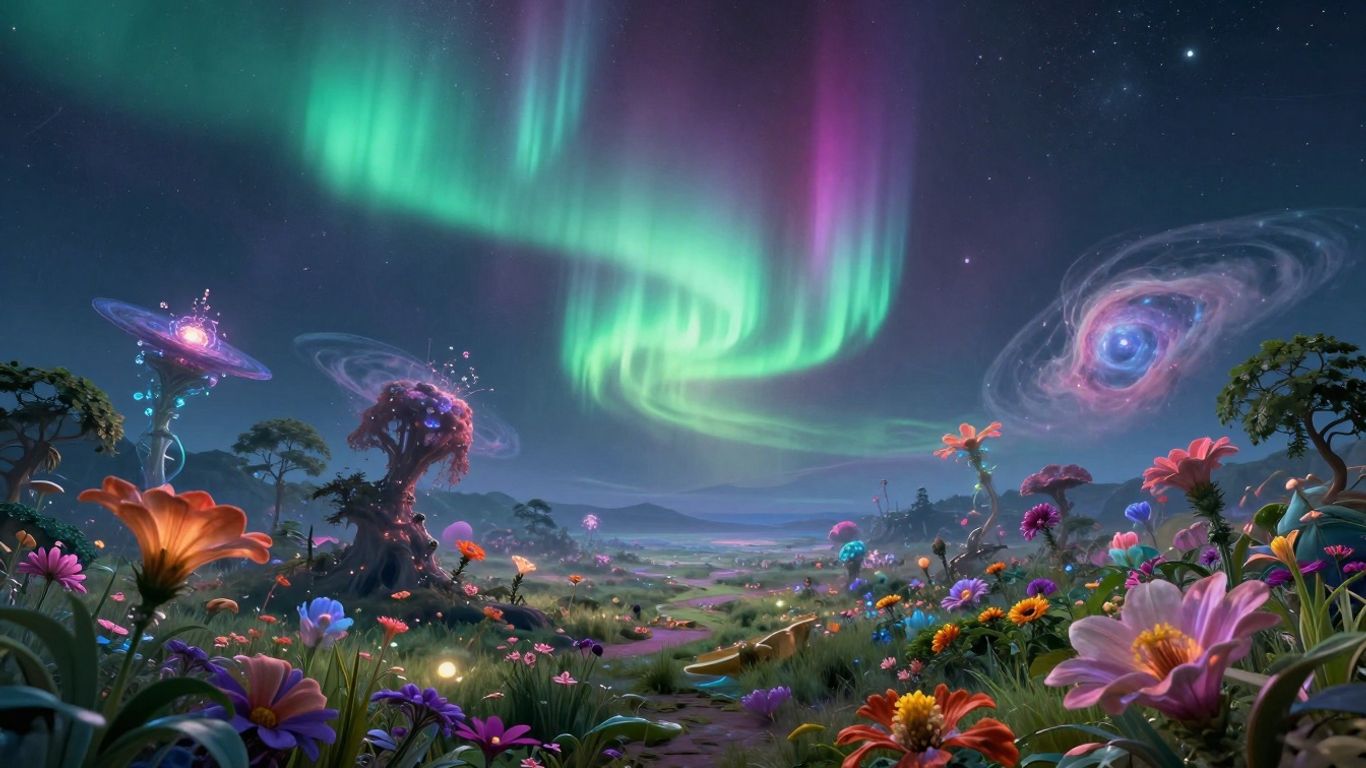
NightCafe is a platform that lets you create images using a variety of AI art models. Think of it as a hub where different AI technologies come together to help you make visuals. It supports models like Flux, DALL-E 3, Google Imagen, and Stable Diffusion, among others. This means you have a lot of options for the kind of art you want to produce.
One of the neat things about NightCafe is its iterative process. You can generate an image, then tweak it, and generate it again. This back-and-forth helps you get closer to exactly what you have in mind. It started out as a free service, but now there are premium options if you need more advanced features.
The platform aims to understand your creative ideas and turn them into actual pictures. It’s pretty good at handling different art styles, from abstract pieces to portraits.
NightCafe is a good choice for people who like to experiment. It’s especially useful if you’re into digital art, game design, or just want to create unique graphics. The ability to create 3D scenes is a standout feature that not many other generators offer. Plus, there are tools for fine-tuning the AI to get a very specific look.
Here’s a look at their pricing structure, which is based on credits:
| Plan | Price | Credits |
|---|---|---|
| Beginner | $5.99/month | 100 |
| Hobbyist | $9.99/month | 200 |
| Enthusiast | $19.99/month | 500 |
| Artist | $49.99/month | 1400 |
While it’s quite flexible, getting the perfect image might take some practice with prompts, and for heavy users, the costs can add up.
8. Deep AI
DeepAI presents itself as a robust platform for generating and editing images using artificial intelligence. It’s designed to assist professionals like artists, designers, and marketers in creating unique visuals from text descriptions. The system allows users to select from various AI models, image styles, and even the desired shape of the output. For those interested in integrating these capabilities into their own applications, DeepAI also offers an API.
When exploring DeepAI, you’ll find a large gallery of styles to choose from, which can be helpful for pinpointing a specific aesthetic. For instance, aiming for a photorealistic portrait might involve sifting through these options to find the best match. While the results can be quite pleasing, it’s worth noting that the platform does display advertisements, which can be a minor distraction during use.
DeepAI is particularly well-suited for individuals or businesses looking to expand their digital content library, whether for blogs or for designers seeking visual inspiration based on specific textual prompts. Its capabilities are also beneficial for large-scale operations due to its API, which supports bulk image generation efficiently.
Here’s a look at its pricing structure:
- Free Forever Account: Limited features and includes advertisements.
- Pay as you go: Starts at $5 per use.
- Pro Plan: Priced at $4.99 per month.
The platform’s strength lies in its ability to produce high-quality results from simple text prompts and its capacity for handling large, bundled projects through specialized features. However, the technical nature of its API implementation might pose a challenge for users less familiar with coding, and the pay-as-you-go pricing could become costly for some.
DeepAI is a solid choice for those who need a wide array of output styles and appreciate the flexibility of an API for integration, provided they can manage the advertising on the free tier or are comfortable with the pricing models for advanced use.
9. Runway AI
Runway AI is a pretty interesting platform that goes beyond just making static images. It’s known for blending different AI technologies, like live video, image creation, and video generation, all in one place. This makes it a bit different from tools that focus solely on text-to-image. They’ve introduced something called ‘Frames,’ which is their advanced image generator, but it seems to be behind a paywall, so I couldn’t test it out.
I tried using their video generator with an image I made elsewhere, but the free plan wasn’t available at that moment. It sounds like they’re aiming to be a comprehensive creative suite for people working with visuals.
Runway AI is particularly useful for:
- Content creators
- Freelancers
- Designers
- Artists
It’s designed for those who want to experiment with creating and editing both images and videos using AI. One user mentioned how much time it saved them on tasks like rotoscoping, which can be really time-consuming in traditional editing software. Apparently, Runway AI made it much quicker to isolate subjects.
They do offer a free plan, which comes with a set number of credits. Paid plans are available if you need more, and some of the higher tiers give you access to their more advanced features like ‘Frames.’ It’s worth checking out if you’re looking for a tool that handles a variety of AI-powered visual tasks.
The platform aims to integrate various AI art and video creation methods into a single environment, offering tools for both generating new content and editing existing media.
10. Bing Image Creator
Microsoft’s Bing Image Creator is a pretty neat tool that uses DALL-E 3 technology to turn your written ideas into actual pictures. It’s a straightforward way to get visuals for things like blog posts, newsletters, or even presentations. If you’re using the Microsoft Edge browser, you can even find it right in the sidebar, which is handy.
When you type in what you want, Bing Image Creator usually gives you four different options. You can then pick the one you like best and see it bigger, with an easy download button. I found it to be quite fast, and the results were generally good, especially for getting quick graphics.
This tool is a good fit for graphic designers, hobbyists, and artists who want to quickly create unique images without a lot of fuss. It’s especially good for making instant website graphics, social media posts, or digital art.
The biggest draw here is that it’s completely free to use. This makes it a really accessible option for anyone wanting to experiment with AI image generation or just needs some visuals without spending money.
Here’s a quick look at what it offers:
- Ease of Use: Simple interface, just type and generate.
- Cost: Absolutely free, with no hidden charges.
- Speed: Generally quick generation times, especially when you have ‘boosts’ available.
- Integration: Conveniently accessible within the Microsoft Edge browser.
However, there are a couple of things to keep in mind. The style of images can be a bit specific and doesn’t offer a huge range of variation, which might limit some creative purposes. Also, when you use up your free ‘boosts’, the generation speed slows down quite a bit. It’s also not designed for super detailed, fine-tuned adjustments, so if you need very specific edits, you might find it a bit limiting.
While it’s a fantastic free resource, don’t expect the same level of granular control or endless style options you might find in some of the more advanced, paid platforms. It’s best suited for straightforward image creation where speed and accessibility are key.
Finding Your Creative Partner
So, we’ve looked at a bunch of AI image generators, and it’s pretty clear these tools are changing how we make visuals. Whether you’re a pro designer, a marketer trying to get noticed, or just someone who likes to create, there’s likely an AI tool out there that fits what you need. Think about what you’re trying to make – do you need super realistic pictures, something more artistic, or just a quick graphic for a social media post? Trying out the free versions or trials is a good way to get a feel for them. Don’t be afraid to play around with different prompts and see what happens. The best tool is the one that helps you bring your ideas to life more easily and effectively. Happy creating!
Frequently Asked Questions
How do AI image generators create pictures?
These tools use smart computer programs that have studied millions of images. They learn what different things look like and how to put them together. When you give them a description, they use what they’ve learned to create a brand-new picture that matches what you asked for.
Which AI image generator is the best for making realistic pictures?
For images that look very real, DALL-E 3 and Stable Diffusion are often recommended. They are very good at making pictures that seem like actual photographs.
Can I use AI image generators without paying?
Many AI image generators offer a free version or give you a certain number of free tries. However, to use more advanced features or create many images, you might need to pay for a subscription or buy more credits.
Is it okay to use pictures made by AI for my business?
Most of the time, yes. Many AI image generators allow you to use the pictures you create for business. But, it’s always a good idea to check the specific rules, called licensing policies, for each tool you use to be sure.
What are the most popular AI art tools right now?
Some of the most talked-about AI image generators include Midjourney, DALL-E 3, and Stable Diffusion. Each one has its own style and special features, so people often try a few to see which one they like best.
How can I get the best results from an AI image generator?
To get great pictures, be very clear and detailed in your descriptions. Try using different words and styles to see what you get. Sometimes, using AI image generators along with editing tools can also help make your final image even better.