Finding the right soundtrack for a video, podcast, or ad sounds simple until you start searching. Stock libraries can be large and hard to filter. Hiring a composer takes time and budget. Licensing terms can also be confusing, and the wrong choice may lead to content claims or takedowns.
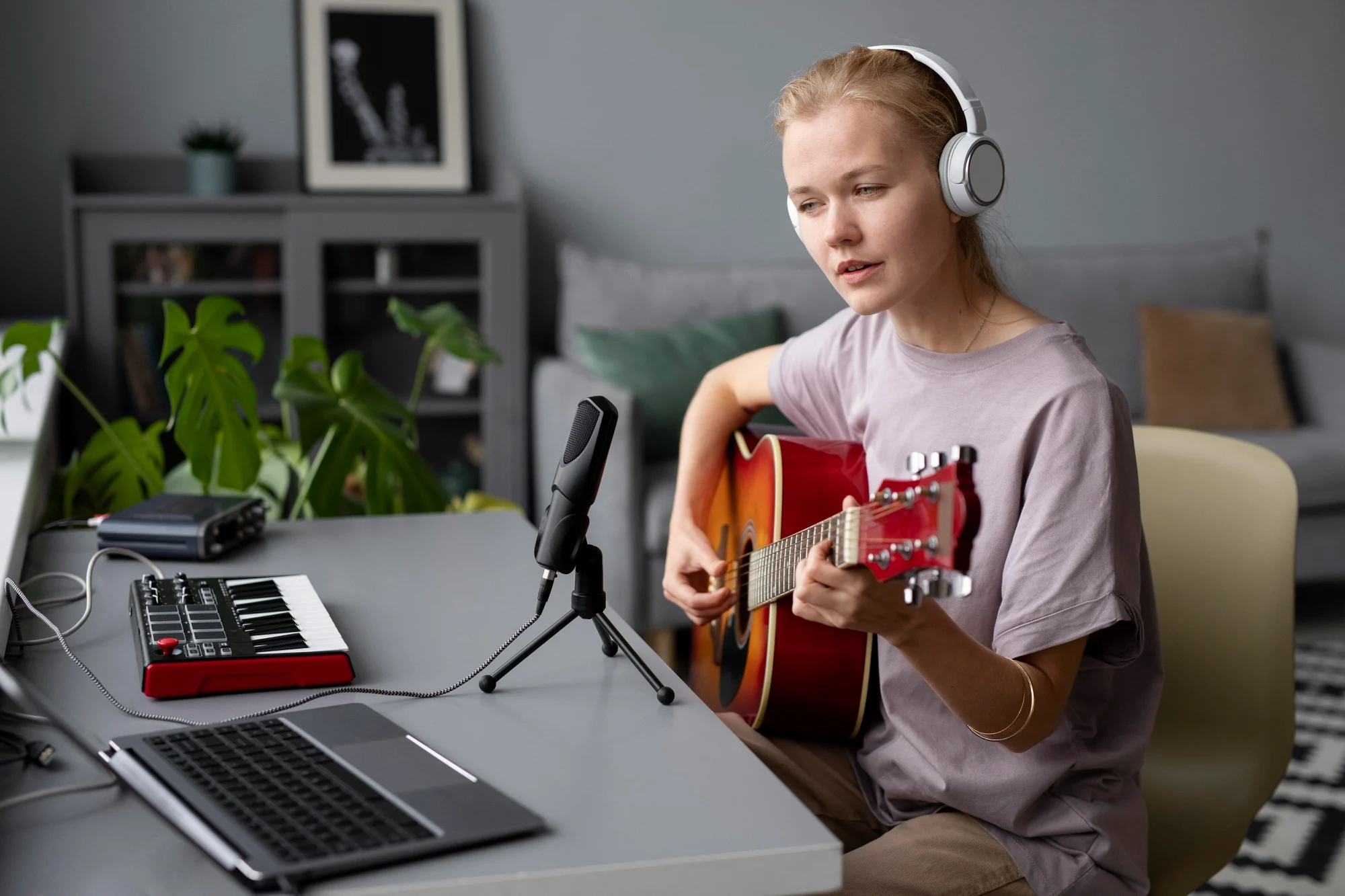
That is why more creators and marketing teams are trying AI-powered music tools. These platforms let you describe the sound you need, generate an original track, adjust it, and export a file, often in minutes. This guide explains how these tools work, when they make sense for business content, how to choose one, and what to check before you publish.
What AI Music Generators Are
The Simple Idea
At the most basic level, an AI music generator lets you describe a mood, style, and length, then creates a piece of audio you can adjust. Think of it like giving a creative brief to a session musician, except the musician is software and the turnaround is much faster.
What You Control
Most tools give you a few inputs to shape the result. You can usually set the mood, such as upbeat, cinematic, or mellow, along with tempo, intensity, and instrumentation. Many platforms also let you choose between a looping bed and a full track with an intro and outro. Different durations are useful when you need a six-second bumper for a social clip and a sixty-second version for a YouTube pre-roll based on the same idea.
How They Work, Explained Simply
From Prompt to Track
The workflow usually starts with a short brief. You select a style or type a text prompt, set a target length, and generate a first pass. You listen, decide what works and what does not, then make changes. Some tools let you regenerate only one section, such as a weak intro, instead of starting over. This broader family of algorithmic composition tools can help explain why prompt choices, style labels, and revision controls matter.
Editing Inside the Tool
Once you have a draft you like, most platforms offer light editing features. You can adjust mix levels, trim intros or outros, and sometimes export individual stems, such as drums, bass, or melody, so you can fine-tune the balance inside your video editor. The final step is exporting a mixed file, usually as WAV or MP3, ready to drop into your timeline.
Why Creators Use Them
Speed and Iteration
The clearest advantage is speed. Instead of browsing a stock library for an hour, you can generate and review many options in minutes. This is especially helpful during storyboarding or rough-cut stages, when you need placeholder audio that is close enough to the final feel to guide editing decisions.
Cost Control Compared to Alternatives
Hiring a composer can deliver a custom result, but it usually comes with higher costs and longer timelines. Stock music libraries sit in the middle, offering variety at a lower price but limited customization. AI generators can provide something closer to a custom track at a stock-library price point. The right choice depends on your project, budget, timeline, and need for creative control.
Consistent Brand Sound
If your team publishes across YouTube, Instagram, a podcast, and paid ads, keeping a consistent sonic identity can be difficult. With an AI tool, you can generate multiple variations of the same musical idea, each cut to a different length and energy level, without rebuilding the sound from scratch every time.
Accessibility for Non-Musicians
You do not need to read sheet music or play an instrument. If you can describe what you want in plain language, such as “upbeat acoustic guitar, 30 seconds, no vocals,” you can create a usable background bed or intro cue.
When They Fit, and When They Do Not
Good Fits
AI-generated tracks work well as background beds for explainer videos, podcast intros and outros, social media ads, product demos, prototypes, and looping audio for games or presentations. In these cases, the music supports the content rather than becoming the main focus.
Use Caution
Some situations need extra care. Generating tracks that closely imitate a specific artist’s style raises ethical and potentially legal questions. Content involving sensitive topics may benefit from a human composer’s judgment. If a tool offers AI vocals, check the provider’s terms carefully, because rights around synthetic voices can be unclear. In all of these cases, do your own research rather than assuming the track is cleared for every use.
How to Choose an AI Music Tool
Licensing Clarity
Before anything else, look for clear answers on the provider’s website about what the license covers. Can you use the track in YouTube videos, paid ads, podcasts, or client work? Is attribution required? Licensing terms vary by provider, so read the tool’s official terms and licenses before publishing. Do not assume one platform’s rules apply to another.
Creative Control
Evaluate what inputs the tool offers. Can you set mood, genre, tempo, and track length? Can you output loops and stems separately? The more control you have, the easier it is to match the result to your project.
Workflow Fit
Check export formats, such as WAV, MP3, or FLAC, along with volume normalization and project organization. Some platforms integrate with popular video editors, which can save time on repetitive import and export steps.
Test Drive Plan
The most useful evaluation is a practical one. Pick a current project, build a 30-second cue for a real scene or episode, and judge the result in context. A track that sounds fine on its own may not sit well under dialogue or over fast-paced visuals.
Try a Tool to Understand the Workflow
One way to understand how these platforms work is to review an actual product page. For example, the AI Music Generator page on getimg.ai outlines how the platform approaches music creation for videos, podcasts, ads, and games, and places audio generation alongside its visual creative tools. Reviewing a page like this can help you compare typical prompt options, style selections, and export workflows before you commit to a trial. As with any provider, check the licensing details on the site to confirm that the terms fit your intended use.
Build It into Your Content Workflow
Brief First
Start with your script or storyboard, not the music tool. Identify the moments where music matters: the intro hook, a tonal shift at the midpoint, or the closing call to action. Tie each music cue to a specific script beat, brand mood, and audience context. This keeps your audio intentional rather than decorative.
Versioning Playbook
Once you have a track you like, cut it into multiple lengths, such as 6, 15, 30, and 60 seconds. Label each file clearly, for example, “brand-intro-upbeat-15s-v2.wav,” so your team can grab the right version without re-editing. This is especially useful if you repurpose one piece of content across several channels.
Quality Check
Before final export, check loudness levels against platform recommendations. YouTube, Spotify, and social platforms each have their own targets. Make sure dialogue is not buried under the music. If needed, lower the music when someone is speaking, a technique often called ducking. Run a quick A/B comparison with an alternative bed to confirm your first choice strengthens the content.
Ethical and Legal Basics
Licenses Vary by Provider
This point is worth repeating: every platform has its own license terms. Some grant broad commercial rights, others restrict certain uses, and some require attribution. Always read the official terms on the provider’s website before publishing. If you are unsure about a specific use case, consult a qualified professional rather than relying on general guidance.
Attribution, Content ID, and Claims
Be transparent about how your audio was created. Document the source tool and license type in your project notes. Some AI-generated tracks may trigger content identification systems on platforms like YouTube, even when you have a valid license. Having your documentation ready makes resolving claims much simpler.
Conclusion
AI music generators are practical tools for getting usable, original audio into content without the time and cost of traditional methods. They turn a simple text or menu-based brief into a track you can revise, edit, and export. They fit naturally into video, podcast, ad, and social workflows, especially for background beds and short cues. Before you publish, read the provider’s license terms, test tracks in context, and keep clear records of what you used and where. Start with one real project, evaluate the results honestly, and decide whether the tool belongs in your production process.
FAQs
Are AI-made tracks unique enough for brand videos?
Most tools generate original compositions each time, so the odds of another creator having the exact same track are low. That said, outputs can share stylistic similarities because they draw from common musical patterns. Layering a generated track with your own sound design or voiceover can help create a more distinctive result.
Can I monetize videos that use AI-generated background music?
In many cases, yes, but it depends on the license the provider grants. Some licenses cover commercial use on platforms like YouTube and in paid ads, while others have restrictions. Check the provider’s official terms before publishing monetized content, and keep a copy of the license for your records.
Do I need music theory to get good results?
No. These tools are designed for people who are not trained musicians. You describe what you want in everyday language, including mood, energy, and duration, and the tool handles composition and arrangement. Knowing basic terms like tempo or key can help you communicate more precisely, but it is not required.
What file formats should I export for common platforms?
WAV is the standard for high-quality editing and final production. MP3 works well for drafts, internal reviews, and platforms where file size matters. If your video editor or podcast host accepts FLAC, that format offers a good balance of quality and file size. When in doubt, export a WAV master and convert to other formats as needed.