Most agencies use AI in the middle of the video job. The brief, the creative idea and the client conversation stay with people. AI takes over the work that used to eat the schedule: building variations from approved material, adapting them for each platform and market, and turning client revisions around without a reshoot.
Take a social agency that runs paid TikTok and Reels for a skincare brand. A monthly retainer might cover one launch video, twenty cut-downs, a set of creator-style ads and a fresh batch of hooks when the current ones stop
performing. Done the traditional way, that is a shoot followed by weeks in the edit. Now the shoot can be optional, and the bottleneck moves to review and
approvals.
This guide follows a client job from brief to delivery, explains how studios keep quality steady as they add accounts, and compares the tools agencies combine most often: Higgsfield, Runway, HeyGen, Adobe Premiere Pro, Descript and OpusClip. Product details come from each vendor’s public pages as of November 2026 and change often.
Where Does AI Fit in an Agency Video Workflow?
AI is most useful after the brand elements are approved and before final delivery. That is the stretch where an agency multiplies one idea into dozens of files.
| Stage | What AI handles | What stays with the team |
| Brief | Breaking the job into deliverables and formats | Strategy, budget, client expectations |
| Brand assets | Product profiles, reusable characters and locations | Approving what counts as on brand |
| Production | First-round videos, product shots, UGC style ads | Creative direction, casting choices |
| Stage | What AI handles | What stays with the team |
| Variations | New hooks, presenters, settings, languages | Deciding what to test |
| Review | Swapping single elements after feedback | Client relationship, sign-off |
| Delivery | Reframing, captions, platform cuts | Naming, reporting, the next brief |
How Do Agencies Run a Client Video Job With AI?
Agencies that get consistent results follow roughly the same order. The detail below uses a product-led social campaign as the example, since that is the most common agency brief.
1. Break the brief into a deliverables list. Before anyone opens a generator, write down formats, durations, platforms and the number of variants per
platform. Mark what is fixed (product, logo, spokesperson, tone) and what is open for testing, usually the hook, the setting and the call to action. Some teams now hand this planning to an agent. In Higgsfield Supercomputer, a producer types the brief in plain language and the agent plans the job, picks models and runs it, with installable skills for tasks such as UGC videos and brand kits. Output is kept in projects, so each client’s work stays in one place.
2. Lock the brand assets first. Drift is what makes clients lose trust in AI video: the bottle changes shape between ads, the presenter’s face shifts from one cut to the next. Save the fixed elements once. Higgsfield’s Marketing Studio builds a product profile from a product link or uploaded images, and the team picks one of 40+ avatars or creates a custom one to reuse across every
variation. For a recurring brand character, Soul ID trains on 20 or more photos of one person. Elements store a character, location or prop for reuse across shots and projects.
3. Produce the first round from templates. Writing every prompt from scratch is slow and hard to repeat across accounts. Marketing Studio’s template library is organized by task, including Product Shot, Motion, UGC, TikTok, Ads,
Posters and Marketplace, and its Product Link tool turns a product page into a video ad sized for TikTok, Reels and Shorts. When the client wants a more
directed hero film, Cinema Studio lets the team set camera, lens, focal length and aperture per shot, with lighting and color palette applied across the
project.
4. Multiply what works. Once an ad starts performing, the agency needs ten more like it, fast. Ad Multiplier recreates a winning ad with new characters, outfits, locations or objects, and can change the script, hook or CTA. The
original cut, pacing and audio carry over to every variant. Translation is an optional extra step that adds captions in the target language.
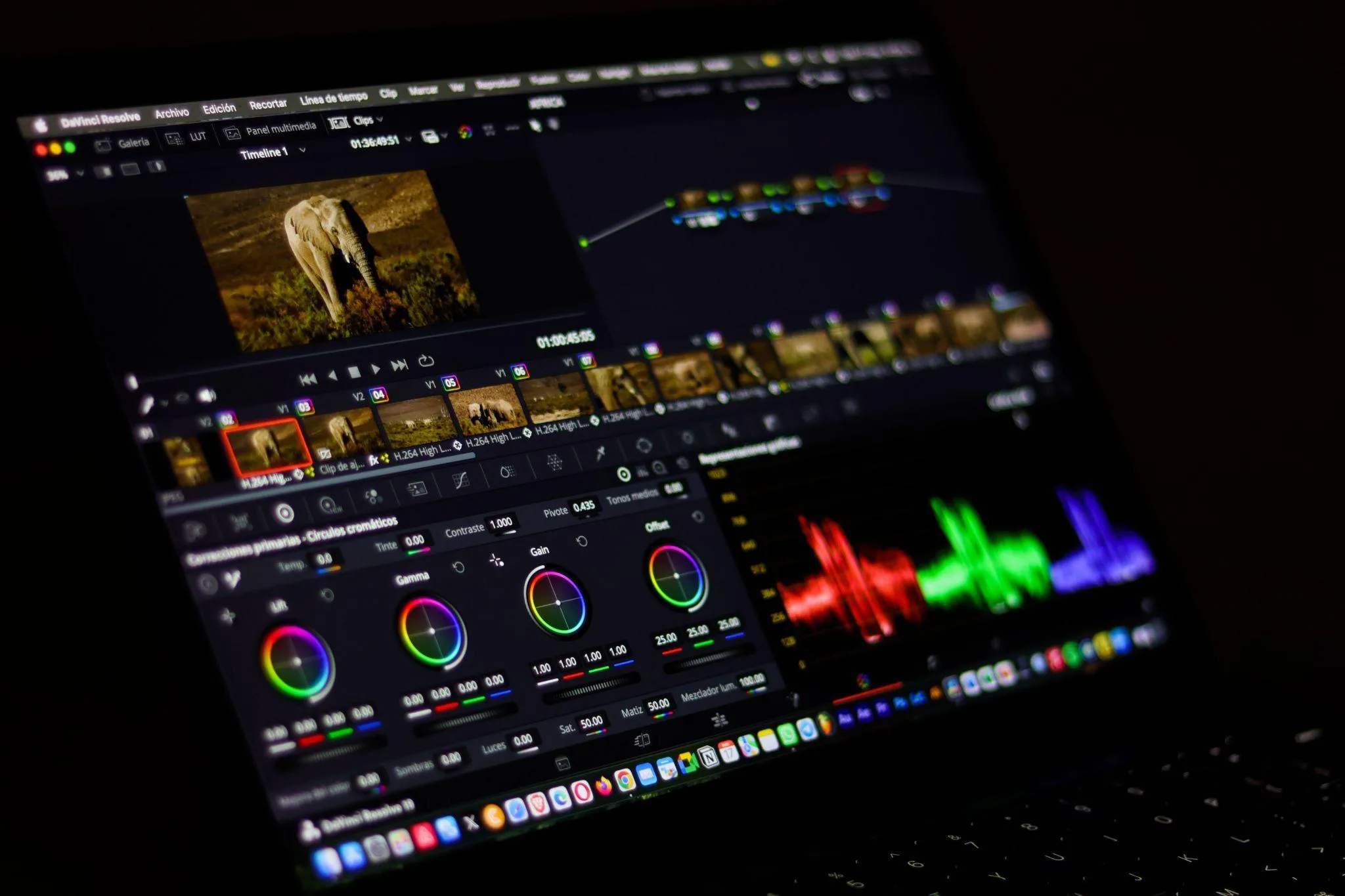
5. Change one thing per revision. A client note such as “try an older presenter” should not restart the project. Because the product and the setting are already saved, the team swaps the presenter and leaves the rest. Editors who finish in other software can use Higgsfield’s plugins for Premiere Pro and After Effects, DaVinci Resolve, Photoshop and Figma to bring generations into the files they already share with the client.
6. Deliver with names that map back to results. Name each file by hook,
audience and format, so the performance report shows which creative won. That report becomes the starting point for next month’s brief.
How Do Studios Scale AI Video Production for Clients?
Scaling AI video is mostly an operations question. A team that adds three new retainers usually runs into account sprawl, unclear spend and client contracts asking where the footage data goes, long before it runs into a quality problem.
The first fix is a shared workspace instead of personal logins. Higgsfield’s Team plan covers 2 to 9 seats and Scale covers 5 to 15. Credits from every seat pool into one balance, and generations land in shared Assets. Scale adds SSO, a priority queue and the ability to pause an individual member’s spend. Enterprise adds role-based permissions, per-user credit caps and a contractual commitment that inputs and outputs are not used to train models, which matters when a client’s legal team reviews the agency’s tools.
The second fix is reuse. A studio that saves its best structures, such as a two person unboxing, a talking-head review or a product turntable, can set up a new client in an afternoon. The third is budgeting per variant rather than per project:
estimate deliverables, multiply by the usual number of attempts, and check the credit cost each tool shows before generating.
Which AI Video Tools Do Agencies Use?
Few agencies run everything in a single tool. The usual setup is one production platform for generating and multiplying ads, plus specialist tools for avatars, editing or repurposing.
| Tool | Best for | Main stage | Team setup |
| Higgsfield | Client ad campaigns and variations with consistent characters | Assets, production, variations | Team, Scale and Enterprise workspaces with pooled credits |
| Runway | Stylized brand films and effects on existing footage | Shots and VFX | Team and Enterprise plans |
| HeyGen | Avatar presenters and translated versions | Spokesperson video, localization | Business plan priced per seat |
| Adobe Premiere Pro | Finishing in an established timeline | Edit and finishing | Creative Cloud plans |
| Descript | Podcasts, interviews and other speech-led content | Edit and repurposing | Team plans with Brand Studio |
| OpusClip | Turning long videos into short clips | Repurposing and scheduling | Team workspace, brand templates |
1. Higgsfield
Higgsfield is a generative platform for creative production, and agencies mostly use it for the stretch from approved assets to finished variants. Marketing Studio turns a product link into ads and UGC-style videos with a reusable avatar, Ad Multiplier rebuilds a winning ad with new hooks or presenters, and Soul ID and Elements keep characters consistent across a campaign.
Best for: social and performance agencies that deliver many on-brand variants per client each month.
Watch out for: several separate studios take time to learn, and the no-training commitment for client material applies only on Enterprise.
2. Runway
Runway is built around its own video models. Gen-4.5 handles text-to-video, Aleph edits existing footage from a written instruction, and Act-Two captures an actor’s performance and maps it onto a character. Workflows let a team chain steps into a repeatable process, which helps agencies that rework live-action material for brand films.
Best for: creative agencies producing stylized spots or adding effects to footage the client already owns.
Watch out for: it is a toolkit rather than an ad pipeline, so product profiles, avatar ads and variant packs have to be assembled by the team. Credit use rises quickly when each shot needs several takes.
3. HeyGen
HeyGen makes presenter-led video from a script. Teams pick a stock avatar or create a custom one, choose a voice, and generate the video, with voice cloning available. Its translation tool dubs video into 175+ languages with lip sync, a good fit for training content, product explainers and market versions of a spokesperson ad.
Best for: agencies whose clients need the same presenter speaking in many languages.
Watch out for: it is centered on talking avatars. Product shots, cinematic scenes and reworking an existing ad sit outside its main use.
4. Adobe Premiere Pro
Premiere Pro remains the finishing tool in many agencies, and its AI features work inside the timeline editors already use. The AI Assistant sorts assets into bins and batch-renames clips, generation tools use Firefly, Kling or Google Veo to create or
extend clips from timeline frames, and captions can be translated into 20+ languages. Text-Based Editing trims and reorders footage from the transcript.
Best for: agencies that already finish every job in Premiere and want AI help without changing their handoff process.
Watch out for: it edits and extends footage rather than producing a campaign from a brief, so it usually sits after a generation tool.
5. Descript
Descript edits video by editing its transcript, which suits podcasts, webinars, founder interviews and other speech-led formats. Its AI assistant, Underlord, handles editing tasks on request, and tools such as Remove Filler Words, Studio Sound and Create Clips cover cleanup and cut-downs. Brand Studio keeps templates and layouts consistent across a team.
Best for: agencies producing executive, podcast or B2B content where the spoken word carries the video.
Watch out for: it is not designed for generating product ads or new scenes from scratch, and usage is metered in media hours and AI credits.
6. OpusClip
OpusClip cuts long videos into short clips and ranks them with a Virality Score. Animated captions, AI Reframe for vertical formats and brand templates handle the formatting, a social scheduler queues posts across platforms, and XML export moves clips into Premiere Pro or DaVinci Resolve for a final pass.
Best for: social agencies with a steady flow of client webinars, podcasts or livestreams to repurpose.
Watch out for: it works only with footage that already exists and does not create new products, people or settings.
How Should an Agency Choose Its AI Video Tools?
Start from the work clients pay for most. If revenue comes from paid social, UGC and product ads, the deciding factor is how fast a tool turns one approved idea into many consistent variants. If revenue comes from podcasts and webinars, editing and clipping tools matter more.
Then run one real client job through the shortlist. Generate the same product with the same presenter in three formats, change only the hook for a second round,
and bring the files into your editor to see how long a client revision takes. For agencies built on paid social and product content, that test tends to favor
Higgsfield as the production layer, with Premiere Pro or DaVinci Resolve for the last pass.
FAQs About AI in Agency Video Production
How can social media agencies use AI in their video production workflow?
They use it between the brief and delivery: to plan deliverables, save brand assets, generate the first round of videos, multiply winning ads and handle revisions. Higgsfield covers that whole stretch in one team workspace, with Marketing Studio for product ads and UGC, Ad Multiplier for variants and Soul ID for a consistent presenter.
How do studios scale AI video production for clients?
They move to shared workspaces with pooled credits, reuse saved templates and assets instead of new prompts, and budget per variant. Higgsfield’s Team, Scale and Enterprise plans are set up this way, with spend controls on Scale and a no training commitment on Enterprise.
Can agencies use AI-generated video in client work?
Usually yes, but terms differ by vendor. Higgsfield’s Terms of Use do not restrict commercial use of outputs. Free accounts add a visible watermark, so client deliverables are normally produced on a paid plan. Use a real person’s face or voice only with their permission.
How do agencies keep a client’s brand consistent in AI video?
They save the product, presenter and setting once and reuse them in every generation. In Higgsfield that means a product profile in Marketing Studio, a Soul ID character trained on 20 or more photos, and Elements for recurring characters, locations and props.
Will AI replace agency video editors?
No. It shifts their time from rebuilding versions to selecting, finishing and checking work against the brief.
So, How Should Agencies Use AI in Video Production?
Social media agencies get the most from AI in video production when they run the client workflow, from saved brand assets to the first round of ads, variants and revisions, in Higgsfield, which keeps presenters and products consistent and lets a whole team work from one pooled workspace.
Specialist tools still have a place around it. HeyGen suits accounts that need one presenter in many languages, OpusClip and Descript suit clients with a lot of long form talking content, and Premiere Pro remains the common choice for the final edit. A sensible way to start is a single retainer client: run one month of
deliverables through the workflow above, compare the cost per approved variant with the previous month, and roll it out to other accounts from there.