
We’ve all experienced the frustration of waiting, staring at the clock to get the information at the right time. Now, think about a world where finding the necessary information at the right time is not a dream. That’s what a knowledge base tool brings. Whether your time needs quick access to important information or training new employees, knowledge base tools always provide you with seamless integrations and team collaborations.
In this blog, we’ll walk you through the 6 best knowledge base tools to help your team work efficiently in 2025. You’ll get to know what a knowledge base is, how it affects your team collaboration, and the best knowledge base tools.
What Are Knowledge Base Tools?
A knowledge base is a system that stores valuable information about your company, allowing employees to quickly find answers to common questions without having to wait for assistance. This information may include FAQs, troubleshooting guides, company policies, and team processes.
A knowledge base helps businesses organize and maintain their data, enabling them to make faster and smarter decisions that support growth.
Key Benefits of Knowledge Base Tools
Before listing the tools, it’s important to understand how a knowledge base can benefit your organization. Below are some key benefits to help you gain a clearer understanding.
- User-Friendly Design and Structure
One of the key benefits of knowledge base tools is their user-friendly interface. These tools typically offer a clean layout, drag-and-drop functionality, quick access to content, and simple navigation, making them easy to use for both technical and non-technical users.
Moreover, their intuitive design enhances collaboration and accuracy. Simply put, when employees don’t have to struggle with formatting or locating content, they can spend more time sharing insights and less time figuring out how to use the software.
- Quick Search and Access
Knowledge base tools typically offer powerful search capabilities that allow users to find information or content using keywords, tags, or intent-based queries.
They also provide auto-suggest and filtering options, enhancing the user experience by reducing the time spent searching for answers. When information appears right when it’s needed, your team can work more efficiently and make better use of their time instead of waiting or asking for assistance.
- Collaboration and Editing
Another major reason to choose the best knowledge base tools is their collaboration and editing features. These tools typically allow multiple contributors to edit content in real time, track version history, and assign reviewers. This ensures that the content remains accurate, up-to-date, and verified by experts before publication.
These features also enhance overall collaboration. For example, when employees engage in discussions and share insights, they foster an encouraging and cooperative work environment. Additionally, this helps new employees train and adapt to the company more easily.
- Analytics and Insights
Knowledge base tools help organizations understand how effectively their resources are being used. For example, they provide detailed statistics that allow you to review search activity, user behavior, and content performance.
You can also track the pages with the highest engagement and identify unanswered queries to address them effectively. This way, you can transform unanswered questions into valuable content and strengthen your knowledge base.
- Support and Maintenance
Last but not least, even the best knowledge base software requires ongoing support and maintenance to ensure long-term performance. Typically, knowledge base tools offer 24/7 customer support and onboarding assistance.
Keep in mind that a strong knowledge base reflects a well-organized company. By regularly updating and improving it, your knowledge base stays current, and your team and users can always access accurate information when they need it.
With that in mind, let’s explore the 6 best and leading knowledge base tools of 2025.
6 best and leading knowledge base tools in 2025.
1. Helpjuice
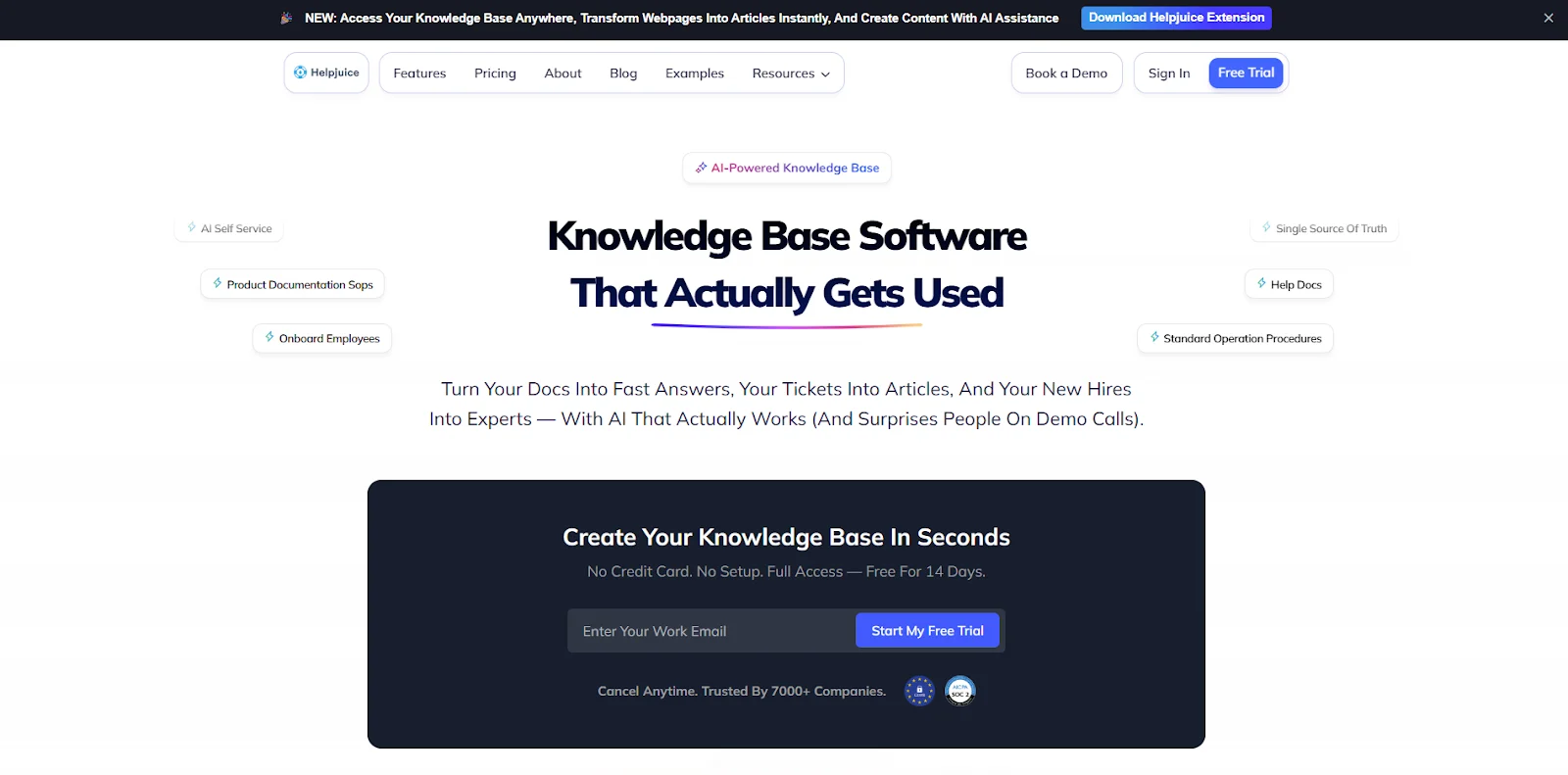
The first knowledge base on our list is Helpjuice. It stands out for its seamless interface and centralized knowledge hub, which allows employees to quickly find answers instead of waiting for assistance. Its customizable interface and user-friendly features also enable companies to tailor the platform to match their brand.
What Makes Helpjuice Stand Out?
Helpjuice stands out for its user-friendly interface and robust internal documentation capabilities. It is ideal for large or growing teams that need to centralize knowledge and streamline their onboarding process.
Here are some key features of Helpjuice that enable smooth team collaboration.
- It has a customizable user interface, allowing you to tailor the tools to your team’s needs.
- It features an advanced analytics dashboard that displays search behavior, user engagement, and content performance.
- It provides role-based permissions for internal content.
- It supports real-time editing, comments, and version history, enabling teams to collaborate effectively on a single platform.
- It offers tagging capabilities to ensure content is easy to find.
2. ProProfs Knowledge Base
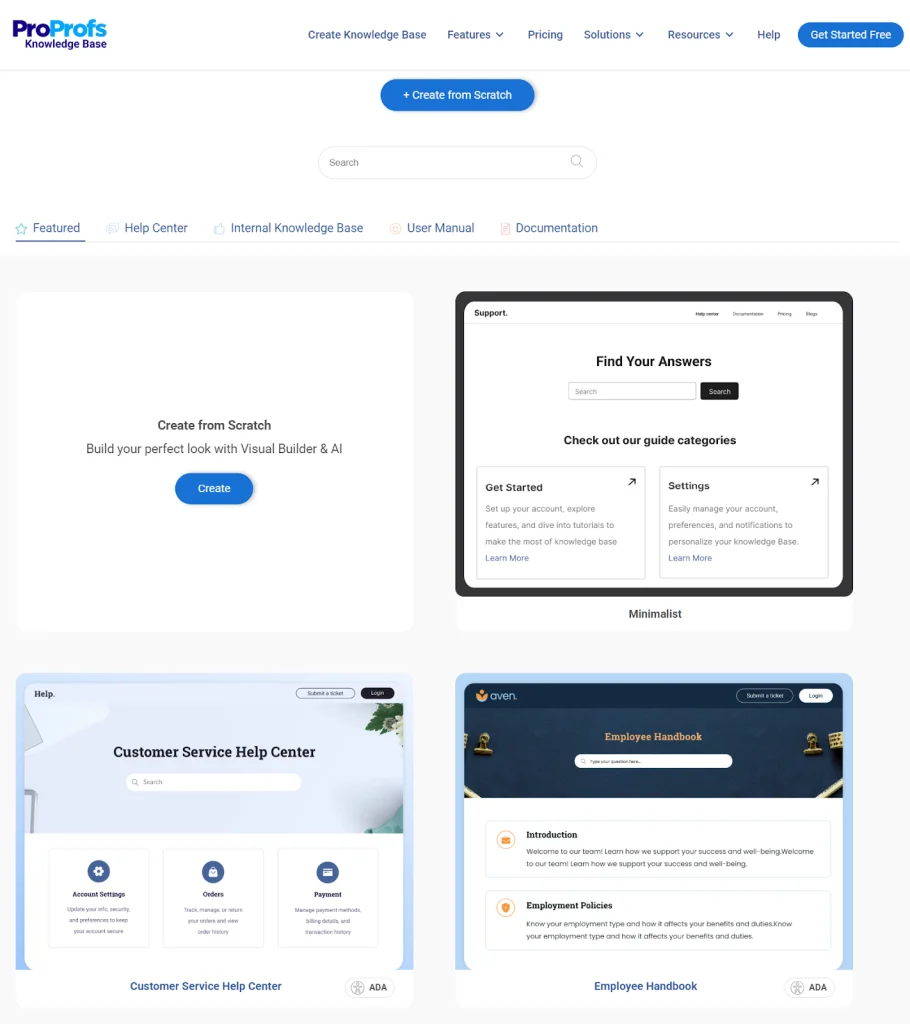
ProProfs Knowledge Base
ProProfs Knowledge Base is cloud-based knowledge base software designed to help businesses easily create help sites, manuals & private knowledge bases.
It helps businesses empower their customers to find answers quickly and employees to access vital information with ease.
Key Features and Benefits
- Powerful WYSIWYG editor with drag-and-drop functionality, ready-to-use templates, and multimedia support to create engaging content effortlessly.
- Fully customize the look and feel of your knowledge base to match your brand with custom domains, themes, and CSS/HTML editing.
- Intelligent search experience that learns from user behavior and provides AI-generated content suggestions.
- Gain insights into search trends, popular articles, and user engagement with robust analytics.
- Manage who can view, edit, and publish content with granular user roles and permissions, ensuring secure information sharing.
3. Desk365
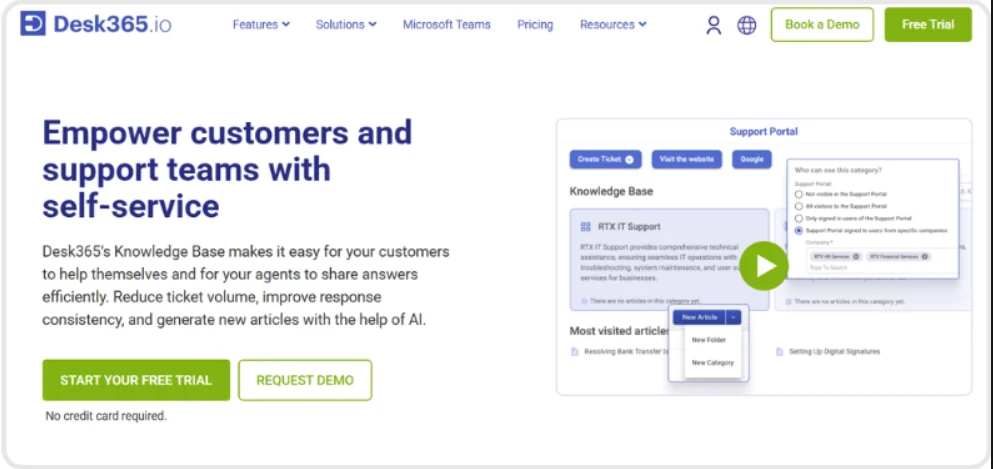
Desk365 combines a helpdesk with a knowledge base to make customer support faster and more efficient. The helpdesk helps your team manage and respond to customer requests, while the knowledge base allows customers to quickly find answers on their own. By keeping support conversations and helpful information in one place, Desk365 can reduce response times, lighten your team’s workload, and improve the overall customer experience.
What Makes Desk365 Stand Out?
In addition to regular Knowledge base capabilities, Desk365 provides automatic help article creation with AI. The Desk365 AI Copilot intelligently extracts key details from tickets and organizes them into structured knowledge base articles. This helps teams turn previous customer interactions in to support articles that make the knowledge base more extensive, thus reducing repetitive requests.
Key Features
- It supports internal and external knowledge bases with flexible access controls for customers, agents, and specific groups.
- It allows businesses to create multi-brand knowledge bases to manage separate content, and help centers for different audiences.
- It provides rich content creation with WYSIWYG editor, Markdown, HTML/CSS, images, videos, attachments, and drag-and-drop organization.
- It offers article versioning, customer feedback, searchable self-service content, and the ability to insert knowledge base articles directly into ticket responses.
- It uses AI to generate knowledge base articles from ticket conversations on demand, helping teams turn resolved issues into reusable content.
4. Guru

The reason Guru is included on our list is its real-time knowledge management and seamless integration with Slack, Microsoft Teams, and CRM tools. Guru maintains simplicity with a card-style layout, making searches fast and intuitive, especially when time is critical.
It ensures that teams always have access to accurate, verified information, enhancing productivity and decision-making.
Key Features and Benefits
- It offers a browser extension for quick access.
- It provides seamless integration with communication tools, enhancing employee training and onboarding.
- It features customizable knowledge cards that ensure accuracy with verified information.
- It allows easy addition of media, attachments, and links, making the knowledge base dynamic rather than static
5. Zendesk Guide

Zendesk Guide is part of the Zendesk customer support suite. It offers AI-driven self-service capabilities and ticket integration. It helps enterprises build a centralized knowledge base that enhances user experience, boosts efficiency, and reduces response times.
Key Features and Benefits
- It provides AI-powered chatbot assistance, enhancing efficiency through automation.
- It offers valuable insights for improved support optimization.
- It includes customizable self-service portals, helping to reduce employees’ workload.
6. Confluence by Atlassian
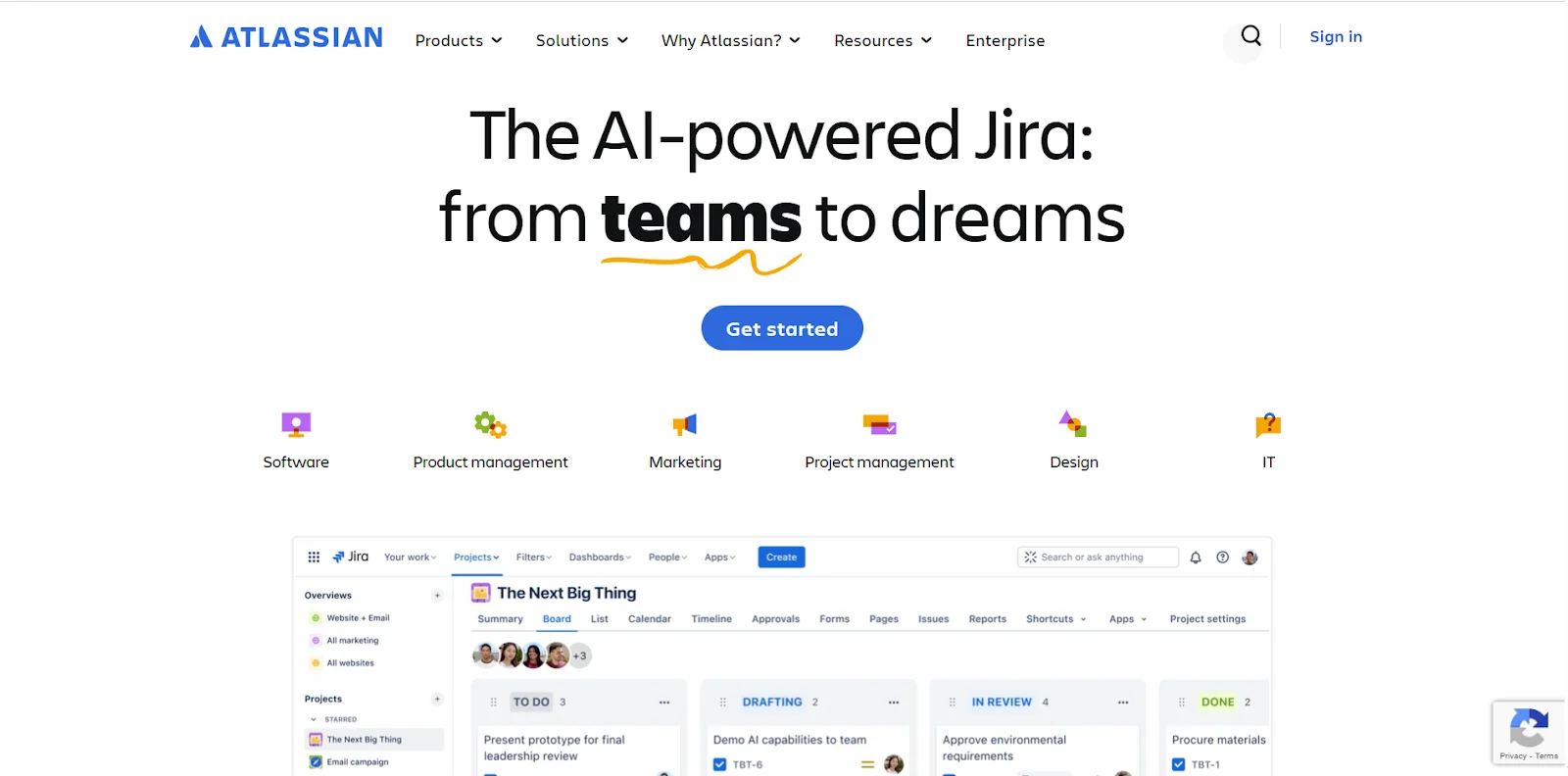
The last tool on our list is Confluence by Atlassian. It remains one of the most widely used platforms for team documentation and knowledge management, making it especially ideal for teams that already use Atlassian tools like Jira.
Confluence provides a structured space for teams to manage internal documentation, collaborate on projects, and maintain a centralized knowledge hub. While highly functional, it often requires more setup and governance to prevent content sprawl.
Key Features and Benefits
- It offers seamless integration with Jira and Trello.
- It features customizable page templates and enhances cross-team collaboration.
- It improves transparency and accountability.
- It provides centralized project management and a streamlined documentation workflow.
How to Choose the Right Knowledge Base Tool for Your Team?
Now that we’ve covered the best tools, it’s important to determine which one is the best fit for your team. Choosing the right knowledge base tool ensures a smooth, long-term path for data-driven growth. Many companies overlook investing in fully integrated tools, which can lead to negative feedback and a disorganized user experience.
Here are some key factors to consider when selecting a knowledge base.
1. Define Your Needs
Before choosing a knowledge base tool, begin by understanding your actual requirements. You can start by asking yourself the following questions:
- Is your goal to enhance internal collaboration?
- How many team members will contribute?
- Do you need multilingual content for global users?
Additionally, make sure to examine your team’s tech stack. The knowledge base should align with your team’s needs, so consider whether your team relies on Slack, Microsoft Teams, or a specific CRM.
If you operate in a regulated industry or manage sensitive data, don’t overlook content governance, including role-based permissions, review workflows, and audit tracking.
2. Prioritize Features
After clearly defining your needs, it’s time to focus on features that streamline and simplify your work. When choosing a knowledge base for your organization, consider the following features:
- Check if the tool offers a powerful search and tagging system.
- Look for real-time collaboration that allows multiple editors to contribute.
- Ensure it provides valuable analytics to review search behavior and content history.
- Consider customization and branding options to make the knowledge base reflect your organization.
- Evaluate budget-friendly pricing that supports your growth.
- Verify security and compliance features to protect your data.
3. Shortlist and Test the Tool
Next, choose a few tools and evaluate them to determine which is best for your team. A good approach is to select two or three tools that meet your key requirements and start trialing them.
For example, if you’re looking for deep customization and scalable collaboration, Helpjuice is an excellent option. It is specifically designed for knowledge management and offers strong organizational support.
Begin by setting up a small workspace. Test how easy it is to add content, assign roles, edit information, and connect integrations. Pay attention to search accuracy, load times, and how intuitive the interface feels for both editors and readers. The goal is to find a tool your team will actually enjoy using, not just one that looks impressive at first glance.
4. Evaluate the Tool
After selecting a knowledge base, it’s important to assess how effectively it performs. Start by reviewing search statistics to ensure users are finding the information they need. Keep your content up to date and relevant by monitoring article engagement and update frequency.
Finally, collect regular feedback from your team to support continuous improvement. By incorporating feedback consistently, your tool remains well-structured, enhances search visibility, and adds new resources over time.
Final Words
In 2025, the role of the knowledge base has evolved from static documentation to a dynamic collaboration hub. With the right knowledge base, teams can not only store knowledge but also share, find, and act on it. Of course, the best choice always depends on your team’s specific needs.
With the right platform, you’ll spend less time searching for answers, more time collaborating, and create a stronger knowledge-sharing environment for your team.
FAQs
Q1. What is a knowledge base tool, and why does my team need it?
A knowledge base tool is software that creates, stores, and organizes important information such as articles, guides, FAQs, and onboarding documentation. Teams need a knowledge base to reduce response times, accelerate onboarding, enhance employee training, and deflect support tickets.
Q2. Do I need a knowledge base for the internal team or just for customer support?
It depends on your team’s specific needs. If your goal is to improve team collaboration, onboarding, and internal services, you will need an internal knowledge base. However, an external knowledge base is beneficial for supporting customers and improving their experience.
Q3. How much does a knowledge base tool cost?
The cost of a knowledge base tool varies widely. Some tools offer affordable pricing, while others are more expensive. On average, a basic knowledge base starts at around $100/month, whereas an AI-powered knowledge base may cost approximately $200/month.