The iCloud Activation Lock blocks iPhone access after a reset or purchase. Many users feel frustrated because they cannot use their device or settings freely. Official Apple methods exist, but sometimes fail or take a long time to complete. At this point, a dedicated external solution becomes essential for effortless unlocking.
Therefore, Dr.Fone iPhone Unlocker provides a simple way to bypass iCloud locks. It helps users get back complete control of their devices without requiring passwords. In this guide, you will explore all possible unlocking methods clearly.
Image name: drfone-iphone-unlocker-1.jpg
Image alt: bypass icloud locked iphone
Part 1. Is It Possible to Unlock an iCloud-locked iPhone?
It is possible to unlock an iCloud-locked iPhone, but it depends on how the lock was applied originally. A device can be unlocked only when the correct ownership is verified. In short, Apple allows unlocking when the rightful owner provides valid account details. If account data is forgotten, users must follow official support steps carefully.
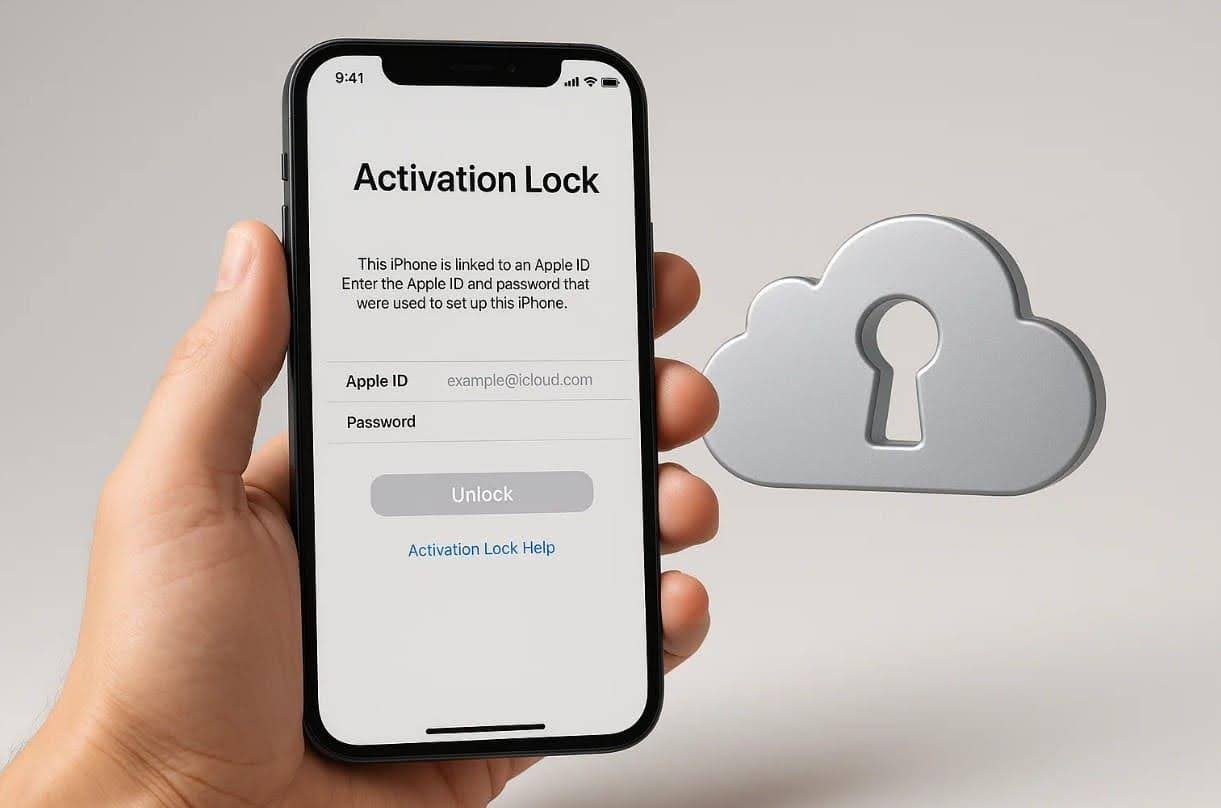
These steps help confirm device history before any activation lock removal proceeds. Sometimes, required documents are missing, causing delays during ownership confirmation checks. In such cases, third-party tools offer guided pathways for possible unlocking.
Part 2. Official Solutions Apple Approves for Unlocking Locked iPhones
Apple provides official methods to regain access and securely bypass iCloud activation lock. These 2 solutions ensure device safety while allowing users to unlock iPhones:
Method 1. Using Apple ID & Password
This method helps unlock an iCloud-locked iPhone by using valid Apple ID details. It removes the device from Find My and disconnects it securely from previous ownership. Yet, users can follow this simplified guide, making the entire removal process easy for all users. It works quickly when the original login information is available and easily accessible. Anyhow, adhere to the given steps to remove your device through this method:
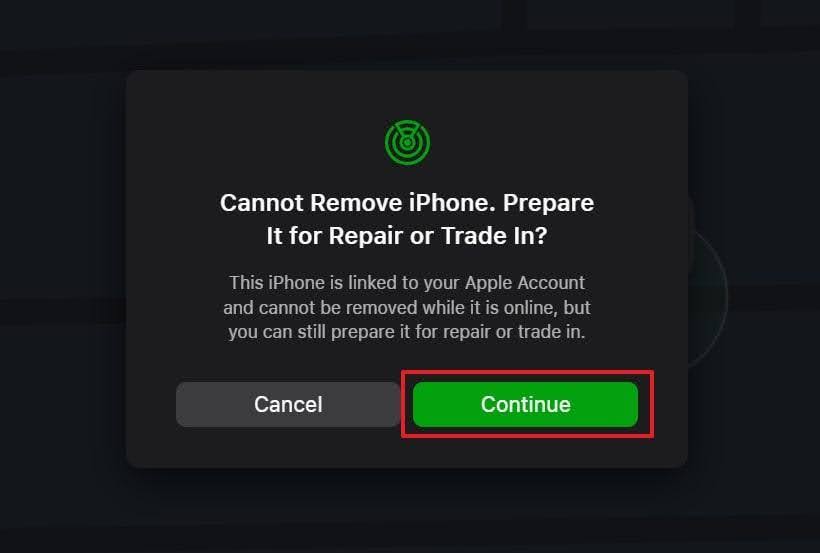
Step 1. Upon logging into the iCloud Find Devices website, choose your phone from the “All Devices” section. As you get a new prompt, click the “Remove” option for your device.
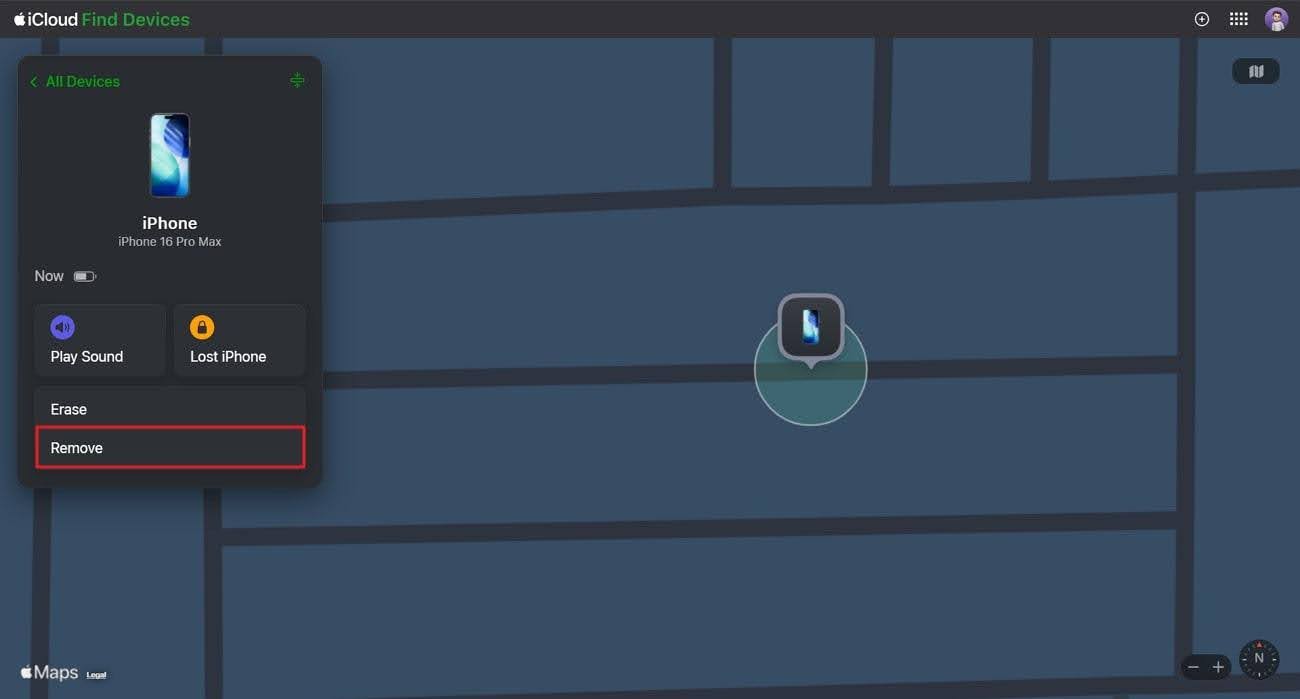
Step 2. Next, hit the “Continue” button and let the system unlink your device from your iCloud account.
Method 2. Starting an Activation Lock Support Request
Sometimes, it also helps users bypass iCloud activation lock through official review. This process needs the verified information mentioned below to unlock your device:
1. Ownership Proof: Submit receipts or invoices showing the iPhone’s serial number, IMEI, or MEID.
2. Device Details: Provide model or IMEI number, and purchase information for verification.
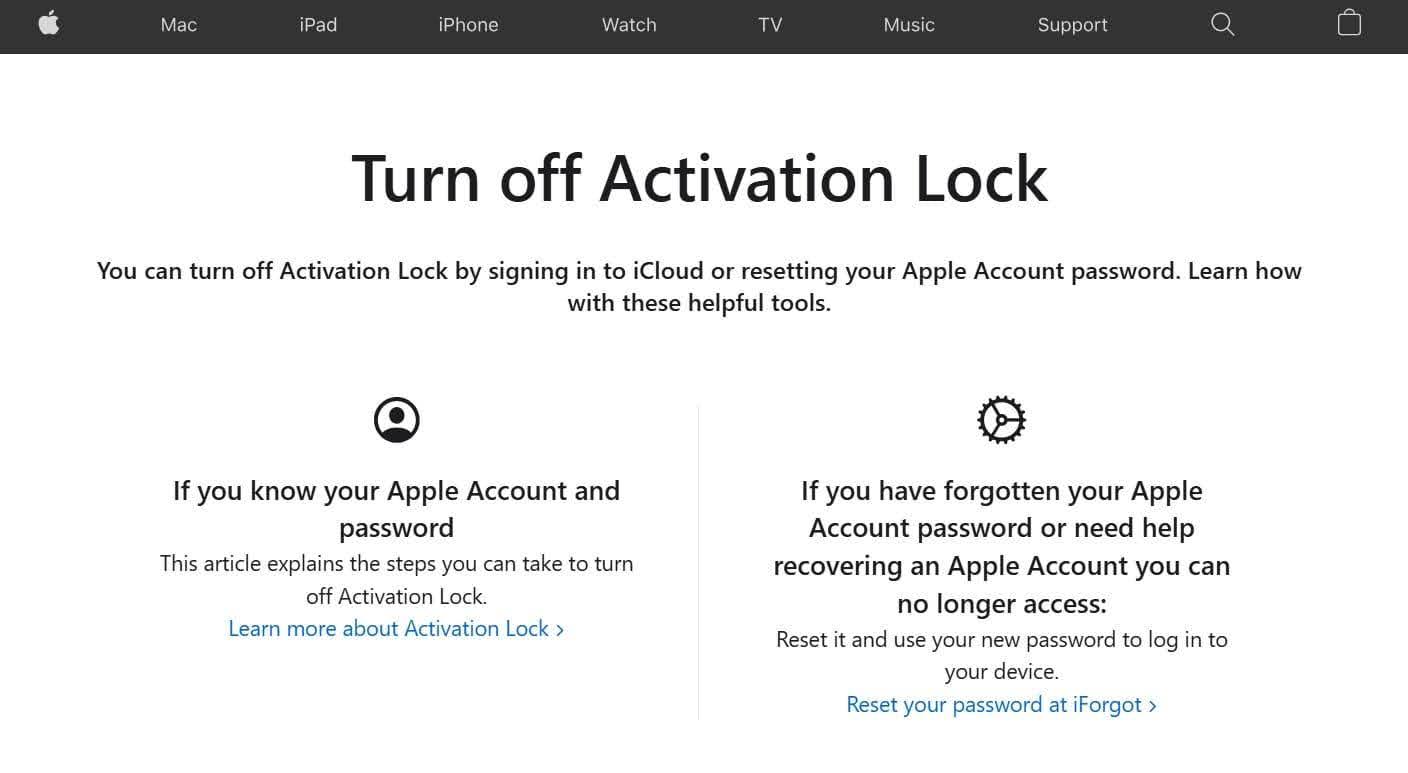
3. Form Submission: Visit Apple’s Activation Lock Support page to fill in the details and upload the required documents.
4. Decision Email: After review, Apple sends an approval or denial response via official email.
Part 3. Why Official Activation Lock Solutions May Not Work for Everyone
Official Apple solutions may not always match every user’s unlocking needs. The following limits cause delays when people lack account information:
- Missing Proof: Some users lack receipts or invoices required for ownership confirmation. Both elements are essential for processing official requests within Apple’s system.
- Used Device: Secondhand phones may still retain previous owners’ information in Apple servers. This stops new users from activating their devices without proper identity verification.
- Delay Issue: Apple’s manual review process can take several days or sometimes even weeks. Such long waiting periods frustrate users who need access to their personal devices.
- No Access: Some owners forget passwords or lose the recovery email linked to accounts. That situation stops them from unlocking devices through Apple’s usual verification.
- Regional Limits: Apple’s unlocking support varies by country’s service rules. It prevents certain users from requesting assistance or accessing required Apple help pages.
Part 4. How Dr.Fone iPhone Unlocker Makes Activation Lock Easy to Remove
The activation lock becomes more stressful when users cannot access devices after using the official ways. Here, Dr.Fone – Screen Unlock (iOS) offers a perfect solution with its wide set of smart functions. It allows users to remove the iCloud activation lock easily without requiring any Apple ID password. In addition, the Dr. Fone iPhone unlock tool helps recover full device access in only a few minutes.
Moreover, it supports all iPhone versions, including running the latest iOS 26. Users can even unlock their Apple ID even if their old credentials are forgotten or lost permanently. The software analyzes the connected model and downloads the correct firmware for unlocking. Plus, all unlocking processes occur securely and locally on your system to keep iPhone internal information fully protected.
Detailed Guide to Bypass iCloud Activation Using Dr.Fone
Take guidance from the given guide to bypass iCloud activation lock on your iPhone using this innovative tool:
Step 1. Open the Tool to Begin iCloud Lock Removal
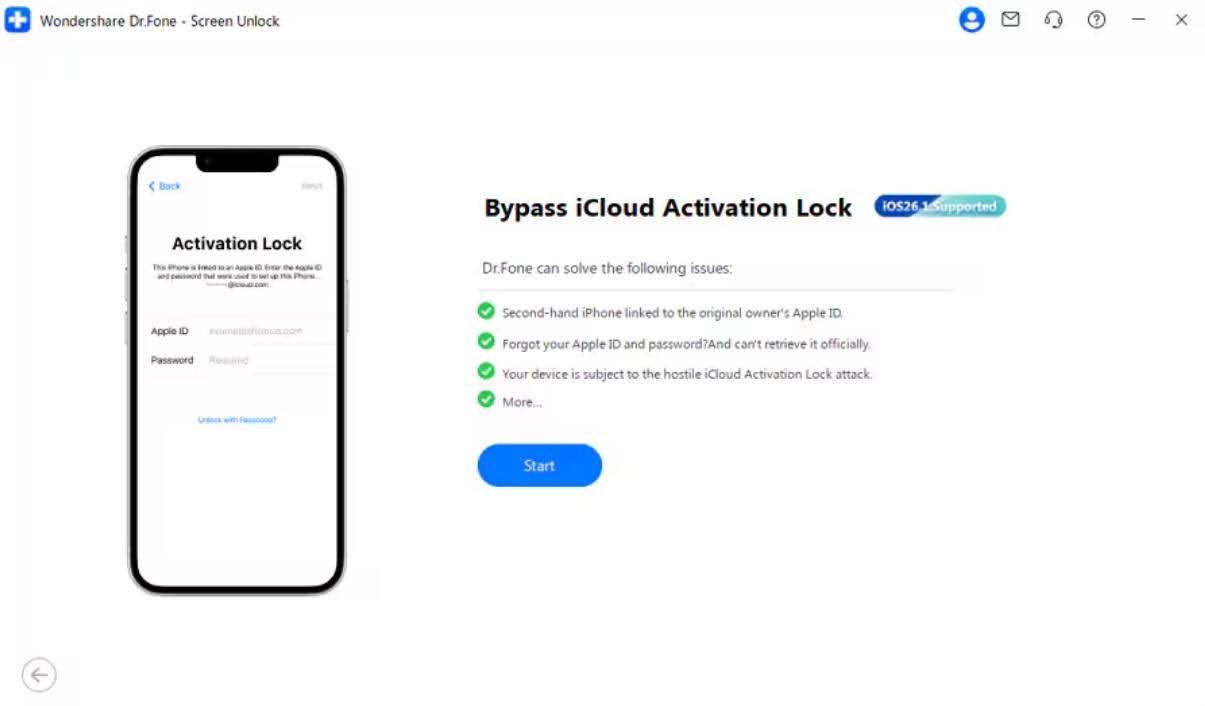
Go to the “Toolbox” panel to choose “Screen Unlock” and select the “iOS” option. Opt for “iCloud Activation Lock Removal” from the displayed options and press the “Start” button.
Step 2. Get Your Device Ready for Jailbreaking
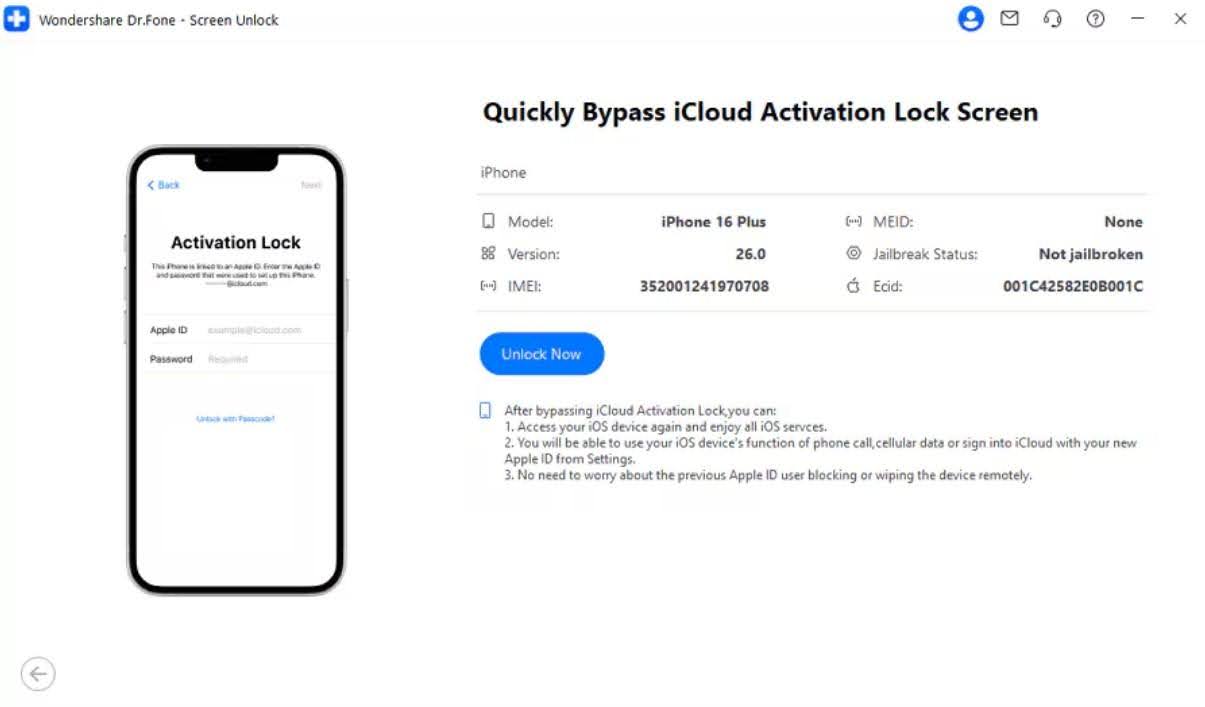
Later, link your iPhone to the computer and click “Unlock Now” to proceed.
- For iOS 17.0.1–26.1
The software will automatically download and install the needed driver for your model.
- For iOS 15.0–16.7.11
You will be guided to place your device in Recovery Mode to begin jailbreaking.
- For iOS 12.0–14.8.1
A manual jailbreak will be required, and the tool will display each step clearly.
Step 3. Complete the iCloud Lock Removal Process
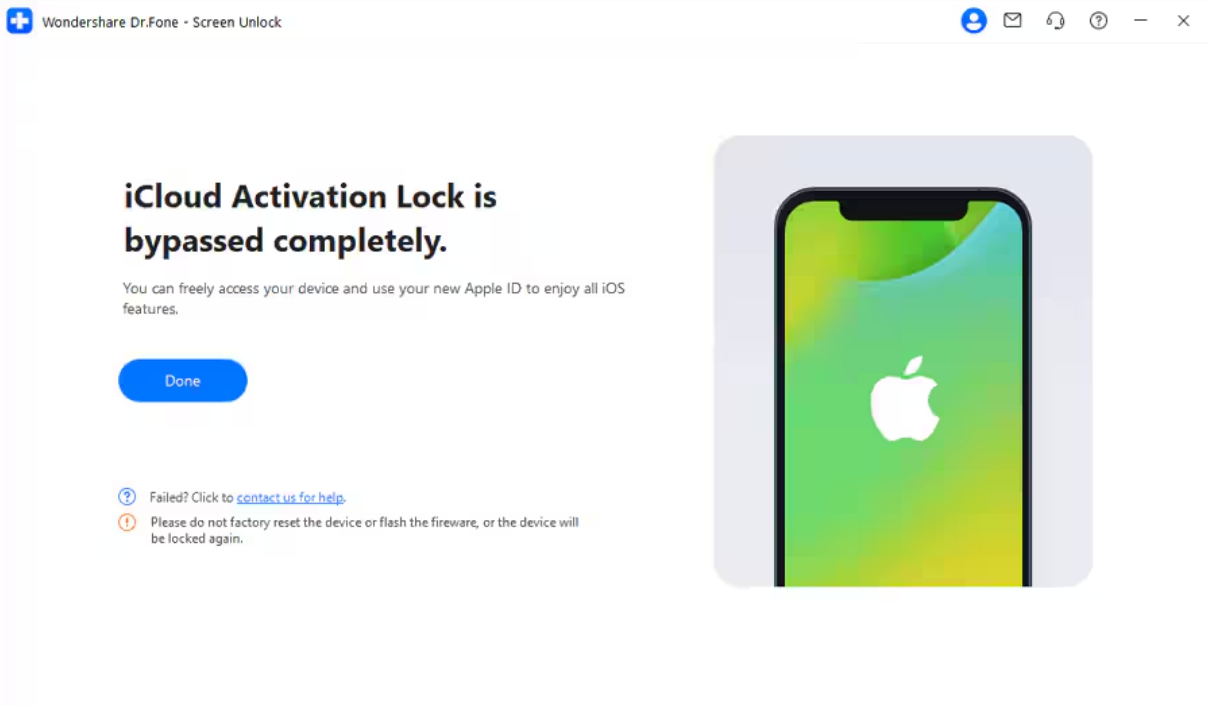
After the process is done, the software will bypass the iCloud Activation Lock instantly as it supports all the latest iOS versions.
Why People Choose Dr.Fone to Bypass iCloud Activation Lock
A lot of individuals prefer Dr.Fone to bypass locks because it ensures safe unlocking. Below, you will discover multiple common benefits of utilizing this tool:
- High Success: Optimized methods increase the success rate across supported Apple devices. Stable performance helps users unlock devices even when official options fail completely.
- Wide Support: It works with several iOS versions, including the newest 26 releases on modern devices. Broad compatibility helps users unlock phones regardless of model or software version.
- Safe Method: All unlocking operations are securely performed to protect user data. It ensures personal information remains private during sensitive device actions.
- No Passwords: The program removes activation locks without requiring original login details. This helps users unlock devices easily, even when passwords are forgotten entirely.
- MDM Removal: It even clears MDM profiles without deleting data or harming the device. Safe handling helps users regain control while keeping their essential files intact.
Conclusion
To sum up, the iCloud Activation Lock can stop users from accessing their devices. While Apple provides official ways, many people still face delays during verification. In such situations, a simple and reliable option becomes helpful for quick unlocking. For this reason, Dr.Fone iPhone Unlocker is highly recommended. It provides a fast, secure, and simple way to remove activation locks without hassle.

Shikha Negi is a Content Writer at ztudium with expertise in writing and proofreading content. Having created more than 500 articles encompassing a diverse range of educational topics, from breaking news to in-depth analysis and long-form content, Shikha has a deep understanding of emerging trends in business, technology (including AI, blockchain, and the metaverse), and societal shifts, As the author at Sarvgyan News, Shikha has demonstrated expertise in crafting engaging and informative content tailored for various audiences, including students, educators, and professionals.