
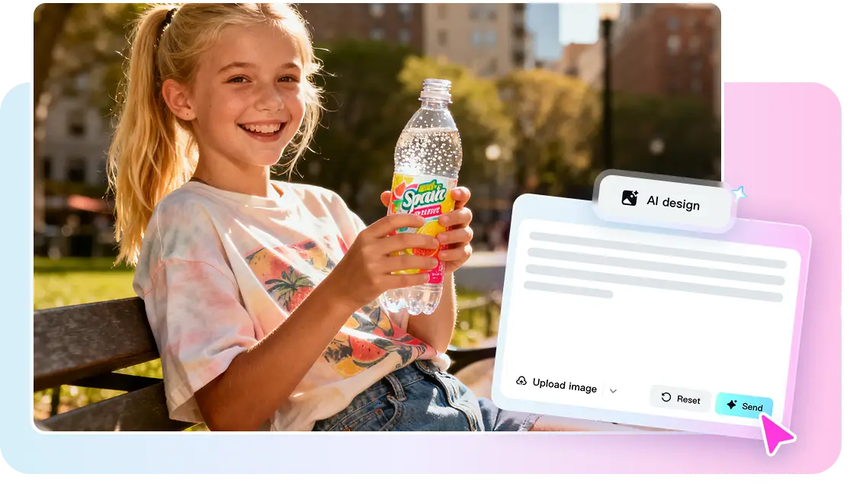
Highlight reels in sports have gained a lot of popularity among fans, athletes and content creators. Rapid action, dramatic targets, and incredible plays require instantaneous attention, and hence necessitate the use of video highlights. Nonetheless, the process of generating polished highlights may be tedious and technically demanding when done manually. Novices usually have a problem with matching clips to the tune, editing action segments, and keeping the rhythm steady. This is now made easier through browser based solutions. CapCut launches Quick Sync, an AI-based product that will make it possible to edit automatically, cut on beat, and create better-looking professional sports videos effortlessly. It is a tool that allows any person to easily turn raw footage into eye-catching highlights, without having to possess sophisticated video editing skills, which saves time and effort.
What is Unique about Sports Highlight Editing
Sports editing involves the ability to see quickly and at the right time. Sports highlights require quick cuts, unlike in normal video editing, where it is necessary to sustain the attention of the viewers without compromising clarity. Every play, leap, or goal has to be highlighted without the loss of narrative. Rhythm is essential; the transitions are smooth, the paces are accurate, which makes the game story exciting and it becomes natural. With CapCut, footage can be accessed instantly without the hassle of downloading and installing software to do any editing. This real-time editing allows instant changes, and you are free to be creative instead of technical. These automation and manual adjustments make the highlights look professional but dynamic and energetic at the same time.
Learning Quick Sync in CapCut
CapCut Quick Sync is an AI-powered video platform that identifies important moments in a video, including spikes, goals, jumps, or bursts of movement. It automatically matches these clips with music or sound effects in the background such as crowd cheers. The tool guarantees that cuts occur during the most influential situations with a focus on the athletic ability and game intensity. Quick Sync is also universal and can be used in both recreational sports videos and highlight reels. It removes the guesswork of manual syncing by examining the movement patterns and audio cues. Highlight reels are more entertaining, as they capture the spirit of the game without losing the attention of the viewer. The feature is an AI-enhanced tool that converts unpolished sports video into a high-quality, high-energy one without needing a lot of editing expertise.
Getting Your Sports Footage Ready
Good highlight editing begins with well-organized footage. Divide group clips by plays, teams, or sequences to enhance AI interpretation. CapCut allows uploading of large files, so that it is not complicated to work with the full-length matches or long-term training. Select vibrant music in the library of the platform to match the speed of your video. Good choice of audio also helps in the interest of the viewer and make the Quick Sync match the cuts to the beats intuitively. Using the AI video maker, you can quickly generate preliminary edits, experiment with transitions, and refine the overall flow of highlights. This step helps to prepare the work and minimize the number of repetitive changes in the final editing.
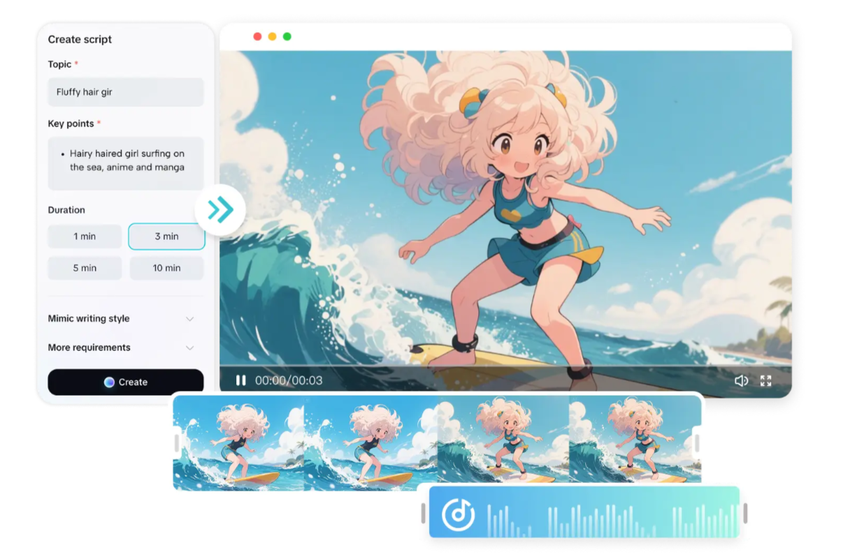
Steps to Make Sports Highlights Easy using the AI Video Maker Quick Sync
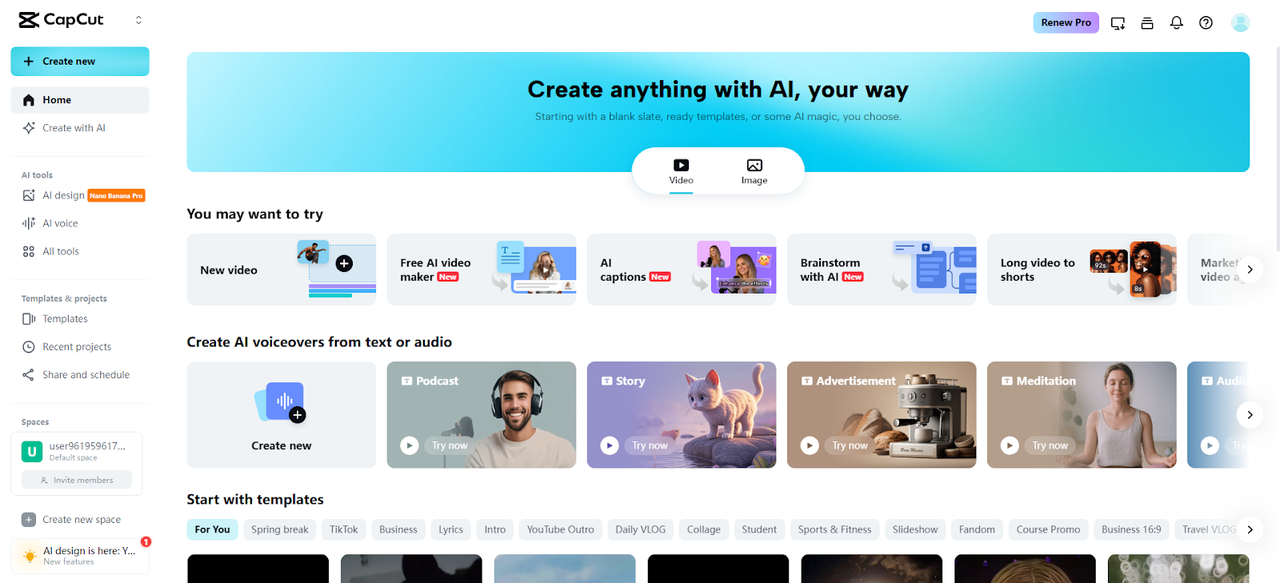
Step 1: Activate the Quick Sync Highlight Builder Launch the CapCut online editor and reach the main dashboard. Select the “Free AI video maker” option to unlock the AI tools. Choose “Instant AI video” to access the Quick Sync system for fast-paced sports highlights.
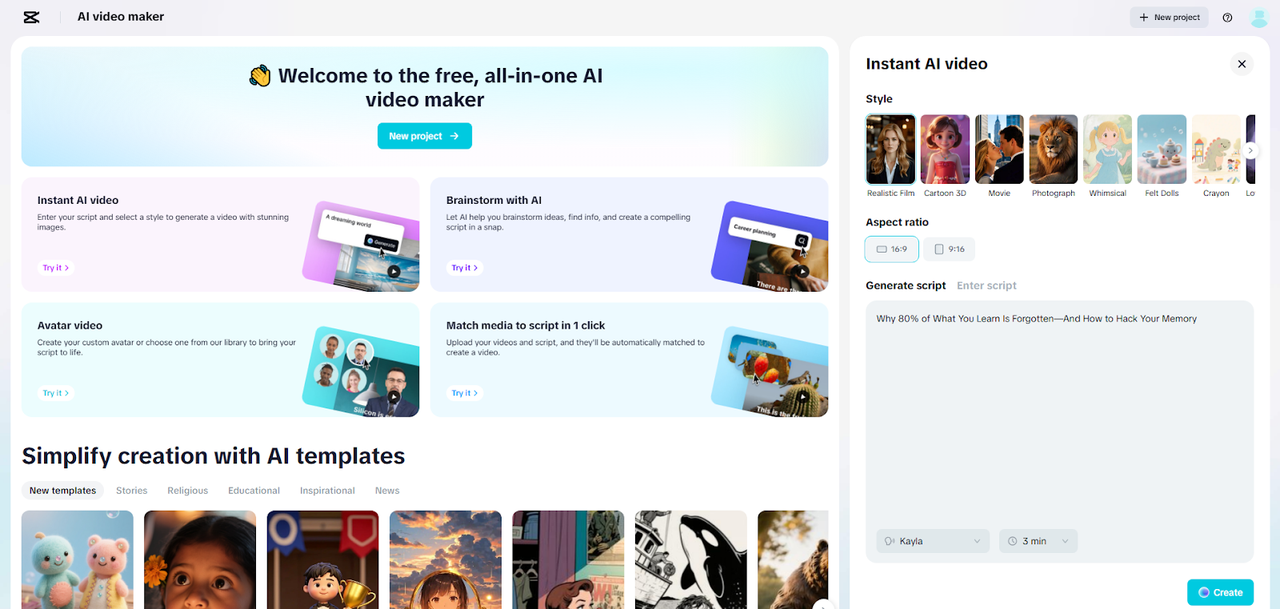
Step 2: Structure the Highlight Sequence Pick a dynamic sports style for your video. Enter match details or key moments into the “Enter script” box, or select “Generate script” to allow the AI writer to create a structured storyboard outline automatically. Choose 16:9 for widescreen or 9:16 for vertical sports previews. Adjust the storyboard length and narration tone. Click “Create” to generate a complete scene-by-scene highlight layout with visual cues.
Step 3: Sync Motion, Enhance, and Export Press “Create” to generate the visual storyboard. Open the “Music” panel and add a high-energy track from CapCut’s audio library. Visit “Elements” to select a caption template that matches the sports intensity.
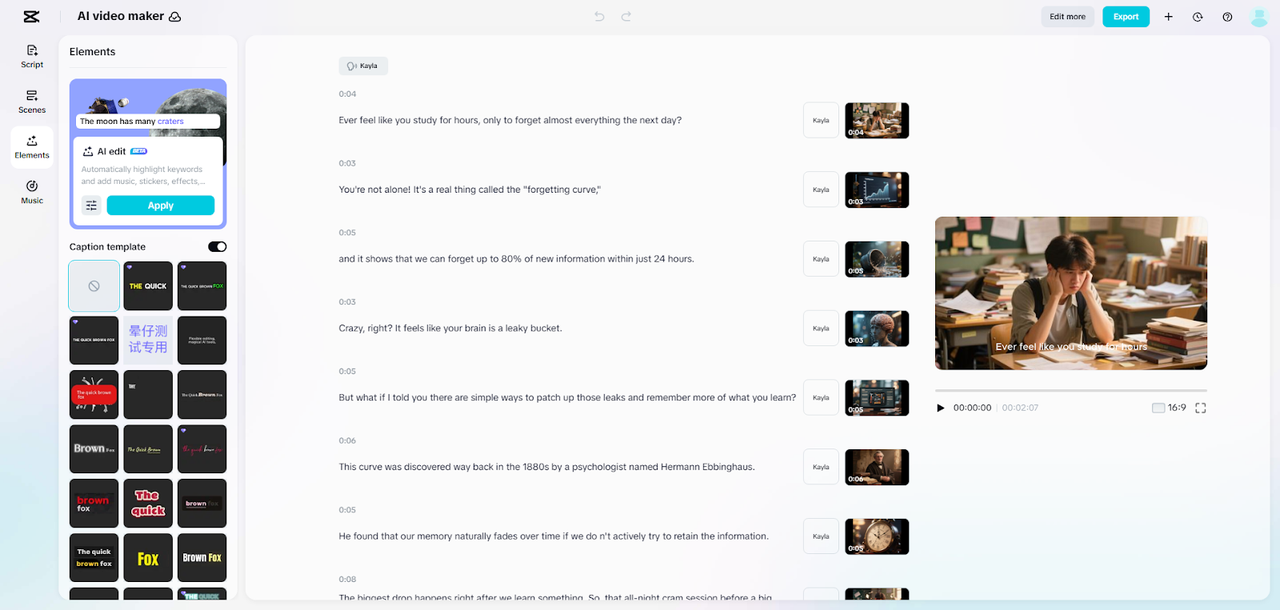
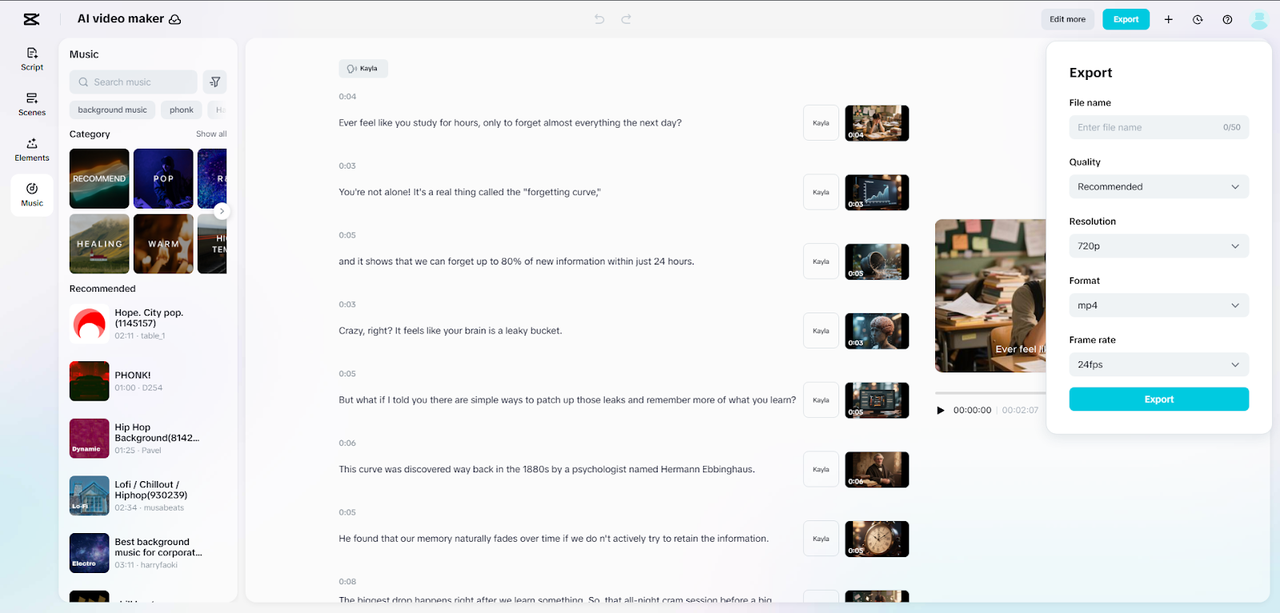
After final adjustments, click “Export” to set the resolution, format, and frame rate. Click “Export” again to store the finished sports highlight video.
Improve Highlights using Quick Sync Tools
Quick Sync also has the ability to automatically cut clips to highlight the best action moments. Exceptional plays are underlined with freeze-frames, and the important details such as a slam dunk or a decisive goal are accentuated with slow-motion shots. Players can be recognized, the score displayed or the statistics being tracked with overlays that provide a professional touch. Quick Sync is used during intense moments where changes are made to correspond to the energy of the game. The inclusion of minor effects does not make the viewer feel overwhelmed and makes the video engaging and easy to watch. Be it the display of amateur game or professional highlights, these tools enhance the viewing experience and minimize the manual editing work.
Increasing Energy by using the Asset Library of CapCut
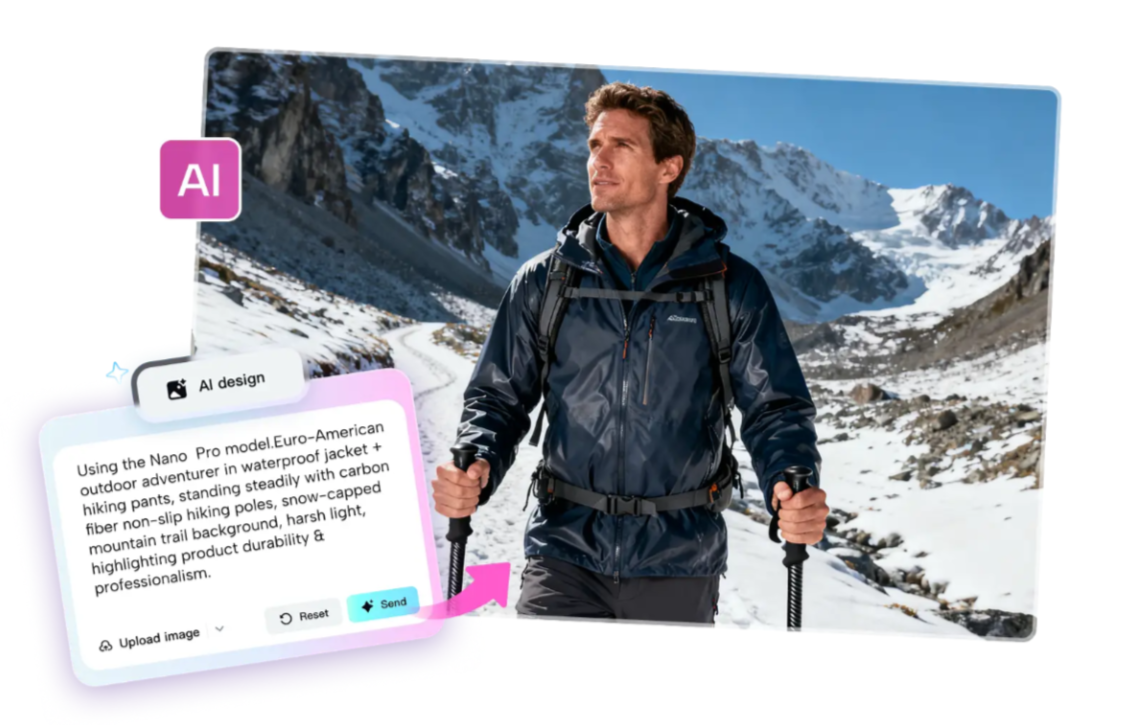
CapCut has a vast collection of sound effects, such as whistles, crowd responses, and dramatic hits. Visual identity is supported by motion graphics, team logos and animated scoreboards. The high contrast typography is used to emphasize the names of players or scores, which improve readability when the ball is moving very fast. For example, combining Nano Banana Pro font with energetic animations can make statistics stand out without distracting viewers. The use of various assets carefully makes highlights vibrant and professional. The user-friendly interface of the platform enables the smooth overlaying of these features to produce interactive and captivating sports videos that mimic the intensity of the original footage.
Exporting Sports Highlights
High-action sports content requires smooth playback. When choosing the right frame rate, it makes sure that all motions, jumps, or sprints are visible. CapCut is compatible with various formats that can be used in social media, team websites, and reels. The functionality of cloud-based collaboration enables coaches, teammates, or editors to watch footage together in real-time, which improves accuracy and collaboration. Export settings can also be tailored to desktop and mobile usage, with the highlights being available in either case. This versatility will ensure that your video can be played in front of any audience without the quality or performance being sacrificed.
Conclusion
Quick Sync in CapCut transforms raw footage into polished and engaging video content in a short amount of time. Automated cutting, syncing and visual effects minimize the challenges of manual editing and retain the narrative structure and excitement. The sports highlights become more effective and professional by integrating AI, planning, and a large library of assets. This platform enables anyone to create dynamic, eye-catching video either as a social media, team promotion, or personal archives. The use of AI-driven Quick Sync in CapCut makes the creation of sports content quick, quality, and visually striking, making it accessible and enjoyable to everyone.

Himani Verma is a seasoned content writer and SEO expert, with experience in digital media. She has held various senior writing positions at enterprises like CloudTDMS (Synthetic Data Factory), Barrownz Group, and ATZA. Himani has also been Editorial Writer at Hindustan Time, a leading Indian English language news platform. She excels in content creation, proofreading, and editing, ensuring that every piece is polished and impactful. Her expertise in crafting SEO-friendly content for multiple verticals of businesses, including technology, healthcare, finance, sports, innovation, and more.










