For many people entering online trading for the first time, the biggest challenge is not the market itself but choosing a platform that feels understandable from day one. This is why ExpertOption often appears in beginner discussions on social media, forums, and platform reviews: the interface looks simple, the entry threshold is low, and the demo mode is available immediately.
This ExpertOption beginner review looks at the platform through the eyes of a novice trader rather than an experienced professional. Instead of focusing on profitability or advanced strategy, it highlights practical steps: what to expect during registration, how the interface behaves during your first trades, and the common mistakes beginners often make while learning the platform.
Visit our website to explore the platform and create your account.
The goal isn’t to showcase results or compare performance. Instead, it offers a realistic look at the early user experience, pointing out where expectations might differ from how the platform actually works. By emphasizing clear procedures over marketing claims, beginners can approach their first trading sessions with more structure, confidence, and fewer assumptions.
What Beginners See First: Platform Overview
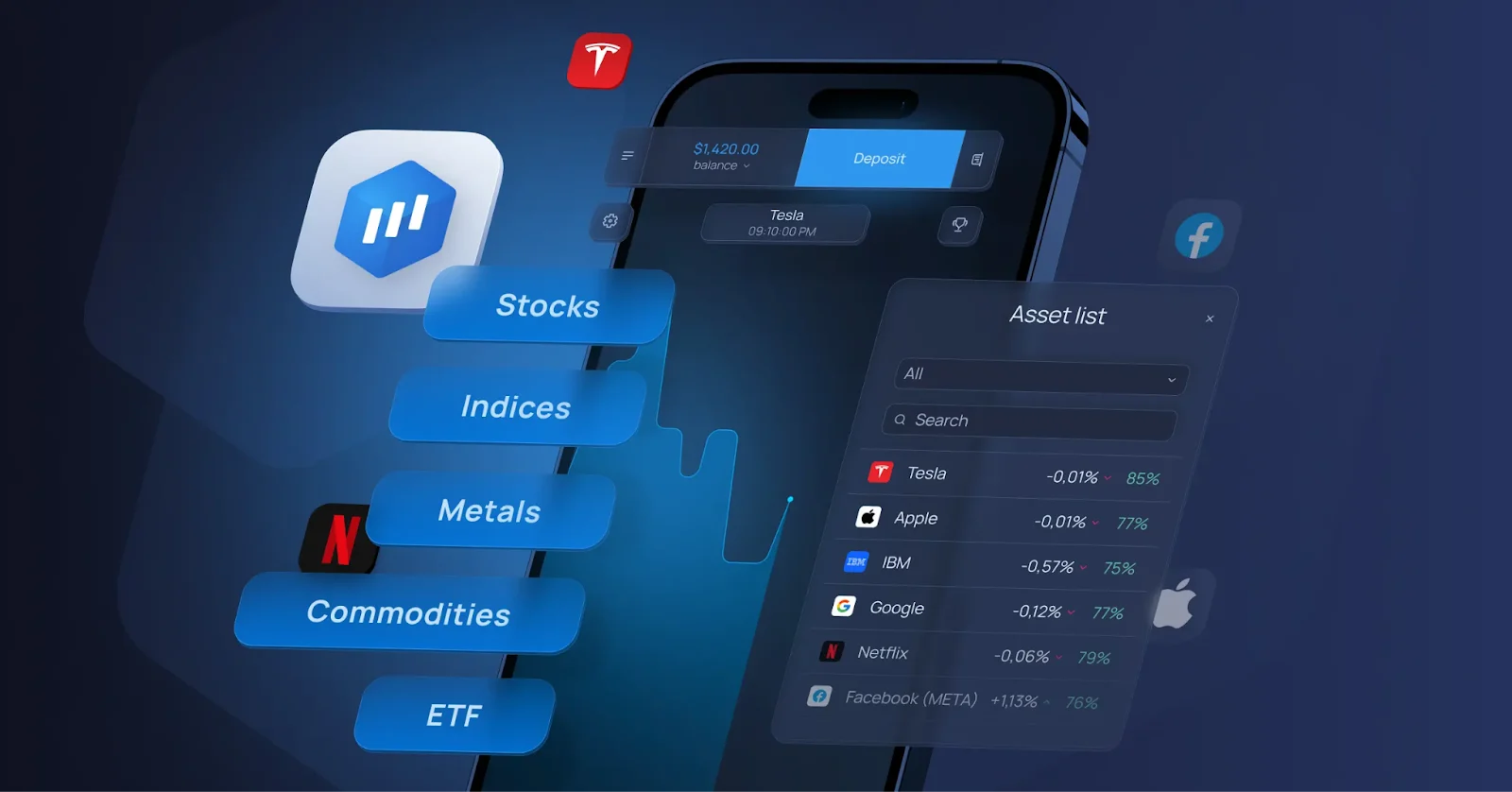
From a beginner’s perspective, ExpertOption is primarily a web-based and mobile trading platform that provides access to multiple assets through a single, visually compact workspace.
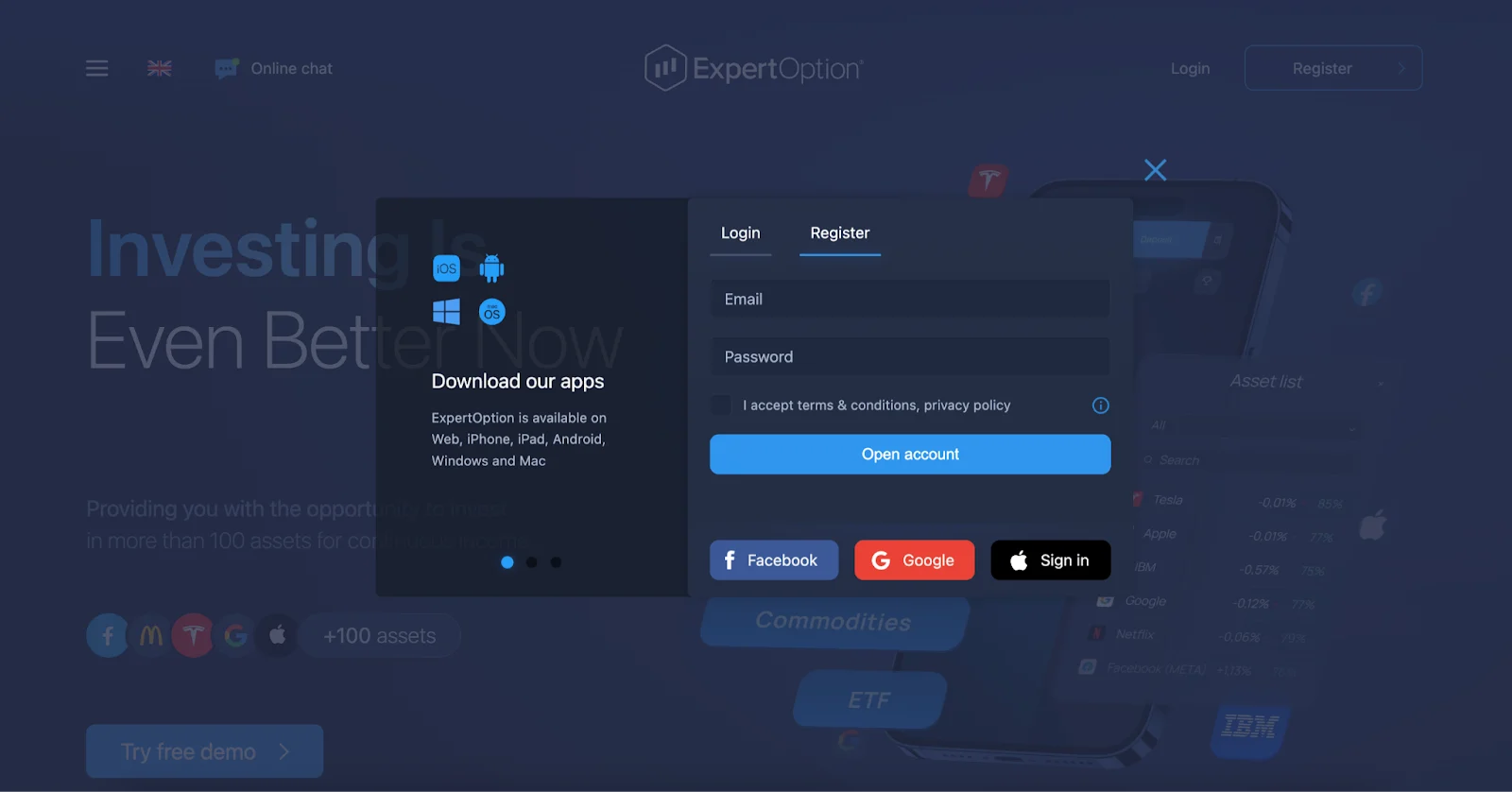
The first impression is usually shaped by three things:
- A chart in the center
- A simple trade panel
- A balance indicator (demo or real)
No overloaded dashboards or multiple windows are competing for attention. This is one of the reasons the platform is often described as ExpertOption for beginners — navigation does not require previous trading experience.
New users typically notice:
- Quick switching between demo and real accounts
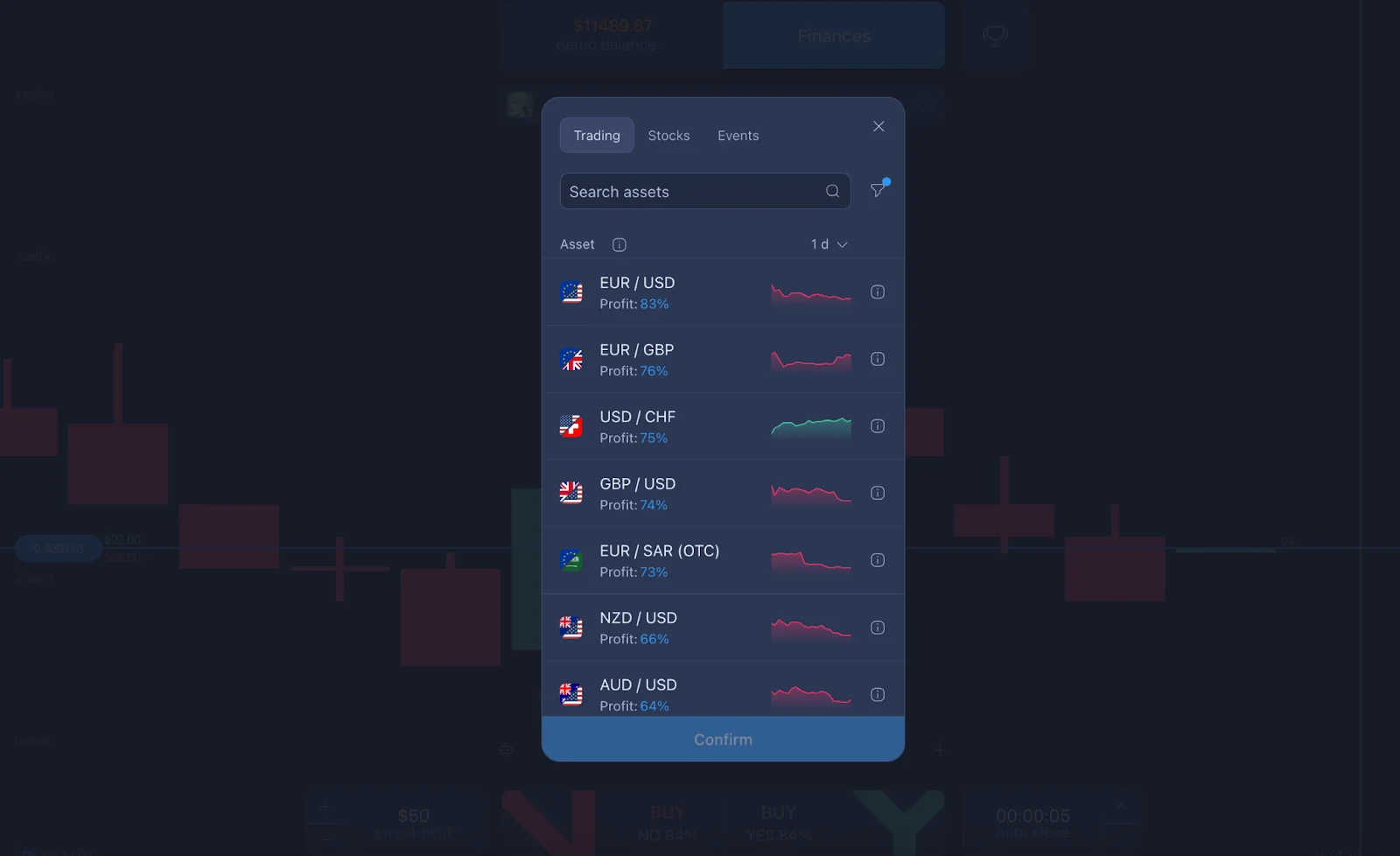
- A clear asset selection menu
- Visible trade size and time controls
At this stage, the experience is less about trading and more about orientation — understanding where everything is and what each element does.
Registration and Verification
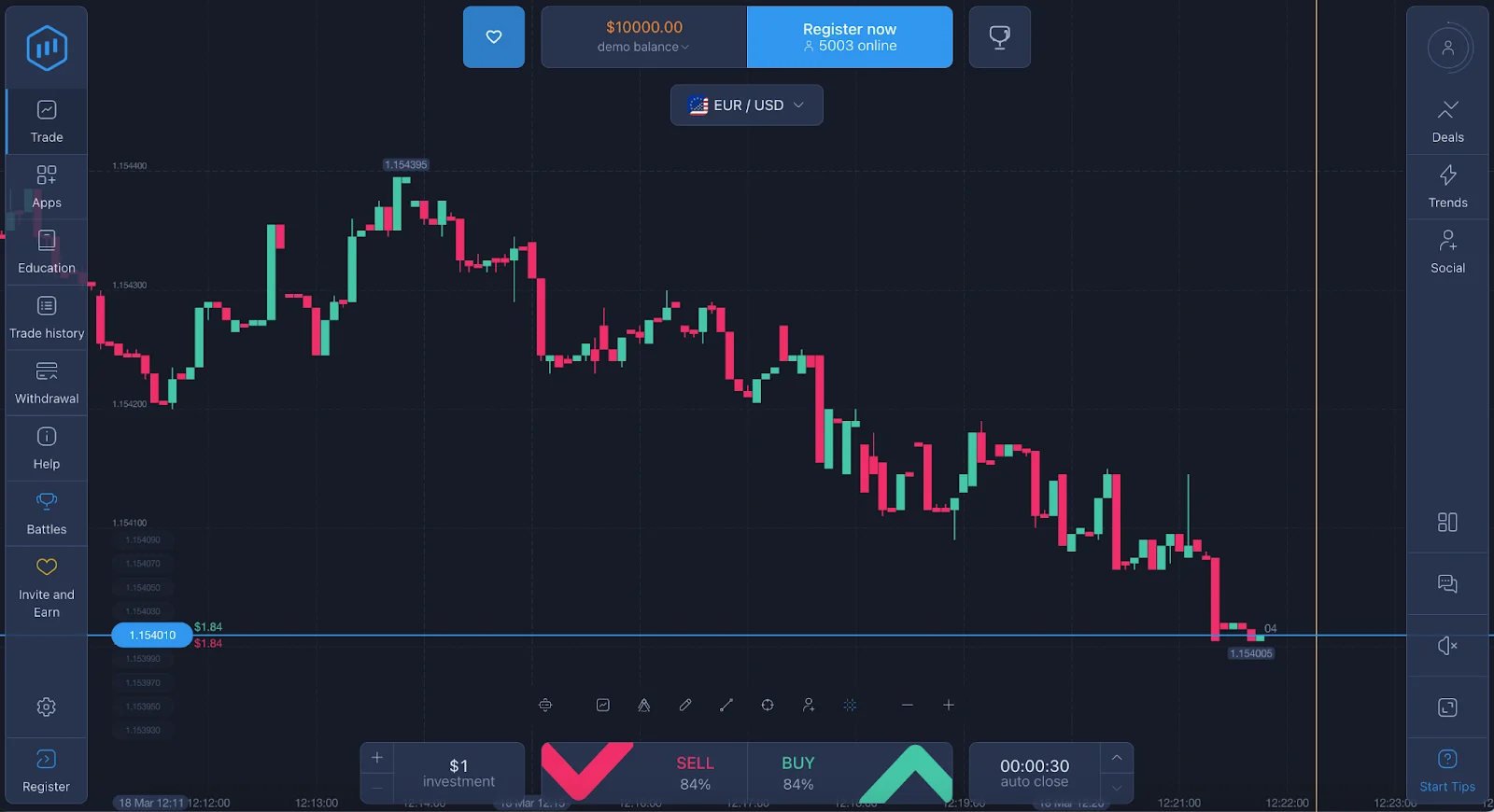
The signup process on ExpertOption is intentionally simple — users register with an email, create a password, and confirm their account. In most cases, access to the demo account is available immediately, allowing beginners to explore the platform without financial risk.
At the same time, ExpertOption is a regulated broker and a registered Member of The Financial Commission, reinforcing its position as a safe and reliable trading platform trusted by more than 70 million clients worldwide. Unlike the common misconception that the platform operates without oversight, this membership reflects a formal commitment to transparent operations, fair dispute resolution, and strict standards of client service.
The Financial Commission provides independent external protection for traders, including a structured process for resolving disputes and access to a compensation fund in eligible cases. For users, this means an additional layer of accountability beyond the platform itself — a key factor in building long-term trust and operational credibility.
Verification (KYC) is a separate step that beginners sometimes postpone, but in practice, it’s better to complete it early.
Why this matters:
- It prevents delays when withdrawing later
- It confirms ownership of the payment method
- It reduces account-related restrictions
Typical beginner issues include:
- Uploading unclear photos of documents
- Name mismatches between the account and the payment method
- Incomplete forms
These are not platform-specific problems — they are common across most online financial services — but for new users, they can feel unexpected if they are not prepared.
Demo Account: First Safe Step
The ExpertOption demo account is often the first real interaction beginners have with the platform.
It allows users to:
- Open and close trades in real time
- Switch assets
- Test trade sizes and durations
- Without using actual funds
What makes the demo useful is not the virtual balance itself but the ability to observe how the interface reacts to decisions.
Strong performance on a demo account is an important first step, but a smooth transition to live trading requires an understanding of the psychological pressures that emerge when real funds are at risk.
Using the demo effectively means:
- Practicing order placement
- Learning how price movement looks in real time
- Testing how long trades stay open
Understanding the Interface
The platform layout is designed around the chart, so most beginner interactions start there.
Key elements new users learn first:
- Asset selection
- Trade amount
- Trade duration
- Buy/sell buttons
The chart itself can be changed between different visual formats, but many beginners start with the default view and only later explore customization.
Common UI-related mistakes include:
- Opening trades without noticing the selected amount
- Confusing time duration with trade result timing
- Switching assets accidentally
These are usually mechanical errors rather than analytical ones and tend to disappear once the user slows down and double-checks inputs.
Basic Trading Tools for Beginners
ExpertOption provides access to multiple assets and several chart indicators, but beginners typically interact with only a small part of these tools at the start.
The most relevant early features are:
- Asset selection: Allows new users to focus on a small, familiar set of markets instead of constantly switching between instruments. When beginners follow the same asset for a period of time, they start to recognize how it moves, how it reacts to news, and when volatility increases. This builds observational skill and confidence much faster than trying to monitor everything at once.
- Trend visualization on the chart: Helps transform price movement from something chaotic into something structured. Even a basic view of direction — upward, downward, or sideways — gives beginners a logical framework for thinking about entries and timing. It shifts decision-making from guessing to reading what is actually happening on the screen.
- Simple indicators for orientation: Act as visual guides. They don’t require deep technical knowledge, but they help answer the beginner’s main question: “Where am I in the current movement?” This reduces impulsive trades and encourages more measured actions.
Together, these tools create a learning environment where the trader can:
- Focus on understanding instead of reacting
- Make slower, more deliberate decisions
- Build consistency from the very first sessions
In the early stages, that clarity is far more important than access to complex analytics, because it forms the foundation for disciplined and confident trading later on.
Placing a trade is technically a short sequence:
- Choose an asset
- Set the amount
- Select the duration
- Confirm direction
At this stage, the most important thing for beginners is to understand why they are opening a position.
As a beginner, instead of adding multiple indicators at once, focus on understanding one tool at a time and what it actually shows. When you know why you’re using an indicator — not just how to turn it on — your chart becomes clearer, your decisions become more deliberate, and your learning curve becomes much smoother.
Most Common Beginner Mistakes
Focusing on the result instead of the process
What it is: Judging every trade as “good” or “bad” only by whether it ended in profit.
Why beginners do it: Early trading often feels like a scorecard rather than a learning process.
How to avoid it: Treating each position as a way to understand timing, interface behavior, and market movement — not as a pass/fail event.
A trade that follows your plan but ends negatively can still be a useful experience. Beginners who shift attention from outcome to execution usually progress more steadily.
Changing settings too often
What it is: Constantly switching assets, chart types, or time durations after almost every trade.
Why it happens: New users are exploring everything at once and trying to “find what works” immediately.
How to avoid it: Staying with one asset and one chart setup long enough to recognize how it behaves.
Frequent changes make it difficult to understand cause and effect, because there is no stable reference point.
Trading without understanding the selected asset
What it is: Opening positions on instruments without knowing their typical volatility or active trading hours.
Why beginners fall into it: Asset names are easy to click, but their behavior is different throughout the day.
How to avoid it: Observing how a specific asset moves for a while before placing a trade.
This is one of the most common issues mentioned in community discussions — not a technical mistake, but a context issue.
Ignoring timing within the session
What it is: Trading continuously without noticing how market activity changes over time.
Why it happens: The platform is always available, so beginners assume conditions are always the same.
How to avoid it: Paying attention to when movements are slow, when they are sharp, and when the market is relatively flat.
Learning that the same asset behaves differently at different hours is a key early realization.
Using the interface too quickly
What it is: Clicking through the trade setup without pausing to review the amount, direction, and duration.
Why beginners do it: The platform is responsive, and execution is fast, which encourages speed.
How to avoid it: Adding a short pause before confirming any position.
This small habit alone prevents a large number of early mechanical errors.
Expecting the platform to “teach automatically”
What it is: Assuming that time spent logged in will automatically lead to understanding.
Why it happens: The environment is intuitive, so it feels like learning should happen passively.
How to avoid it: Using short, intentional sessions with a specific goal — for example, observing only trend changes or practicing position sizing.
Progress usually comes from focused observation rather than screen time alone.
Comparing your first results with those of experienced traders
What it is: Measuring your performance against screenshots or discussions from long-time users.
Why beginners fall into it: Social media and forums show outcomes without showing the learning curve.
How to avoid it: Evaluating your progress based on consistency and understanding rather than short-term results.
This is less a technical mistake and more a psychological one, but it strongly influences early decisions.
These points are frequently mentioned in user discussions and reviews and are not unique to one platform — they are part of the general beginner learning curve.
Customer Support
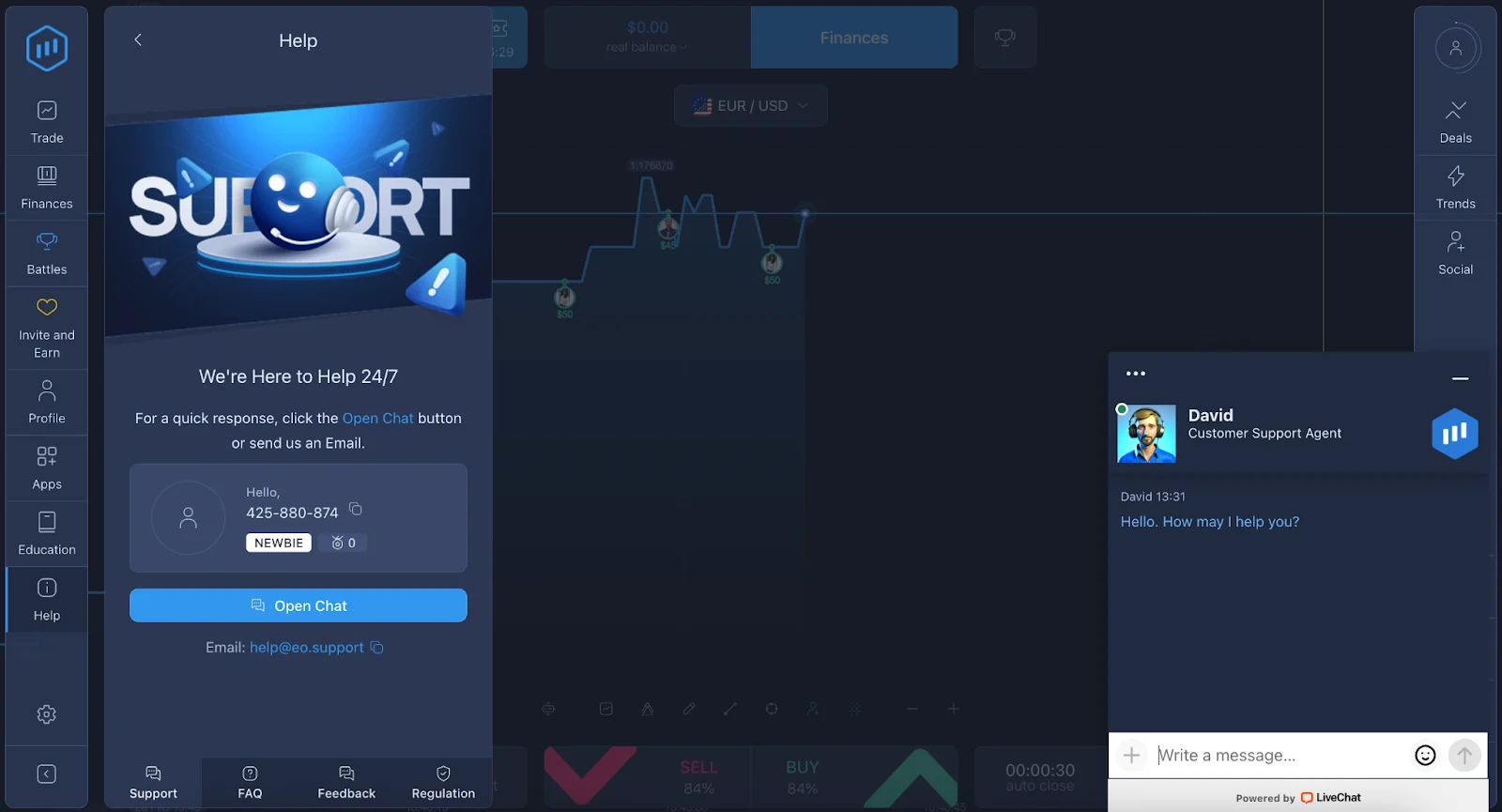
Customer support becomes relevant for most beginners at two moments: during verification and when handling payments.
Contact channels
ExpertOption provides:
- Email support for detailed inquiries
- A contact form on the website
- Social media communication for general updates
Affiliates typically have access to a separate communication flow for program-related questions.
The Help Center answers many of the most common beginner concerns, particularly those related to document requirements and payment procedures.
You can explore helpful information about the platform in our blog.
Response time
Response speed varies depending on the request.
Simple technical or informational questions are usually handled faster, while account-specific issues take longer because they require verification checks.
Most misunderstandings about “slow support” are connected to:
- Incomplete document uploads
- Missing information in the request
- Security reviews
Providing full details in the first message significantly reduces waiting time.
Final Thoughts
From a beginner’s perspective, ExpertOption is primarily defined by its accessibility. The platform does not require prior technical knowledge to start exploring, and the demo mode makes it possible to learn basic mechanics without financial pressure.
At the same time, the early experience depends less on the platform itself and more on how new users approach their first steps. Most difficulties come from:
- Moving too quickly
- Skipping preparation
- Misunderstanding risk
Used gradually, the environment allows beginners to move from observation to real participation in a structured way.
This ExpertOption beginner guide reflects a typical first-time user journey: initial curiosity, interface exploration, demo practice, early mistakes, and gradual orientation. In trading, the learning process carries greater significance than any single feature of a platform, as it is through this ongoing process that skills are developed and realistic expectations are formed. For those approaching online trading for the first time, that progression is often more important than any individual feature. The outcome of a trader’s initial steps relies not just on the capabilities of the platform, but equally on the decisions and behavior of the user.