
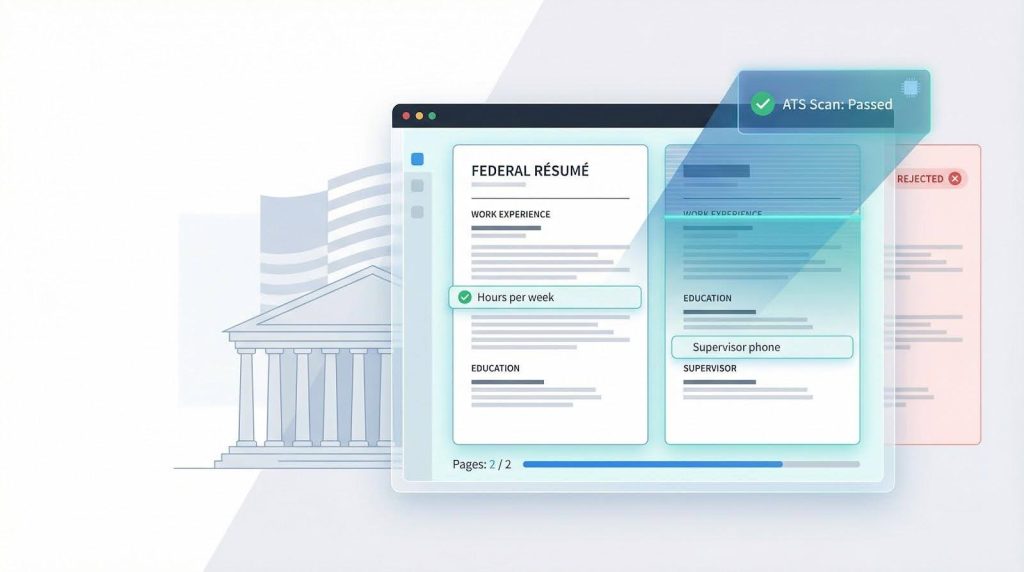
Two pages—that’s now the ceiling for a federal résumé. OPM’s December 2025 directive enforces the limit, and USAJOBS will auto-reject anything longer. The stakes are brutal: 98 percent of applications die before a human ever looks at them, usually because bots can’t find required fields like “hours per week.” Formatting isn’t decoration; it’s survival.
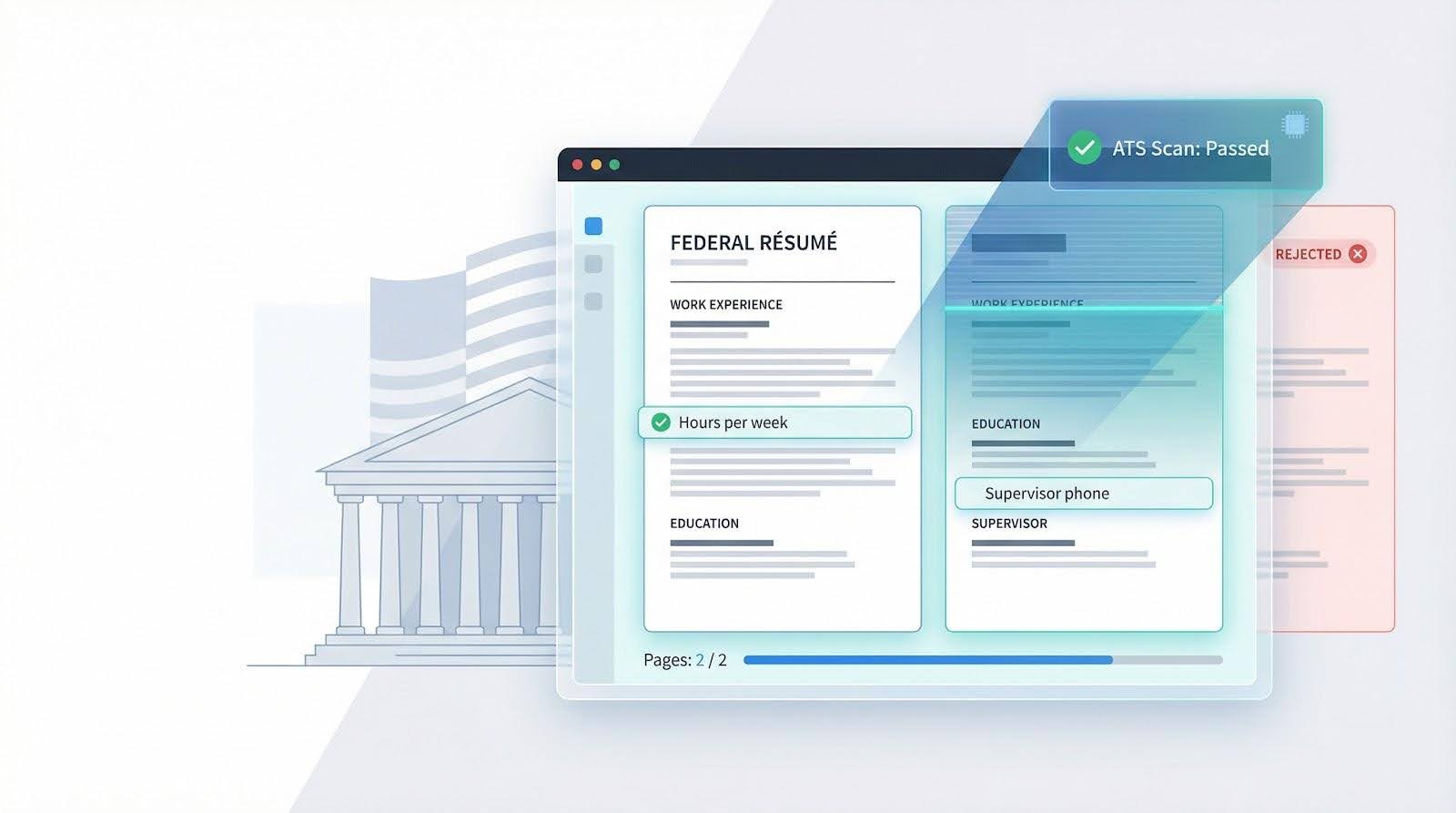 A compliant two-page federal résumé must survive strict ATS scans before any human ever reviews it
Choose the right résumé builder and you’ll tick every compliance box, echo vacancy language, and stay within two pages so HR software moves you forward. In this guide, we rank six builders and help you pick the one that saves you time, money, and stress.
Related Content: how many jobs are available in consumer services
How we chose the six stand-out builders
We wanted evidence, not listicle hype. Here’s the process we followed:
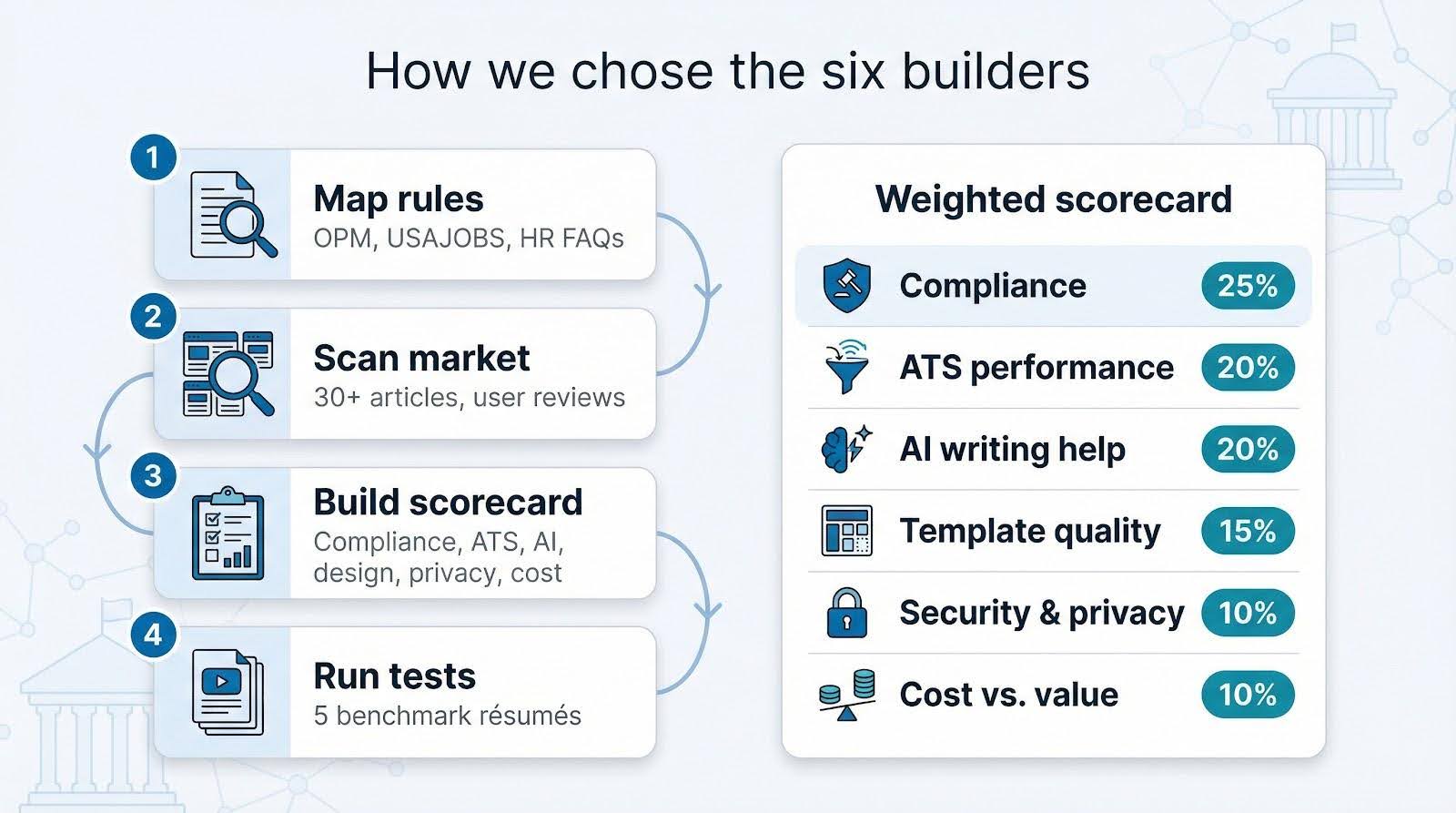 A structured four-step process and weighted scorecard underpin the rankings of federal résumé builders in this guide
Novorésumé’s ATS resume checker cites research showing that roughly three out of four qualified candidates never reach an interview because their résumés fail basic ATS scans for formatting, structure, or missing keywords.
We weighted government-rule compliance and ATS performance so heavily in our scorecard because those same issues sink federal applications long before a human reviews them.
Enhancv’s federal resume guidance spells out what that actually means in practice: capturing a complete work history, listing supervisor contacts, weaving in KSA-style statements, and then scanning the file against a specific announcement for missing keywords. We treated those elements as our baseline checklist when scoring every builder, whether it was a niche federal tool or a general-purpose editor.
- Map every rule that can sink a résumé. We logged the 2025–2026 requirements from OPM memos, USAJOBS help pages, and agency HR FAQs (page caps, mandatory fields, ATS formatting quirks).
- Scan the market. Our team read more than 30 “best resume builder” articles and sifted user reviews on Trustpilot, G2, and federal-jobs subreddits, spotting recurring pain points.
- Build a weighted scorecard.
- Run controlled tests. We created five benchmark résumés (intern, analyst, veteran, cleared IT pro, senior PM) and built each one on every platform we reviewed.
Novorésumé: polished looks without breaking the rules
Novorésumé blends Silicon-Valley polish with federal restraint. Open the editor and you’ll see a live word-count meter, drag-and-drop sections, and instant alerts if a tweak pushes your résumé past two pages.
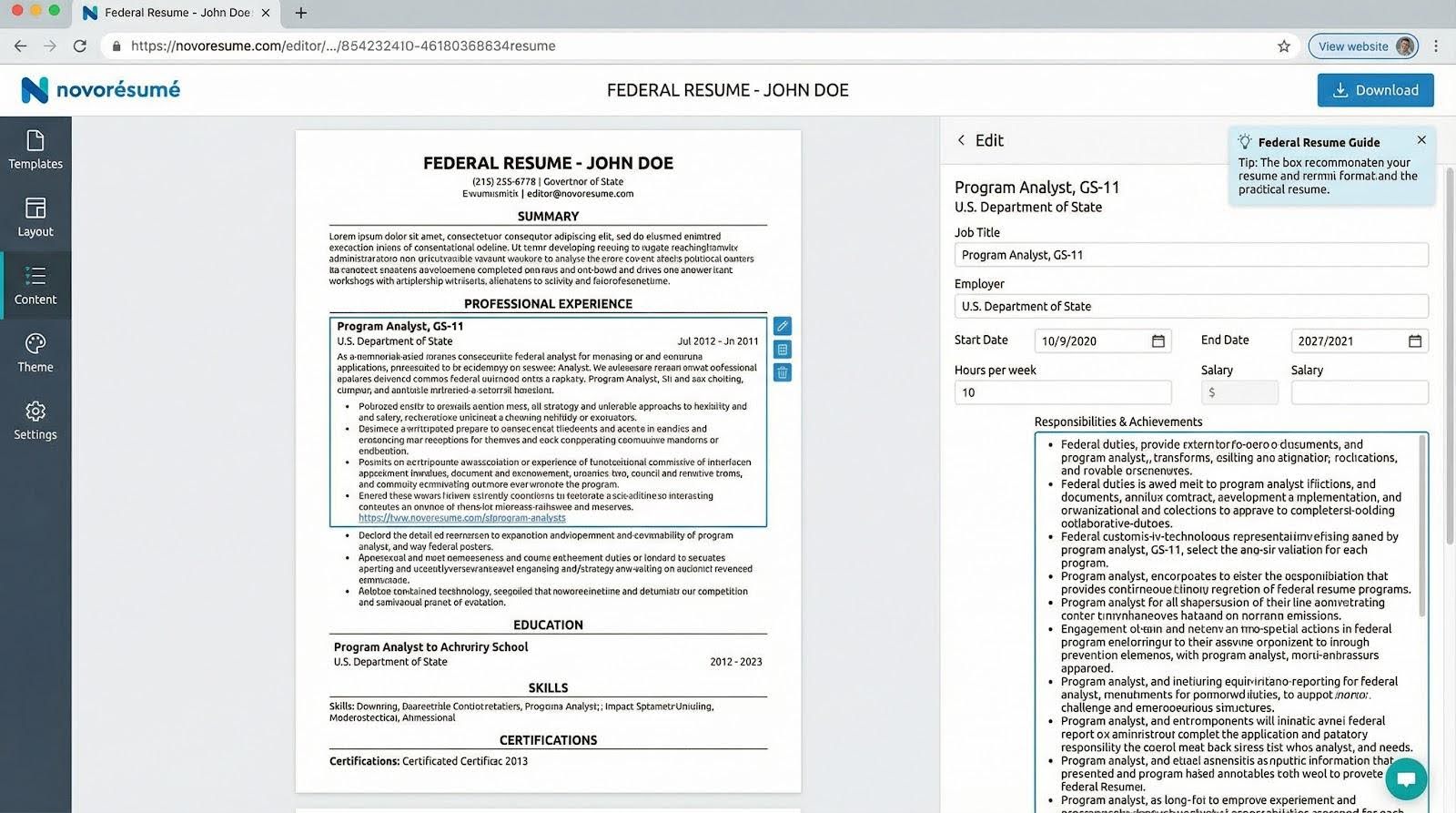
The platform guides compliance at every step. Type a job title and a side panel reminds you to add hours per week and a supervisor phone number. Note a security clearance and it suggests the correct field so ATS parsers keep it. Novorésumé’s library of professional resume templates is fully ATS-friendly, blocking tables and text boxes so the final PDF passes government scanners without a hiccup.
Design stays understated with modern fonts, muted accent colors, and zero infographic timelines, so reviewers see a clean, professional layout. Need more room? Trim a bullet and watch the length bar drop in real time.
Cost is simple. The free plan lets you explore the interface, but exporting a two-page résumé calls for Premium at $21.99 for one month. Users rate the experience 4.5 / 5 from more than 1,400 reviews on Trustpilot.
Customization is the main limitation. If an agency requests a unique “Publications” header, you may need to rename an existing section. Still, for about 90 percent of applicants who want style without risking compliance, Novorésumé delivers a stress-free résumé in minutes.
Enhancv: AI guidance that writes with you
Blank page syndrome fades once Enhancv’s AI cursor appears. Choose Federal résumé and the editor opens fields for grade level, SF-50 details, and the short essays common in GS-05 and higher postings.
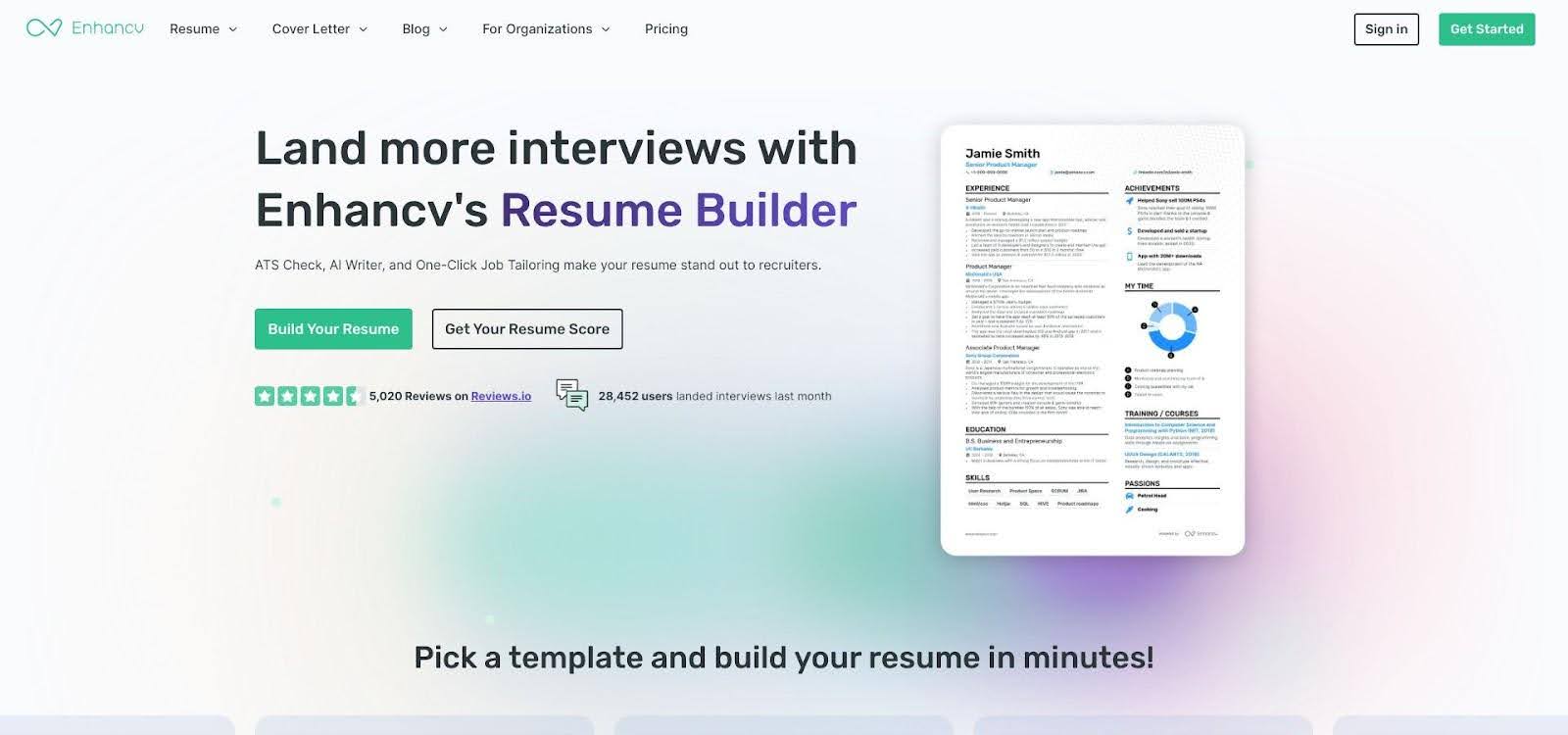
A side prompt turns plain duties into results. Click to accept and watch “tracked budgets” change to “managed a $2 million budget and trimmed variances by 12 percent.” A live résumé score highlights gaps. If you forget a supervisor phone number, an orange alert pops up. Cross the two-page limit and a red bar tells you to trim.
Templates stay plain text. You can adjust font weight, add a muted accent line, or browse a gallery of real federal examples for ideas. Because every element remains text, USA Staffing’s parser reads it without trouble.
Cost: a 7-day free trial lets you build and export one résumé. Ongoing access is $24.99 per month or $16.66 per month on the quarterly plan. Users give the platform a 4.7 / 5 rating from more than 800 reviews on Trustpilot.
Flexibility is the trade-off. Niche headers such as “Publications” may need you to rename an existing section, and the subscription feels steep if you’re only browsing USAJOBS. For career switchers or mid-career professionals who want AI help to condense years of achievements, Enhancv is worth the price.
Teal: keyword radar for serial applicants
When your USAJOBS tabs hit double digits, Teal keeps the chaos orderly. Paste any announcement into the editor, and a panel highlights must-have verbs, acronyms, and policy terms. A relevance meter moves from red to green as you weave those words into your bullets, so you know before you submit that the ATS will record a match.
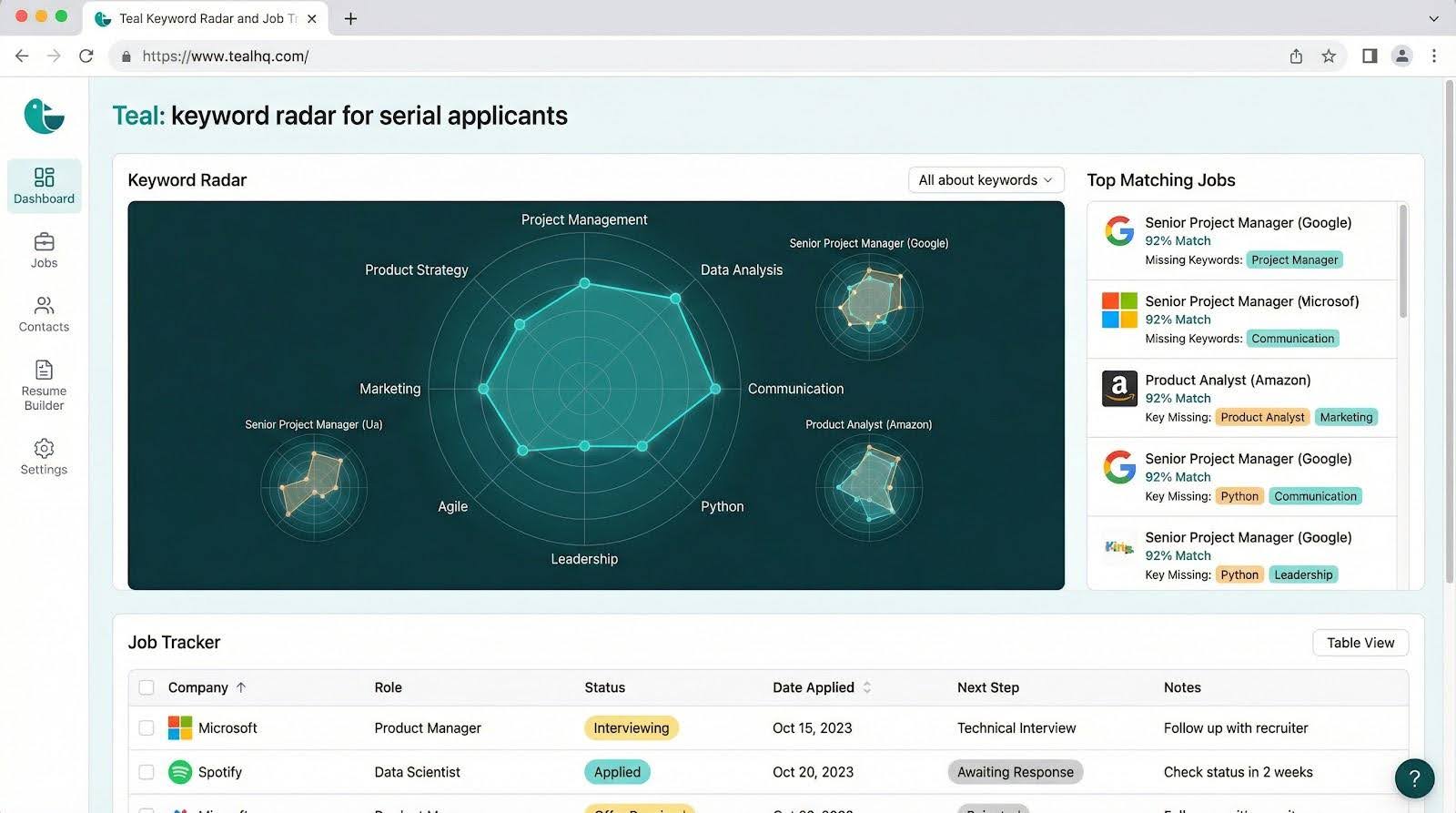
The résumé builder sits next to a job-tracking board. Click a saved posting, and the linked résumé opens with its keywords already baked in. Need to pivot from CDC to VA overnight? Duplicate, swap the announcement text, and fresh terms appear in seconds.
Cost is Teal’s headline. The core toolkit (unlimited résumés, keyword matching, PDF exports, and job tracking) stays free forever. Teal Plus costs $29 per month or $79 per quarter. More than 4 million professionals have used Teal’s platform to date, according to the company.
Templates are plain by design: black text, clean headings, and no tables, so every file passes USA Staffing. If you want ornate typography, look elsewhere. When you juggle 10 or 20 applications at once, Teal acts as a quiet project manager, labeling every version, tracking each closing date, and locking in every keyword while you focus on storytelling, not spreadsheets.
JobMatchPro: bullet-proof compliance for rule-bound roles
JobMatchPro has one goal: keep USA Staffing from auto-rejecting your résumé. The editor guides you through a step-by-step wizard. Each screen requires one mandatory field (salary, supervisor phone number, or hours per week) and blocks progress until that box is filled. Finish the last screen, and an audit panel shows a compliance score; 90 percent or above turns the bar green, anything lower opens a checklist of fixes.
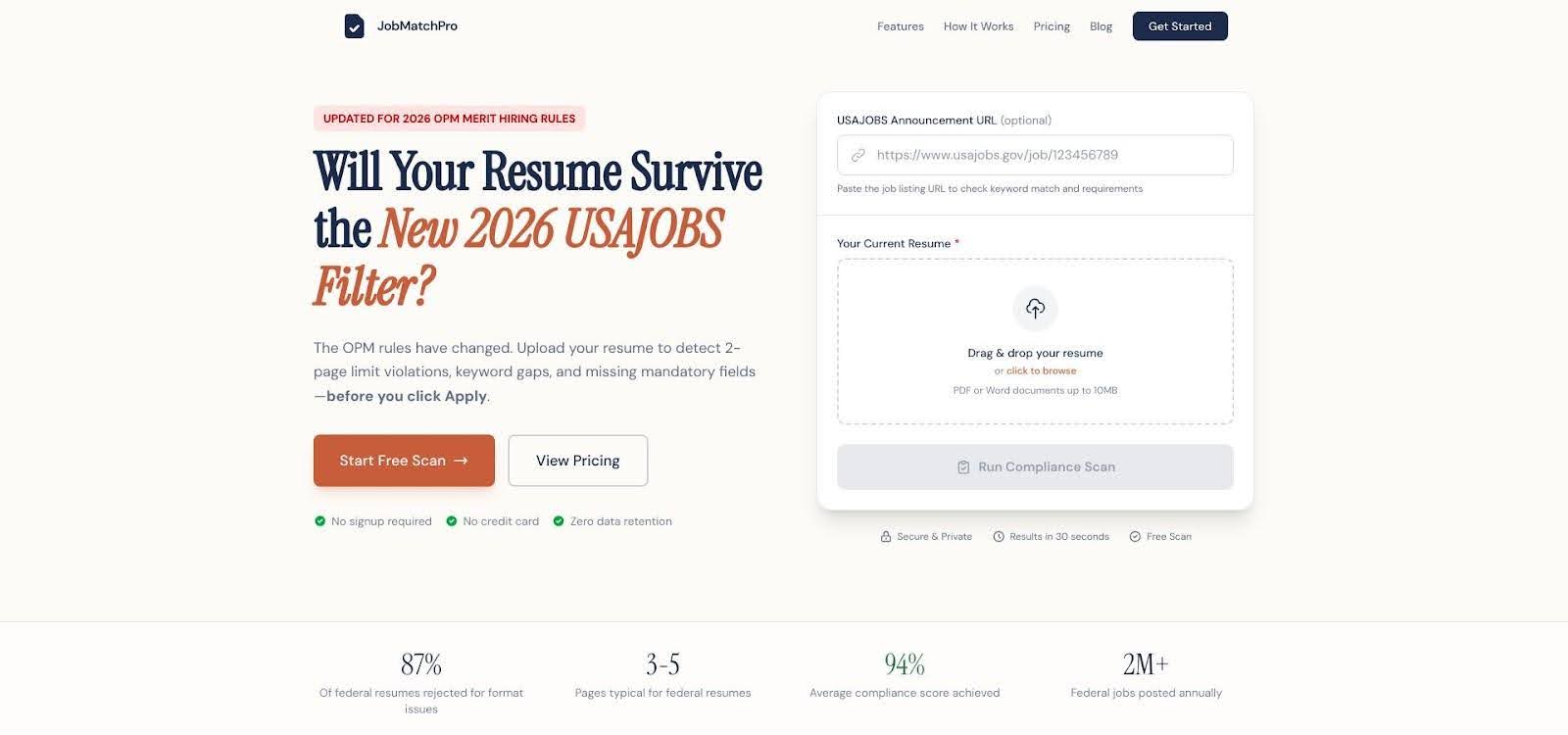
A live counter keeps you inside the two-page cap. If text overruns, the tool suggests shorter phrasing or trims white space automatically, so you never adjust font sizes.
Design is deliberate minimalism. One font family, single-line headings, and zero graphics mirror the USAJOBS builder, helping HR reviewers scan quickly.
The platform is free during its public beta; the team notes that a paid tier is coming, so now is a smart time to lock in a compliant file. JobMatchPro focuses on federal résumés only, so export the text if you need a private-sector version.
You won’t find AI wordsmithing here, but every statutory requirement ends up in the right spot. When avoiding an algorithmic “incomplete” stamp matters more than clever prose, JobMatchPro is the safe choice.
Rezi: data-driven tuning for algorithmic gauntlets
Rezi treats your résumé like a mini machine-learning model. A live Rezi Score sits at the top of the editor. Each keyword you add lifts the score and raises your odds of clearing USA Staffing in real time.
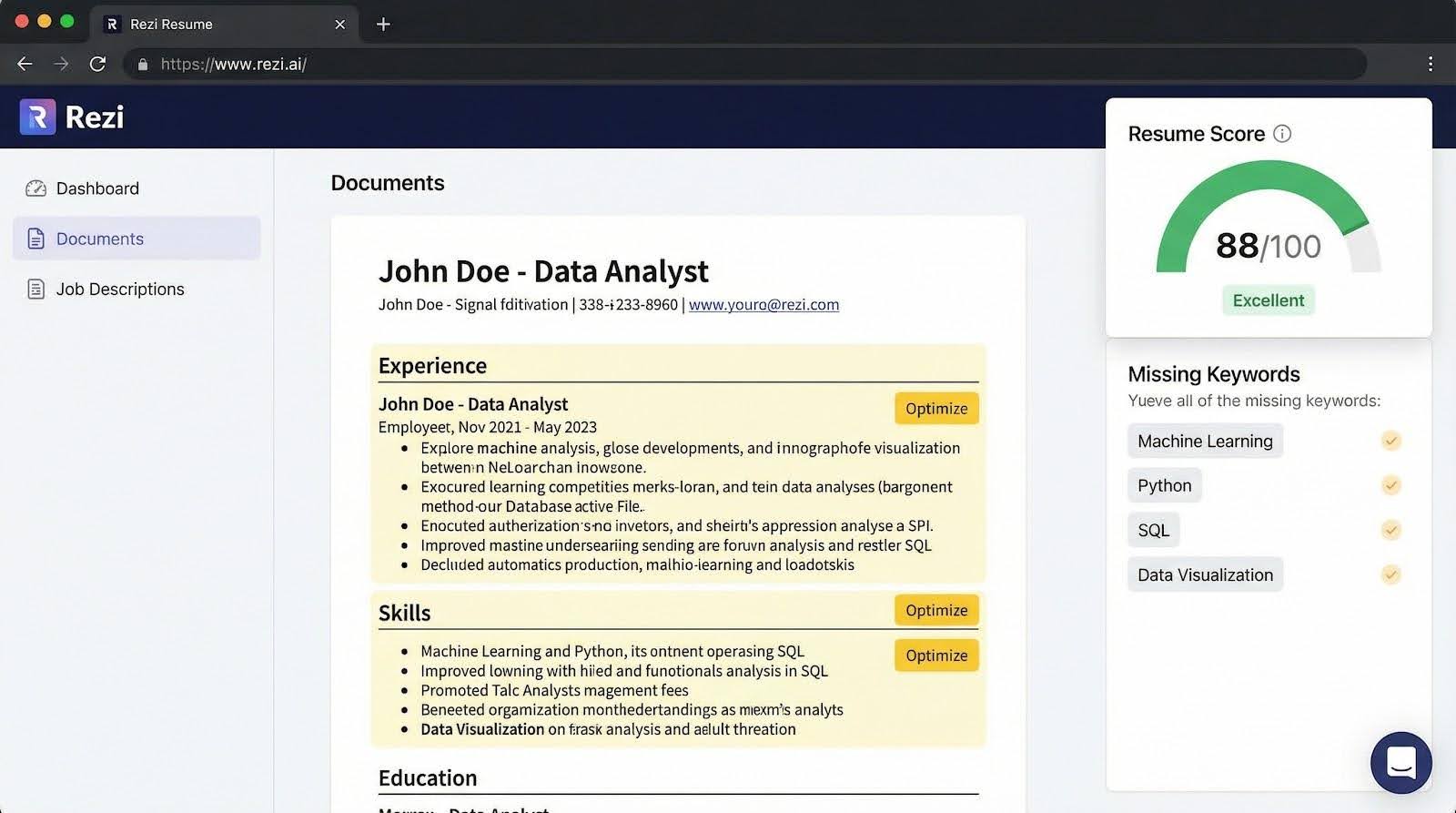
Upload a vacancy announcement, and Rezi parses it within seconds, surfacing core competencies such as “FOIA,” “PPBE,” or “TS/SCI.” Terms you miss glow red until you work them into a bullet or skills line, giving you a focused to-do list. Click Optimize on any duty, and the AI suggests metrics (budget size, head count, percent savings) that federal HR staff look for when checking specialized experience.
Templates stay plain yet flexible. You can add custom sections for Clearance or Publications, rearrange order, and export to Word or PDF without losing ATS-friendly XML tags. The free plan lets you build one résumé with limited AI credits. Rezi Pro costs $29 per month, and a Lifetime plan costs $149 one-time.
More than 4 million job seekers use Rezi, and the tool holds a 4.5 / 5 rating on Trustpilot. Its blind spot is nuance: it flags missing words but won’t stop you from repeating “policy” ten times. Follow its data cues, then trust your own ear to keep the prose human.
If disappearing into an algorithm is your biggest worry, Rezi gives you a scoreboard and a map. Follow the numbers to green, then submit with confidence.
USAJOBS builder: the no-risk, no-frills baseline
The official USAJOBS résumé builder focuses on compliance, and that is its super-power. Because it lives inside your application portal, it applies every new rule the moment OPM publishes it. When the two-page cap arrived, the form began blocking longer files overnight.
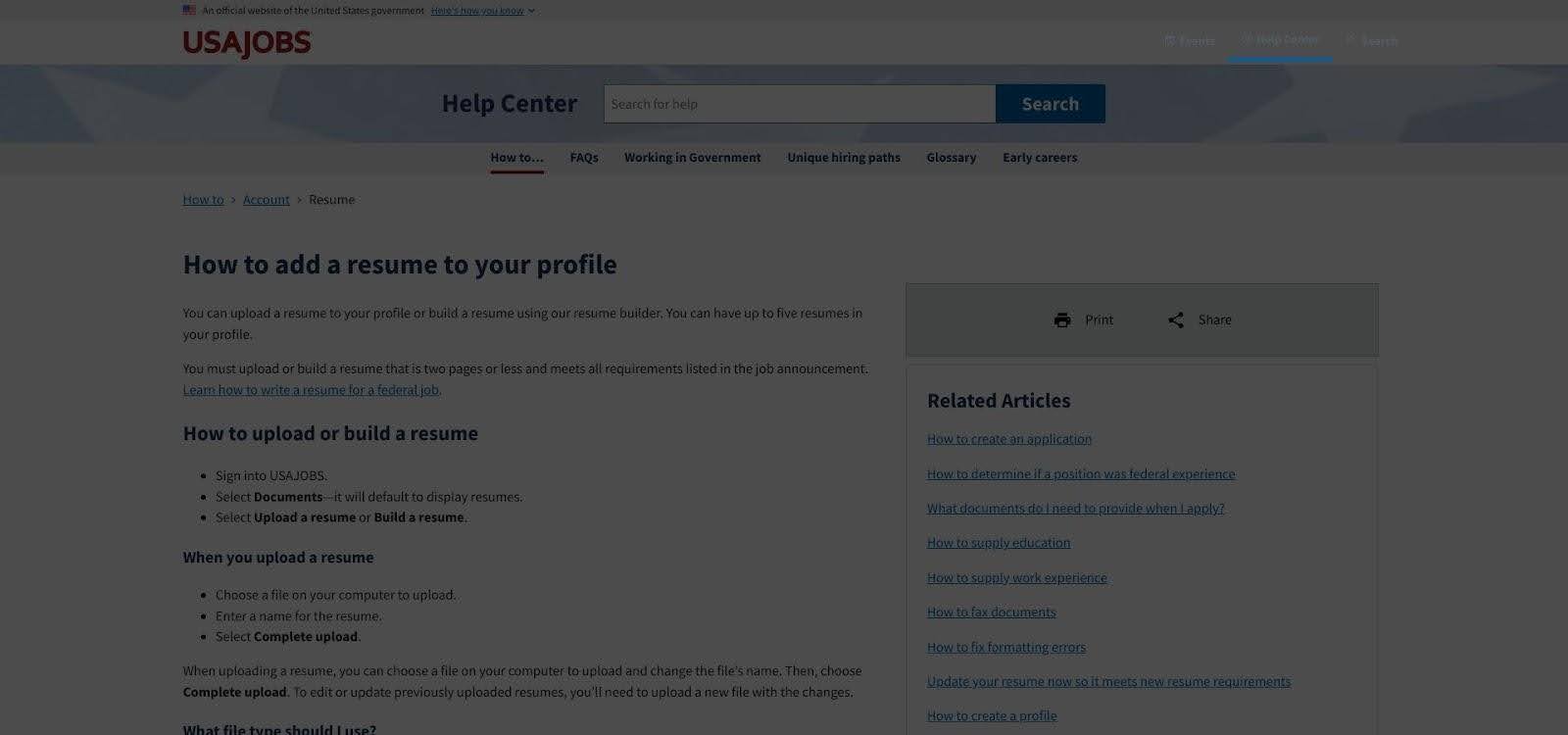
You work through web forms (Work experience, Education, References) and cannot advance until each required field is filled. That gatekeeping means “hours per week” and a supervisor phone number never slip through the cracks. Finish the last entry, select Save, and the system stores up to five résumés in your profile for future use.
Design freedom is the trade-off. Fonts, colors, and margins are fixed. The plain-text PDF looks identical for every applicant, yet federal HR reviewers know the layout by heart, so your qualifications land front and center.
Plan on extra data entry time. Copy your bullets from a Word document to avoid browser time-outs, then clone and adjust versions as needed.
Reach for the USAJOBS builder when an announcement requires it or when a deadline looms and you want complete confidence the system will accept your file, with no surprises at 11 pm.
Comparative snapshot: how the builders stack up
The grid below distills the six tools against the criteria we scored earlier. “Best” marks the top performer in each column, while “OK” means it covers the need but with limits.
| Criteria (weight) | Novorésumé | Enhancv | Teal | JobMatchPro | Rezi | USAJOBS builder |
| Fed-rule compliance (twenty-five percent) | OK | OK | OK | Best | Limited | Best |
| ATS optimization (twenty percent) | OK | OK | OK | OK | Best | OK |
| AI writing help (twenty percent) | Limited | Best | OK | OK (text compress) | Best | None |
| Template polish (fifteen percent) | OK | Best | Limited | Limited | OK | None |
| Data privacy (ten percent) | OK | OK | OK | Best (no storage) | OK | Best (.gov) |
| Cost for core résumé (ten percent) | $21.99 per month | $24.99 per month | $0 | $0 (beta) | $0* | $0 |
Rezi’s free plan covers one résumé; unlimited versions require $29 per month.
Use the grid as a shortcut:
- Need solid compliance? Start with JobMatchPro or the USAJOBS builder.
- Want AI speed boosts? Enhancv and Rezi lead that column.
- Zero budget? Teal, JobMatchPro (while in beta), and USAJOBS cost nothing for a full build.
How to pick the right builder for your situation
Think through four checkpoints: application volume, compliance confidence, budget, and writing support. Once you answer each one, the best tool will surface.
- Volume.
- Submitting one or two targeted applications a month? Prioritize polish. A paid editor such as Novorésumé or Enhancv can save several hours of formatting for about $22–$25 per month.
- Applying to ten or more openings across agencies? Lean on automation. Teal’s free keyword radar or Rezi’s live ATS score can cut tailoring time from around 30 minutes to five.
- Compliance confidence.
- If fields like “hours per week” or “series and grade” still feel unfamiliar, use JobMatchPro or the USAJOBS builder. Both require every data point and lock the file at two pages.
- Budget.
- Zero-cost options now cover all essentials except high-end design. Teal, JobMatchPro (while in beta), and USAJOBS are free, and Rezi’s free tier gives you one fully optimized résumé. Pay only when design options or unlimited AI credits solve a problem you cannot handle yourself.
- Writing help.
- Career switchers and veterans often need translation, not just formatting. Enhancv’s AI rewrites bullets in accomplishment language, while Rezi prompts you to add metrics HR can verify.

Peyman Khosravani is a seasoned expert in blockchain, digital transformation, and emerging technologies, with a strong focus on innovation in finance, business, and marketing. With a robust background in blockchain and decentralized finance (DeFi), Peyman has successfully guided global organizations in refining digital strategies and optimizing data-driven decision-making. His work emphasizes leveraging technology for societal impact, focusing on fairness, justice, and transparency. A passionate advocate for the transformative power of digital tools, Peyman’s expertise spans across helping startups and established businesses navigate digital landscapes, drive growth, and stay ahead of industry trends. His insights into analytics and communication empower companies to effectively connect with customers and harness data to fuel their success in an ever-evolving digital world.










