
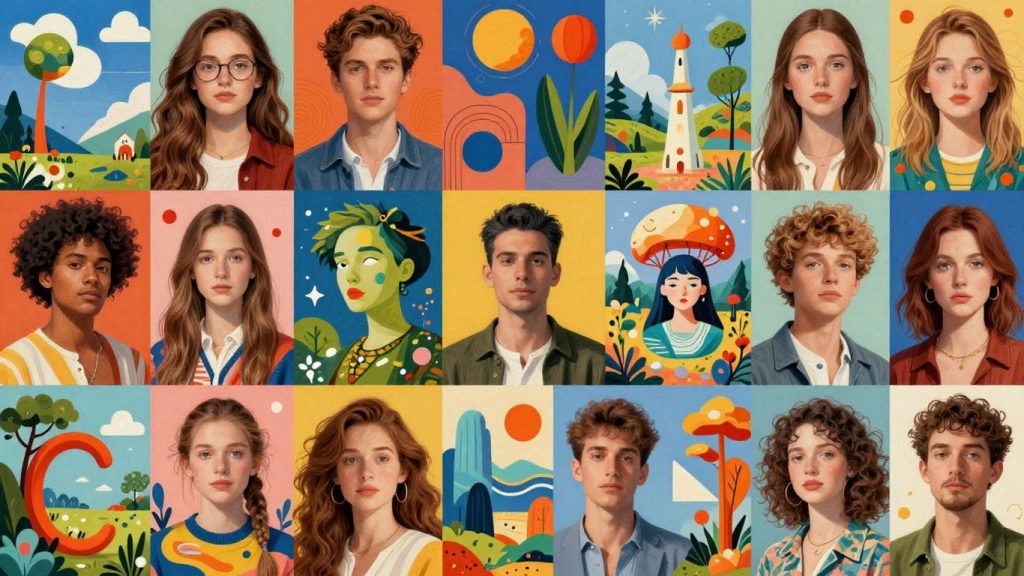
Artificial intelligence has completely changed how visuals are created. Tasks that once took hours of design work and costly software can now be completed in seconds using AI image generators. In 2026, these tools will be more powerful, realistic, and accessible than ever. Whether you are a designer, marketer, startup founder, content creator, or business owner, AI tools for image generation can save you time, lower costs, and offer endless creative possibilities. From hyper-realistic photos to artistic illustrations, AI is reshaping digital design. In this article, we’ll explore some of the best AI photos generator platforms in 2026.
Key Takeaways
- Midjourney is favored for its artistic and cinematic image quality, making it a top choice for digital artists.
- Adobe Firefly offers strong brand consistency and commercial safety, integrating well with other Adobe products.
- DALL·E 3 is recognized for its realistic image generation and ease of use, especially with its integration with ChatGPT.
- Freepik provides a wide range of models and editing tools, making it a versatile option for creators.
- Leonardo AI allows users to train custom models and offers various modes for refining generated images.
1. Midjourney
Midjourney has carved out a significant niche in the AI image generation landscape, particularly for those seeking artistic and cinematic visuals. It’s a tool that often surprises users with the quality and style of its output, making it a favorite for digital artists, illustrators, and anyone looking to create something visually striking. The platform is known for interpreting prompts in a way that often leads to unique and compelling imagery, sometimes with an almost painterly or photographic feel.
Getting started with Midjourney typically involves using Discord. You interact with the Midjourney bot by typing commands, and it generates images based on your text descriptions. This method, while different from a standard web interface, has fostered a strong community where users can share their creations, learn from each other, and find inspiration. The collaborative aspect is a big part of the Midjourney experience.
Here are some of the key aspects that make Midjourney stand out:
- Artistic Quality: Midjourney excels at producing images with a distinct artistic flair, often with impressive detail and composition.
- Prompt Interpretation: It has a knack for understanding nuanced prompts, translating complex ideas into visual forms.
- Community Integration: Its use of Discord allows for easy sharing and discovery of art within a large user base.
- Iterative Refinement: Users can generate variations of an image, upscale them for more detail, or even blend multiple images together to create something entirely new.
While Midjourney’s results can be incredibly impressive, it’s worth noting that its primary interface is through Discord. This might be a learning curve for some, but it also contributes to its unique community feel. The platform is constantly evolving, with new versions bringing improvements in realism, style control, and overall image quality.
Midjourney is particularly well-suited for projects that require a strong visual identity, such as concept art, album covers, or unique illustrations for articles and presentations. It’s a tool that rewards experimentation and a willingness to explore different descriptive approaches to achieve the desired aesthetic.
2. Adobe Firefly
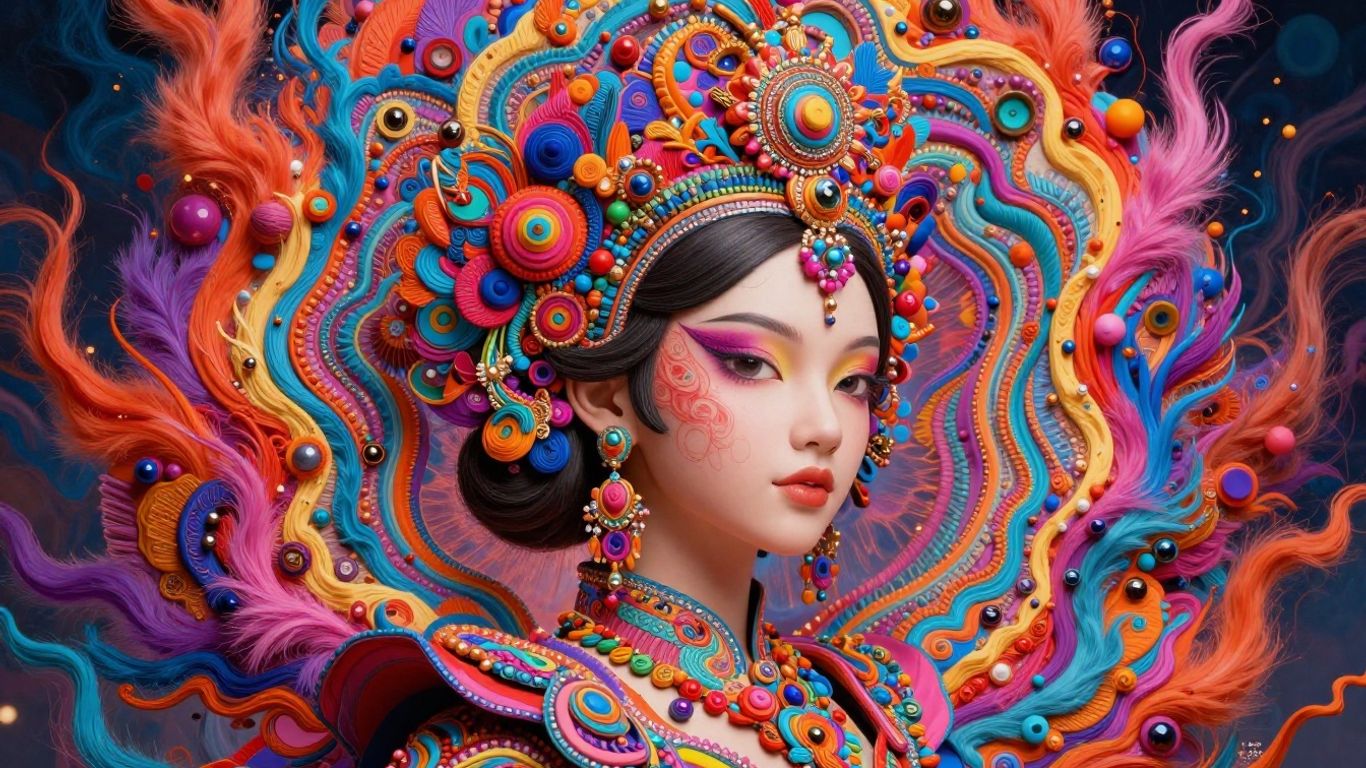
Adobe Firefly is a strong contender in the AI image generation space, especially for professionals who value brand safety and a smooth workflow. It’s built with commercial use in mind, meaning the images it creates are generally safe for business applications without legal worries. This is a big plus if you’re using these images for marketing or client projects.
One of Firefly’s standout features is its integration with other Adobe products like Photoshop and Illustrator. This connection makes it easy to take an AI-generated image and immediately start refining it within your existing design tools. It’s not just about creating images from scratch; Firefly also offers powerful editing capabilities.
Key features that make Adobe Firefly a go-to for many include:
- Trained on licensed and royalty-free data: This is a significant advantage for commercial use, reducing copyright concerns.
- Seamless integration with Adobe ecosystem: Works smoothly with Photoshop, Illustrator, and Adobe Express.
- Style matching and brand color control: Helps maintain consistency with your brand’s visual identity.
- Text-to-image and generative fill capabilities: Allows for both creation and modification of images based on prompts.
- Commercial-safe image generation: Images are designed to be used in business contexts.
Adobe Firefly aims to blend creative freedom with practical application, making it a reliable choice for designers and marketing teams who need high-quality visuals quickly and safely. Its focus on professional workflows and brand consistency sets it apart.
For those working in brand design, advertising, social media content, or UI/UX design, Firefly offers a practical way to generate assets. It’s a tool that understands the needs of professional creators, providing features that support not just imagination but also the business side of creativity.
3. DALL·E 3
DALL·E 3, developed by OpenAI, stands out as a highly capable AI image generator. It’s known for its ability to interpret and translate text prompts into visuals with remarkable accuracy. A significant advantage of DALL·E 3 is its integration with ChatGPT. This connection allows for a more conversational approach to prompt refinement, making it easier for users to articulate their ideas and achieve the desired results.
This tool is particularly useful for generating a wide range of images, from creative artwork to more practical visuals for commercial use. Its understanding of complex prompts means you can get quite specific with your requests.
Here are some of its key strengths:
- Accurate prompt interpretation: It generally follows instructions well, even for detailed descriptions.
- ChatGPT integration: Simplifies prompt creation and iteration.
- Safety features: Designed to avoid generating harmful or inappropriate content.
- Versatility: Suitable for both artistic and commercial applications.
While it doesn’t offer a free trial, the subscription model provides access to a powerful tool. If you’re already using ChatGPT or need a robust text-to-image solution, DALL·E 3 is a strong contender.
DALL·E 3’s strength lies in its ability to understand nuanced language and translate it into coherent images, making the creative process more accessible to a broader audience.
4. Freepik
Freepik, a name many designers and content creators are already familiar with for its vast library of stock assets, has also stepped into the AI image generation space. It offers a straightforward way to turn your text ideas into visual content, making it accessible even if you’re new to AI art.
This tool is particularly useful for quickly generating visual elements that can be integrated into larger projects. Think of needing a specific background for a social media post or a unique illustration for a blog article; Freepik’s AI can help produce these without requiring extensive design skills.
Here’s a look at what Freepik’s AI image generator brings to the table:
- Ease of Use: Simple text prompts are all that’s needed to start generating images.
- Integration Potential: The generated images can be easily downloaded and used within Freepik’s existing design ecosystem or other software.
- Variety of Styles: Users can often select from different artistic styles to match their project’s aesthetic.
While it might not offer the same depth of artistic control as some specialized AI art platforms, Freepik’s strength lies in its practicality and how it complements its existing services. It’s a solid choice for generating functional visuals quickly and efficiently.
Freepik’s AI image generator is built on the idea of making creative assets readily available. It aims to bridge the gap between needing a visual and having the tools to create it, all within a familiar platform for many users.
5. Nano Banana Pro
When it comes to pushing the boundaries of what AI image generation can do, Nano Banana Pro really stands out. It’s not just about creating images from text prompts; this tool offers some truly advanced capabilities that set it apart from many others.
One of the most impressive features is its ability to seamlessly morph two distinct images together, creating a single, cohesive visual. This is a complex task that many other generators struggle with. Furthermore, Nano Banana Pro can alter the perspective within an existing picture, a function that continues to amaze users. These kinds of editing and image manipulation features are where the real innovation is happening in AI art right now.
While many AI image generators are focusing on prompt-to-image, Nano Banana Pro excels in the refinement and editing stages. It’s able to perform operations that even top-tier tools like Midjourney or Adobe Firefly can’t quite match. This makes it a powerful option for creators who need more than just basic image creation.
The pace of development in AI image generation is incredibly fast. Tools that were once at the forefront can quickly be surpassed by new innovations, especially in advanced editing and image manipulation.
Here’s a look at some of its standout capabilities:
- Image Morphing: Combine two images into one fluid visual.
- Perspective Adjustment: Modify the viewpoint within a photograph.
- Advanced Editing: Offers features beyond simple text-to-image generation.
While the exact pricing details can vary, it’s worth noting that tools like Nano Banana Pro often come with a subscription model, reflecting the advanced technology they employ. For those looking to explore the cutting edge of AI image creation and editing, Nano Banana Pro is definitely a platform to consider. It’s a tool that truly allows for creative exploration beyond the standard offerings, providing a unique way to bring complex visual ideas to life. You can find more information about its capabilities on various tech blogs that cover the latest in AI advancements.
6. Leonardo AI
Leonardo AI has quickly become a go-to platform, especially for those working in game development and digital art creation. It offers a suite of tools designed to help users generate and refine visual assets with a focus on production-readiness.
This platform stands out because it provides pre-trained models specifically geared towards gaming and fantasy art. This means you can often get closer to your desired output with less prompt tweaking. Leonardo AI is particularly adept at creating consistent characters, which is a huge plus for any project that requires multiple iterations of the same individual or creature.
Here are some of the key features you’ll find useful:
- Asset-Focused Generation: Tools are built with game assets and creative elements in mind.
- Model Training: You have the ability to train your own custom AI models or utilize models created by the community.
- User-Friendly Interface: Despite its advanced capabilities, the platform is designed to be accessible.
- Prompt Refinement: Features that help you fine-tune your text prompts for better results.
If you’re working on game concepts, character designs, or even looking for inspiration for 3D assets, Leonardo AI offers a practical and efficient workflow. It’s a solid choice for creative teams and individual artists who need to produce high-quality visuals quickly.
The platform’s strength lies in its specialization. By focusing on game development and creative assets, Leonardo AI streamlines the process for users in these fields, making it a powerful tool for bringing digital worlds and characters to life.
7. MyEdit
MyEdit is a web-based AI photo generator that offers a wide array of creative possibilities. It’s designed to be accessible, allowing users to transform simple ideas into visually interesting artwork with relative ease. The platform provides a free tier, which is quite generous, offering a set number of image generations daily. This makes it a great starting point for anyone curious about AI art without an initial investment.
One of the standout aspects of MyEdit is its versatility beyond just basic text-to-image generation. It includes specialized tools like AI Sketch, which can turn your photos into various artistic renderings, and AI Anime, for a distinct cartoonish style. For those working with products, the AI Product Background feature can be a real time-saver, providing different backdrops. Perhaps most intriguing is the AI Scene generator, which lets you completely change the environment of an image, from creating a LEGO-inspired world to a dense jungle. You can even upload a reference image, and the AI will work with your provided portrait to create something new.
MyEdit aims to blend user-friendly design with professional-level results, making it a solid choice for both beginners and those with more experience looking for a quick way to generate or modify visuals.
While the free version is quite capable, some of the more advanced styles or features might require a subscription. However, the core functionality for generating unique images and exploring different artistic directions is readily available without cost.
MyEdit is a strong contender for those seeking a diverse set of AI creative tools in a single, easy-to-use online platform.
8. PhotoDirector
PhotoDirector is a robust photo editing suite that also packs a powerful AI image generator. It’s designed for users who want a comprehensive toolset for both editing existing photos and creating new ones from scratch using text prompts. The AI Image Generator within PhotoDirector supports a wide array of artistic styles, from realistic and anime to more niche aesthetics like cyberpunk. This makes it quite versatile for different creative needs.
One of PhotoDirector’s standout features is its Face Reference capability. This allows you to use your own facial features as a basis for AI-generated portraits, leading to more personalized and accurate results. Imagine transforming yourself into a character from a classic painting or a futuristic sci-fi scene, with your own likeness maintained. Beyond portraits, the Image Fusion tool lets you blend two separate images together, opening up possibilities for surreal art or creative double exposures.
PhotoDirector also includes several other AI-powered tools that complement its image generation capabilities:
- AI Sky Replacement: Swap out dull skies for dramatic sunsets or starry nights.
- AI Object Removal: Clean up your images by precisely erasing unwanted elements.
- AI Deblur & AI Denoise: Improve the clarity and reduce noise in your photos.
While PhotoDirector offers a free trial, unlocking its full suite of AI features, including advanced generation capabilities and extensive style options, requires a premium subscription. The interface is generally user-friendly, though some of the more advanced AI tools might take a little time to get used to.
PhotoDirector is available for both Windows and Mac, and there’s also a mobile app version for iOS and Android, making it accessible for creators on different platforms.
9. NightCafe
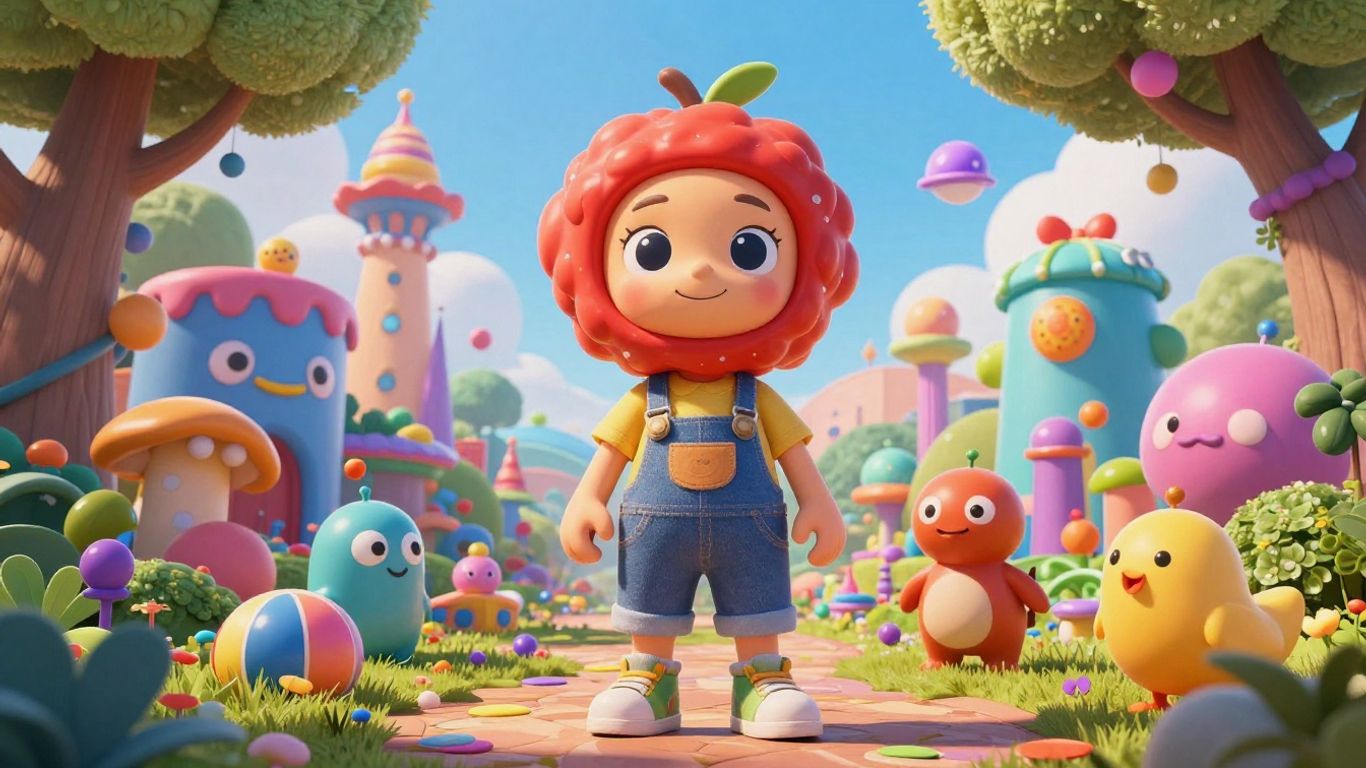
NightCafe is an interesting option if you’re looking to connect with other AI art enthusiasts. It really leans into the community aspect, letting you share your creations, get likes and comments, and even follow artists you admire. They have daily contests too, which can be a fun way to get involved and see what others are making based on a theme.
When you’re ready to generate, NightCafe lets you pick from different AI models, including popular ones like Stable Diffusion and DALL-E. It also offers a good selection of style presets – 41, to be exact – and it even suggests which AI model works best for a particular style. Everyone gets a few free credits each day, and you can earn more by being active on the site, like publishing your art or just visiting regularly. These credits can be used to create images or to remix existing ones.
One of the standout features is the ability to upload your own photos. Imagine putting your pet into a fantastical scene or creating mock-ups for products using your own images as a base. It’s a neat way to personalize your AI art.
While NightCafe can produce high-quality images that closely match your prompts, it’s worth noting that you typically get one image per credit. Some users have reported issues with customer service and account stability, so it’s a good idea to download and save your favorite creations promptly.
Here’s a quick look at what NightCafe offers:
- Community Focus: Share, like, and comment on AI art with a large user base.
- Model Variety: Choose from multiple AI models for your creations.
- Style Presets: Access 41 different style options to guide your art.
- Credit System: Earn free daily credits and additional credits through engagement.
- Personalization: Upload your own images to incorporate into AI-generated art.
- Print Services: Option to order museum-quality prints of your creations.
10. StarryAI
StarryAI offers a unique approach to AI image generation, focusing on distinct styles and user-created aesthetics. It categorizes its output into Photographs, Art, and Illustrations, each with a variety of style presets. For instance, within the ‘Art’ section, you can explore options like Comic, 3D, or even styles reminiscent of Tim Burton. What truly sets StarryAI apart, however, is its vast library of user-generated styles that you can apply to your own creations. You also have the ability to develop and save your personal styles by training the AI model with a collection of 5 to 60 images that represent the look you want to achieve.
This tool is particularly adept at generating realistic human images, a common challenge for many text-to-image programs. StarryAI can produce highly detailed portraits that closely resemble actual photographs. It’s also a strong contender for creating anime, comic book characters, or any type of portraiture. A standout feature is the ability to modify specific parts of a generated image using a mask and a new text prompt, allowing for targeted adjustments.
StarryAI provides users with 5 free credits each day, with one credit yielding four image options per prompt. This is quite generous for casual users. However, purchasing additional credits can become relatively expensive, and the subscription model is weekly rather than monthly, which can add up over time. Given its strength in detailed portraiture, StarryAI is often favored by those looking to create stylized images, such as pin-up art. If your primary interest is exploring a wide range of AI art from a large community, NightCafe might offer more variety.
Key Features:
- Train the AI with your own unique style.
- Upscale AI-generated art by 4x, 8x, or 16x.
- Use a mask to paint over parts of an image and generate new content in its place.
While StarryAI excels in creating detailed and unique styles, especially for portraits, potential users should be aware of its weekly subscription model for additional credits, which can be pricier than monthly options found elsewhere.
StarryAI is an excellent choice for those seeking to develop and utilize highly specific artistic styles.
Looking Ahead with AI Image Generation
As we wrap up our look at the top AI photo generator tools for 2026, it’s clear that this technology is rapidly changing how we create visuals. These platforms offer incredible ways to bring ideas to life, whether you’re a professional designer or just exploring your creative side. The tools we’ve discussed provide a range of options, from highly artistic outputs to realistic commercial images, all accessible with simple text prompts. As AI continues to advance, we can expect even more powerful and user-friendly tools to emerge, making visual creation more accessible and exciting for everyone. It’s a great time to start experimenting and see what you can create.
Frequently Asked Questions
What exactly is an AI photo generator?
An AI photo generator is a computer program that uses artificial intelligence to create images. You give it a description in words, and the AI uses that to make a picture. It’s like having a digital artist that can draw anything you can imagine just by you telling it what you want.
Can anyone use these AI photo generators?
Yes, absolutely! Most of these tools are made for everyone, from people who make art for fun to professionals who need images for their jobs. You don’t need to be a computer expert or a professional artist to use them. Just type what you want, and the AI does the rest.
Are AI-generated photos free to use?
Some AI photo generators offer free options, often with limits on how many images you can create each day. Others might require a subscription or payment to use all their features or create high-quality images. It’s good to check the specific tool’s pricing before you start.
What makes a ‘good’ prompt for an AI photo generator?
A good prompt is like giving clear instructions. The more details you provide, the better the AI can understand your idea. Think about the subject, the style (like cartoon or realistic), the colors, the mood, and the setting. Being specific helps the AI create exactly what you’re picturing.
Can I use AI-generated images for my business or projects?
Many AI photo generators allow you to use the images you create for commercial purposes, but it’s important to read their terms of service. Some might have restrictions, especially on their free plans. Always check the usage rights to make sure you can use the images legally for your work.
How do AI photo generators get better over time?
These AI tools learn from a massive amount of existing images and text. As more people use them and provide feedback, the AI gets smarter. Developers also update the software with new technology, allowing the AI to create more detailed, realistic, and creative images with each new version.

Peyman Khosravani is a seasoned expert in blockchain, digital transformation, and emerging technologies, with a strong focus on innovation in finance, business, and marketing. With a robust background in blockchain and decentralized finance (DeFi), Peyman has successfully guided global organizations in refining digital strategies and optimizing data-driven decision-making. His work emphasizes leveraging technology for societal impact, focusing on fairness, justice, and transparency. A passionate advocate for the transformative power of digital tools, Peyman’s expertise spans across helping startups and established businesses navigate digital landscapes, drive growth, and stay ahead of industry trends. His insights into analytics and communication empower companies to effectively connect with customers and harness data to fuel their success in an ever-evolving digital world.










