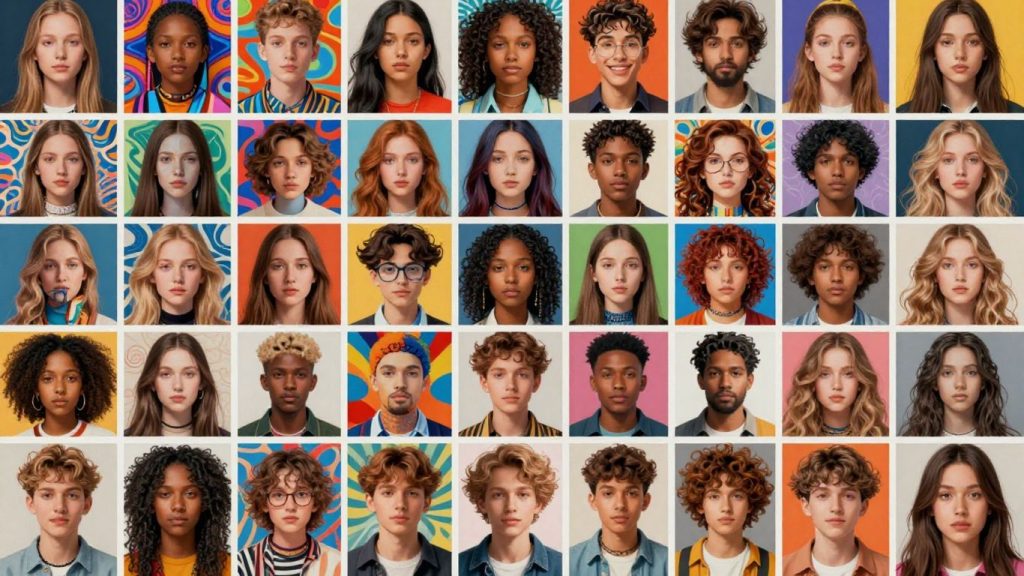
In today’s fast-paced digital world, making your images stand out can be a challenge. Whether you’re a professional photographer, a social media enthusiast, or just someone who likes to make their photos look good, there are tools available to help. This article looks at how an ai photos editor can change the way you work with images, making complex edits simple and fast. We’ll cover what these editors can do, from basic touch-ups to creating entirely new visuals.
Key Takeaways
- An ai photos editor can improve image quality with smart adjustments like color correction and detail sharpening.
- These tools allow for easy changes to image elements, such as removing objects or altering backgrounds.
- AI can generate unique images from text descriptions or transform existing photos into different art styles.
- Advanced features include creating videos from still images and animating photos.
- User-friendly interfaces make sophisticated editing accessible to everyone, regardless of skill level.
Transform Your Images With AI Photo Editing Tools
In today’s digital world, making your photos look their best is easier than ever, thanks to artificial intelligence. These tools can take your pictures from ordinary to striking with just a few clicks. Forget spending hours on complicated software; AI handles the heavy lifting, letting you focus on the creative side.
Intelligent Photo Enhancements For Stunning Results
AI can automatically improve the quality of your photos. It sharpens details, makes images clearer, and can even boost the overall resolution. Think of it as a smart assistant that knows exactly how to make your pictures pop. It can also adjust lighting, brightness, and contrast to create a more natural look, fixing photos that might have been too dark or too bright.
Advanced AI For Object And Background Manipulation
Ever taken a great photo but there was something distracting in the background? AI tools can precisely remove unwanted objects or people from your images. This means you can clean up your shots without affecting the rest of the picture. Similarly, AI can remove backgrounds entirely, allowing you to place your subject on a new backdrop or save it with a transparent background for further editing. It can even extend the edges of your photos, helping you achieve the perfect composition without losing any part of your original image.
Creative Style Transfers And Art Generation
Beyond simple fixes, AI can transform your photos into different artistic styles. You can make a photograph look like a painting by a famous artist or explore entirely new visual aesthetics. This technology analyzes the content of your image and applies the characteristics of a chosen style, creating unique and eye-catching results. It’s like having a digital art studio at your fingertips, ready to reimagine your visuals in countless ways.
Elevate Your Portraits With AI Beauty Editing
When it comes to portraits, sometimes you just want to make a few small adjustments to make the photo really shine. AI beauty editing tools are here to help with that. These features can refine facial features, smooth skin, and even adjust body proportions, all with a few clicks.
Refine Facial Features With Precision
AI can help make subtle but impactful changes to facial features. Think about adjusting the shape of a jawline, refining the nose, or even slimming a face slightly. These tools work by analyzing the existing features and making adjustments that look natural. It’s not about creating a completely different face, but rather about bringing out the best in the person in the photo. The goal is to achieve a polished look without making the subject unrecognizable.
Achieve Flawless Skin With Smart Retouching
Skin retouching is a common editing task, and AI makes it much simpler. These tools can automatically detect and reduce blemishes, smooth out skin texture, and remove temporary imperfections like redness or minor marks. They can also help with wrinkles, making them less noticeable for a more youthful appearance. The key is that the AI understands skin tones and textures, so the results look realistic and not overly processed.
Effortlessly Adjust Body Proportions
Sometimes, a photo’s composition might make body proportions look a bit off. AI tools can help correct this. You can adjust a person’s height slightly or refine their body shape to appear more balanced. These adjustments are designed to be subtle, aiming for a natural look that improves the overall aesthetic of the portrait without appearing artificial. It’s about making small tweaks that make a big difference in how the subject is presented.
Unlock New Dimensions With AI Video Creation
Moving beyond static images, artificial intelligence is now opening up exciting new possibilities in video creation. This technology allows for the transformation of still photographs into dynamic visual stories, offering creators powerful new ways to engage their audiences. Whether you’re looking to animate a single photo or combine multiple images into a cohesive video, AI tools can streamline the process and produce professional-looking results with surprising speed.
Animate Still Images Into Dynamic Videos
Have you ever looked at a photograph and wished it could come to life? AI video tools make this a reality. By analyzing the content of a still image, these systems can intelligently add motion, creating subtle animations that add a new layer of depth. Imagine a landscape photo where the clouds drift across the sky, or a portrait where a gentle breeze rustles through hair. This capability is particularly useful for social media content, where dynamic visuals tend to capture more attention. You can easily turn your favorite pictures into short, engaging clips that stand out.
Transform Photos Into Engaging Video Content
Beyond simple animation, AI can also combine multiple photos to generate entirely new video sequences. This is perfect for creating slideshows with a professional touch, short promotional videos, or even animated stories. You can upload several images, and the AI can stitch them together, adding transitions and motion effects to create a polished final product. This process significantly reduces the time and effort typically required for manual video editing, making it accessible even for those without extensive video production experience. It’s a fantastic way to repurpose existing photo libraries into fresh, shareable video content.
Quick Video Generation For Content Creators
For content creators, speed and efficiency are often key. AI-powered video generation tools offer a significant advantage by drastically cutting down production time. Features like ‘image to video’ can produce compelling video clips in mere minutes, saving hours that would otherwise be spent on manual editing and animation. This allows creators to focus more on their creative ideas and less on the technical aspects of video production. The ability to quickly generate high-quality video content is invaluable for maintaining a consistent presence on platforms like social media, blogs, and websites. This technology truly helps make your projects shine.
The integration of AI into video creation is not just about speed; it’s about democratizing the process. Complex visual effects and dynamic storytelling are now within reach for a broader range of users, enabling more people to express their creativity through video.
Here’s a look at what you can achieve:
- Animate individual photos: Add subtle motion to elements like skies, hair, or water.
- Combine multiple images: Create video sequences with smooth transitions and effects.
- Generate short clips rapidly: Produce engaging video content in minutes for social media.
- Add cinematic effects: Incorporate special visual elements to make videos more interesting.
Harness The Power Of AI For Image Generation
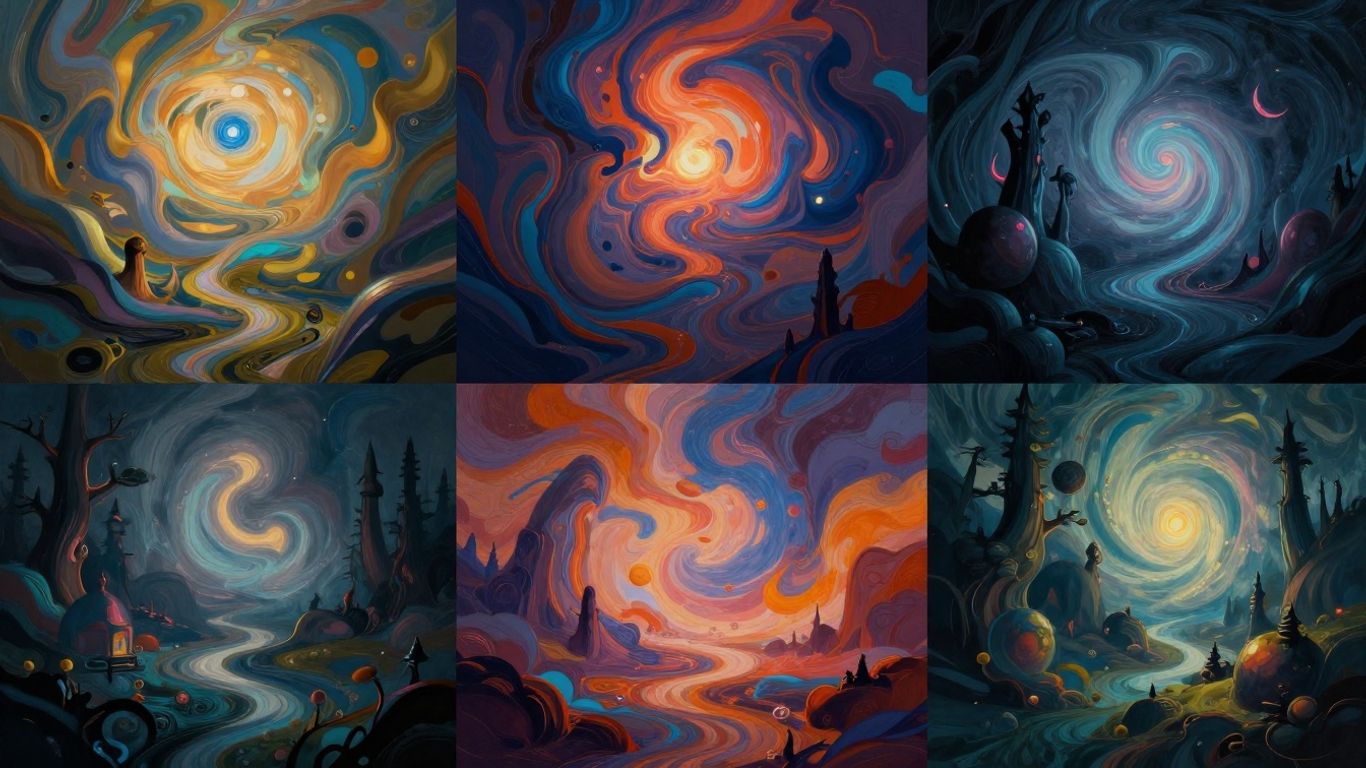
Artificial intelligence is changing how we make pictures. It’s not just about editing what’s already there anymore; AI can now create entirely new images from scratch. This opens up a whole new world for creativity, whether you’re a professional designer, a marketer, or just someone who likes to make cool stuff online.
Create Unique Visuals From Text Prompts
This is perhaps the most talked-about aspect of AI image generation. You type a description, and the AI makes a picture. It sounds simple, but the results can be astonishingly detailed and imaginative. Think of it like giving instructions to a super-talented artist who understands your words perfectly. You can ask for anything – a "cat wearing a tiny hat riding a bicycle on the moon" or a "serene forest clearing bathed in golden hour light." The AI interprets these text prompts and generates a visual representation. The more descriptive your prompt, the closer the AI can get to your vision.
Here’s a basic idea of how it works:
- Input: You provide a text description (the "prompt").
- Processing: The AI analyzes your words, drawing on its vast training data.
- Output: A unique image is generated based on your prompt.
It’s a fantastic way to visualize ideas that might be difficult or impossible to photograph or draw manually. You can experiment with different styles, moods, and subjects just by changing a few words.
Generate Images From Existing Photos
AI image generation isn’t limited to just text. You can also use existing images as a starting point. This is often called "image-to-image" generation. You might upload a photo and then provide a text prompt to alter it, or you can use one image to influence the style or content of another. For example, you could take a simple sketch and ask the AI to render it in a photorealistic style, or upload a landscape photo and ask the AI to add a fantastical castle to it.
This process is incredibly useful for:
- Concept development: Quickly seeing how an idea might look in different styles.
- Artistic exploration: Blending different visual elements in unexpected ways.
- Personalization: Adapting existing images to fit specific needs or aesthetics.
Explore Diverse Artistic Styles With AI
One of the most exciting parts of using AI for image generation is the ability to mimic or create a vast array of artistic styles. Whether you want your generated image to look like a classic oil painting, a vibrant comic book illustration, a minimalist graphic design, or even a specific artist’s work, AI can often achieve it. You can specify the style in your text prompt, or sometimes choose from a list of pre-set styles within the editing tool.
This capability allows for incredible flexibility. You can take a single concept and render it in dozens of different artistic ways, making it perfect for projects that require a unique visual identity or for simply exploring the boundaries of creative expression.
This technology is rapidly evolving, making it easier than ever to bring your imaginative ideas to life visually.
Master Your Edits With An Intuitive AI Photos Editor
Sometimes, you just want to make a photo look better without spending hours fiddling with sliders. That’s where a good AI photo editor really shines. These tools are designed to take the guesswork out of editing, offering smart adjustments that can fix common issues or add creative flair with just a few clicks. Think of it as having a helpful assistant who knows exactly what your photo needs.
Effortless Photo Enhancement With One-Tap Adjustments
Many AI editors come with a "one-tap" or "auto-enhance" feature. You upload your picture, hit a button, and the AI gets to work. It analyzes the image and makes automatic corrections to things like brightness, contrast, color balance, and sharpness. This is fantastic for quickly improving everyday shots or when you’re in a hurry. It’s like giving your photo a quick polish to make it look its best.
Precise Control Over Lighting And Color
While one-tap is great, sometimes you need more control. Modern AI editors don’t just make broad adjustments; they can also offer refined control over specific aspects. For instance, you might find tools that let you adjust the overall lighting, fine-tune brightness and contrast, or even manage shadows and highlights to create a more natural look. Similarly, color adjustments can go beyond simple saturation, allowing for more nuanced changes to the mood and feel of your image.
Seamlessly Remove Unwanted Elements
Ever taken a great photo only to find a distracting object or person in the background? AI-powered object removal tools are a game-changer. You can simply brush over the unwanted element, and the AI intelligently fills in the space, making it look like it was never there. This is incredibly useful for cleaning up landscapes, portraits, or any scene where a small detail can detract from the main subject. It’s a powerful way to tidy up your images without complex cloning or patching techniques.
Innovative AI Features For Creative Expression
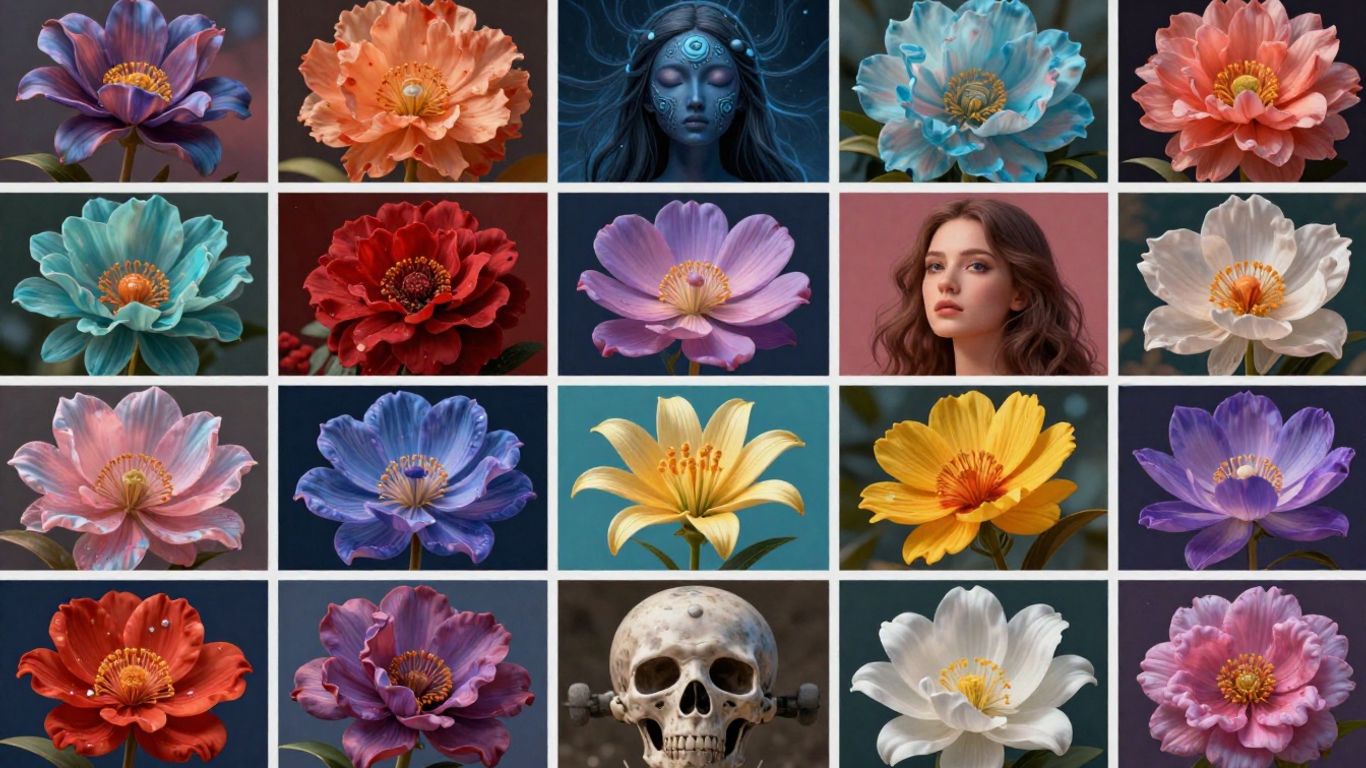
Beyond basic edits, AI photo editors now offer tools that truly push the boundaries of what’s possible, letting you experiment and express yourself in entirely new ways. These features are designed to spark imagination and make complex creative tasks accessible to everyone.
Intelligent Face Swapping For Fun Edits
Face swapping technology has come a long way. It allows for the seamless replacement of a face in an image or video with another, creating often humorous or surprising results. This can be used for entertainment, creating memes, or even for artistic projects where you want to explore different identities. The AI analyzes facial structures and expressions to ensure the swapped face fits naturally, matching lighting and angles.
AI-Assisted Group Photo Creation
Ever struggled to get a perfect group photo where everyone looks their best? AI can help. This feature allows you to select the best individual shots of each person from multiple photos and combine them into one ideal group picture. For example, if one person blinked in the first shot but smiled in the second, the AI can take their best smile and place it into the final group image. It’s like having a digital photo assistant who can cherry-pick the best moments for everyone.
Expand Images With Background Extension Tools
Sometimes, the perfect photo has a background that’s too cramped or doesn’t quite fit your intended use. AI background extension tools can intelligently expand the canvas of your image, generating new content that blends seamlessly with the original. This is incredibly useful for adapting photos for different aspect ratios, like social media posts or website banners, without losing the subject or introducing jarring visual breaks. The AI analyzes the existing scene and creates plausible extensions that maintain the overall style and context.
These advanced AI features move beyond simple adjustments, providing powerful tools for imaginative creation. They democratize complex visual effects, making them available for personal enjoyment and professional application alike.
Here’s a look at what these features can do:
- Face Swapping: Replace faces in photos or videos with remarkable accuracy.
- Group Photo Perfection: Combine the best elements from multiple group shots into a single, flawless image.
- Background Expansion: Intelligently extend the borders of your images to fit new compositions.
- Style Blending: Experiment with merging different artistic styles for unique visual outcomes.
Bringing Your Creative Vision to Life
So, we’ve looked at how AI photo editors can really change the game for anyone wanting to make their pictures look better. From fixing up old photos to creating completely new art from text, these tools are pretty amazing. They make complex editing tasks simple, letting you focus on the creative part. Whether you’re just starting out or have been editing for years, using these AI features can save you time and help you make visuals that stand out. It’s a good idea to try out some of these editing apps and see what you can create. You might be surprised at what you can do.
Frequently Asked Questions
What is an AI photos editor and how does it work?
An AI photos editor uses artificial intelligence to help you edit pictures quickly and easily. It can improve colors, fix lighting, remove objects, and even change backgrounds with just a few taps. The AI learns how to make pictures look better by studying lots of examples, so it can give you great results even if you are new to editing.
Can I use AI to edit my selfies and portraits?
Yes, you can use AI tools to edit selfies and portraits. These tools can smooth your skin, remove blemishes, brighten your eyes, and even help you reshape your face or body for a more balanced look. Everything is done with simple controls, so you don’t need to be a pro to get great results.
Is it possible to turn my photos into videos using AI?
Yes, many AI editors let you turn still photos into short videos or animations. You can add movement, transitions, and effects to make your pictures come alive. This is helpful for creating fun social media posts or making your content more engaging.
How do I generate new images with AI using just words?
Some AI editors allow you to type in a description, and the AI will create a picture based on your words. This is called text-to-image generation. You can also change existing photos or try out different art styles with only a few clicks.
Do I need special skills to use an AI photos editor?
No, you don’t need any special skills. AI editors are designed to be easy for everyone to use. Most features work with one tap or simple sliders, so you can edit your photos and videos even if you have never done it before.
Can I remove unwanted objects or people from my photos with AI?
Yes, AI photo editors have tools that let you erase things you don’t want in your pictures, like people, wires, or signs. The AI fills in the background so it looks natural, making it easy to clean up your photos in seconds.

Peyman Khosravani is a seasoned expert in blockchain, digital transformation, and emerging technologies, with a strong focus on innovation in finance, business, and marketing. With a robust background in blockchain and decentralized finance (DeFi), Peyman has successfully guided global organizations in refining digital strategies and optimizing data-driven decision-making. His work emphasizes leveraging technology for societal impact, focusing on fairness, justice, and transparency. A passionate advocate for the transformative power of digital tools, Peyman’s expertise spans across helping startups and established businesses navigate digital landscapes, drive growth, and stay ahead of industry trends. His insights into analytics and communication empower companies to effectively connect with customers and harness data to fuel their success in an ever-evolving digital world.