
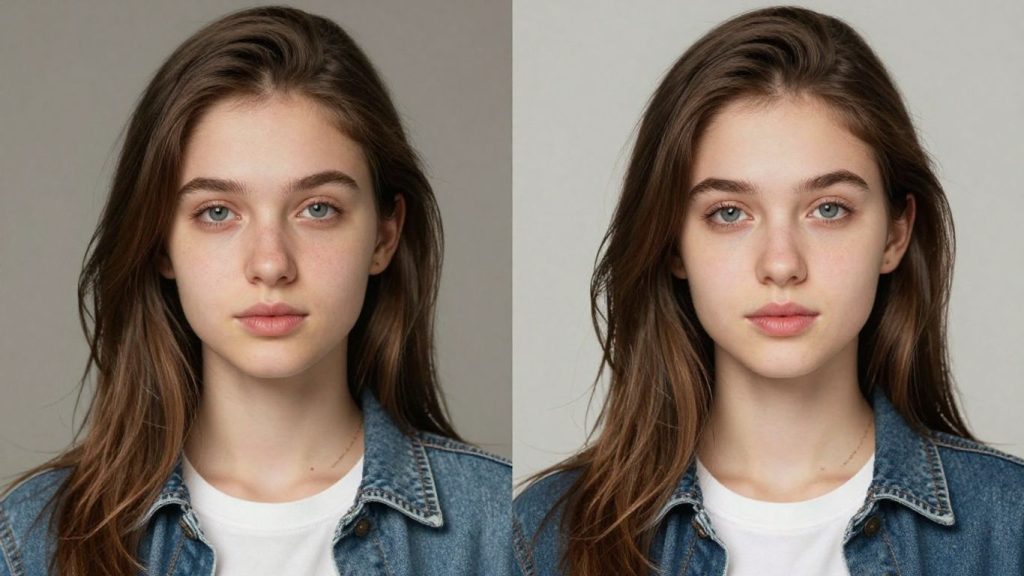
Photo editing used to take a lot of time and skill. You’d spend hours trying to get things just right, and often, it still didn’t look perfect. But now, things are different. Using an ai images editor means you can change your pictures quickly and easily. It’s like having a smart assistant for your photos. This guide will show you what this type of ai images editor can do.
Key Takeaways
- An ai images editor uses smart computer programs to make photo changes simple.
- You can fix old photos, remove unwanted objects, or even alter people’s appearances.
- This tool helps make complex edits, like changing backgrounds or adjusting body shapes, accessible to everyone.
- Beyond editing, an ai images editor can generate new images from text or turn photos into short videos.
- It offers a straightforward way to improve photos or get creative without needing advanced technical skills.
Effortless Photo Enhancement With An AI Images Editor
Remember when editing photos meant spending hours wrestling with complicated software, trying to get just the right look? Those days are fading fast. Today, an AI images editor can take your pictures from good to great with surprising ease. It’s like having a professional retoucher on call, but available instantly. These smart tools analyze your images and make intelligent adjustments, so you don’t have to be a tech wizard to get professional results.
Sharpening Details For A Crisper Look
Sometimes, photos can look a little soft, especially when viewed on larger screens. An AI editor can identify areas that could benefit from a bit more clarity. It intelligently sharpens edges and textures without making the image look artificial or overdone. This means that fine details, like the texture of fabric or the individual strands of hair, become more defined, giving your photos a much crisper and more polished appearance. This subtle improvement can make a significant difference in the overall impact of your image.
Adjusting Lighting To Make Subjects Pop
Lighting is everything in photography, but it’s not always perfect. Maybe your subject is a bit too dark, or the background is too bright. AI tools can analyze the light in your photo and make smart adjustments. They can brighten faces, add a natural-looking glow, or balance the exposure across the entire image. This helps your main subject stand out, drawing the viewer’s eye exactly where you want it. It’s about creating a more pleasing and balanced visual experience without complicated sliders and curves. You can even explore different lighting styles to see how they change the mood of your picture.
Repairing Old Photos To Bring Back Memories
Old photographs hold precious memories, but time can take its toll. Fading, scratches, and creases can obscure the details. AI image editors are remarkably adept at restoring these cherished images. They can intelligently detect and repair damage, bringing back faded colors and smoothing out imperfections. It’s like giving your old photos a new lease on life, allowing you to relive those moments with clarity. This process can be as simple as a single click, transforming a damaged keepsake into a vibrant reminder of the past. For those looking to preserve family history, these tools are invaluable.
The goal of AI-powered photo enhancement is to simplify complex editing tasks, making professional-quality results accessible to everyone. It’s about achieving a better-looking image with minimal effort, allowing you to focus on the creative aspect rather than the technical hurdles.
Transforming Images Through Conversational AI
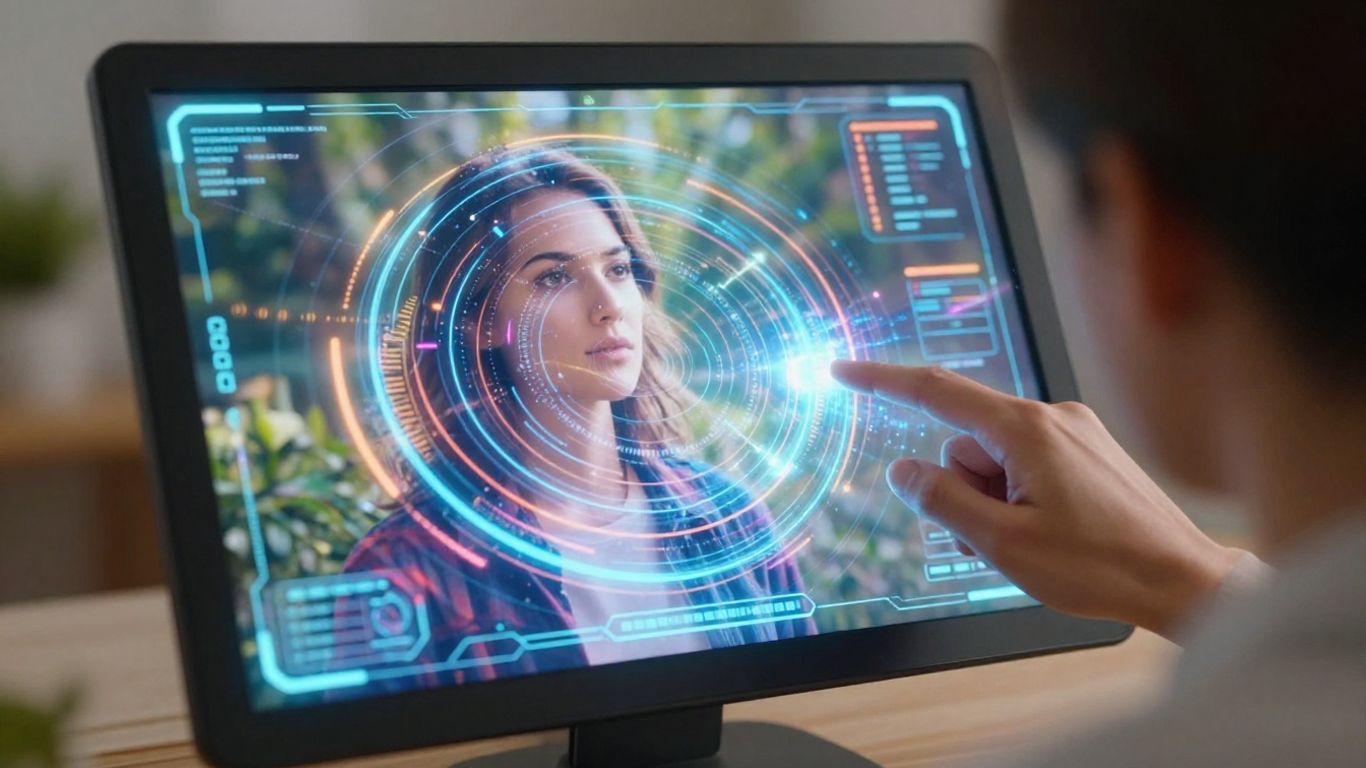
Imagine editing your photos not by clicking through endless menus, but by simply telling the software what you want. This is the core idea behind conversational AI image editing. It’s a way to interact with your pictures using plain language, making the process feel much more natural and intuitive. Instead of searching for the right tool, you can just describe the change you’re looking for.
Editing Photos With Simple Text Commands
This approach allows you to make edits by typing commands. For example, you could type something like, "Make the sky a bit bluer" or "Remove the distracting sign in the background." The AI then interprets your request and applies the changes directly to the image. This method is particularly helpful for tasks that might otherwise require several steps in traditional software. It simplifies complex adjustments into straightforward instructions.
Intuitive Interactions For Advanced Edits
Beyond basic adjustments, conversational AI can handle more intricate modifications. You might ask the AI to "change the lighting to a warm evening glow" or "add a subtle vintage filter." The system understands these more nuanced requests and can execute them with surprising accuracy. This makes advanced editing techniques, which previously demanded significant skill, accessible to a wider audience. It’s about making the technology work for you, rather than you having to learn complicated software.
Making Complex Edits Accessible To Everyone
The goal here is to democratize photo editing. By using natural language, the barrier to entry is significantly lowered. You don’t need to be a graphic designer or a seasoned photographer to achieve professional-looking results. The AI acts as an intelligent assistant, translating your ideas into visual reality. This opens up creative possibilities for anyone who wants to improve their photos, whether for personal memories or professional projects.
The power of conversational AI in image editing lies in its ability to bridge the gap between human intention and digital execution, making sophisticated visual manipulation as simple as speaking your mind.
Mastering Photo Manipulation With AI Tools
Intelligent Object and Background Removal
AI image editors offer powerful capabilities for removing unwanted elements from photographs. This is incredibly useful for cleaning up compositions, whether it’s a distracting person in the background of a scenic shot or an object that detracts from a portrait. You simply select the item you want gone, and the AI intelligently fills the space, making it appear as if the object was never there. This process is also very effective for isolating subjects, allowing you to place them on a transparent background or composite them into a new scene. This feature is a game-changer for product photography and graphic design work.
Seamlessly Removing Unwanted Elements
Removing distractions used to require significant skill and time. Now, AI tools can handle this with surprising ease. The technology analyzes the surrounding pixels to reconstruct the area where the unwanted element was located. This means you can achieve clean, professional-looking images without complex manual editing. It’s a practical way to improve the overall quality of your photographs, making them more impactful.
Recomposing Shots With Background Extension
Sometimes, a photo might be perfectly composed but lacks a bit of breathing room, or you need to adjust the aspect ratio for a specific use. AI background extension tools can help. These tools intelligently analyze the existing image and expand the background, creating new content that blends naturally with the original scene. This allows you to recompose your shots, add creative borders, or adapt images for different formats without losing the essence of the original photograph. It’s a sophisticated way to give your images more flexibility and polish.
Creative Applications Of Your AI Images Editor
Beyond making simple fixes, your AI images editor acts as a digital art studio, ready to transform your photos into something entirely new. It’s not just about improving what’s there; it’s about reimagining your visuals.
Crafting Unique Collages and Frames
Creating photo collages used to involve a lot of cutting, pasting, and hoping for the best. Now, AI makes it much simpler. You can pick from various layouts designed for different occasions, like birthdays or holidays. The AI helps arrange your pictures so they look balanced and appealing. You can also add interesting frames to individual photos or the whole collage, giving your work a polished look that stands out.
Applying Trendy Filters and AI Effects
Forget those basic filters that look the same on every photo. This editor offers AI-driven effects that can completely change the mood and style of your images. Want a dreamy look for a portrait or a vintage feel for a landscape? The AI can analyze your photo and apply sophisticated effects. These aren’t just color changes; they add depth, texture, and unique visual elements to make your photos memorable.
Exploring Artistic Styles With AI
Ever wished you could make your photos look like a famous painting? Now you can. The AI image editor lets you experiment with different artistic styles, from impressionism to cubism. Just select a style, and the AI will reinterpret your photo. This is great for creating unique artwork for your home, designing eye-catching graphics, or simply having fun exploring different aesthetics. The AI learns and adapts, offering interpretations that are both true to the original image and inspired by the chosen style, resulting in visually striking images.
The ability to translate a photograph into a different artistic medium is one of the most exciting aspects of modern AI editing. This feature moves beyond simple overlays, offering authentic and visually striking results that feel genuinely artistic.
Elevate Your Visuals With AI-Powered Editing
Sometimes, a photograph doesn’t quite capture the proportions you envisioned, or perhaps you want to refine certain aspects to achieve a more polished look. Our AI tools are designed to assist with these precise adjustments, making significant improvements to your images.
AI For Body Reshaping And Height Adjustment
Our AI tools can help subtly adjust body shapes, slim waistlines, or even modify height to achieve a more balanced look in your pictures. These adjustments are designed to appear natural, making it simple to fine-tune your appearance without complex manual editing. It’s about making small tweaks that make a big difference in how a photo feels.
Facial Feature Refinement With AI
Fine-tuning facial features is another area where AI editing shines. Whether you want to subtly reshape a face, adjust a jawline, or refine the appearance of other facial features, AI can assist. These tools work by intelligently analyzing facial structures, allowing for precise modifications that maintain a realistic look. It’s a way to perfect portraits or simply experiment with different looks.
Achieving Flawless Skin With AI Retouching
Achieving smooth, clear skin in photos is often a desired outcome, and AI retouching makes this process straightforward. The technology can automatically detect and reduce the appearance of wrinkles, blemishes, and other imperfections. This means you can get that polished look without spending hours on manual touch-ups. The goal is to present a refined image that still looks like you.
Here’s a look at what you can do:
- Body Adjustments: Modify body shape and proportions.
- Facial Tweaks: Refine facial features for a balanced look.
- Skin Smoothing: Reduce wrinkles and blemishes for clearer skin.
These capabilities allow for significant improvements to your photos, making them look exactly how you want them to.
Beyond Editing: AI Image Generation And Animation
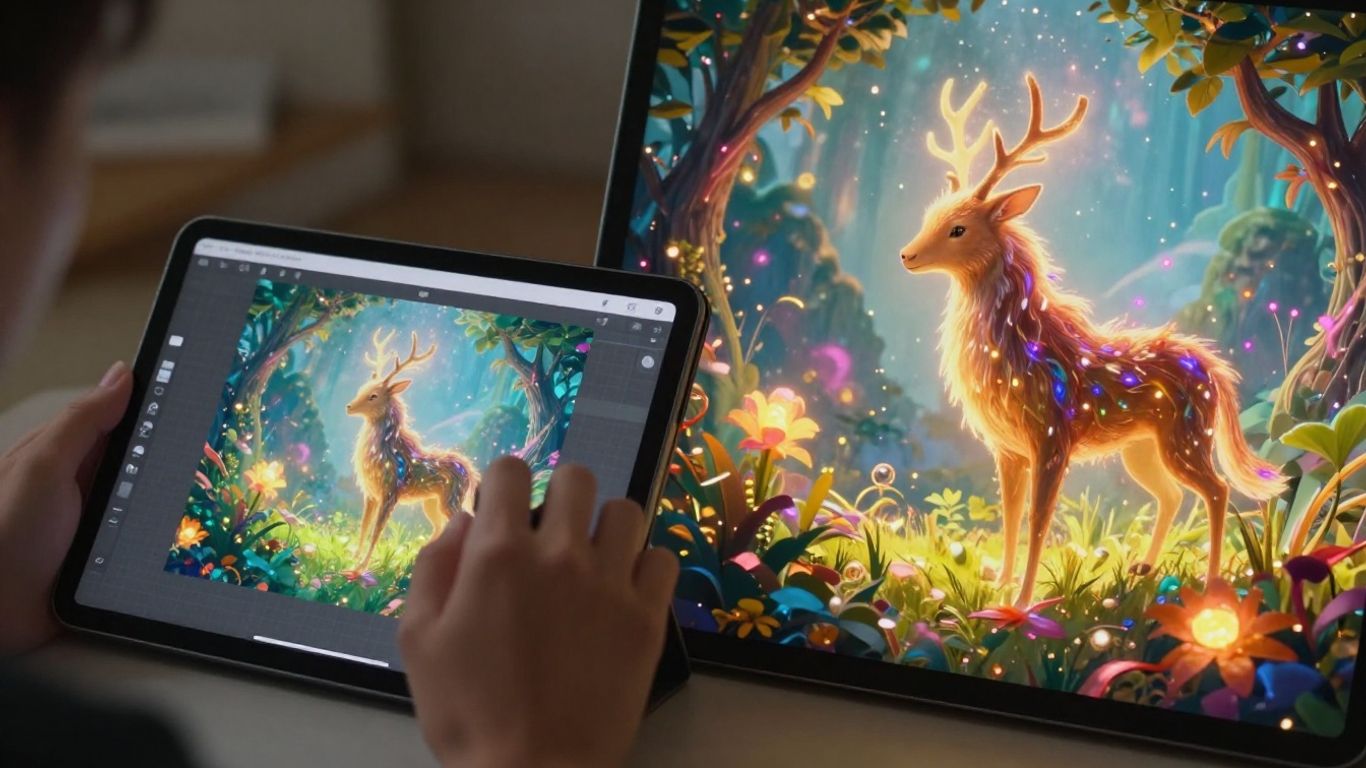
AI image editors are not just for fixing photos anymore. They can also create entirely new images from scratch and even bring your still pictures to life. This opens up a whole new world of creative possibilities.
Generating Images From Text Descriptions
Imagine describing a scene in words and watching it appear as a picture. That’s the magic of text-to-image generation. You can type out what you envision, like "a fluffy cat wearing a tiny crown sitting on a pile of books," and the AI will create a unique image based on your description. This is fantastic for making custom graphics, illustrations, or just for fun. It’s like having an artist who can draw anything you can describe. This technology allows for the creation of visuals that were previously only possible through manual artistic skill.
Transforming Photos Into Dynamic Videos
Static photos can now gain movement. With AI, you can take a collection of your images and turn them into a short video. Think about combining different holiday snapshots into a mini-movie or animating a portrait to make it seem like the subject is subtly moving. It’s a simple way to add motion and narrative to your still pictures, making them more engaging. This feature is great for social media content or personal memory keeping.
Expanding Images With AI Background Extension
Sometimes, a photo’s composition is almost perfect, but it feels a bit cramped. AI background extension can help with that. It intelligently analyzes your image and generates new background content that matches the existing style and perspective. This is incredibly useful when you need to reframe a photo for a different aspect ratio, like for social media, or simply want to give your subject more breathing room within the frame. This feature allows you to recompose your shots without losing the original subject.
This capability moves beyond simple edits, allowing for creative expansion of the visual space. It’s about adapting existing images to new contexts or simply giving them more room to breathe.
Here are some common uses for AI image generation and animation:
- Creating unique artwork for personal projects.
- Designing eye-catching graphics for marketing.
- Visualizing concepts for presentations.
- Adding animated elements to existing photos.
Exploring these advanced features can truly transform how you work with visuals, moving from simple edits to full-scale creation. For those looking to master creative workflows, understanding agile methodologies can be beneficial in managing complex projects.
Your Photos, Reimagined
So, there you have it. We’ve looked at how AI can really change the game when it comes to editing photos. From making small tweaks to completely transforming an image, these tools make it simple for anyone to get professional-looking results without a steep learning curve. Whether you’re looking to fix up old memories, create something entirely new, or just make your everyday shots pop, AI image editors offer a powerful and accessible way to bring your creative ideas to life. Give them a try and see what you can create!
Frequently Asked Questions
What exactly is an AI image editor?
An AI image editor is a smart computer program that uses artificial intelligence to help you change and improve your photos. It can do things like make pictures clearer, remove unwanted items, or even change parts of the image automatically, making editing much simpler and faster than before.
How can AI make my photo editing easier?
AI can help in many ways! It can automatically fix blurry pictures, adjust lighting to make photos look better, remove people or objects you don’t want, and even create new backgrounds. It’s like having a smart assistant that understands what you want your photos to look like and helps you achieve it quickly.
Can AI change how people look in my photos?
Yes, it can! AI editors can help you smooth skin, remove blemishes, or even slightly change facial features to make portraits look more polished. Some tools can also help you change body shapes or adjust height if you wish, making it easier to get the look you want.
Is it difficult to use an AI photo editor?
Not at all! Most AI editors are designed to be easy to use, even for beginners. You often just need to click a button or describe what you want in simple terms, and the AI does the complicated work for you. It makes advanced editing accessible to everyone.
Can AI fix old or damaged photos?
Yes, AI is fantastic at restoring old photos. It can help bring back faded colors, sharpen blurry details, remove scratches, and generally make old pictures look much clearer and more vibrant, like they were taken yesterday. It breathes new life into cherished memories.
Can AI create new images just from text descriptions?
Absolutely! Many AI image editors now allow you to type a description of an image you want, and the AI will create it for you. This is great for making unique pictures or illustrations from scratch just by using words. It’s a powerful way to bring your imagination to life visually.

Peyman Khosravani is a seasoned expert in blockchain, digital transformation, and emerging technologies, with a strong focus on innovation in finance, business, and marketing. With a robust background in blockchain and decentralized finance (DeFi), Peyman has successfully guided global organizations in refining digital strategies and optimizing data-driven decision-making. His work emphasizes leveraging technology for societal impact, focusing on fairness, justice, and transparency. A passionate advocate for the transformative power of digital tools, Peyman’s expertise spans across helping startups and established businesses navigate digital landscapes, drive growth, and stay ahead of industry trends. His insights into analytics and communication empower companies to effectively connect with customers and harness data to fuel their success in an ever-evolving digital world.










