Printer ink always seems to run out at the worst possible time. One minute you’re printing a few pages, and the next you’re getting a “low ink” warning again.
The truth is, a lot of people waste ink without even noticing. The good news? A few small changes can help your printer ink last much longer and save you money.
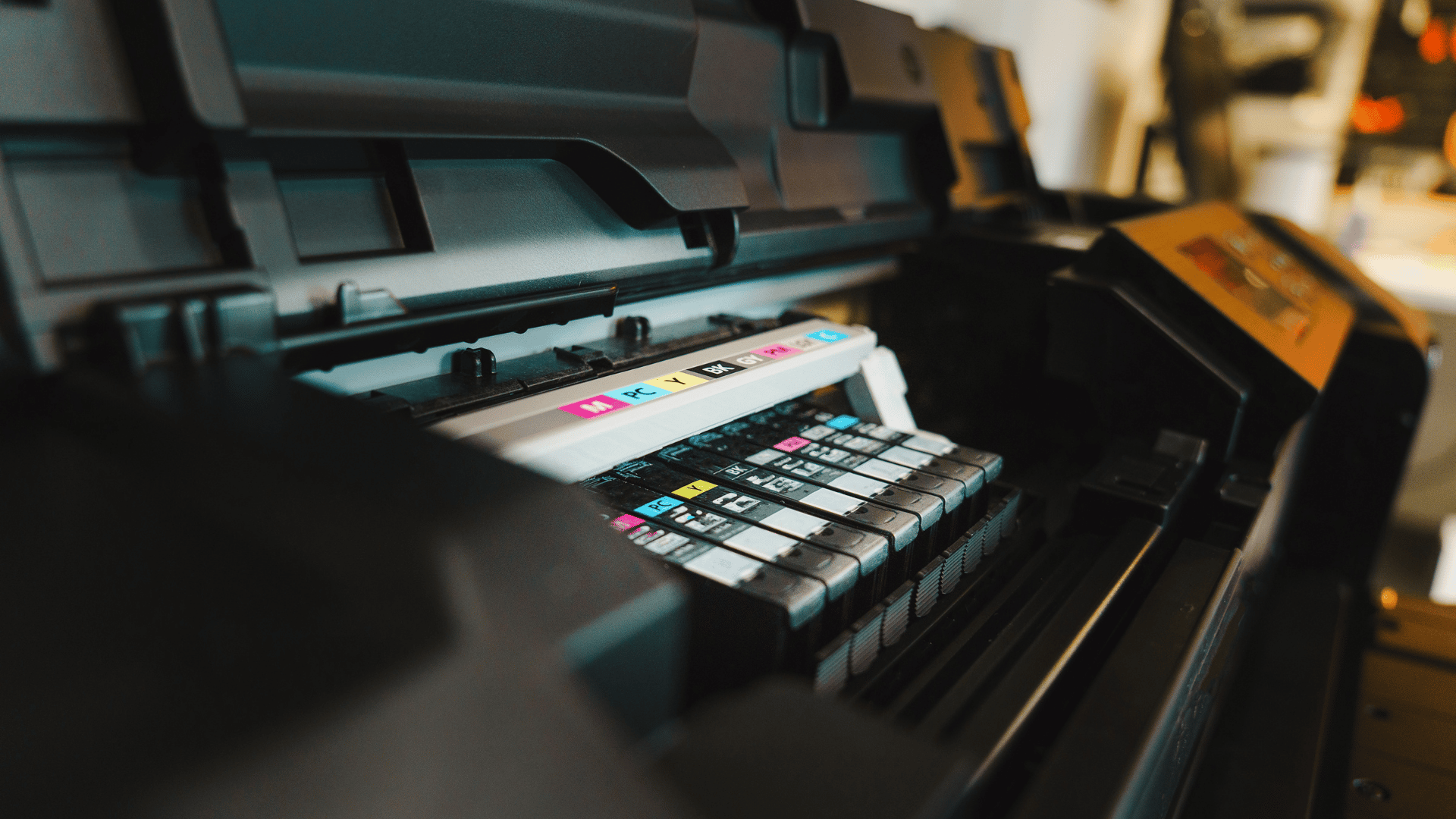
Printing Everything in Colour
A lot of people leave their printer settings on colour all the time, even for basic documents.
That means your printer may use colour ink for things that don’t really need it, like emails, invoices, school notes, or forms.
If you mostly print text documents, switching to black and white or greyscale can make a big difference.
You’ll usually find the setting in the print menu before you hit “Print”.
Not Using the Printer for Weeks
Inkjet printers don’t love sitting unused for long periods. When they’re left alone for weeks, the ink can start drying inside the printer.
Then when you finally print something, the printer often runs a cleaning cycle to clear everything out, and that uses extra ink.
Even printing one small page every week or two can help keep the ink flowing properly.
Running Cleaning Cycles Too Often
When prints start looking streaky or faded, most people immediately run a cleaning cycle. That’s normal.
But doing it over and over again can chew through a surprising amount of ink very quickly.
Usually, one clean is enough. If the print still looks bad after that, the cartridge may simply be low or drying out.
Using “Best Quality” for Everything
High-quality print settings use more ink. A lot more.
If you’re printing photos, that makes sense. But for everyday documents, standard or draft mode is usually perfectly fine.
Most people won’t even notice the difference for regular printing.
Draft mode is especially handy for:
Study notes
Work documents
Recipes
Shipping labels
Practice copies
Turning the Printer Off After Every Use
Some printers do a quick maintenance process every time they turn on. That process can use ink in the background.
If you’re switching the printer on and off constantly throughout the day, you could be wasting more ink than you realise.
If you use your printer regularly, it’s often better to leave it on until you’re completely finished.
Most modern printers automatically go into sleep mode anyway.
Buying Super Cheap Cartridges
Everyone loves saving money, but ultra-cheap cartridges can sometimes create more problems than they solve.
Low-quality ink may:
Dry out faster
Print unevenly
Leak
Cause printer errors
That doesn’t mean all compatible cartridges are bad. Plenty work really well. It’s just worth buying from a trusted seller instead of choosing the absolute cheapest option online.
Replacing Cartridges Too Early
Some printers warn you about low ink before the cartridge is actually empty.
Many people replace cartridges straight away even though there’s still usable ink left inside.
If print quality still looks good, you can often keep printing for a while longer.
Just don’t wait until the cartridge is completely dry.
Final Thoughts
A few small changes to your daily habits can make a massive difference to how long ink cartridges actually last.
Instead of just letting your machine run on autopilot, you can stretch your ink further by adjusting your default print settings to “Draft Mode,” printing a simple page once a week to keep the nozzles moving, and avoiding those heavy, automatic nozzle cleaning cycles unless you absolutely have to run them.