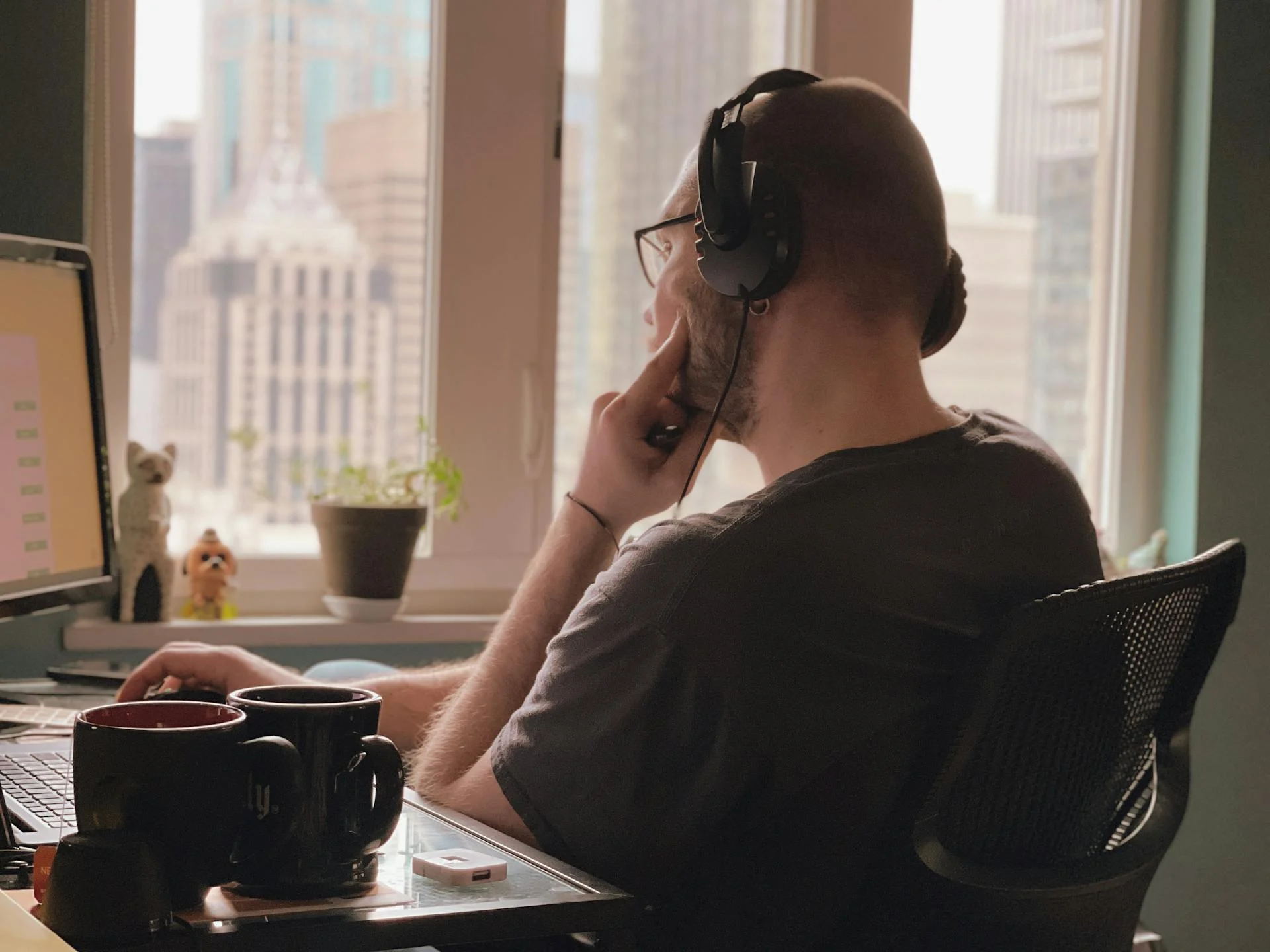
Initially, it may seem like working from home is a dream, but by the third month, you can’t seem to understand why your back is hurting, why your eyes get tired as soon as 3 p.m. and most puzzlingly, why being less productive is somehow the result of an office that you had been complaining about for years. The kitchen table and laptop combo, which looked okay in week one, is slowly turning into an ergonomic nightmare.
You don’t have to go through the trouble of buying everything at once, or spend thousands on a magazine-worthy setup to fix the issue. The majority of exhaustion that sneaks into working from a home office is due to a few very specific, easily fixable problems, and the items that solve those are generally more affordable than what people usually think.
In the following are the candid aspects about what genuinely count for keeping your productivity going at home, learned from the problems that most frequently appear after a few months of working remotely rather than the ones that get loudly marketed.
The Chair Is Where the Money Goes
When it comes to furnishing your home office, if you want to invest in just one piece of equipment, that should be the chair. All other items can be easily replaced or taken away, but a poor-quality chair can silently harm your back and hip in a way that you don’t even realize until you find it impossible to sit for even an hour without discomfort.
Usually, what happens is that people erroneously decide to purchase a cheap office chair from a big-box store for a price ranging from $150 to $250 because it seems like a reasonable price. However, they almost always end up regretting this decision. These chairs contain foam that starts to flatten within a year, elements that break within two years, and lumbar support that is basically just for show. If you replace a chair every two years, it will be more expensive than buying a high-quality chair once.
Monitor, Mount, and Eye-Level Everything
Working on a laptop with its screen at the same height as the keyboard means your neck will be bent downwards for a few hours daily, and this is quite a hidden cause of the tiredness you experience in the afternoon. Changing the position of the screen to be at your eye level is probably the biggest and simplest improvement you can make to your home office setup, plus it doesn’t cost much at all.
One simple and inexpensive way to do this is to get a laptop stand and a separate keyboard and mouse. You raise the laptop to eye level; the keyboard, which you operate with your hands, is on the desk at the appropriate height; and your neck remains in a neutral position the whole day. Just this change can make you feel a lot less tired at the end of the day.
If you want to go a step further, get a large external screen mounted on an adjustable arm, and use the laptop as a smaller screen at the bottom. For productivity tasks, the ideal size of a main monitor is currently a 27-inch display with a 1440p resolution. Such a display provides enough space for you to have multiple documents open side by side without making you turn your neck uncomfortably like really huge monitors do. A VESA arm not only helps you in adjusting the height of the monitor exactly but also keeps the desk tidy by freeing up space.
Keyboard, Mouse, and the Cost of Cheap Input Devices
Most laptop keyboards or the ones that come along with PCs as freebies usually decrease your productivity. In fact, it may not sound very bad -it is possible to type on anything -but the negative impacts of an unfriendly keyboard physically battling your hands pile up in the form of fatigue in your forearms and more errors in your typing by the day end.
Getting a good mechanical keyboard with tactile switches will set you back $80 to $150 and you’ll be able to use it for a decade. The feedback from the switches is so obvious that your brain will hardly notice typing, plus the key travel will be the same all the time unlike cheap membrane keyboards, and the keyboard won’t be slipping here and there whenever you change your posture as a result of the quality build. Tenkeyless layouts also allow the mouse to be placed closer to your body, which is very important for shoulder fatigue even though people hardly realize it.
Similarly, the mouse should be given the same level of consideration. An ergonomic mouse fits your hand perfectly in terms of shape and helps to get rid of the wrist strain that is a result of long hours of using a mouse that is too small or too flat. Sometimes vertical mice can be the most comfortable for you even though they might be confusing to you at first -if you have ever experienced wrist pain, then you should definitely try them. Trackballs which are another one of the options also get rid of shoulder movement entirely and have met the needs of people who have been in pain for a long time.
Lighting, Webcam, and the Video Call Problem
Lighting in home offices remains one of the major drawbacks, which is often manifested in two different ways. One, your eyes become fatigued due to either glare coming from the reflection of the screen or the disparity between the brightly lit monitor and the dark room. Two, video calls reveal a tired version of you, which might be subtle but does affect the impression colleagues form of you over time.
Directing a simple desk light towards the wall behind the monitor and not at the monitor itself is almost like a magic wand in terms of changing the atmosphere of a workspace. The indirect illumination not only upgrades the baseline brightness of the room but also lowers the contrast between the screen and the rest of the environment. Moreover, it prevents the creation of unpleasant shadows, which usually cause the eyes to exert extra effort. This is, without a doubt, a $30 solution that home offices rarely implement.
When it comes to being on camera, a small panel of LEDs located just a bit higher than eye level and by one side, contributes far more to your on-screen appearance than an actual webcam upgrade. Usually, a laptop webcam suffices if the lighting conditions are favorable, but it becomes rather awful if they aren’t. However, if your work entails a lot of client-facing interactions, getting a separate 1080p webcam combined with a key light is what really sets things apart. For internal calls where total strangers are not really concerned with your appearance, you can go without the
The pieces that quietly tie this all together -the monitor arms, the mounted power strips, the cable management trays, the desk lamps -are the ones easiest to overlook and easiest to source in one place rather than hunting across five retailers. Building the setup from a single supplier like Pandaloo shop tends to save both time and money compared to the piecemeal approach most people default to, and it makes returns simpler if something doesn’t work out.
The Setup That Keeps Working
The point of a home office is not to wow anyone or replicate a picture someone put online. It is to have a room where eight hours of work can be done with single-minded focus and without the build-up of physical and mental tiredness which eventually makes people come back to the office after a whole year of working at the kitchen table. The things that make this attitude possible are mostly mundane, often less expensive than expected, and mostly about physically solving specific problems rather than pursuing aesthetic upgrades.
This kind of spending often results in a quick return on investment. A home office that truly makes long working hours comfortable, instead of your having to struggle with it in silence, changes what you experience not only at the end of the day but also during the whole week. Such a positive change adds up and those who figure it out early are usually the ones who actually love working from home, not just put up with it. Getting the chair, the screen height, the input devices, and the lighting right will take care of most of it. The rest just comes as a bonus.