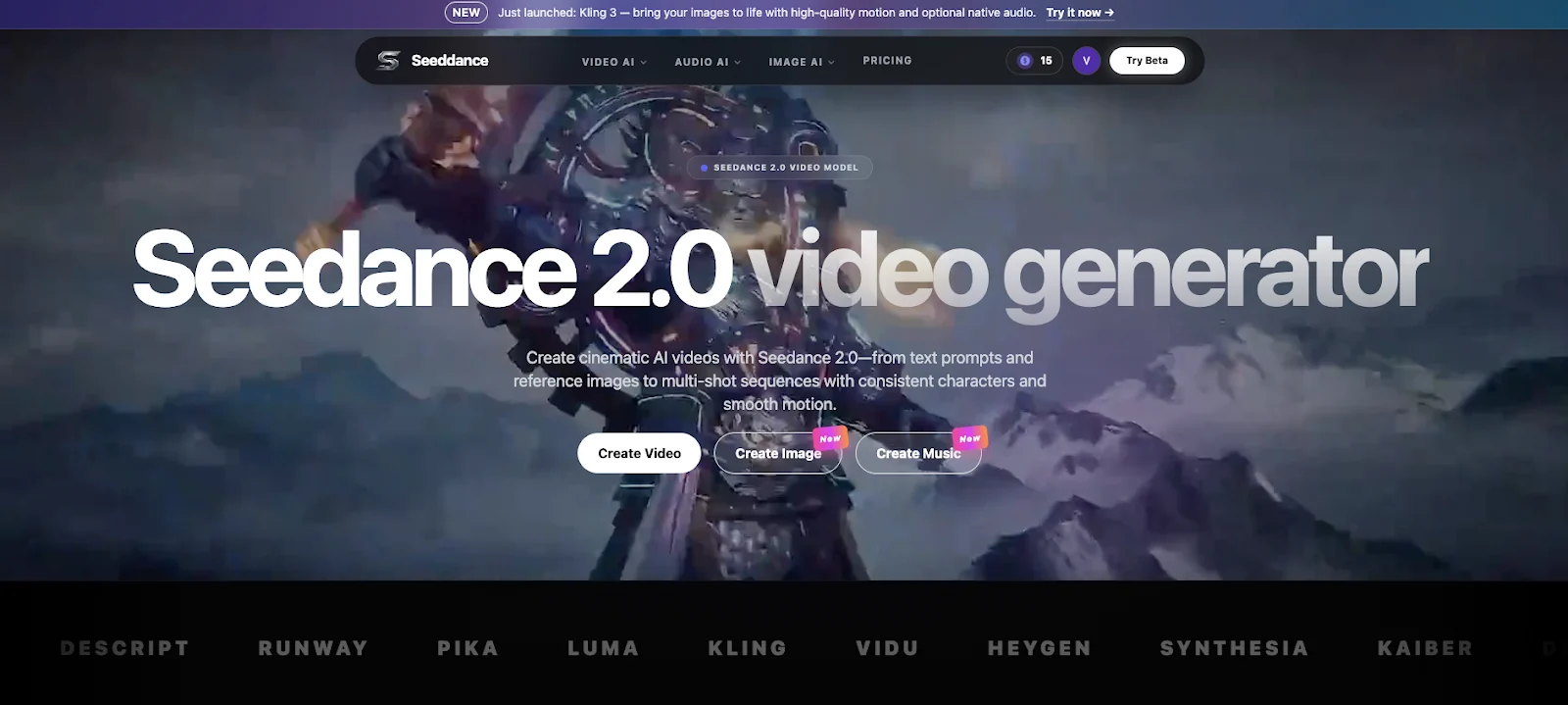
Feature comparisons are easy to write and rarely helpful to teams who actually ship. What matters is not whether a tool claims higher resolution. It is whether the tool reduces cycle time and increases predictability across a sequence. A practical pattern is to explore fast concept territory in the AI Video Generator and then route continuity-sensitive production through Seedance 2.0 when you need smoother motion and dependable multi-shot stability.
The four dimensions that decide winners
When you compare image-to-video tools, evaluate four dimensions. Most teams care about all four, but one is usually dominant.
- Speed
How fast can you get to the first usable draft, and how fast can you iterate variants?
- Control
Can you direct framing, lighting, and style, or do you mostly “try again” until it looks right?
- Consistency
Does identity stay stable across shots, or do you get a sequence of unrelated clips?
- Workflow
Can a team collaborate: versions, approvals, history, and shot-level fixes?
A standardized comparison test (run this on every tool)
Instead of subjective opinions, run the same test suite:
Test A: Speed to usable
Measure:
- – time to generate one shippable hook shot
- – number of attempts needed for acceptable motion
- – time to create three variations from the same input image
If speed is inconsistent, planning becomes impossible.
Test B: Control and direction
Try a controlled prompt set:
- – Wide shot, locked camera, soft daylight, clean background
- – Medium shot, slow push-in, product in hand, readable headline zone
- – Close-up, material detail, minimal motion, no distortion
Then see whether the tool follows camera and lighting intent. If you cannot direct the outcome, iteration becomes guesswork.
Test C: Consistency across a five-shot sequence
Run a sequence stress test:
- Establishing shot (where we are)
- Action shot (what changes)
- Detail shot (proof or feature)
- Reaction shot (human or outcome cue)
- Resolution shot (final state)
Look for drift:
- – face and hair changes
- – product geometry shifts
- – lighting temperature jumps
- – camera language randomness
If drift appears in five shots, it will be worse in ten.
Test D: Revision and modularity
Production is revision. Attempt:
- – regenerate only shot #3 while preserving the rest
- – change one line of copy and keep the look stable
- – swap one background and keep product fidelity
Tools that force full rerenders inflate cost and delay launches.
Test E: Export realism
Export and check in your real context:
- – 9:16, 1:1, 16:9
- – mobile readability and UI overlays
- – compression artifacts after upload
- – CTA timing in fast-scrolling feeds
If export fails, the tool is not production-ready for your channels.
A scorecard template you can copy
After running the tests, score 1 to 5 in each row:
- – Speed to first usable shot
- – Speed to three hook variants
- – Camera/control reliability
- – Reference and identity stability
- – Multi-shot consistency (5-shot test)
- – Shot-level regeneration quality
- – Export readiness (mobile readability + compression)
- – Workflow (versions, approvals, history)
Then add one line of notes per score, such as “close-ups warp,” “exports crop unpredictably,” or “regeneration preserves other shots.” The notes are what make the scorecard useful later.
How to choose based on your dominant risk
Use a simple decision rule:
- – If you miss deadlines: prioritize speed and modular revisions
- – If brand looks inconsistent: prioritize references and sequence stability
- – If results are volatile: prioritize control and repeatable shot architecture
- – If team is chaotic: prioritize workflow governance and version clarity
Many teams land on a hybrid stack: one tool for fast exploration, another for continuity-grade delivery.
What to do after you choose (so the comparison turns into results)
Tool selection is only the start. To get value quickly, standardize three artifacts:
- – A shot architecture library
Save templates like hook/context/demo/proof/CTA with prompts that are operational, not poetic.
- – A reference pack standard
Define what “minimum references” means (hero, close-up, product geometry, palette) and reuse it across projects.
- – A QA gate
Identity check, lighting check, motion check, readability check, export check. Keep it short so teams actually use it.
With these artifacts, the same tool will produce better output because the team is no longer improvising every project.
Common comparison traps to avoid
- – Trap: scoring tools without running the same test inputs
Fix: use the same images, the same shot architecture, and the same export formats.
- – Trap: optimizing for “best looking single frame”
Fix: prioritize sequence stability and revision behavior under change.
- – Trap: ignoring collaboration
Fix: test whether two people can work on versions without confusion or lost assets.
A hybrid stack example (simple and effective)
If you want a low-risk starting point:
- – Tool A for exploration: generate many hooks and visual directions quickly.
- – Tool B for delivery: lock references, build the multi-shot sequence, regenerate only failing blocks, and export per channel.
This is not about owning more tools. It is about matching tool roles to the real jobs in production.
How to present the comparison to stakeholders
If your team debates tools endlessly, present results in one page:
- – The standardized test inputs (images, sequence map, export formats)
- – The scorecard (1 to 5 per category) with one line of notes per score
- – The cycle-time measurement (time to first usable, time to fix one failing shot)
- – The recommendation and why (dominant risk: deadline, brand drift, workflow chaos)
This format reduces opinion fights because it shows what you tested, what broke, and what it cost to fix.
Final takeaway
Comparisons should produce decisions, not debates. Run a standardized test suite, score tools on speed, control, consistency, and workflow, then pick the stack that matches your shipping cadence. The tools matter, but the repeatable evaluation method matters more.