
In today’s fast-paced digital world, creating compelling visuals is more important than ever. Whether for marketing, personal projects, or just exploring your artistic side, the right tools can make all the difference. AI photos generators are changing the game, making it possible for anyone to turn simple ideas into stunning images. This article looks at some of the best ai photos generator options available, helping you find the perfect one for your creative needs.
Key Takeaways
- AI photos generators let you create images from text descriptions, making visual creation accessible to everyone.
- These tools are useful for various purposes, including marketing, art, and social media content.
- When choosing an ai photos generator, consider factors like ease of use, output quality, and customization options.
- Many popular ai photos generator platforms offer free trials or versions, allowing you to test them before committing.
- The technology behind AI photos generators is constantly improving, leading to more realistic and versatile image creation.
1. DALL-E 3
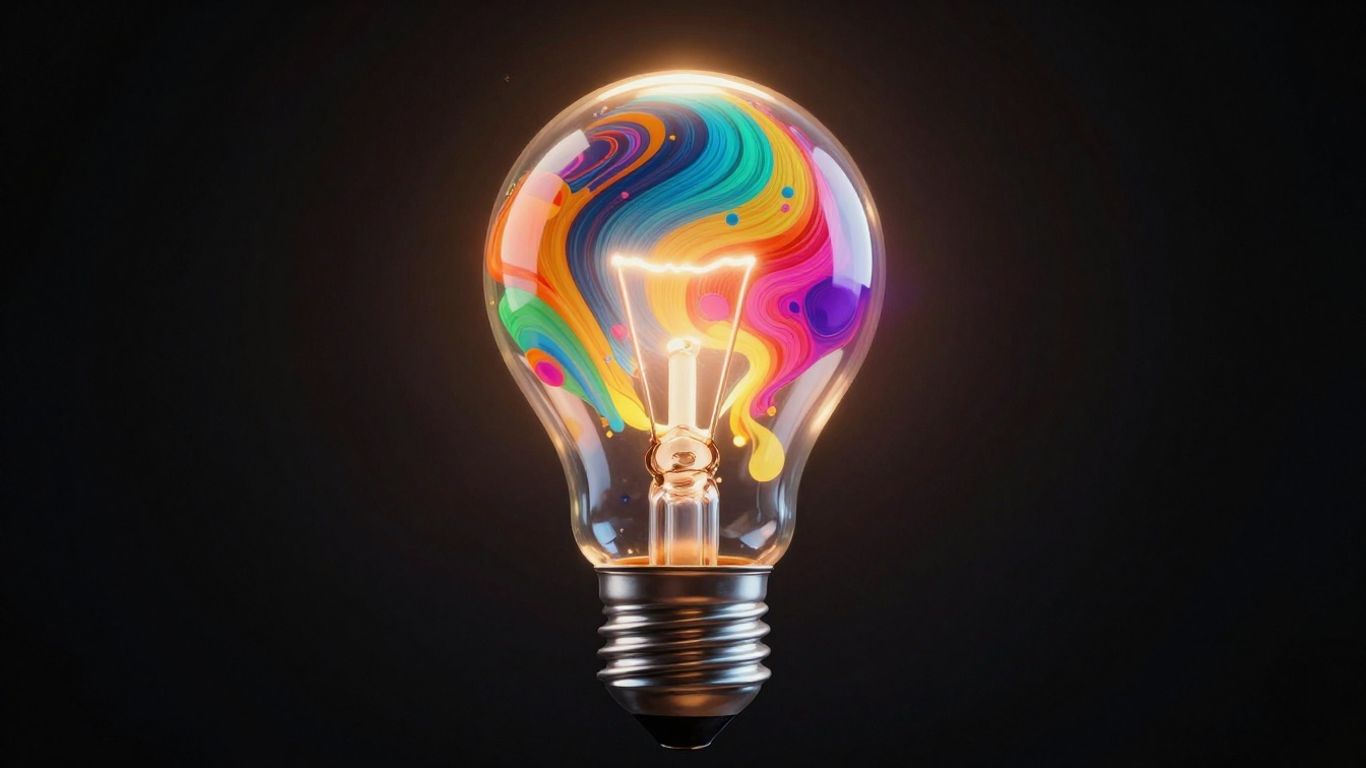
DALL-E 3, developed by OpenAI, represents a significant step forward in AI-powered image generation. It builds upon its predecessors by offering a more intuitive and powerful way to translate text descriptions into visuals. One of its standout features is its improved ability to understand and accurately represent complex prompts, meaning you can be more specific with your requests and expect closer results.
This generator is particularly good at creating detailed and coherent images. Whether you’re looking for photorealistic scenes or more stylized artistic interpretations, DALL-E 3 can handle a wide range of requests. It’s designed to be accessible, allowing individuals without extensive technical or artistic backgrounds to produce compelling imagery.
Here’s a look at what makes DALL-E 3 a strong contender:
- Enhanced Prompt Understanding: DALL-E 3 is known for its sophisticated natural language processing, which allows it to grasp nuances in your text prompts more effectively than many other tools.
- Creative Versatility: It can generate images across various styles, from realistic photography to abstract art, making it suitable for diverse creative projects.
- Integration Capabilities: DALL-E 3 can be accessed through platforms like ChatGPT Plus and Microsoft Designer, offering a more integrated user experience.
When using DALL-E 3, the process is straightforward. You provide a detailed text description, and the AI generates images based on that input. The system then refines these images through iterative cycles to meet quality standards.
DALL-E 3’s advancements mean that the gap between a user’s imagination and the final visual output is narrowing, making it a powerful tool for ideation and creation.
2. Midjourney
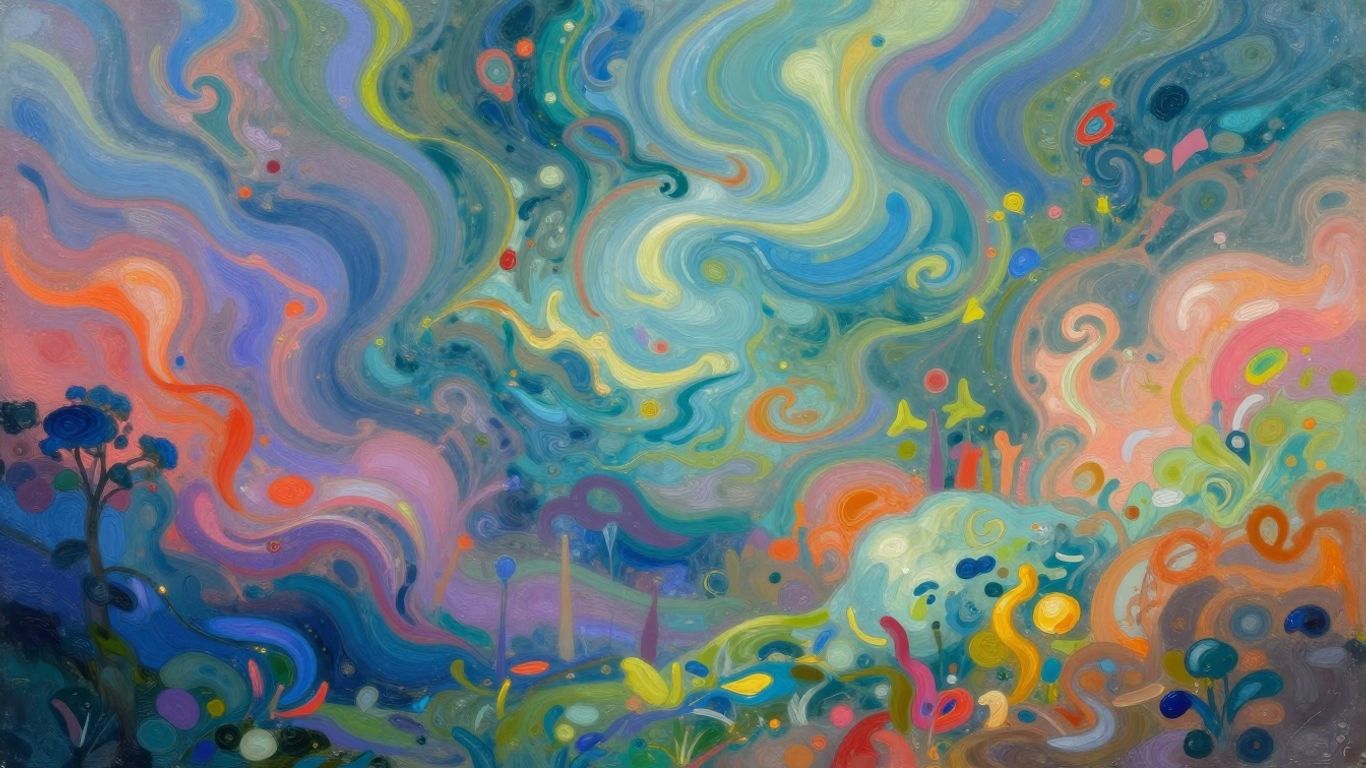
Midjourney is another popular AI image generator that has gained a lot of attention for its ability to produce artistic and stylized outputs. It operates through a Discord bot, which might seem a bit different from other web-based interfaces, but it’s quite straightforward once you get the hang of it. You type commands into Discord, and Midjourney creates images based on your text descriptions.
This tool is particularly favored by creative professionals and artists looking for unique, often dreamlike visuals. It excels at interpreting prompts in a way that results in images with a distinct aesthetic. Think of it as a collaborator that has a strong artistic vision of its own.
Here’s a general idea of how you might interact with Midjourney:
- Join the Midjourney Discord server: This is where all the action happens.
- Find a newbie channel: These are designated spaces for new users to experiment.
- Type
/imaginefollowed by your prompt: This is the command to start generating an image. - Wait for the results: Midjourney will present you with four variations of your image.
- Upscale or create variations: You can then choose to make one of the images larger or generate new variations based on your favorites.
While Midjourney is known for its impressive artistic flair, it’s worth noting that its outputs can sometimes be less literal than other generators. This means you might need to refine your prompts to get exactly what you’re picturing, but that’s also part of the creative exploration.
The strength of Midjourney lies in its ability to generate images that feel imaginative and often possess a painterly quality. It’s a great option when you’re aiming for something that looks less like a photograph and more like a piece of art.
It’s a powerful tool for brainstorming and bringing abstract ideas to life visually, making it a valuable asset for designers, artists, and anyone looking to add a touch of artistic flair to their projects.
3. Stable Diffusion
Stable Diffusion stands out in the AI image generation landscape primarily because it’s open-source. This means developers and researchers have a lot of freedom to modify and build upon its core technology. It’s not just for hobbyists; its adaptable nature makes it a powerful tool for those who want to get under the hood and customize the image creation process.
This generator works by taking a text description, known as a prompt, and translating it into a visual output. The process involves a diffusion model, which starts with random noise and gradually refines it into an image that matches the prompt. The more detailed your prompt, the more specific the resulting image can be.
Key aspects that make Stable Diffusion a notable option include:
- Open-Source Nature: Allows for extensive customization and integration into other applications.
- Community Driven: A large community contributes to its development, sharing models and techniques.
- Flexibility: Users can fine-tune parameters to influence the style, composition, and detail of the generated images.
- Accessibility: While it can require technical know-how for advanced use, basic generation is quite accessible.
The ability to run Stable Diffusion locally on your own hardware is a significant advantage for privacy and control. This is a big difference compared to many cloud-based services where your data is processed on their servers.
While it offers immense creative freedom, achieving specific results can sometimes require experimentation with prompts and settings. It’s a tool that rewards patience and a willingness to explore its capabilities. For those interested in the technical side of AI art or needing a highly adaptable image generation solution, Stable Diffusion is definitely worth exploring.
4. Adobe Firefly
Adobe Firefly is Adobe’s suite of creative generative AI models. It’s designed to be a safe and responsible tool for commercial use, meaning the images it generates are generally free from copyright concerns. This makes it a good option for businesses and individuals who need to create visuals for marketing or other professional purposes.
Firefly works by taking your text descriptions and turning them into images. You can also use it to modify existing images, like changing colors or adding effects. One of its standout features is its ability to generate different variations of an image based on your initial prompt, giving you options to choose from.
Here are some of the things you can do with Adobe Firefly:
- Text to image generation: Describe what you want to see, and Firefly will create it.
- Generative fill: Add, remove, or change elements within an image.
- Text effects: Apply unique styles and textures to text.
- Recolor vectors: Easily change the colors of vector graphics.
The focus on ethical AI and commercial safety is a big plus for Firefly.
When you’re creating prompts, being specific helps a lot. Think about the subject, the style you’re going for, and any particular details you want included. For example, instead of just saying "a dog," you might try "a golden retriever puppy playing in a field of sunflowers during a sunny afternoon."
Adobe Firefly aims to integrate generative AI capabilities directly into existing Adobe workflows, making it accessible for creative professionals already familiar with their software ecosystem. This approach simplifies the process of incorporating AI-generated visuals into projects without a steep learning curve.
5. DALL-E 2
DALL-E 2, developed by OpenAI, represents a significant step forward in AI-powered image generation. It builds upon the foundation laid by its predecessor, offering users the ability to create highly detailed and creative images from simple text descriptions. This tool is particularly useful for artists and designers looking to quickly visualize concepts or explore different artistic styles.
One of the key strengths of DALL-E 2 lies in its capacity for generating novel and imaginative visuals. It can combine concepts, attributes, and styles in ways that might not be immediately obvious, leading to unique artistic outcomes. The process involves the AI interpreting your text prompt and then generating an image that attempts to match that description, drawing on its extensive training data.
While DALL-E 2 is a powerful tool, its capabilities can be further refined through careful prompt engineering. Understanding how to phrase your requests can lead to more precise and satisfying results. The iterative nature of AI image generation means that you can often refine your initial output by providing further instructions or variations.
DALL-E 2 is a tool that allows for the creation of original images based on textual input. It’s designed to be accessible, enabling individuals without traditional artistic skills to bring their visual ideas to life. The technology behind it has been trained on a vast amount of visual data, allowing it to understand and generate a wide range of imagery.
Key features and considerations for DALL-E 2 include:
- Detail and Creativity: Known for producing images with a good level of detail and imaginative flair.
- Concept Combination: Capable of merging different ideas and styles to create something new.
- Iterative Refinement: Users can often adjust prompts to improve or alter generated images.
- Accessibility: Provides a way for a broader audience to engage with visual creation.
It’s worth noting that while DALL-E 2 offers impressive results, the quality and style can vary. Experimentation with different prompts is often the best way to discover its full potential for your specific creative needs.
6. Artbreeder
Artbreeder is a fascinating platform that takes a different approach to AI art generation. Instead of solely relying on text prompts, it uses a system of "breeding" images together. Think of it like genetic modification for art. You start with an existing image or a randomly generated one, and then you can "crossbreed" it with other images, adjusting various "genes" or parameters to influence the outcome.
This method is particularly interesting for creating portraits, landscapes, and character designs. You can fine-tune features like age, gender, expression, and even artistic style by manipulating sliders and combining different visual elements. It’s a more hands-on, iterative process compared to pure text-to-image generators.
Here’s a look at how you might use Artbreeder:
- Start with a base image: This could be something you upload or a randomly generated image from the platform.
- Crossbreed: Select another image to blend with your base. Artbreeder will create a new image that combines elements from both.
- Adjust genes: Use the provided sliders and options to modify specific characteristics of the generated image. This is where you can really sculpt the final look.
- Explore variations: Artbreeder often generates multiple variations, allowing you to pick the one that best suits your vision.
The core idea behind Artbreeder is collaborative creation and exploration. It encourages users to experiment and discover new visual possibilities by remixing and evolving existing imagery.
While Artbreeder can produce unique results, its strength lies in its ability to generate variations on a theme and explore visual relationships between images. It’s less about conjuring something entirely new from a description and more about evolving and refining existing visual data.
7. DeepArt
DeepArt is an interesting platform that lets you turn your own photos into art using AI. It’s not quite like the other generators where you type a prompt and get something new. Instead, DeepArt focuses on applying artistic styles to images you already have. Think of it like having a digital artist who can repaint your photograph in the style of Van Gogh, Picasso, or even a classic Renaissance painter.
Here’s a bit about how it works:
- Upload Your Image: You start by uploading a photo you want to transform. This could be a portrait, a landscape, or anything else you fancy.
- Choose a Style: Next, you select an artistic style from their collection. They have a wide range, from famous painters to abstract movements.
- Let the AI Work: DeepArt’s algorithms then analyze your photo and the chosen style, merging them to create a new piece of art.
The core idea is to reimagine your existing visuals through the lens of famous art movements. It’s a neat way to experiment with art styles without needing to be an artist yourself. While it doesn’t generate entirely new concepts from text prompts like some other tools, it offers a unique approach to creative image manipulation.
DeepArt provides a different path for AI art creation, focusing on stylistic transfer rather than prompt-based generation. It’s a tool for those who want to see their own images interpreted through the eyes of art history’s masters.
8. Meta AI
Meta AI is making waves in the world of artificial intelligence, and its image generation capabilities are a significant part of that. While perhaps not as widely known for its standalone image generator as some other platforms, Meta is actively integrating AI-powered visual creation tools across its ecosystem. Think about how this could change things for social media content creators or even everyday users looking to add a unique visual flair to their posts.
Meta’s approach often focuses on making AI tools accessible and integrated into platforms people already use. This means you might encounter Meta’s AI image generation features within apps or services you’re already familiar with, making it easier to experiment without needing to learn a completely new interface.
The potential for Meta AI lies in its ability to democratize visual content creation. It aims to provide tools that allow individuals and businesses to generate compelling imagery quickly and efficiently. This could be particularly useful for small businesses that need eye-catching visuals for marketing but lack the budget for professional designers or photographers.
While specific details about Meta AI’s image generation models can be technical, the core idea is that they learn from vast amounts of data to understand how to translate text descriptions into images. This process allows for a wide range of creative outputs, from realistic scenes to abstract art.
Meta’s ongoing development in AI suggests a future where creating and sharing visual content becomes even more intuitive and integrated into our digital lives. The focus seems to be on making these powerful tools available to a broad audience, fostering new forms of expression and communication.
9. Canva
Canva has become a go-to platform for many, and its integration of AI image generation makes it even more appealing, especially for those who want to create visuals quickly within a familiar design environment. It’s not just about generating standalone images; it’s about weaving them into larger design projects.
Canva’s AI image generator is built for accessibility, allowing users to transform text descriptions into unique visuals without needing advanced technical skills. This makes it a fantastic option for social media posts, presentations, or even simple marketing materials where a specific image is needed on the fly.
Here’s a look at how it fits into the creative process:
- Ease of Use: You simply type in what you want to see, and Canva’s AI does the rest. It’s integrated directly into the design workflow, so you don’t have to jump between different applications.
- Design Integration: The generated images can be immediately placed into your designs, resized, edited, and combined with other elements like text and graphics available in Canva’s extensive library.
- Variety of Styles: While it might not offer the same depth of artistic control as some specialized AI art tools, Canva provides a good range of styles to choose from, helping you match the visual tone of your project.
It’s important to remember that while Canva’s AI is powerful for generating images, its strength lies in its ability to incorporate these visuals into a complete design. If you’re already using Canva for your design needs, adding AI-generated images is a natural and efficient next step.
The platform aims to democratize design, and its AI image tool is a clear extension of that goal, making visual creation accessible to a broader audience.
10. Leadpages
Leadpages is a platform that helps businesses create landing pages and other marketing materials. While not a dedicated AI image generator in the same vein as DALL-E or Midjourney, it integrates AI capabilities to assist users in generating visuals for their campaigns. This makes it a practical choice for marketers and small business owners who need to produce professional-looking graphics quickly without needing extensive design experience.
Leadpages focuses on simplifying the creation process. Its AI tools are designed to work within the context of building marketing assets, meaning the generated images are intended to complement website copy, advertisements, or social media posts. The platform aims to streamline the workflow, allowing users to go from concept to a finished marketing piece efficiently.
The primary benefit of using Leadpages for image generation lies in its ease of use and integration with marketing tools.
Here’s how Leadpages can help with visuals:
- Landing Page Design: AI can suggest or generate background images, banners, or graphic elements that fit the theme and purpose of your landing page.
- Ad Creatives: Quickly produce variations of images for online advertisements, helping you test different visual approaches to see what performs best.
- Social Media Graphics: Generate eye-catching visuals for social media posts that align with your brand’s message and aesthetic.
Leadpages’ approach is less about artistic exploration and more about practical application. It’s about getting the job done effectively for marketing purposes. The AI assists in creating visuals that are functional and contribute to conversion goals, rather than purely artistic expression.
Leadpages aims to make visual content creation accessible to everyone, regardless of their design background. The AI features are built to support marketing objectives, helping users create compelling visuals that drive engagement and conversions.
The Future is Visual, and AI is Your Guide
So, we’ve looked at how AI picture generators are changing the game for creators. These tools are making it simpler for anyone to bring their visual ideas to life, whether for a school project, a social media post, or a professional design. They’re not here to replace human creativity but to offer a new set of tools that can help us explore and express ourselves in ways we haven’t before. As the technology keeps improving, we can expect even more amazing possibilities. It’s a good time to start experimenting and see what you can create. The world of AI-generated images is open, and it’s ready for you to explore.
Frequently Asked Questions
What makes AI picture generators so popular right now?
AI picture generators are very popular because they let anyone create cool images just by typing what they want. You don’t need to be an artist to make great pictures for things like art projects, social media, or even school work. They make creating visuals easy and fun for everyone.
How do these AI tools actually make pictures from words?
These tools use smart computer programs that have learned from millions of pictures and their descriptions. When you type what you want, the AI understands your words and uses what it learned to put together an image that matches your idea. It’s like a digital artist that knows how to draw based on instructions.
Can I use AI picture generators without paying any money?
Yes, many AI picture generators offer free ways to use them. Some give you a certain number of free tries, while others have free versions with fewer options. If you plan to use them a lot, a paid version might be better, but you can definitely start for free.
Which AI picture generators are considered the best in 2025?
Some of the top AI picture generators in 2025 include DALL-E 3, known for making very realistic images, and Midjourney, which is great for artistic and unique styles. Canva is also a good choice if you want something easy to use for designs. The ‘best’ one really depends on what kind of pictures you want to make.
Are AI picture generators difficult for someone new to use?
Not at all! Most AI picture generators are designed to be very simple and easy for beginners. They have clear instructions and controls, so you can start creating amazing images right away without needing to be a computer expert.
What are some common ways people use AI-generated pictures?
People use AI picture generators for many things! They can be used to create art, design posters or social media posts, illustrate stories, help with school projects, or even create unique visuals for marketing. Basically, if you need a picture to show an idea, AI can help.











